Anytype Essence Guide
The only all-in-one Anytype tutorial you will ever need to read

Abstract
Hi! I'm have been in Anytype community for several months and I can sense the general consensus that Anytype is difficult to grasp at the same time Anytype's documentation is far from perfect. So, I have decided to make an all-in-one Anytype tutorial as well as to share everything I know about Anytype.
This tutorial is up-to-date with Anytype version 0.51.x. I cannot guarantee that the information in this guide holds accurate if Anytype releases newer version. However, I believe the core idea of this guide will still be helpful in the far future.
Please note that the following sections are purely the author's personal opinion from a perspective of an Anytype's user. THIS DOES NOT REPRESENT Anytype's VIEW ON ITS OWN IN ANY WAYS. I am not affiliated with Anytype in any ways.
Background
OK, let's establish the background first. I have been a Notion user and Obsidian user for a long time. Recently, I switched to Anytype for privacy and synchronization purpose. To be honest, I have been using Anytype for only 3 months. However, I spent 8 - 10 hours daily watching tutorials, exploring features, creating, and deleting a lot of spaces. I have also made two templates (in the word of Anytype: "experience") for the 2 most popular use case. You can check it out on Anytype Experience Gallery:
Therefore, I think I am experienced enough to write a decent tutorial so don't worry that it would a waste of time to read. With that said, I am happily open to any suggestions, questions, and corrections.
The built-in "Help" tutorial in those experiences may contain some outdated parts which I recommend you refer to this guide instead.
Knowledge
Let's get straight to the point. There are two main things to know in order to use Anytype efficiently. They are Organization (how you organize your information) and Navigation (how you access your information).
Organization
In this part, you will learn how Anytype stores and organizes your information.
If you want to write down information about virtually anything and want to store it neatly for later retrieval, Anytype is such a tool. However, Anytype cannot know what you are going to write about so it needs to model, or to simply put, a blueprint of things and the way to organize those things. I will refer to this as "architecture", an organization method.
Remember that you ultimately decide what to write and how to organize. The result is mostly affected by your choice and it should only be capped by the ceiling of Anytype's functionalities, not your imagination.
The architecture has 3 layers: outer layer, middle layer, and inner layer.
The outer layer
The outer layer is easy to understand.
All of your information exists in a thing called Vault, which has a passphrase to protect. The vault is linked to an Account so that Anytype can attach subscription, cloud storage, and synchronization between devices. Inside a vault, there is Space, which can be shared with others. Data inside a space doesn't interact with data in other spaces.
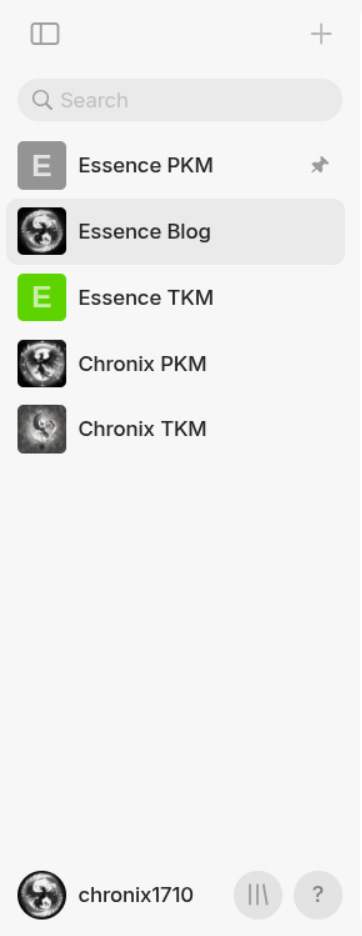
Space in the Vault. Below is the Account.
The middle layer
When you enter a Space, you enter its middle layer. This is where things get messy.
You are probably informed about concepts like Object, Type, Property, Collection, Query, Widget in this layer on Anytype's documentation and possibly wonder about ambiguous concepts like Relation, Page, List, Set, Bookmark. I will explain them later.
First, I guess you are probably familiar with concepts like File and Folder on Operating System or on other note-taking apps. I will use this as an analogy. This is the traditional way of storing information. Let's say you can pack information into a file. However, a file cannot contain another file so we need something that can contain file and others, which includes itself. It is a folder.
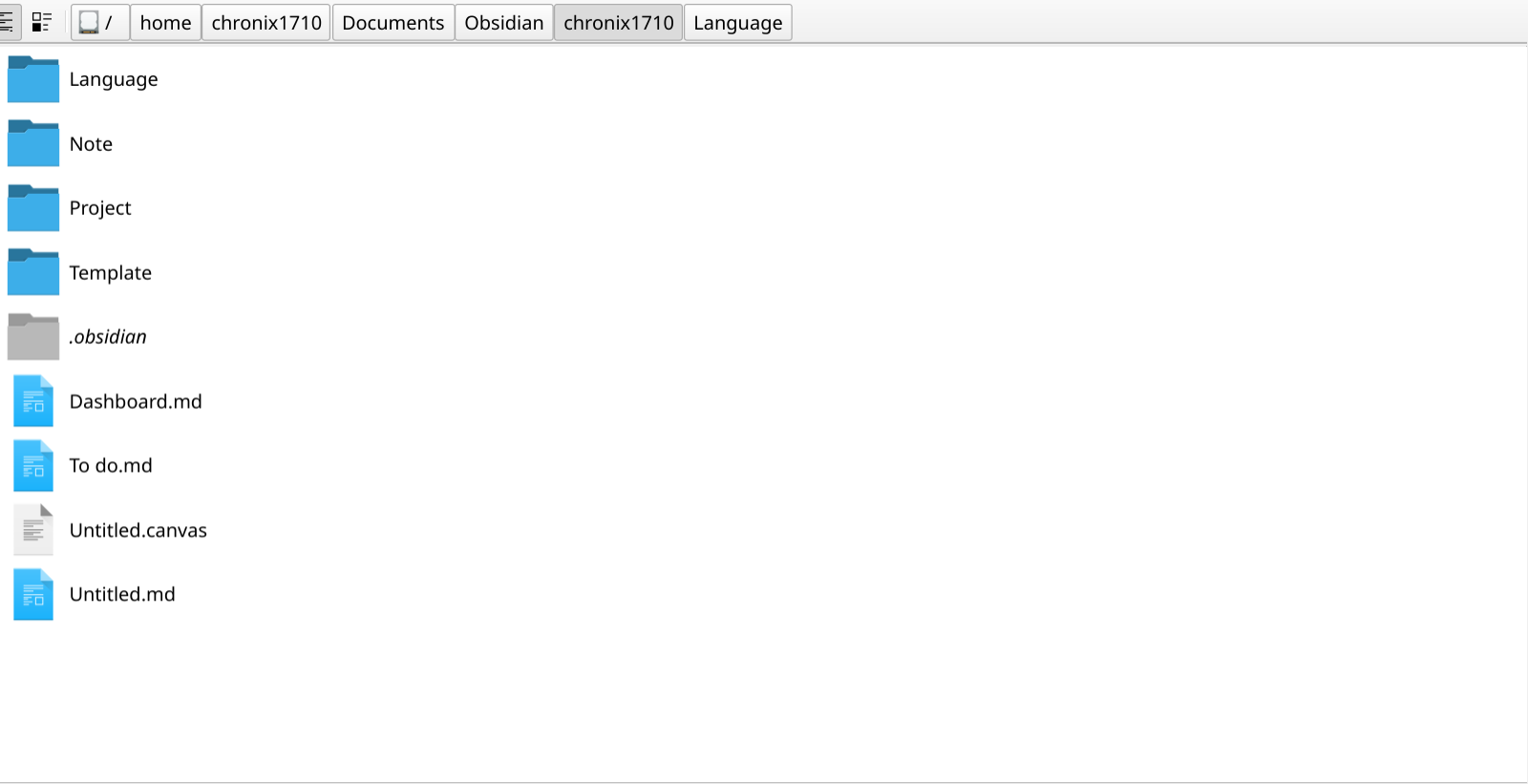
File and Folder similar to operating system.
However, you will soon run into a problem. Information is not file, they are related to each other. They can contain one another, have multiple parents, have multiple children or even worse be both a parent and a child of another. For example, if you were classifying food, how would you fit tomato? Under fruit folder? Under vegetables folder? If stored under both, you will have duplicate information. You could think of a quick solution: "What if I link (create a shortcut of) them to other locations?". This does not avoid another bigger problem you will encounter that is "What if you need to move the folder or change the entire hierarchy?". No matter where you store the file, there will eventually be a need for moving them and when those needs come, expect some troubles.
Anytype's approach to this repository problem is to store all files under one or several big fixed folder, that one is the Graph of the space you see at the home screen of Anytype).
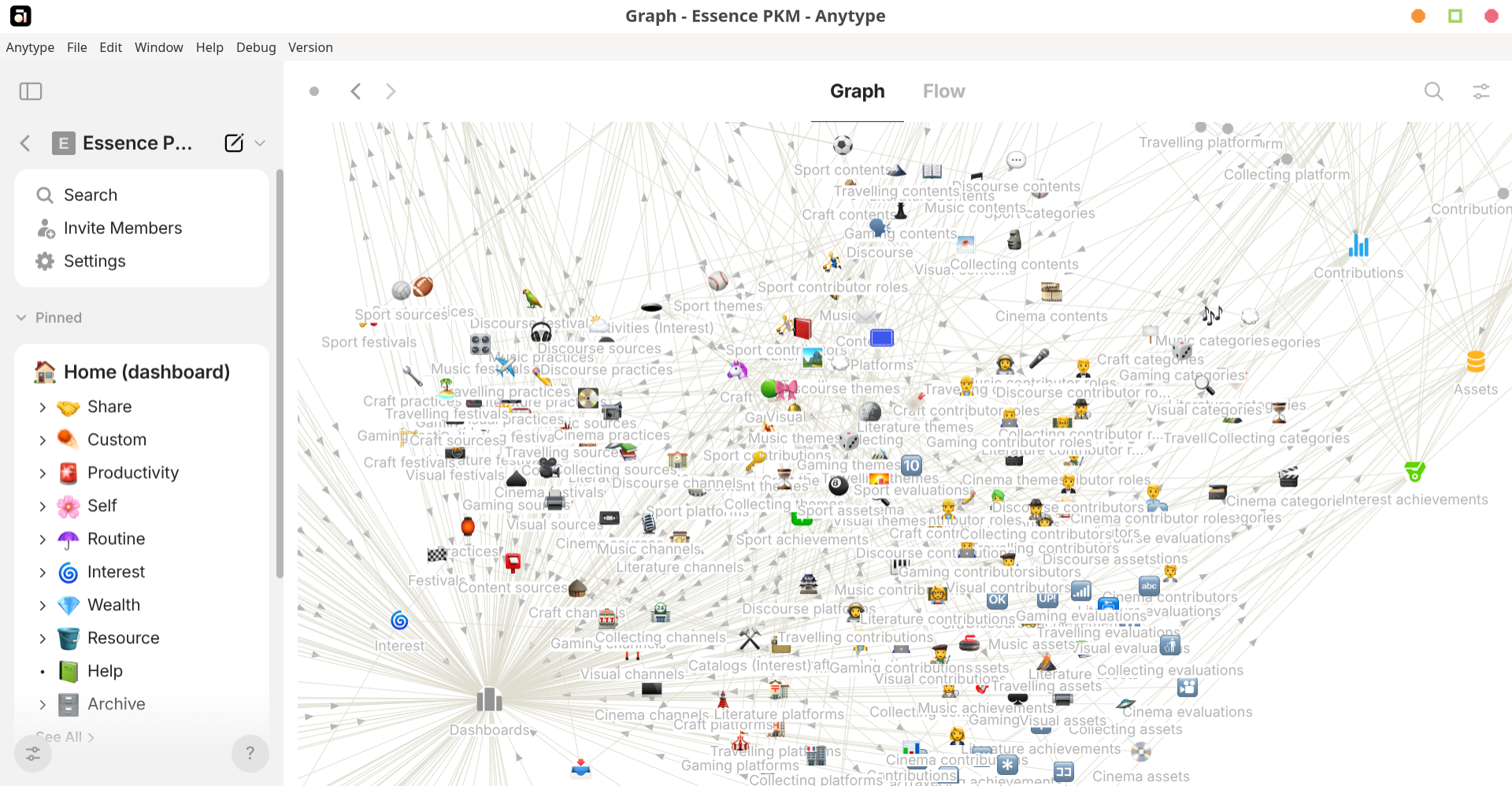
Graph of every space. It is accessible through the immediate top right button of the right panel.
Then we define the hierarchy by creating relationships between those files and put all of those derivative information in subsequent folders. For example, we have three things: tomato, vegetable, fruit. I have a folder named "objects" to store the those three objects. I can now simply create 2 relationships: Tomato is Fruit and Tomato is Vegetables and put them in a folder named "relations". This is precisely what Anytype does if you unpack any exported spaces.
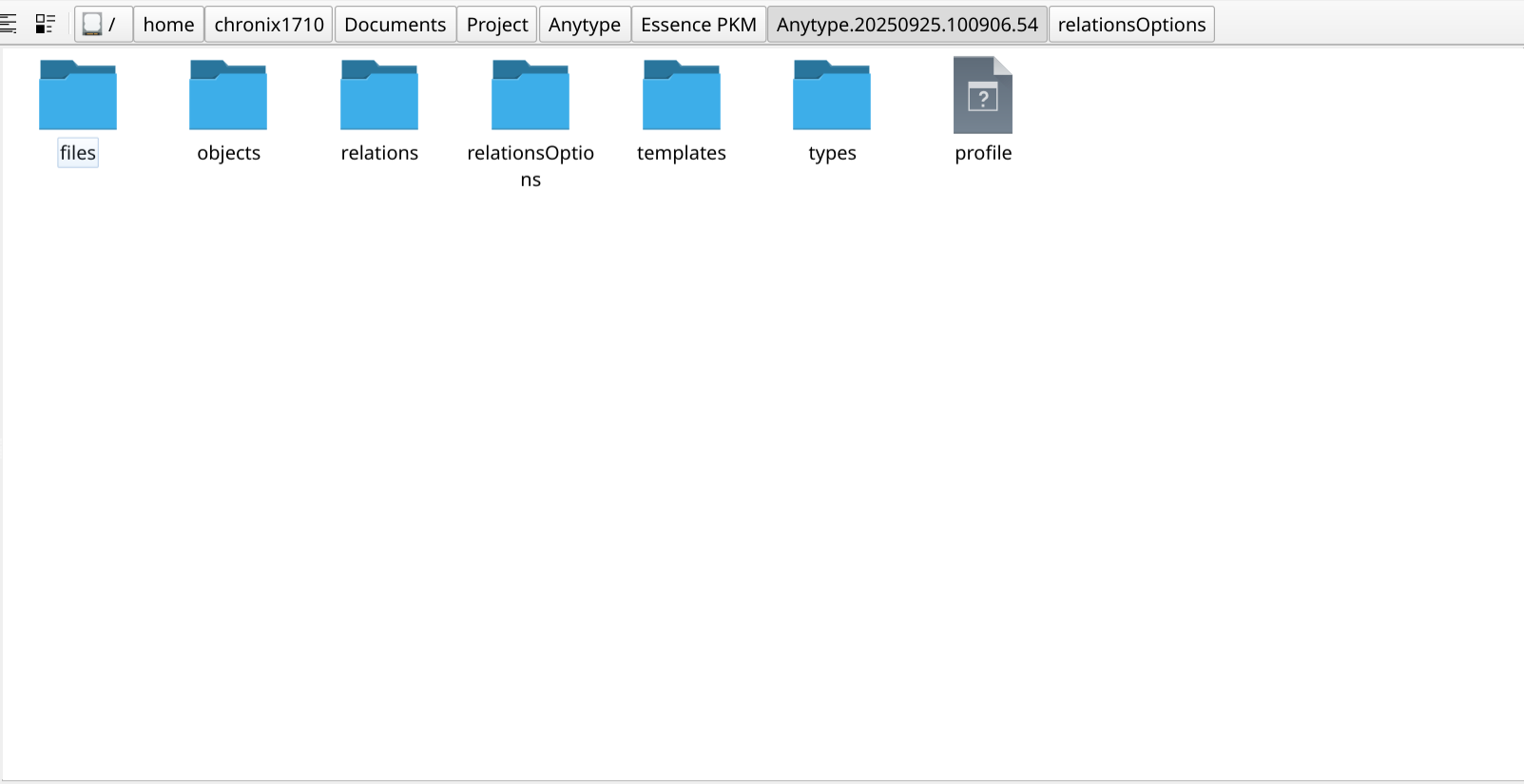
From now on, whenever I say something contains something that mean it contains the link to that thing.
This approach is called Object-oriented (the term some other note-taking apps advertise themselves as), in contrast to the Directory tree (Folder & File), which have been deeply entrenched in operating system users for years. That's why I believe most of Anytype's users find themselves incredibly disoriented when they navigate throughout the app.
This is analogous to the concept of graph in mathematics. The Object is vertex, the Property is weight, and the Relation is edge. The only difference is that there are only 2 kinds of relations in Anytype's graph which is link (which object is linked to which object) and type (which object belong to which type). They are respectively represented by a line without label and one-way arrow with the label "Object type" when you hover the object on the Anytype's graph.
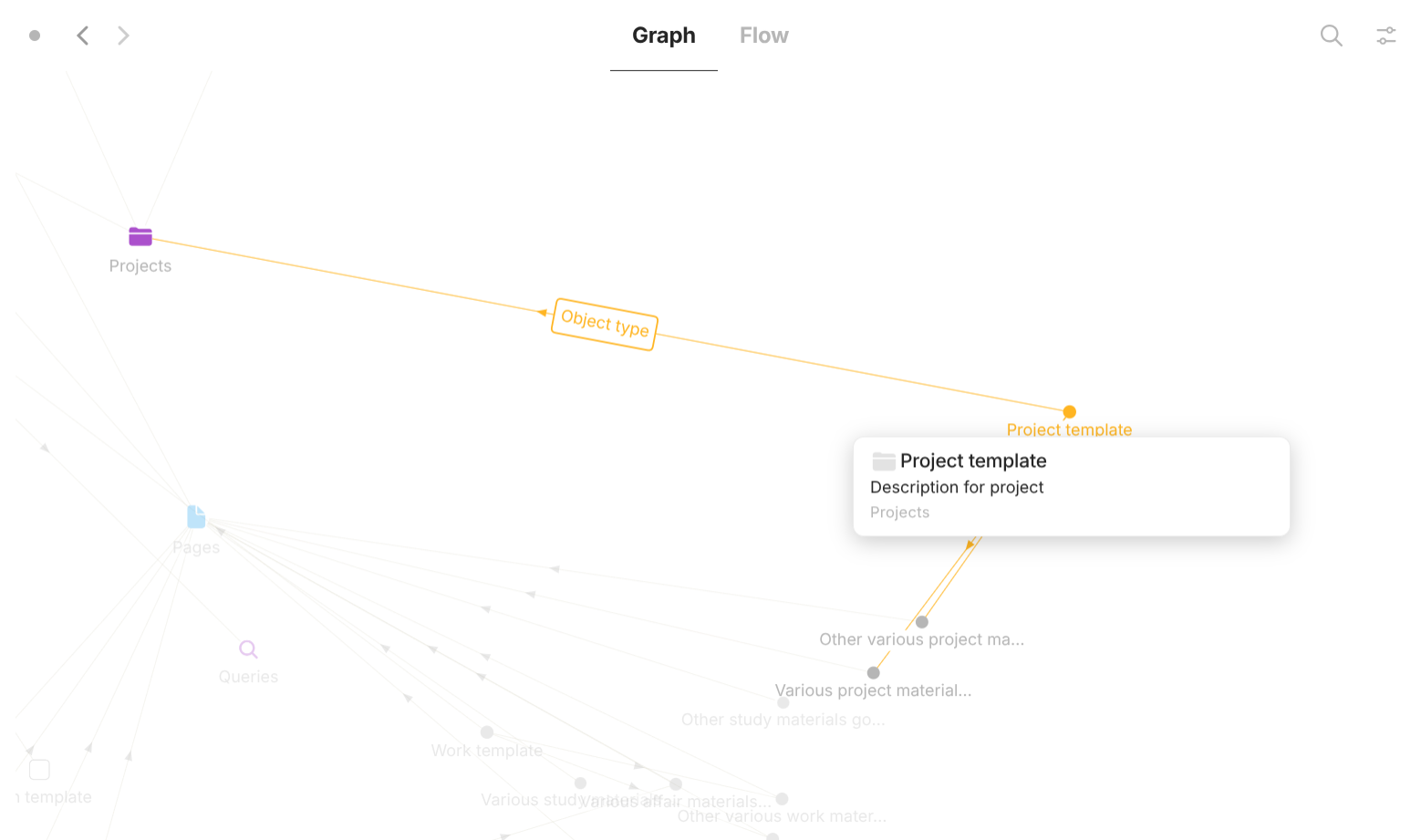
Relation on Graph. "Objec type" relationship (which object belong to which type) is represented by orange lines with an arrow pointing to the type and the label "Object type". "Link" relationship (which object is linked to which object) is represented by orange line without arrows and label.
Now back to other concepts. So, basically every piece of information is an Object. Objects can have Relation with each other. Each object has some Property (think of "metadata") - additional information about that object that exists along with the object itself (not inside the object). Those are the three basic entities that exist in Anytype. From now, when I refer to Entity, the term I come up on my own, what I mean is one of those three.
We have understood Relation. Now let's learn the next easy one: Property. Property can be user-defined (we can create it on our own) - User Properties and system-defined (dynamic things like dates, links,… which we can't manually input or delete) System Properties. When you go Anytype → Settings → Space → Properties you will see that they are separated.
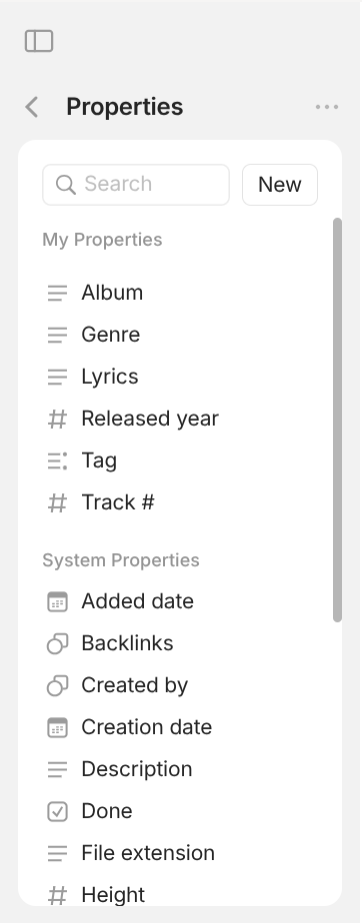
Property - User Properties ("My properties" in the picture) & System Properties - are separated.
Every Property has one and only one Class (I know I can use the term "Type" here but I don't want you to be confused with "Type" of Object). Once a Class is set for a Property, it cannot be changed.
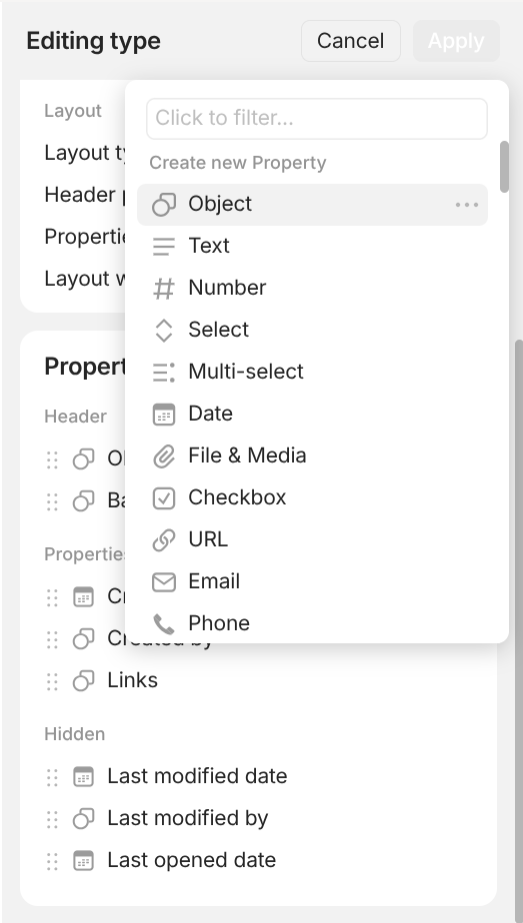
Class in "Create a new Property" shows up when users create a new Type.
There are different kinds of Class:
- Object: Property has the value of none or more than zero objects whose Type belongs to a pre-defined list of Type. You can modify this list of Type.
- Text: Property has the value of text.
- Number: Property has the value of number. It can be whole number or decimal number. It can be positive number of negative number. When it's empty, it is considered as zero.
- Select: Property has none or one value that belongs to a pre-defined list of options. The value of options is text.
- Multi-select: Property has none or more than zero values that belongs to a pre-defined list of options. The value of options is text.
- Date: Property has the value of date. The date value can also accompany a time value if users enable "include time".
- File & Media: Property has the value of none or more than zero objects whose Type belongs to a pre-defined list of Type which consists of Image, Audio, Video, File. This is a shorthand version of the class "Object" as you don't need to manually add all the related types.
- Checkbox: Property has the value of either checked or unchecked. This is a useful property for objects like tasks.
- URL: Property has none or a valid URL.
- Email: Property has none or a valid email address.
- Phone: Property has none or a valid phone number.
We have understood Property. Now let's talk about the final boss: Object. As I have mentioned, there are 2 kinds of Relation on Graph. This give rise to 2 (I know you are probably wondering that you heard like 10 different types of objects but stay with me) basic kinds of Object. Object that is pointed to by the arrow with the label "Object" is called Type. The other Object kind on the other side of the arrow without label is called Instance (this is another term I come up with for the sake of being accurate and distinguishable). There exist other Object kinds which are neither Type nor Instance.
Every existing Object (not just Instance) must have a Type and belong to only one Type. This even applies to Type itself. All Type objects belong to the ultimate object named "Type". They are reflected by a system Property called "Object type". Once an Object is created with a certain user Type, you cannot change its "Object type" as it is a system property.
Object that has the kind of Type and its Property "Object type" is "Type".
However, this ultimate object "Type" is not represented on the Graph and cannot be accessed or modified. So, from now on, whenever I refer to the word "Type", I'm talking about Object that has the kind of Type; when I refer to Type (Type), you know it's the hidden ultimate Type.
Type decide the common part that every Instance belonging to that Type you wish to share. That common part consists of:
- Format: what the structure of all Instance of that Type shares is. Layout accompanies Format which you can further specify with some options.
- Templates: what the content of all Instance of that Type shares is. Templates are shaped by Format.
- Properties: what Property all Instance of that Type shares are.

Now, let's focus on Format. This is a troublesome part of Anytype because some people misunderstand this as another Object type which they are not and most importantly, it cannot be changed once a user Type is created so think carefully. There are 2 kinds of Format:
Page: the information of an Instance is organized like a regular document (similar to Microsoft Word, Google Docs,…). If you want to link it to other Object, you just need to insert the link anywhere in the document. When Page is selected, the options for Layout are:
- Layout type: has 4 options. "Basic" means the icon of all instances can be Emoji or user-uploaded Picture. "Profile" means the icon of all instances can only be user-uploaded Picture. "Action" means there is a checkbox (suitable for task) instead of icon. "Note" means there is no icon and no header (the content of the object becomes the header).
- Header position: pretty self-explanatory. It comes with three options: "Left", "Right", and "Center".
- Properties view: also self-explanatory. It comes with two options. "List" means the list of properties you want to display in the header are on the same line. "Line" means each property of the list of properties you want to display in the header is on separate line.
- Layout width: how wide the content of the Instance should be. It comes with a scale from 100% to 200%.
-
List: Why would you need this format? Well, for Page, you can view the information about an Object when you enter it, but what if I want to view all of its Property and additionally, not just one but two, ten, hundreds of objects' Property at the same time for visualization. This is where List comes in handy. The concept is similar to both "Folder" and "Database" at the same time. When you choose this format, you don't want to enter any information about this object as there is no empty space for you to type your information. Instead, you care about the properties of the objects inside this object. Just like any objects, objects with "List" format can link to other objects, including objects with "List" format themselves (note that I use Object not just Instance). Unlike objects with "Page" format, the linked objects only show up once and are organized in a List (default way but there are other ways for organization), hence the name "List".

The interface for linking other objects to this object with "List" format. On the top left is the list of View. On the right is in order: Search, Filter, Sort, View settings, and Creating or inserting objects.It also has completely new features compared to Page:
- Search: you can search for linked objects.
- Filter: you can choose what linked objects to display based on certain properties.
- Sort: you can choose what linked objects to display based on certain properties.
- View: how you organize the objects inside. Each
Viewis a combination ofView settings,Sort, andFiltercreating a powerful way to organize and display linked objects. View can be configured with View settings. There are 6 kinds of views. "Grid" displays linked objects with properties in a table format where rows and columns size are automatically aligns (This allow you to perform some columns operation like finding the Sum, Average, or Percentage. "Gallery" displays linked objects in a tile format where properties are contained inside objects' tiles. "List" displays linked objects with properties in a list where the size of them don't line up like columns and rows in "Grid" view. "Kanban" displays linked objects in a board format where boards group objects based on certain properties. "Calendar" displays linked objects in a calendar format where objects are placed on certain dates. "Graph" displays linked objects in a graph format where relations between linked objects are focused on.
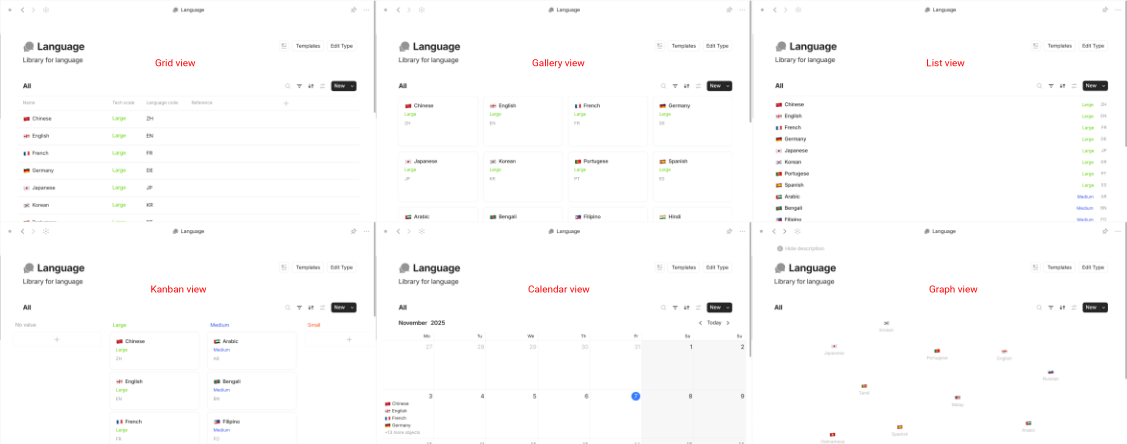
All different kinds of Viewfor objects withListformat.When List is selected, the options for Layout are:
- Default view: what kind of view should newly created views be.
- Default Object Type: what
Typeshould newly created objects belong to.
Now, let's move to Template. Imagine you are doing your homework and have to submit your assignment. Your teacher requires you to include your personal information inside the document. Sure, you can always create a section to enter your personal information or simply copy from the previous ones. However, up to one point, you may want to have the same section across all your homework and most importantly, the part should reflect the changes you have made to all objects. Template exist for this purpose.
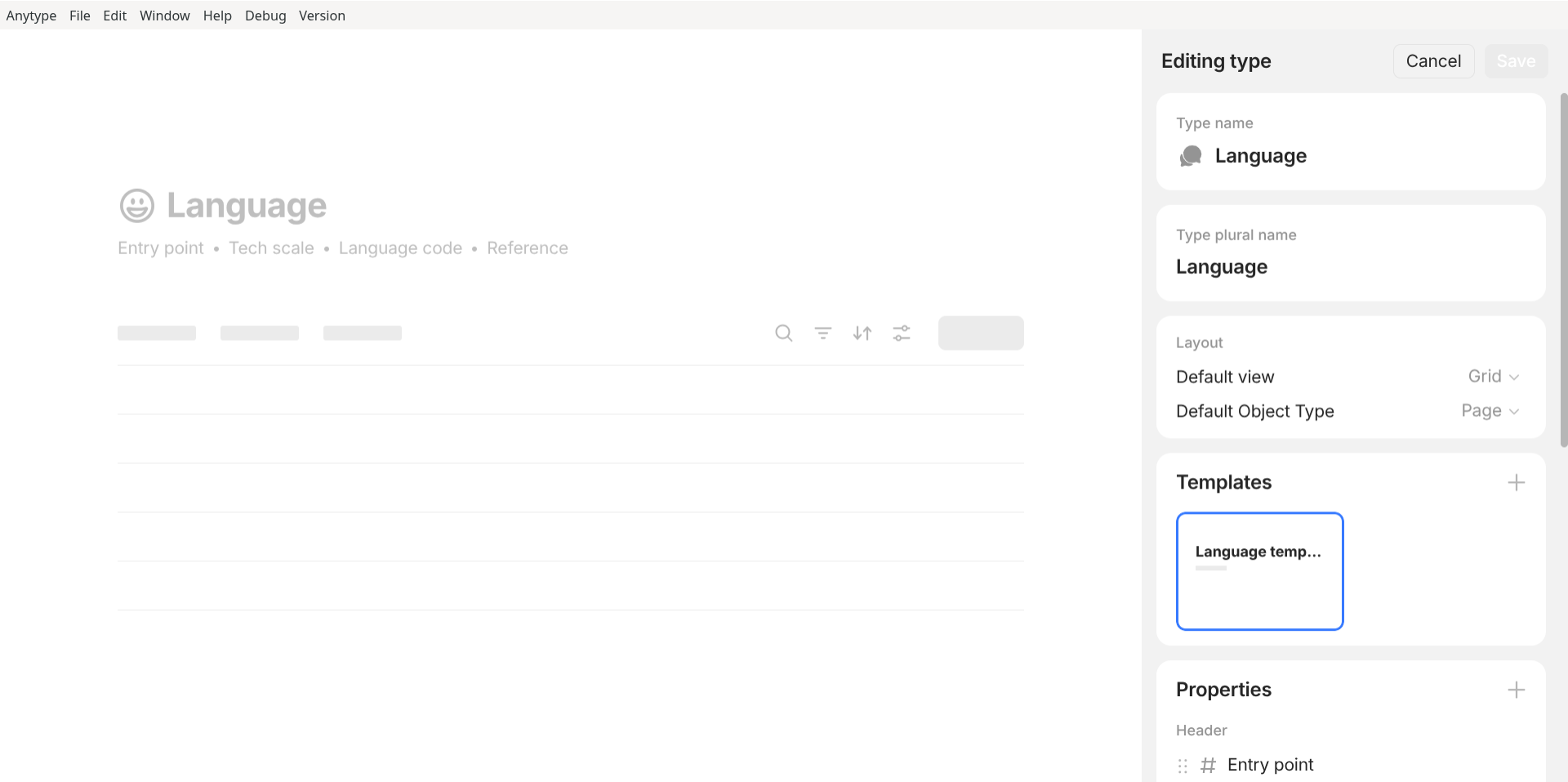
Type. It is below the panel for Format.
Template is a very special kind of Object. Whatever the Type is, all Template instances belong to the Type named "Template". However, they share the Format and Properties of the Type they are associated with. More interestingly, their association with Type is nowhere to be found through Property as they do not show up on the Graph. The association can only be known when you click into that Template object.
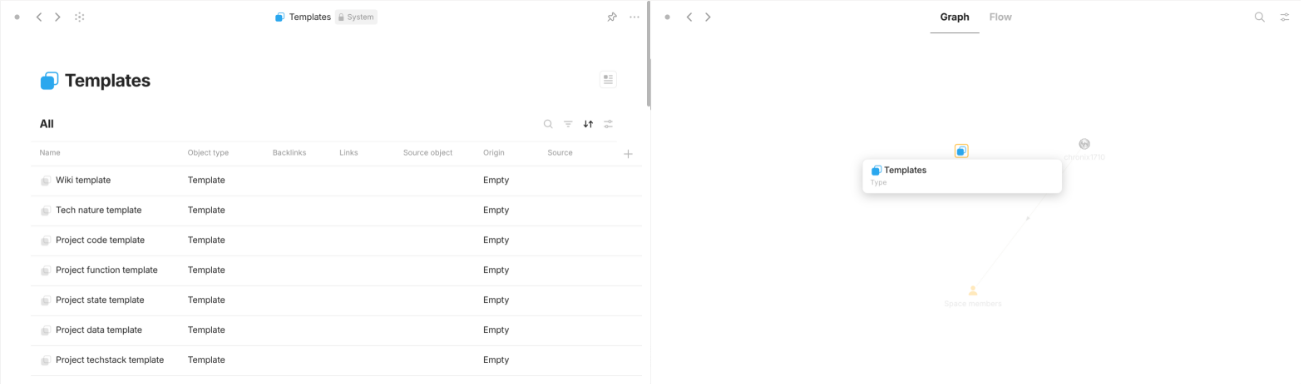
Template are displayed but there is no property that show their associations with their respective Type. On the right, Type "Templates" show no Instance even though on the left there are plenty.
Finally, let's get to Properties.
Property of a Type can exist in 3 places: Header, Properties panel, and Hidden.

Type or modifying an existing one.
Propertyin Header are displayed below the name of an object when you enter it.Propertyin Properties panel can be displayed in different View for objects with "Layout" of "List". Note that in order for the property to show up in the view, you have to enable them in the Properties section inside View settings.Propertyin Hidden are not displayed and can only be access through Local properties panel.Objectcan havePropertythat are not specified by theirType. These are call Local properties. Local properties are very helpful when you want to extend a certain group of objects of a Type which have properties that you don't want to include in other objects of that Type. Let's say you build a Type to represent the "Shopping item". At low level, they all share the same set of Properties. They can be name, price, SKU, arrival date, availability,… At high level, they might have different properties based on their nature. Shirts, shoes,… may need "Size". Computers, laptops may need "RAM", "CPU". Foods, cosmetics may need "Expired date". Inserting local properties to certain objects does not affect the other.
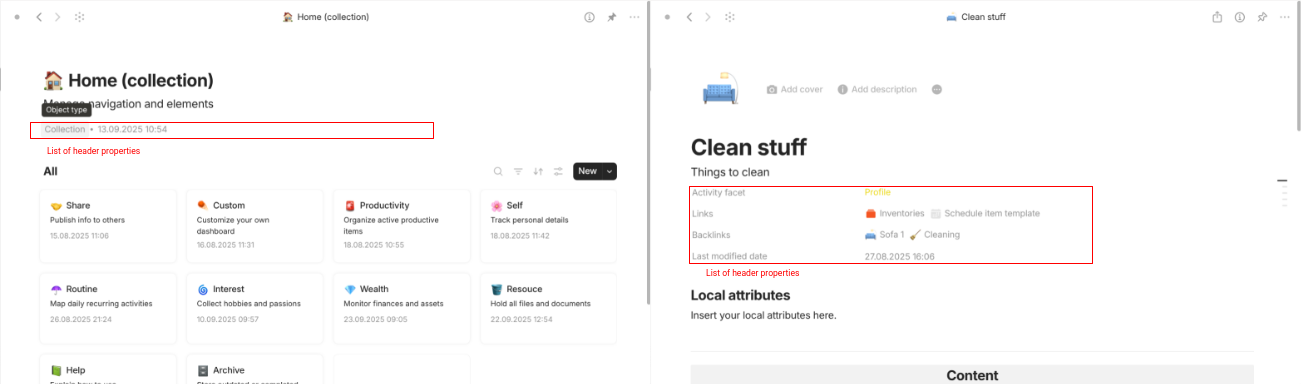
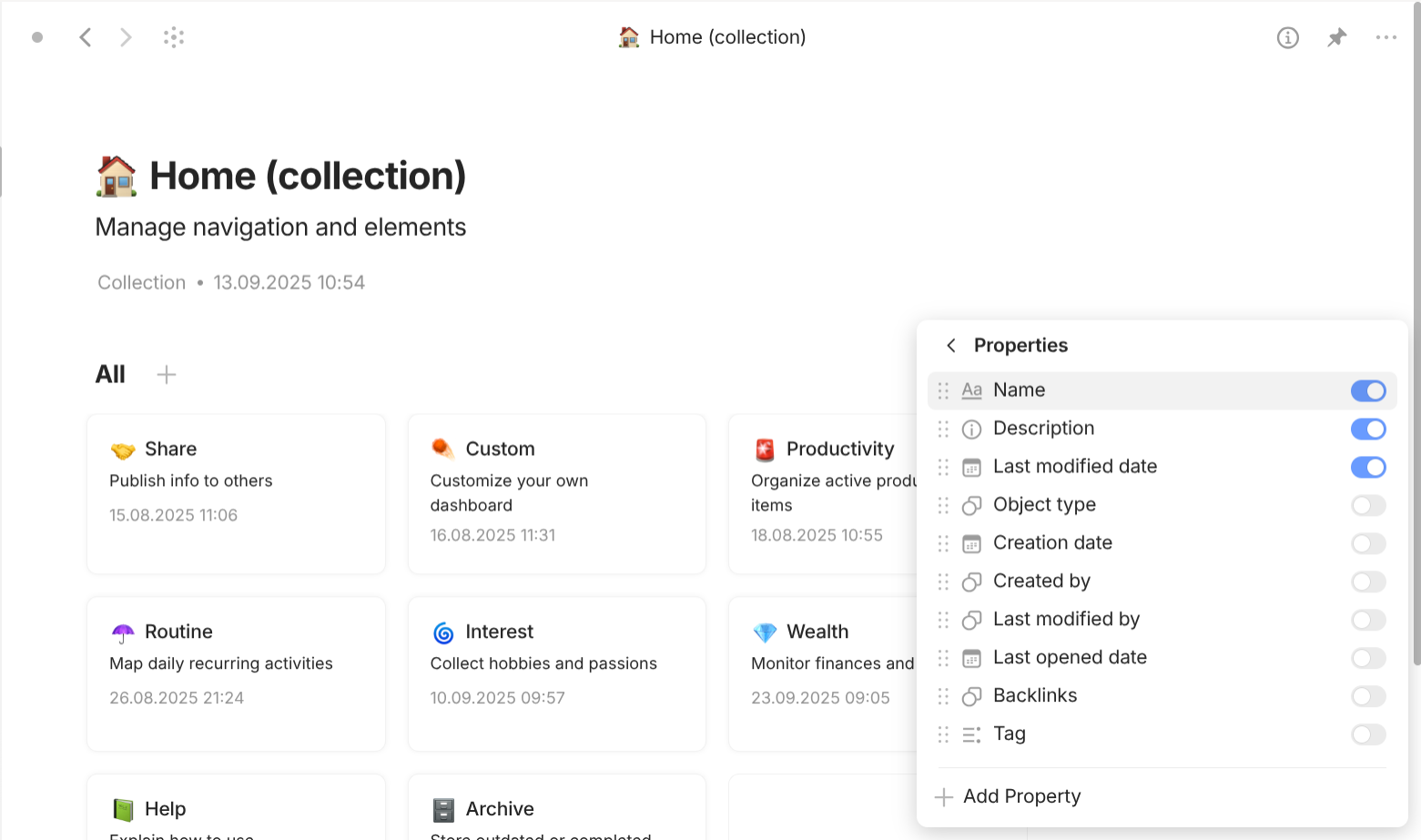
Property that are place in Properties panel.
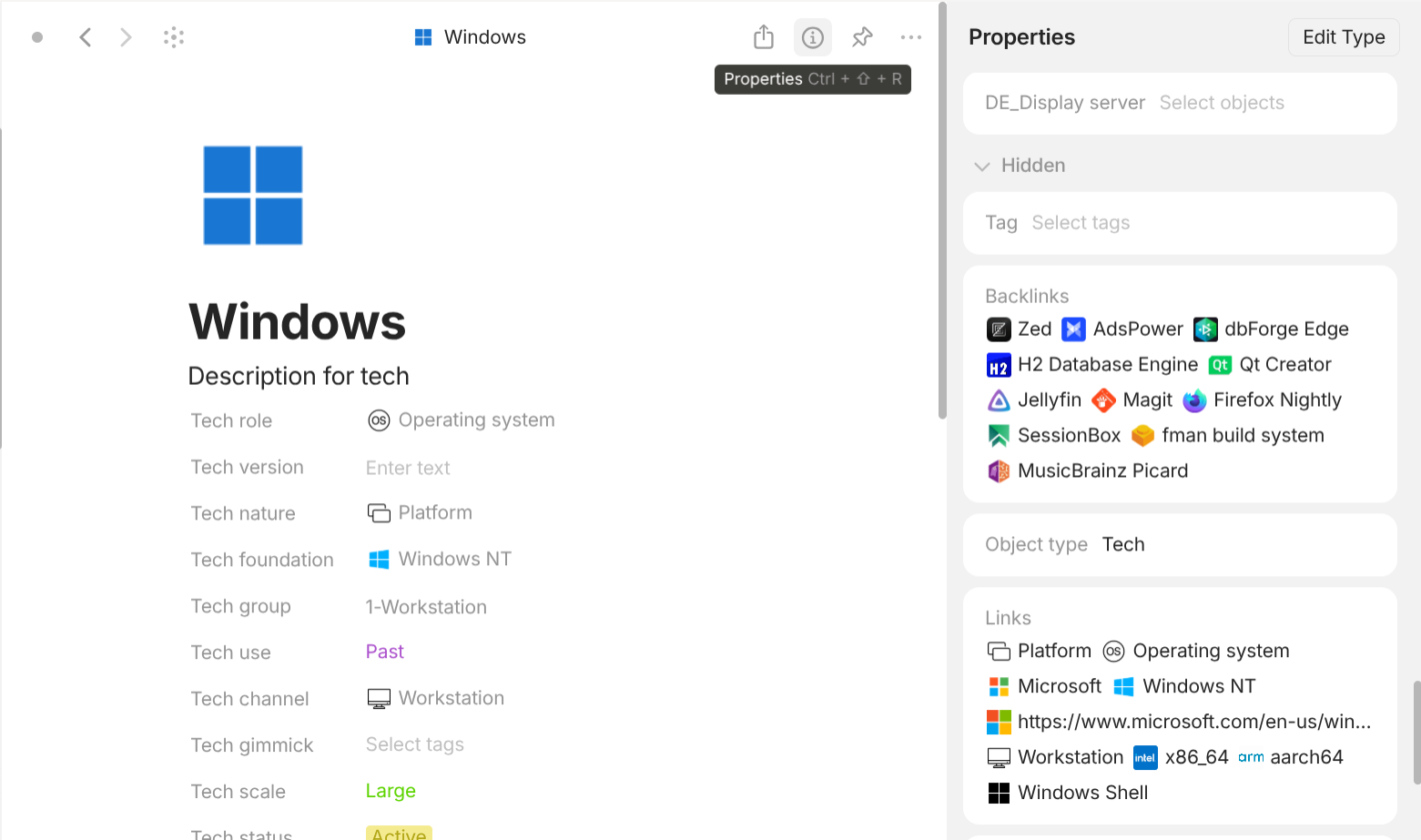
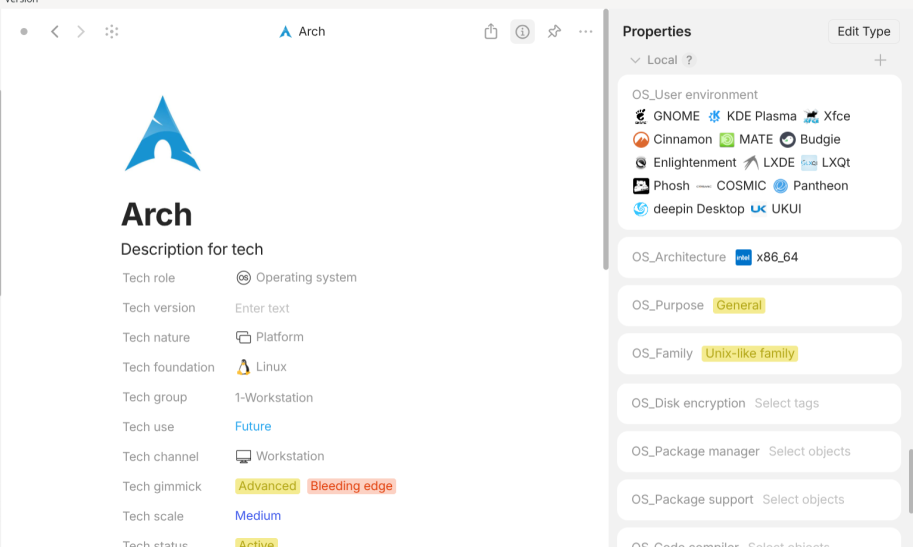
Property accessed by the Properties panel inside every Object.
OK, phew! That's a lot of information to digest. Here's the quick recap: Object differ from each other due to its Type while Type differ from each other due to 3 things: Format (layout included), Templates, and Properties. With these 3 criteria, we can now easily explain all concepts.
Just like Property can be further divided into User property and System property, Type can be further divided into User property and System type.
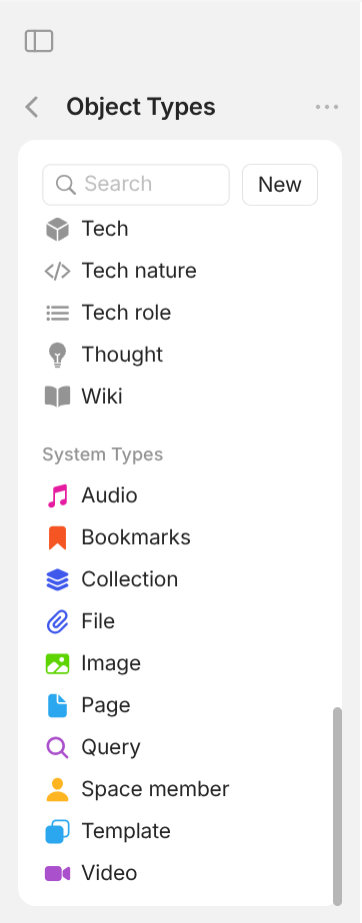
Anytype → Settings → Space → Object Types.
System types can be put into the following groups:
- Media
Type:Audio,Image,Video,File. They areTypeto represent the system files you want to include in your objects. They are useful when you want to organize and modify all objects belonging to thatType. - Space Member
Type: represent the members in the space. - Chat
Type: represent conversations. - Template
Type: explained above. - Collection
Type:Collectionobjects are just objects with "Format" of "List". This is aTypeAnytype have created readily for you without any additional properties.Collectionis also called "Set" by some people in the community (please mind that this is a non-standard name and maybe a misnomer). Note that you can create aTypesimilar to Collection but the objects of thatTypewon't be linked in theType"Collection" itself. There is no universal Type that allows you to access all objects with "Format" of "List".Collectionare also useful because you can insert them into the document of objects with "Format" of "Page" (which will be explained in the inner layer). - Page
Type:Pageobjects are just objects with "Format" of "Page". This is aTypeAnytype have created readily for you without any additional properties.Pageis also called "Note" by some people in the community (please mind that this is a non-standard name and maybe a misnomer). Note that you can create aTypesimilar toPagebut the objects of thatTypewon't be linked in theType"Page" itself. There is no universal Type that allows you to access all objects with "Format" of "Page". - Query
Type:Queryobjects are similar toCollectionin the fact that they are just objects with "Format" of "List". In fact, Anytype offers a feature that you can turn any Query object intoCollectionobject. So, why do we need another kind of Type? Imagine this scenario. You want to view and organize all Objects that have Property related time. Those can be the "deadline" of "Work assignment" objects, the "submission date" of "Schoolwork" objects, the "arrival date" of "Shopping order" objects, the "observation date" of "Holidays" objects, the "Due date" of "Finance terms" objects,… Sure, you can create aCollectionobject to link all of them but don't you think it's tedious to manually include them manually every time you create a new object which has time-sensitiveProperty. Plus, you have to make sure that you don't leave anything out and start from the beginning. This is whereQuerycomes to the rescue!Queryobjects automatically link objects based on properties in Filter while you have to manually link objects inCollectionobjects and the Filter of Collection objects only work on those manually linked objects.Queryare also useful because you can insert them into the document of objects with "Format" of "Page" (which will be explained in the inner layer). - Bookmark
Type:Bookmarkobjects are similar to Page in the fact that they are just objects with "Format" of "Page". Bookmark have a useful property called "Source" which you can input any URL and Anytype will automatically retrieve the icon, the title, and the description of that online resource. This is handy for those who want to capture (or popular term "clip") websites, articles, blogs,… and put them inside Anytype. - Date
Type:Dateobjects automatically link everyEntity(this includesObjectandRelation) whose properties with "Class" of "Date" have value of the name of thatDateobject. The names ofDateobjects reflect the date value that will be used to filter linked objects. Every Date object is automatically created by the system and cannot be modified.
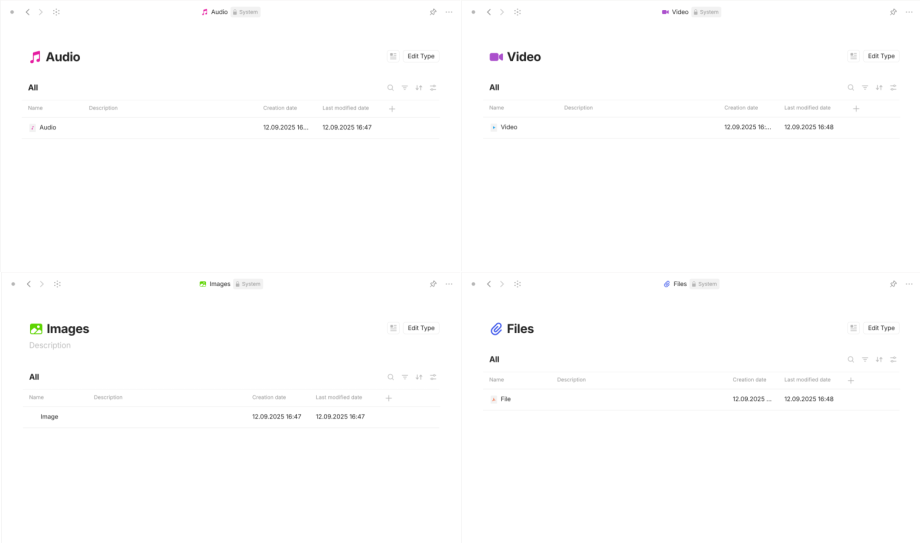
Type, Image Type, Video Type, File Type respectively from left to right, top to bottom.
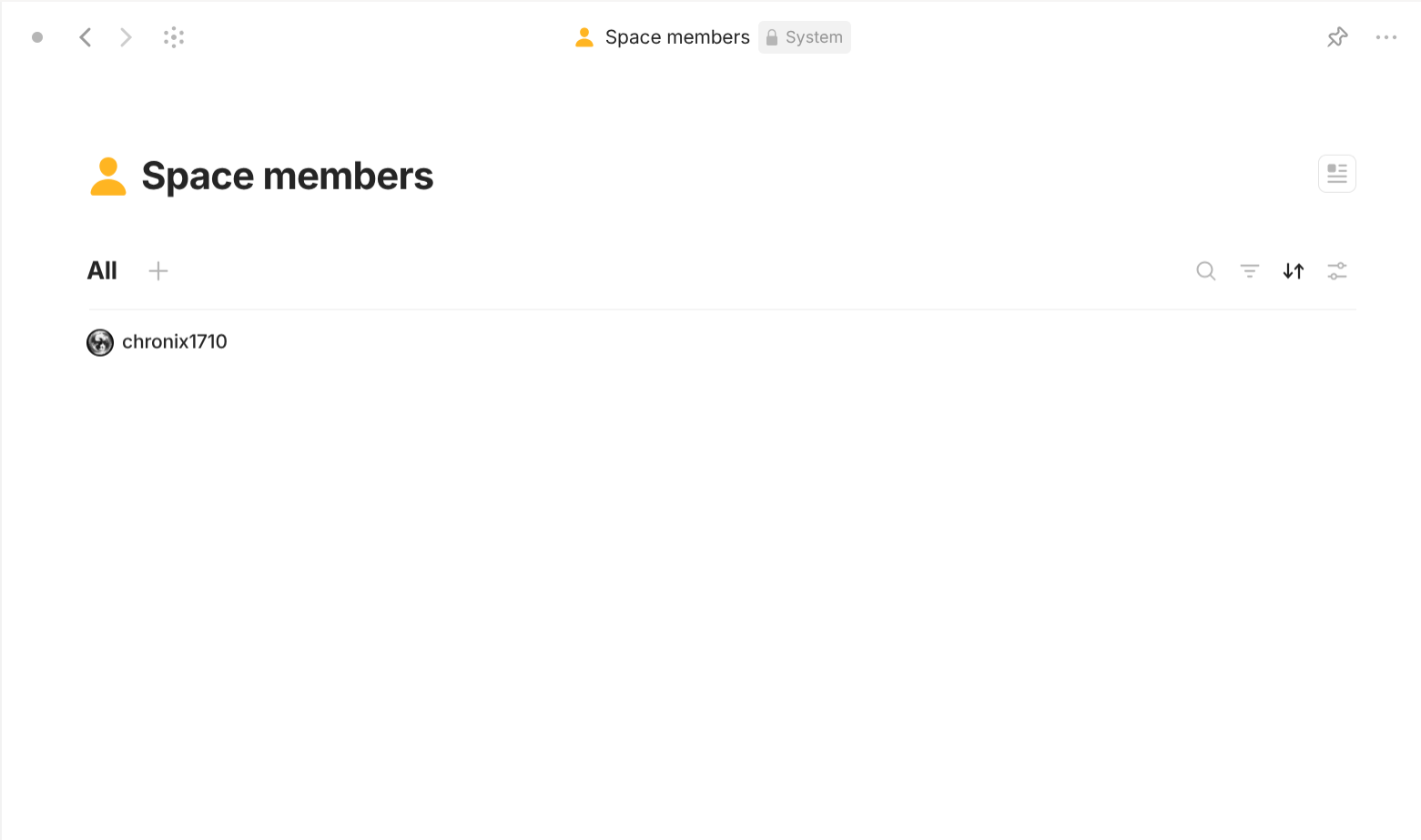
Type.
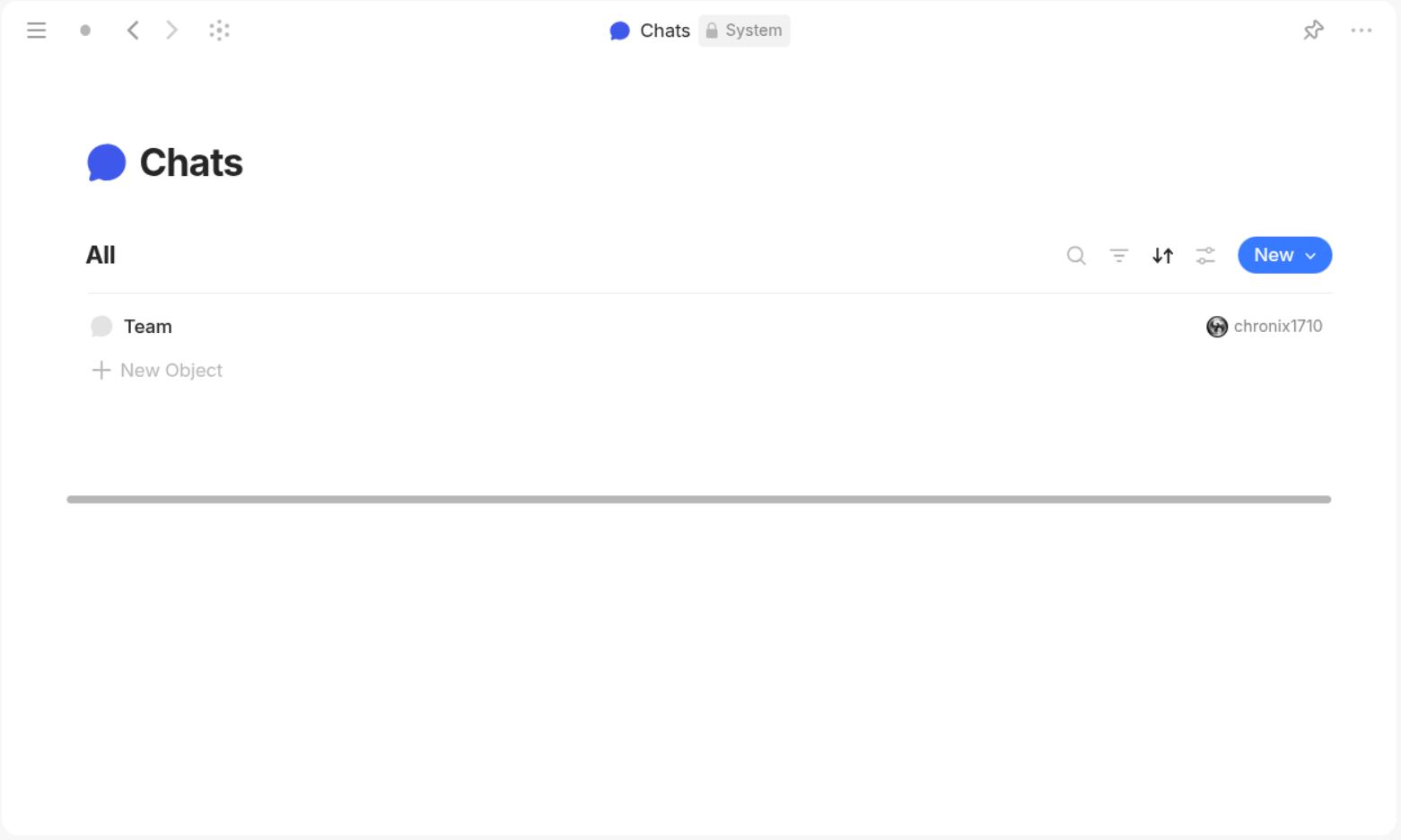
Type.
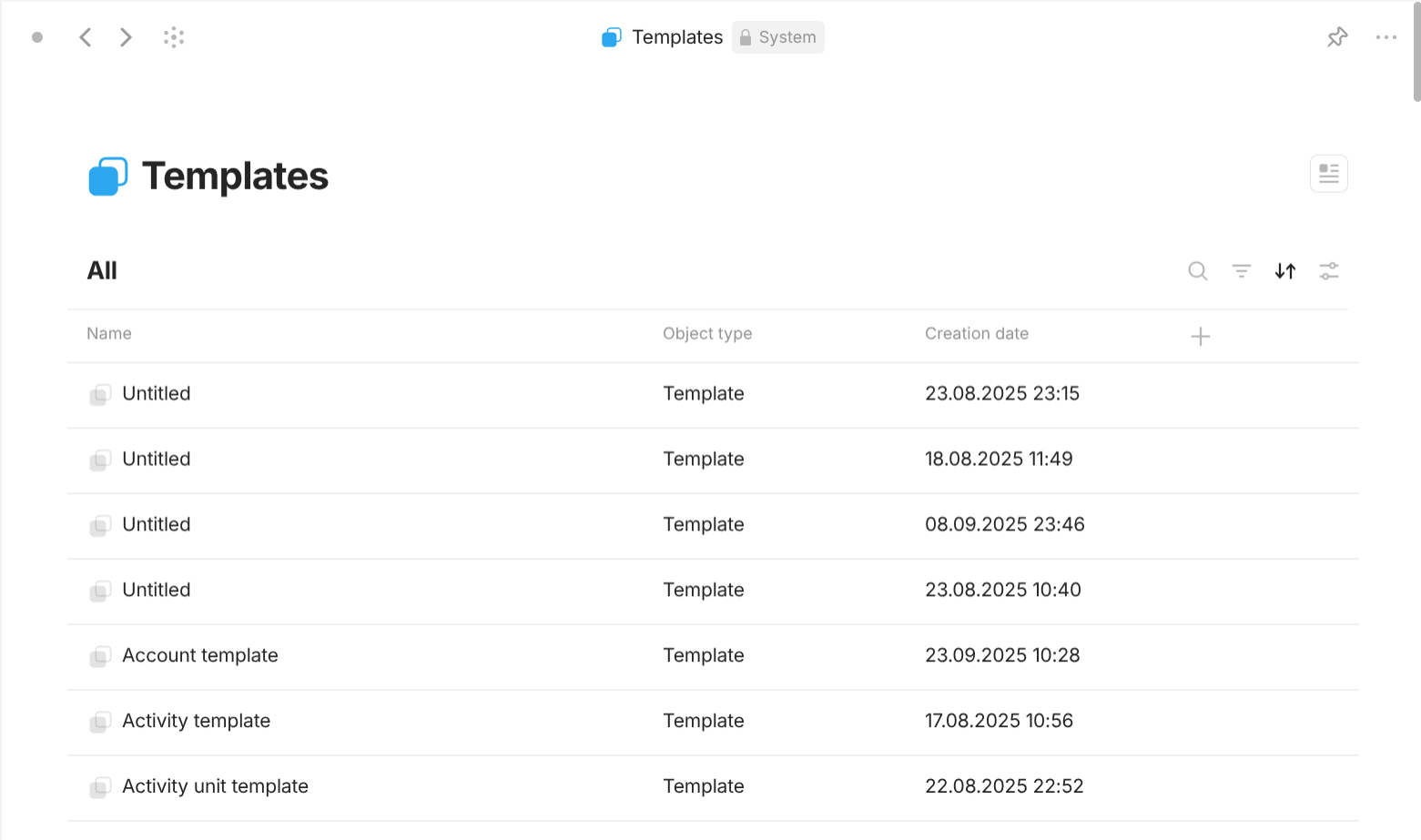
Type.
Collection is one of the two system Type that allow its objects to change their Type but only into Type with "Format" of "List" by clicking on the property "Object type" inside each object. This is useful when you have something to include immediately then you can think of a suitable type to put it into.
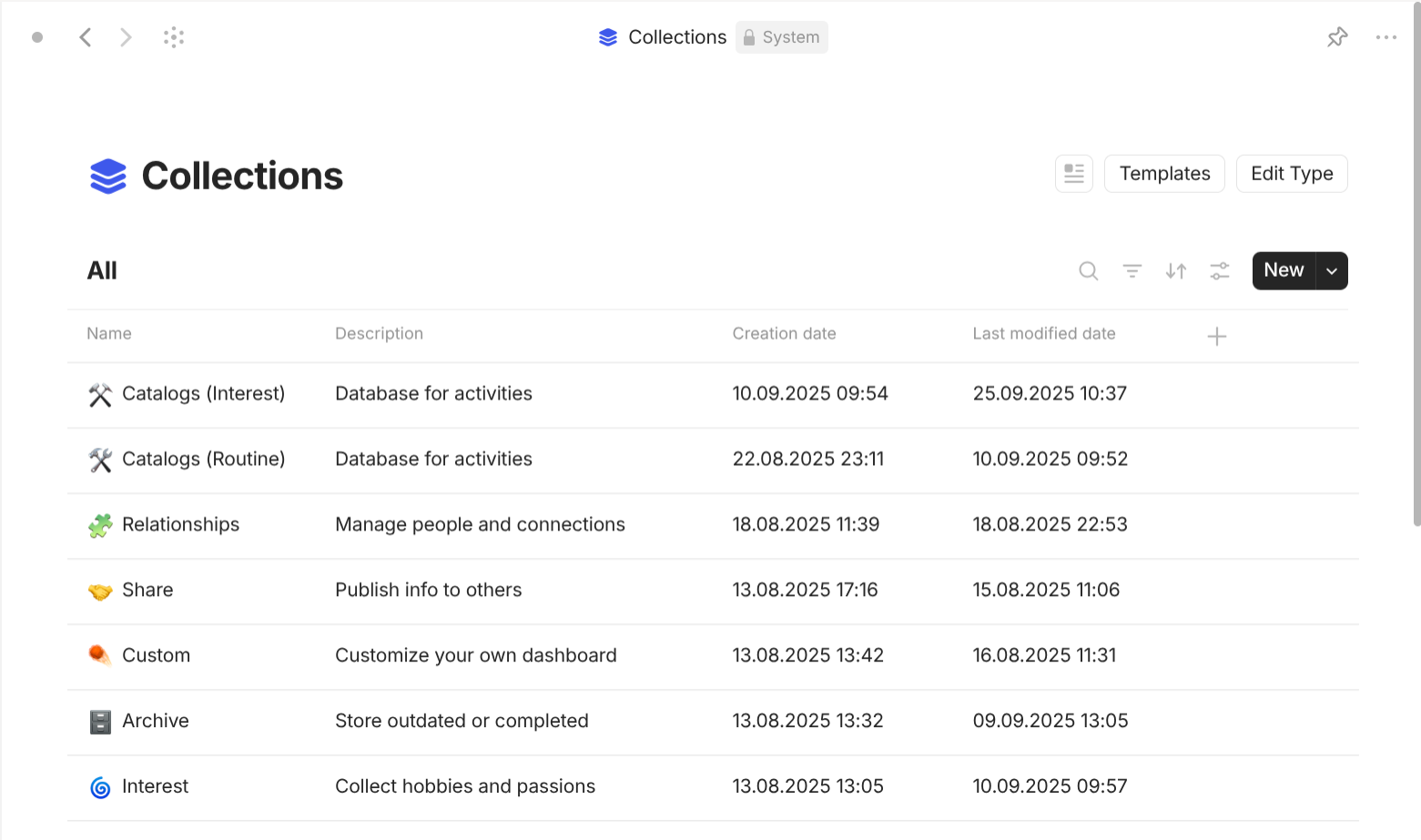
Type.
Page is one of the two system Type that allow its objects to change their Type but only into Type with "Format" of "List" by clicking on the property "Object type" inside each object. This is useful when you have something to note immediately then you can think of a suitable type to put it into.
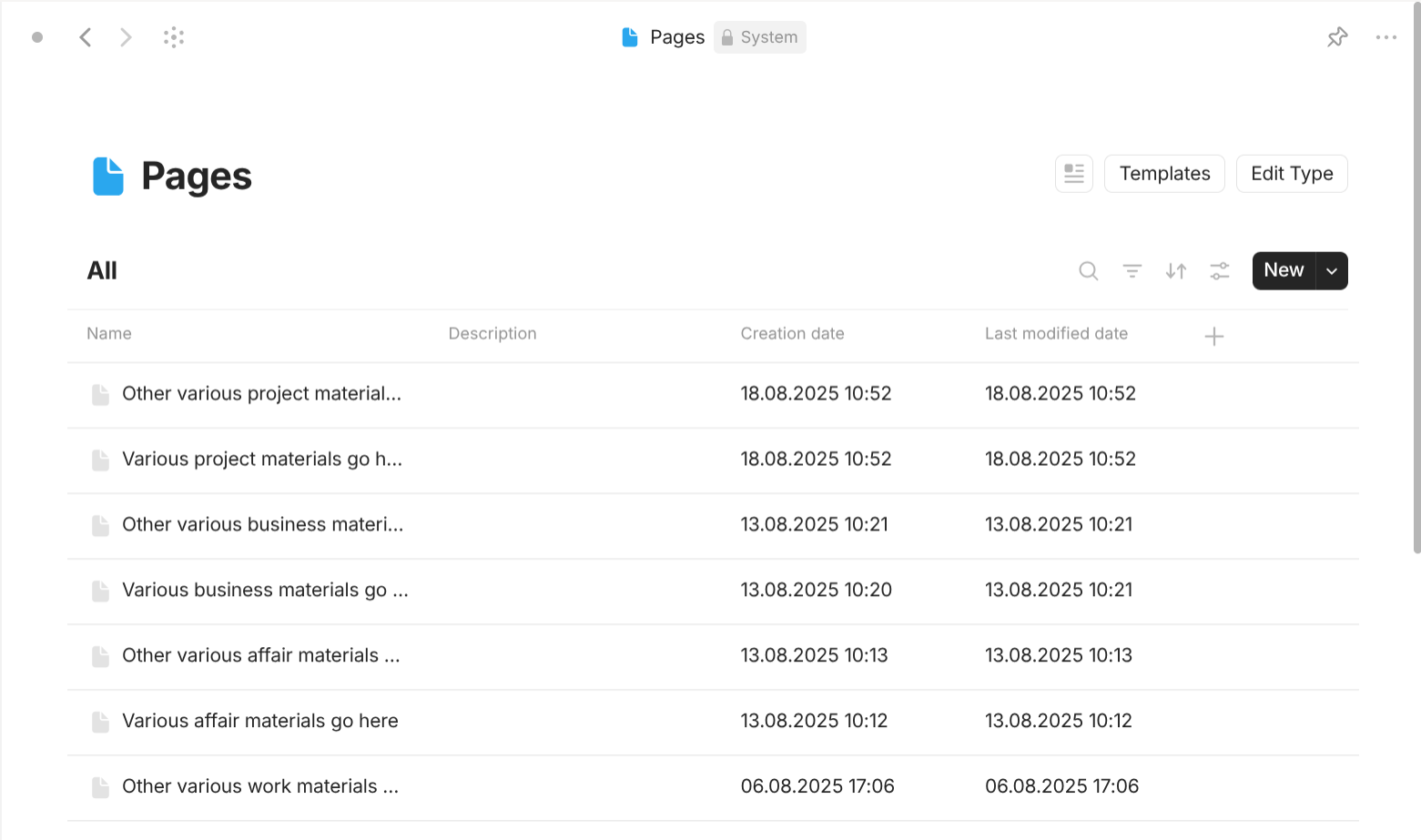
Type.
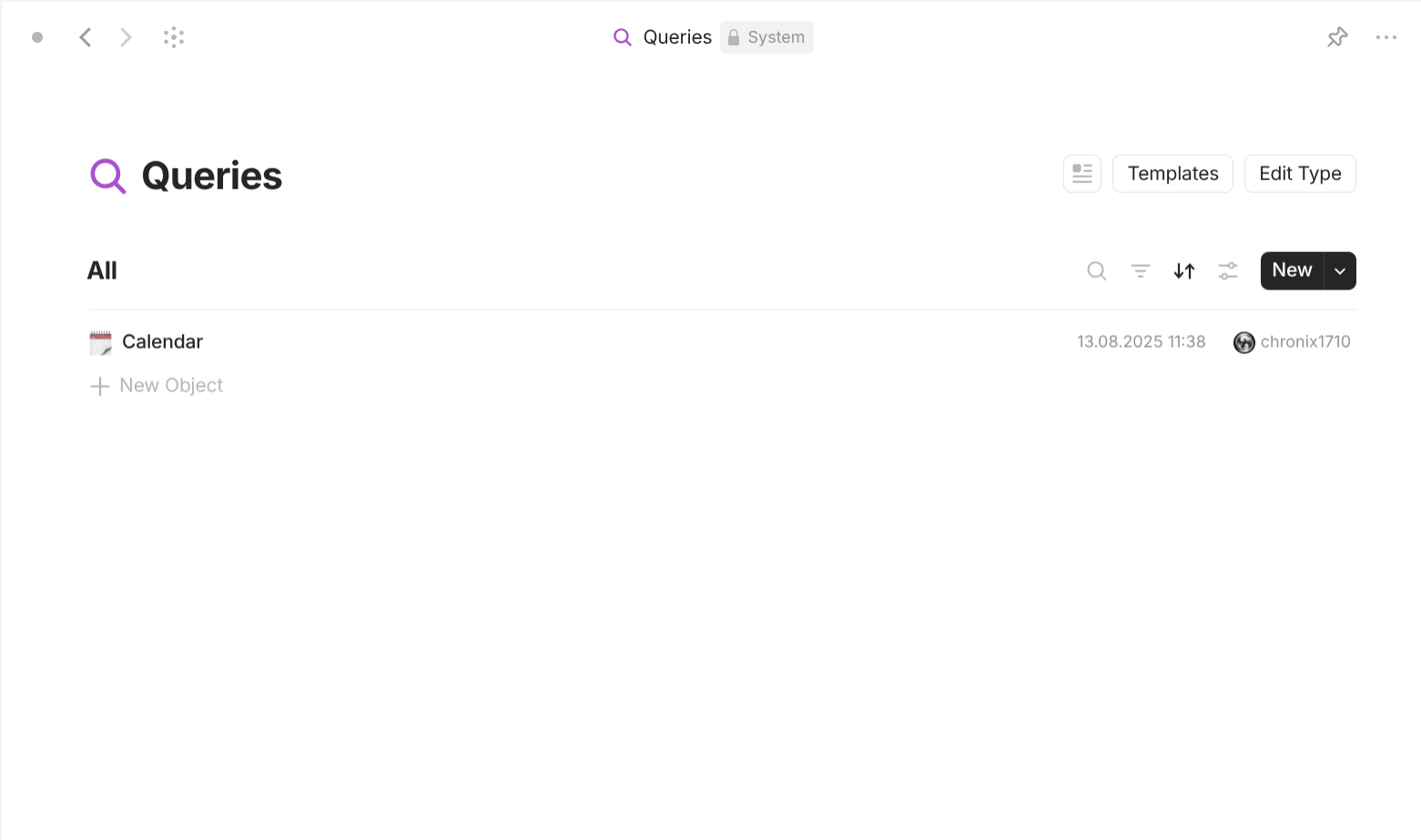
Type.
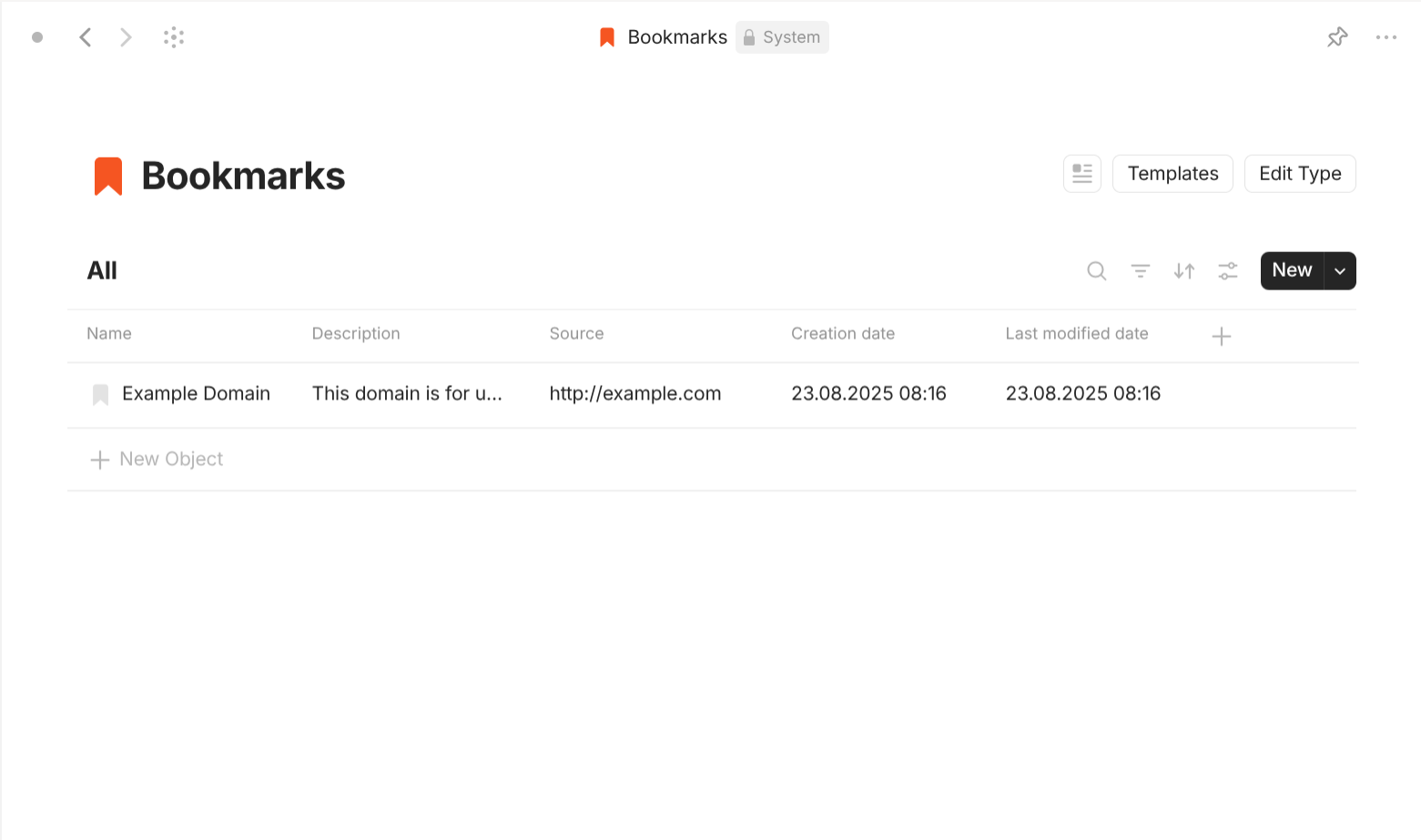
Type.
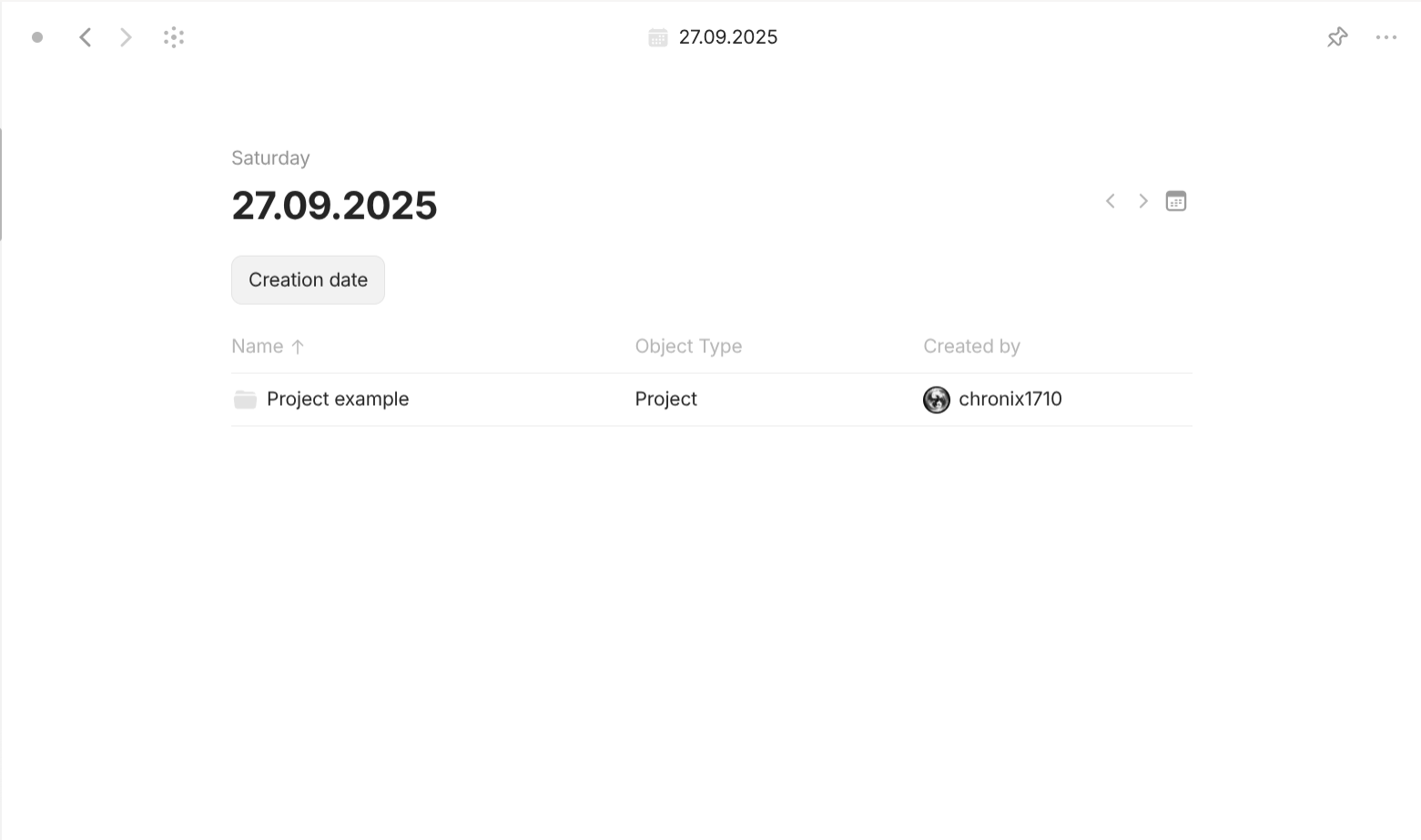
Type.
The following table compares different System type:
| Type | Format | Template | Default system properties | User property | Linked objects |
|---|---|---|---|---|---|
| Type (Type) | "List" (you always have view for any Type object) | no template | Object type, Tag, Backlinks, Creation date, Created by, Links, Last modified date, Last modified by, Last opened date | no | dynamically based on property "Object type" of "Type" |
| Audio | "List" | no template | Everything including in Type (Type), Added date, Origin, and any additional properties | yes | dynamically based on property "Object type" of "Audio" |
| Image | "List" | no template | Everything including in Type (Type) and: Added date, Origin | yes | dynamically based on property "Object type" of "Image" |
| Video | "List" | no template | Everything including in Type (Type) and: Added date, Origin | yes | dynamically based on property "Object type" of "Video" |
| File | "List" | no template | Everything including in Type (Type) and: Added date, Origin | no | dynamically based on property "Object type" of "File" |
| Space member | "List" | no template | None | no | dynamically based on property "Object type" of "Space member" |
| Chat | "List" | no template | None | no | dynamically based on property "Object type" of "Chat" |
| Template | "List" | no template | Everything including in Type (Type) and their associated Type. | their associated Type | dynamically based on property "Object type" of "Template" |
| Collection | "List" | possible | Everything including in Type (Type) | yes | manually; linked objects can be any objects |
| Query | "List" | possible | Everything including in Type (Type) | yes | dynamically based on a set of properties in Filter defined by users |
| Page | "Page" | possible | Everything including in Type (Type) | yes | manually in the document interface |
| Bookmark | "Page" | possible | Everything including in Type (Type) and Picture, Source | yes | manually in the document interface |
| Date | "List" | no template | Date-related properties | none | dynamically link all entities whose properties contain properties with "Class" of "Date" |
The inner layer
This is where things get more straightforward but there are some nuances to be aware of.
For object with "Format" of "Chat", the inside interface where you can send and receive message like a typical messenger is called Conversation (another made-up term for the sake of differentiation).
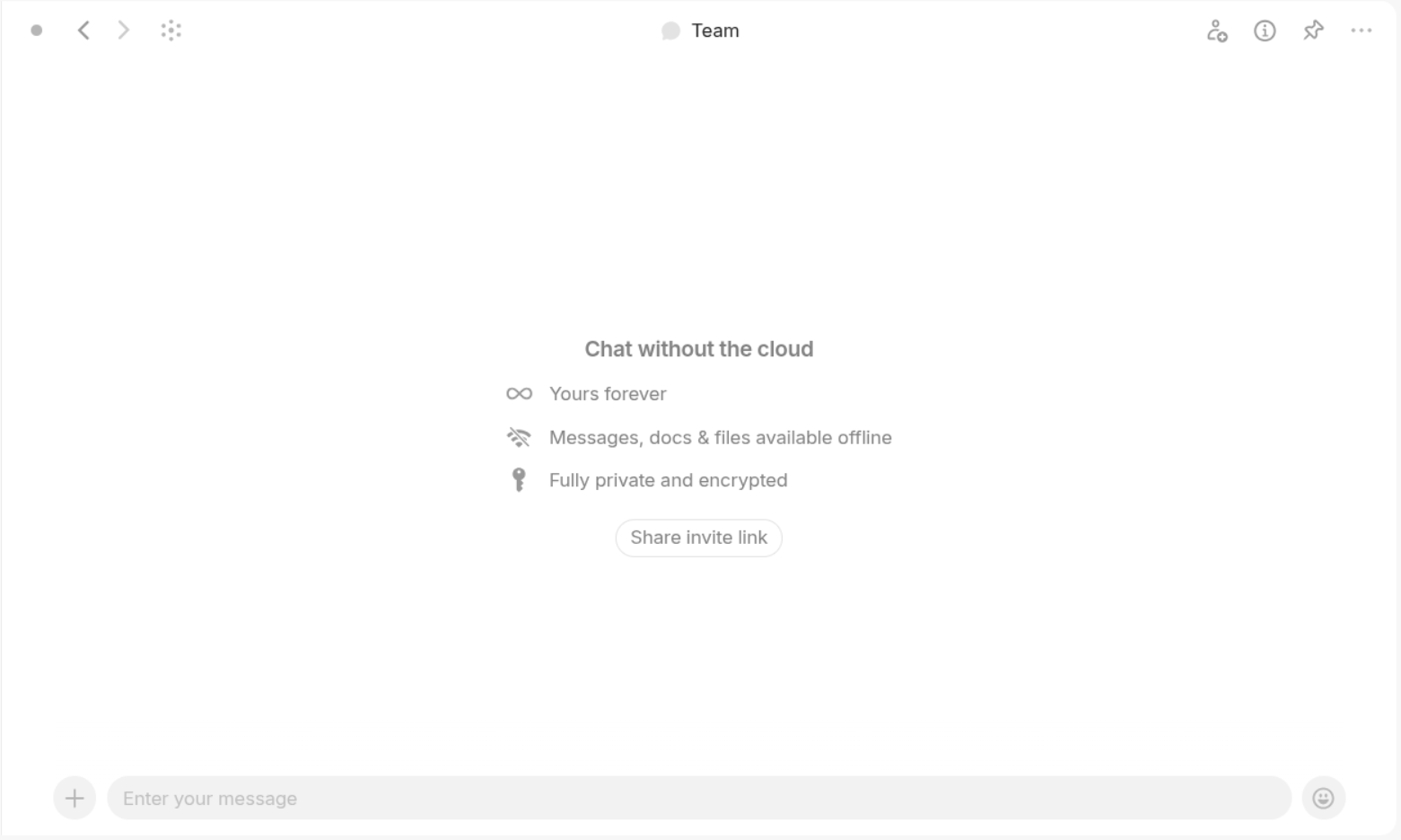
Conversation interface of any "Chat" objects.
Well, besides the functionality of sending and receiving messages, this interface allow you to refer to any existing object within the space, thus making collaboration easier.
For object with "Format" of "Page", the inside interface where you can write and place your information like a typical word processor is called Document (another made-up term for the sake of differentiation).
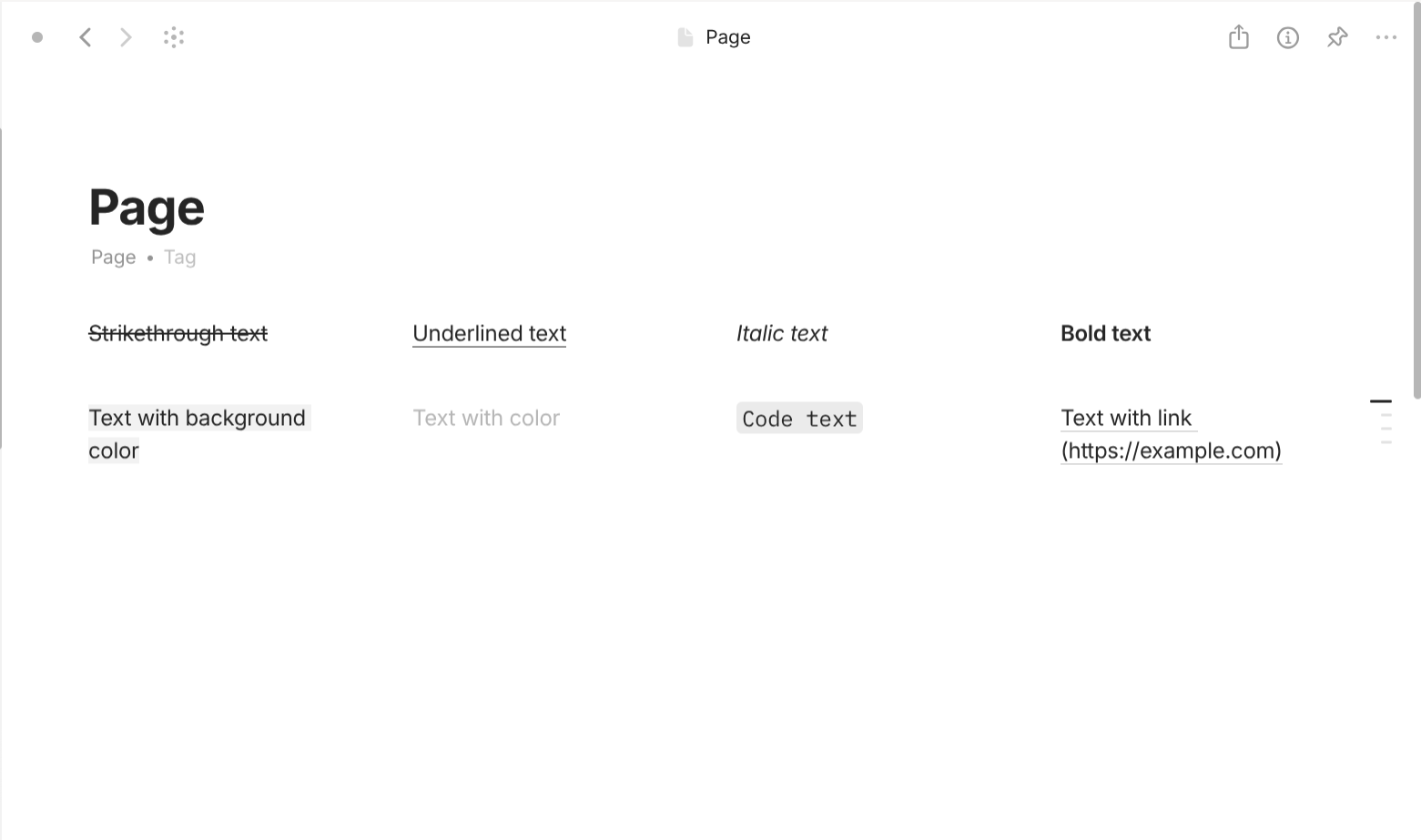
Document interface of any objects with "Format" of "Page". The first two rows display different style of of inline text.
Now, let's talk about the structure inside a Document.
The unit of Document is Block. Each block acts as a container that you can apply style, change position and edit content as a whole. When you hover your mouse over the block, there is a white bar on the left which you can use to style and move the block as a whole.
The unit of Block is Text. The text inside a block can have their own style, which can override the style of the block. Inline text can have multiple styling options: bold, italic, strike through, underline, link, text color, background color.
Block exist within a Row. Block occupies all space of the row by default when created. However, when you drag another block into a Row which have other blocks, they now share the same line and occupy an equal space. You can change the space occupied by each block by dragging the column gap between. You can drag the block into an empty Row to make it fully occupy the Row.
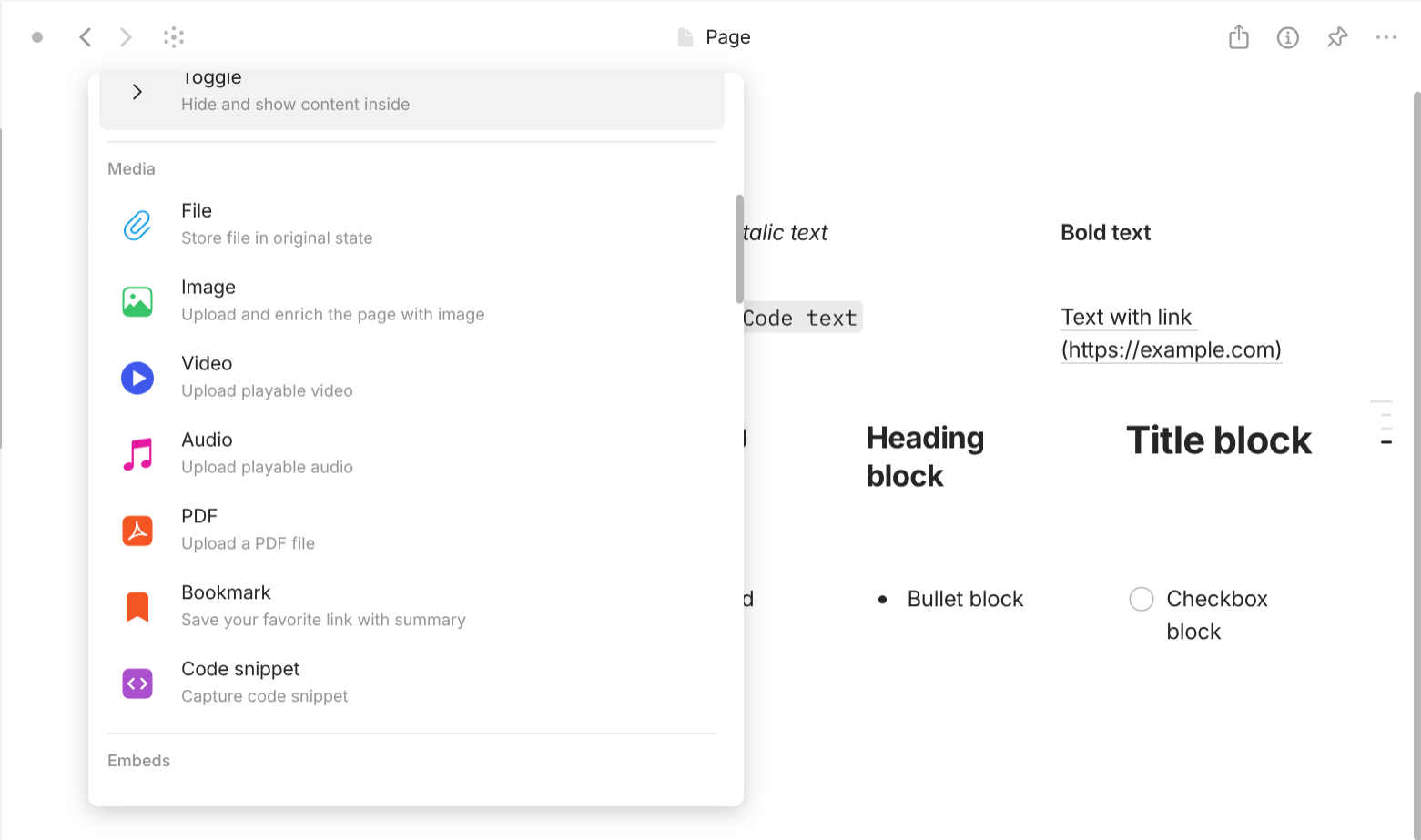
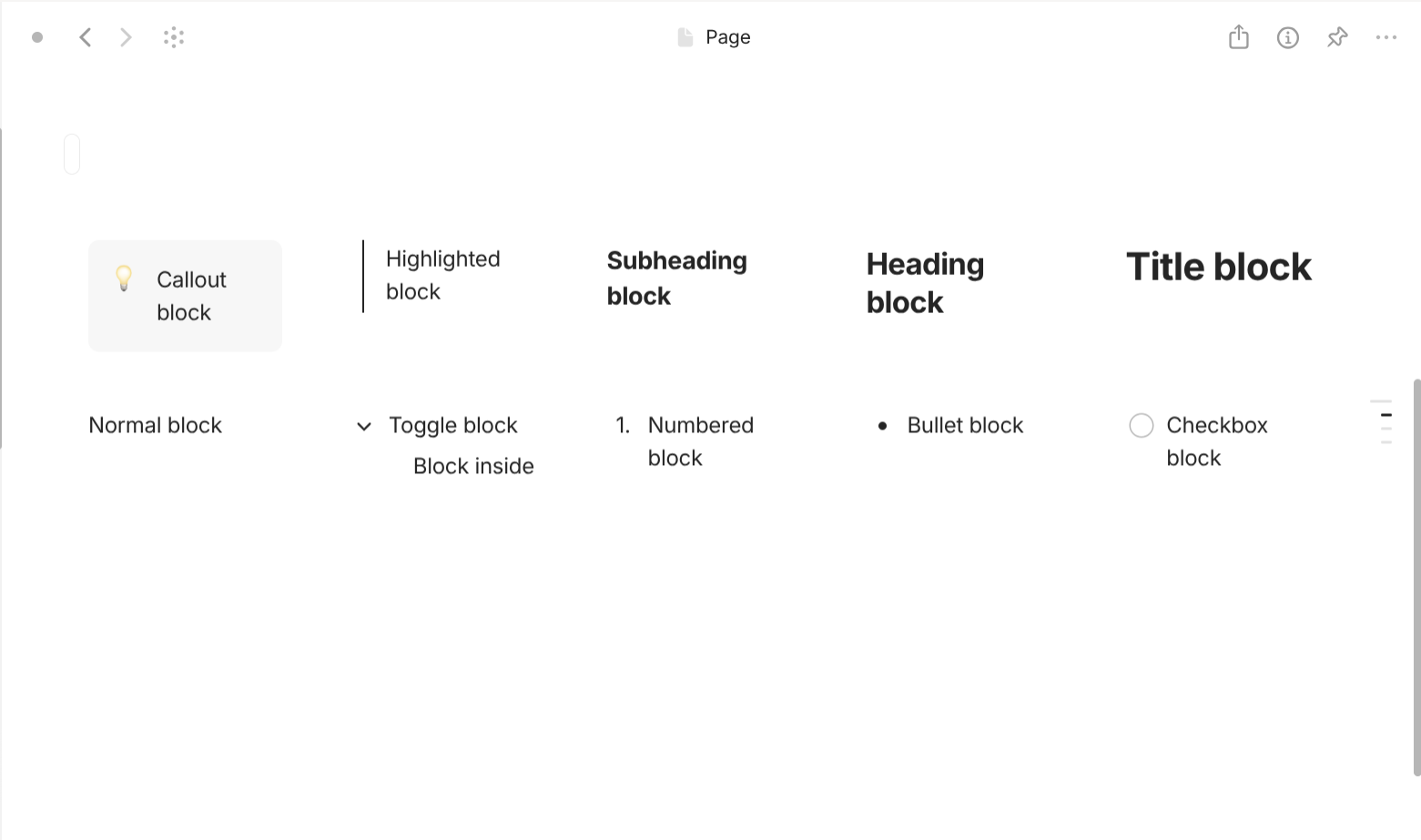
There are several kinds of Block:
- Text: contains text. This kind can be one of the following options:
Text,Title,Heading,Subheading,Highlighted,Callout(like a quote). - List: automatically preceded bullets. This kind can be one of the following options:
Checkbox,Numbered List,Bulleted List,Toggle.Toggleis a special kind of block, which can contain their own content and other block. - Media: content that is not text but media. This can be one of the following options:
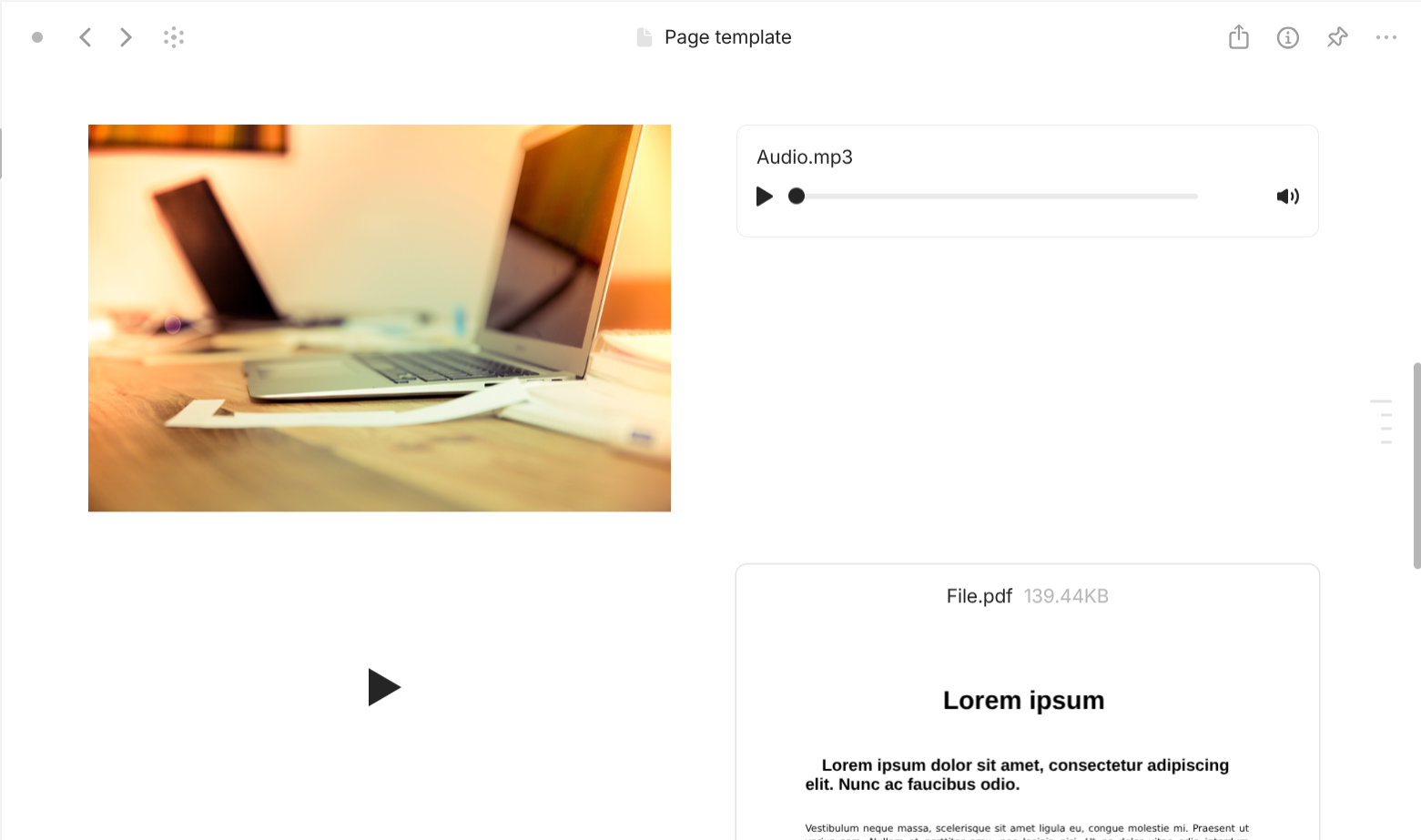
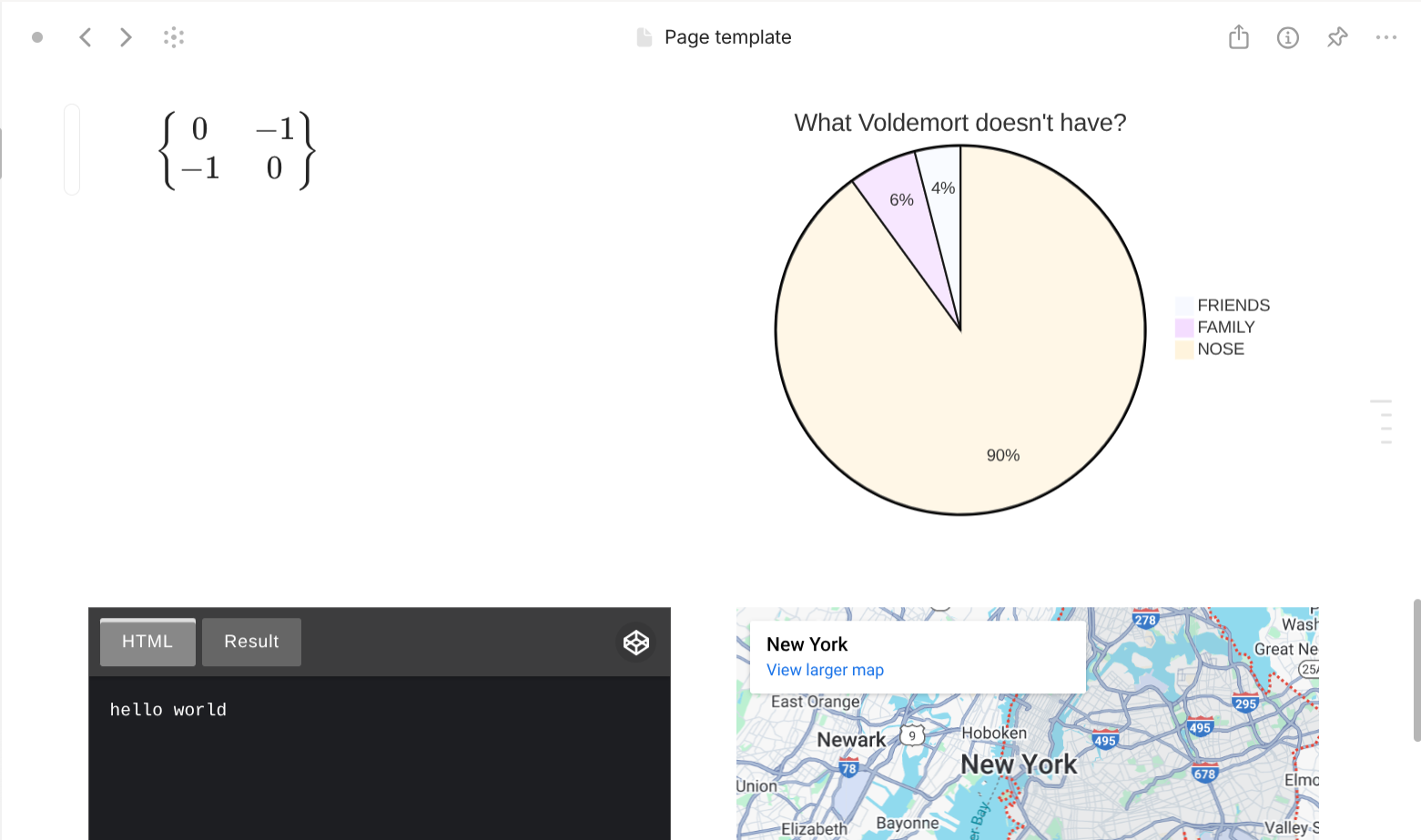
File,Image,Video,Audio,PDF,Bookmark,Code snippet. Even though these entities can be only created in the inner layer, once they are created, they exist in middle layer and can only be removed in the middle layer even when are references of them in the inner layer have been removed.PDFis a special case ofFile, which can be displayed as full document inside the document interface. - Embeds: interactive third-party content embedded through a link. The list is exhaustive so you can check within your Anytype app.
- Document elements (Other): layout blocks. This can be one of the following options:
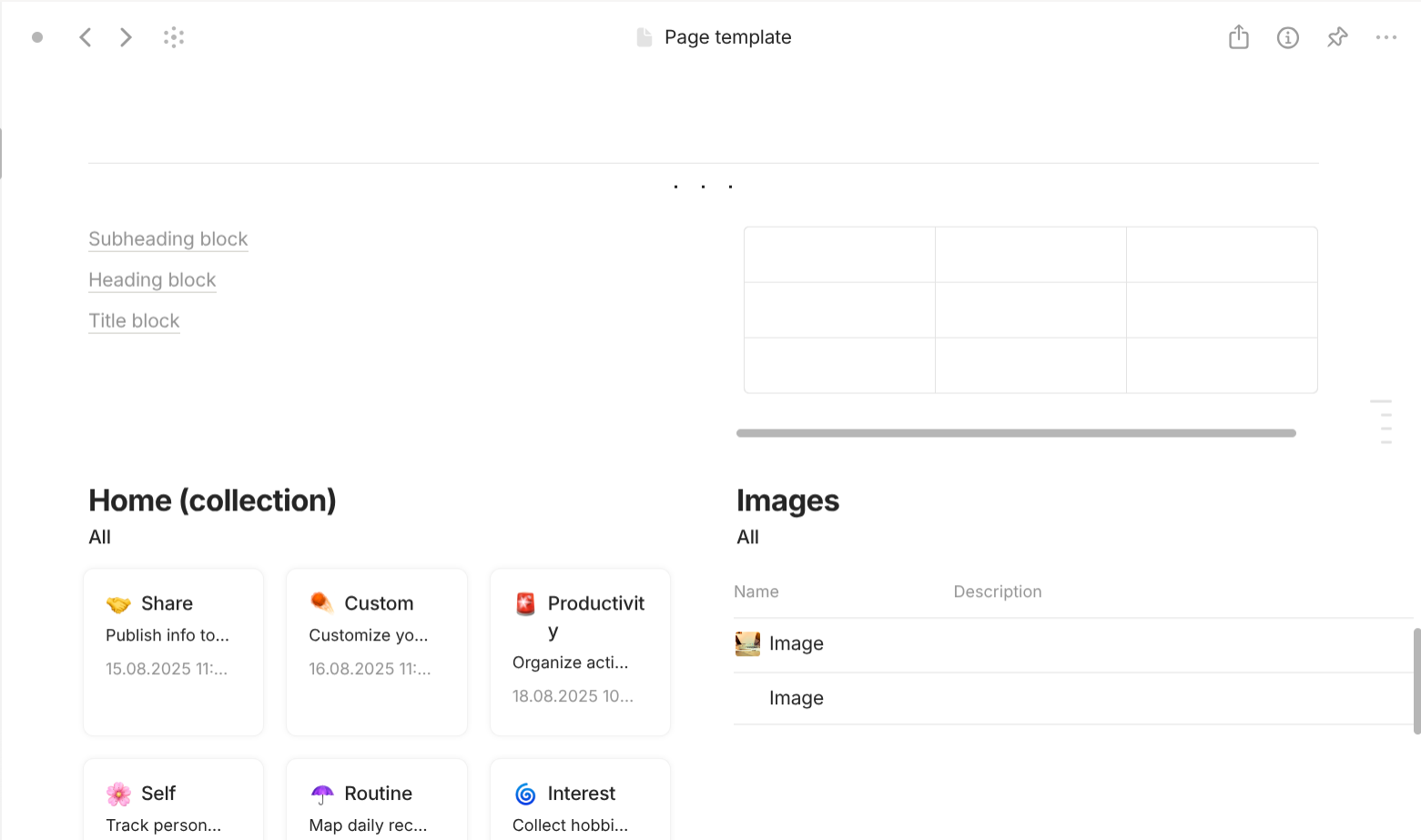
Line divider,Dot divider,Table of Contents,Table 3x3(You can resize table later),Inline Collection(open the Collection inside the Page),Inline Query(open the Query inside the Page). - Objects: references to other middle-layer objects. This can be one of the following options:
Object(create a button that links to anObject),File(create a button that opens a File), andDate(create a button that links to aTypenamedDatewith the value of that date), anyTypeobjects you have created so far. - Property elements: references to this
Object'sProperty. You can drag the Property you want to insert into the document from the Properties panel within every object. - Mentioned elements (start with an address sign "@"): text elements (not occupy the entire block) that display name and link to
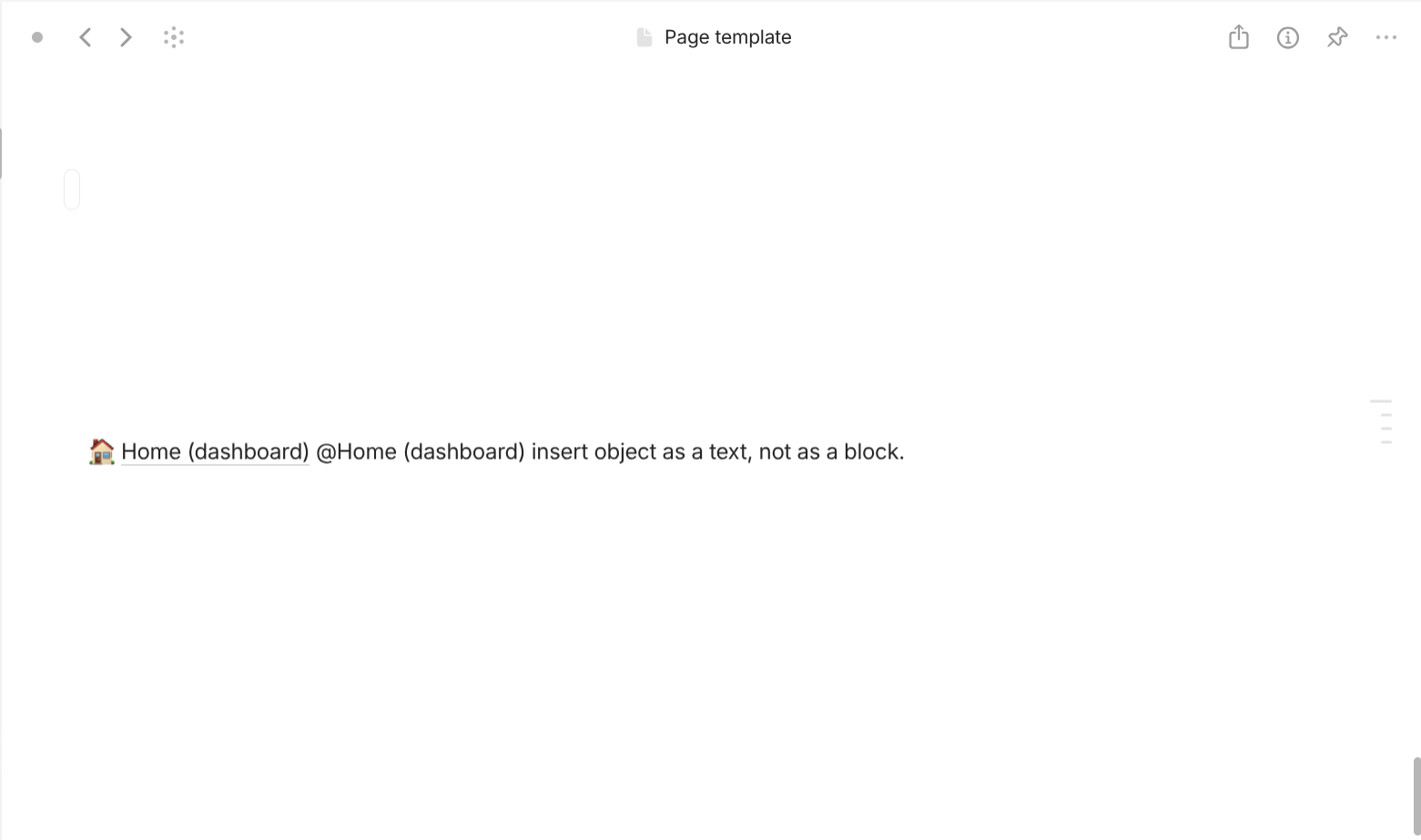
Object. This is extremely useful when you are working with recurring names that you want to exist insideBlockasTextnot separately asBlocklike the "Object" method above.

Navigation
In this part, you will learn how to access your information in Anytype. Just like Organization, Navigation have the following layers:
- Screen
- Window
- Panel
Screen
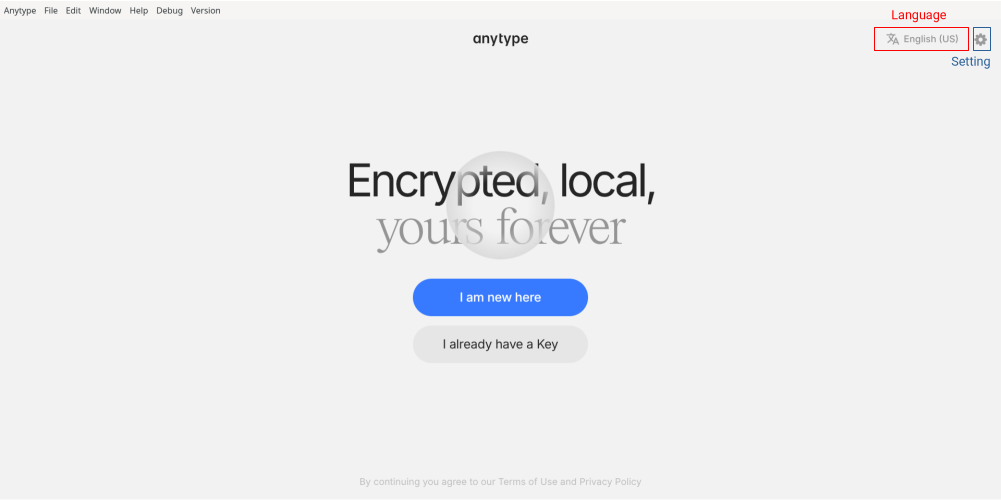
If you use Anytype for the first time or just log out, you will see Anytype's Login screen. At the center of it, you can choose "I am new here" to create a new Vault or "I already have a Key" if you want to log in your Vault again. In the top right corner, there are buttons for you to change the interface language and change the settings.
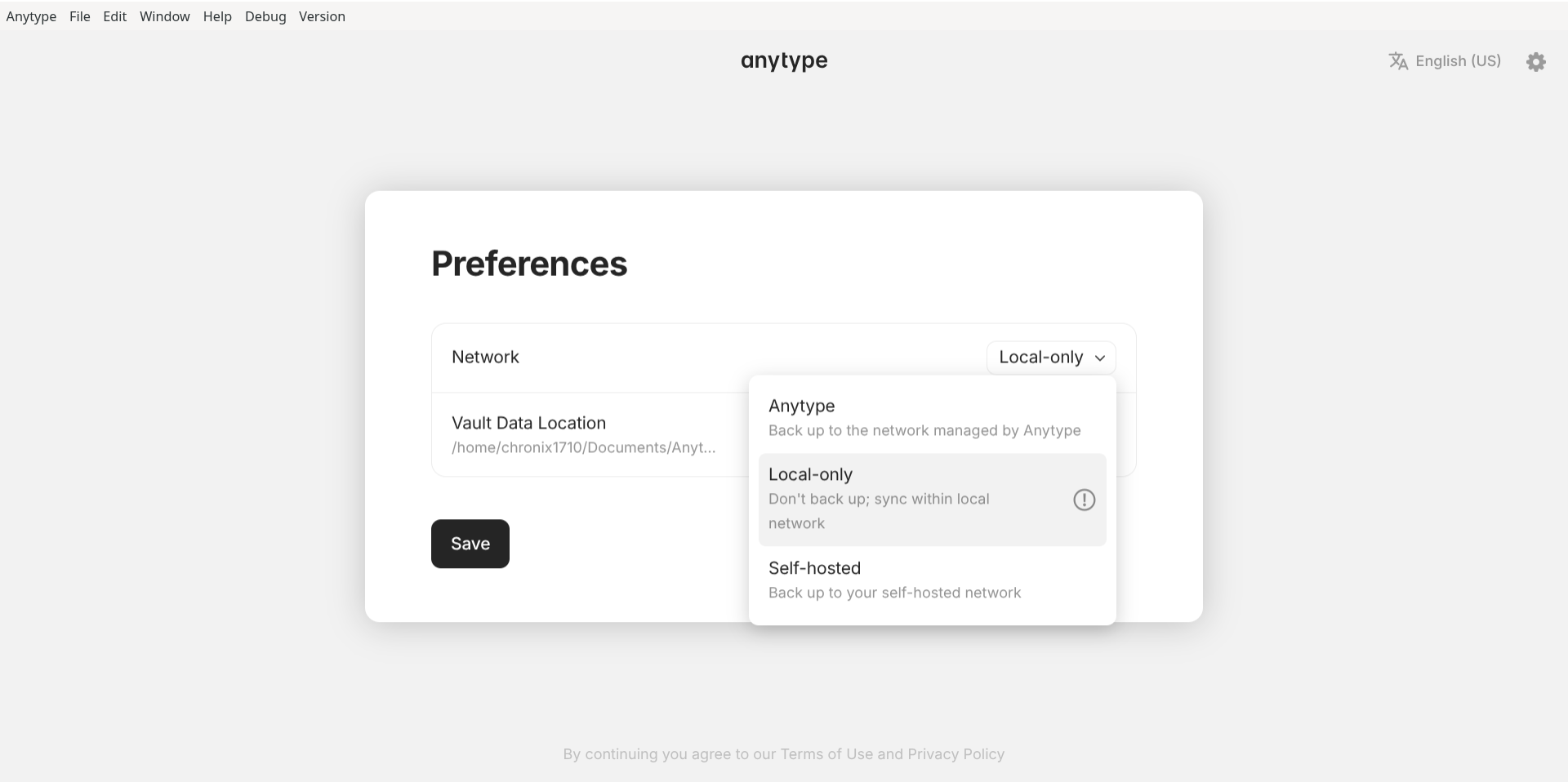
In this panel, you can change the Network. It has three options:
- Anytype: use Anytype network for backup and synchronization. You are subjected to Anytype's plan.
- Local-only: synchronize within local network without cloud backup. Your devices at home or at work can synchronize well.
- Self-hosted: back up to your own self-hosted network.
Window
Now, let's move to the next layer - Window.

Window.
Anytype can run multiple Window. Every Window has "menu bar" for navigation. Menu bar has the following groups:
-
Anytype: navigate Anytype-related information. "About Anytype" shows you the current version of your Anytype. "Check for updates" will check if there are any updates and Anytype will update itself. "Settings" is where you will go to the most.
"Vault" is where you configure your "Vault". You can configure "Preferences" (Light/Dark mode, Open objects in full screen, Link to object style, Automatically show and hide sidebar, Show Anytype in system tray, Show menu bar), "Language/Region" (Spellcheck Languages, Interface Languages, Date format, Time format, Use relative dates, Week starts on), Pin code (setup screen locker for Anytype when left unattended), Login Key (super important), Local storage (manage to storage), Spaces (manage spaces), My sites (manage published objects), API keys (manage API keys).
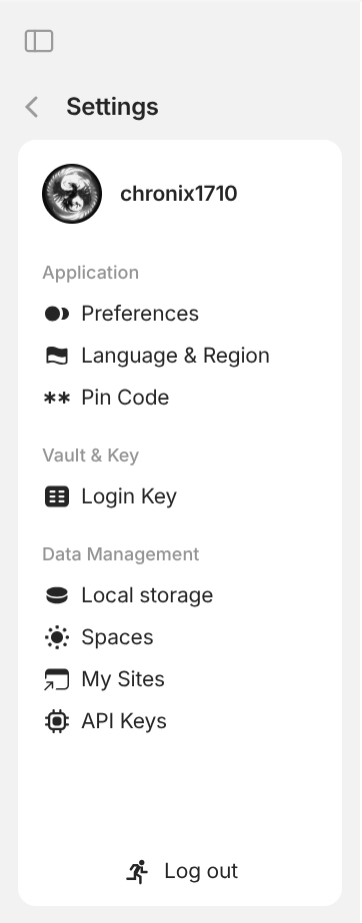
Vault settings "Space" is where you configure your "Space". You can configure "General" (change the name of the space, change the icon of the space, change the object for Homepage, change default object type), "Invite Members" (configure invite link, manage members), "Remote storage" (manage synced files if you use Anytype node for synchronization), Bin (manage deleted entities), "Object Types" (view all user types and system types), "Properties" (view all user properties and system properties), "Import" (by apps like Obsidian, Notion, Anytype; by file type like Markdown, HTML, TXT, CSV), "Export" (by file type Markdown or Any-Block).
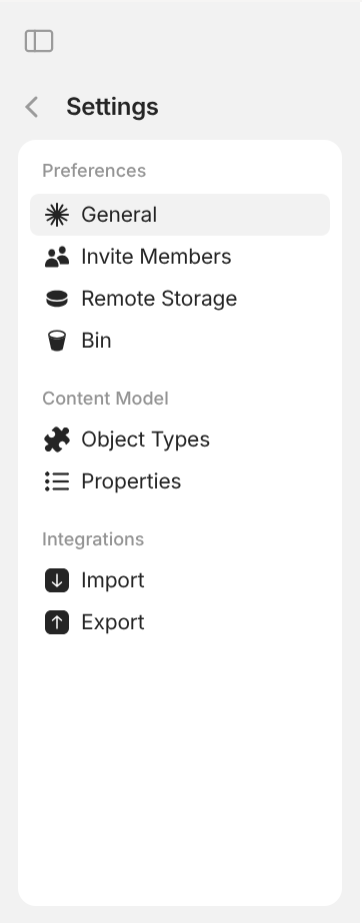
Space settings -
File: interact with the outer layer. It has pretty self-explanatory options: "New Object", "New Space", "Import to Space", "Export Space", "Export Object", "Open" (open directories "Work directory", "Data directory", "Config directory", "Logs directory", "Custom CSS"), "Apply Custom CSS", "Close Window".
Note this whenever you create a new Space. If you don't make any use of Anytype's template and you wish to start from scratch, I recommend you delete everything inside the space. This includes 3
Typethat areTask,Project,Note; everyInstanceof those 3Type; everyInstanceof systemTypelikePageandCollection; everyInstanceofType Template; (you should use the graph for this); every user properties. Why? The names taken by them (objects and properties) may interfere with your own objects and properties (e.g. you misunderstand Anytype's created property as your own property with the same name) should you want to create your own in the future. - Edit: interact with the middle layer and the inner layer. It also has pretty self-explanatory options: "Undo", "Redo", "Copy", "Cut", "Paste", "Paste without formatting", "Select all", "Search", and "Print".
- Window: interact with the current active
Window. It also has pretty self-explanatory options: "New Window", "Minimize", "Zoom in", "Zoom out", "Default Zoom", "Full screen", and "Reload". - Help: interact with external helpful resources. It also has pretty self-explanatory options: "What's new" (read the changelog of the latest version), "Shortcuts" (where you manage your global shortcuts), "ANY Experience Gallery" (a place to showcase different Anytype experiences and to download them into your Space), "Report a Bug", "Help and Tutorials", "Contact Us", "Technical Information", "Terms of Use", and "Privacy Policy".
- Debug: interact with debugging options. The "Dev Tools" option is the most useful here for users who want to have custom CSS. You can inspect the elements inside Anytype just like in browsers.
- Version: change the current version of Anytype: "Releases" for official, stable release. "Pre-releases" for nightly build.
Panel
The final layer is Panel. Window has three Panel, correspondingly from left to right: Left Panel, Middle Panel, Right Panel.
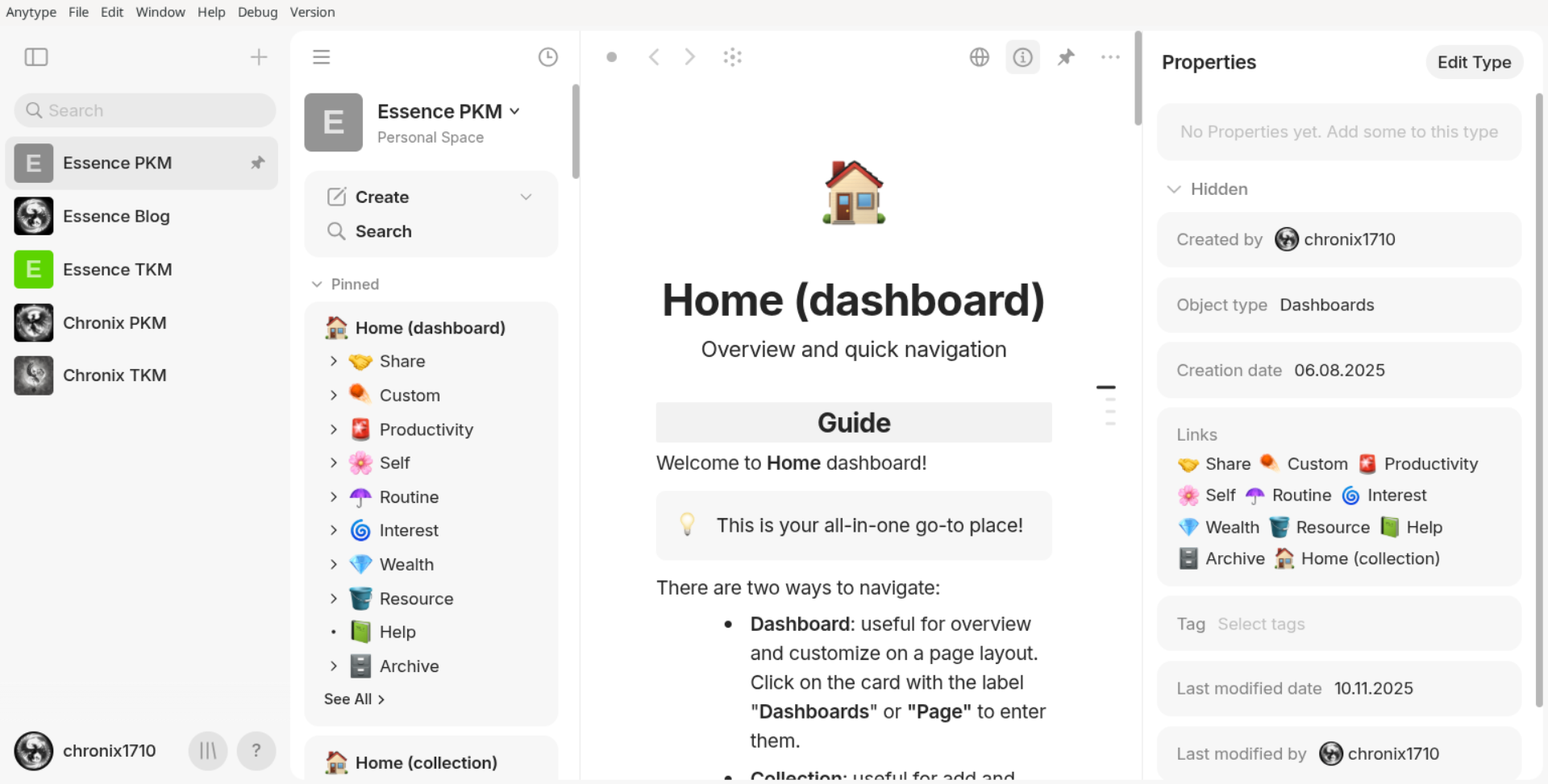
Panel of every Window from left to right: Left Panel, Middle Panel, Right Panel.
First, the Left Panel. You can change the size of this panel by hovering the right border and dragging it towards left or right when the pointer symbol changes. You can hide this panel by clicking the button on the top left or simply dragging it towards to left border.
Depending on the context, this panel can be:
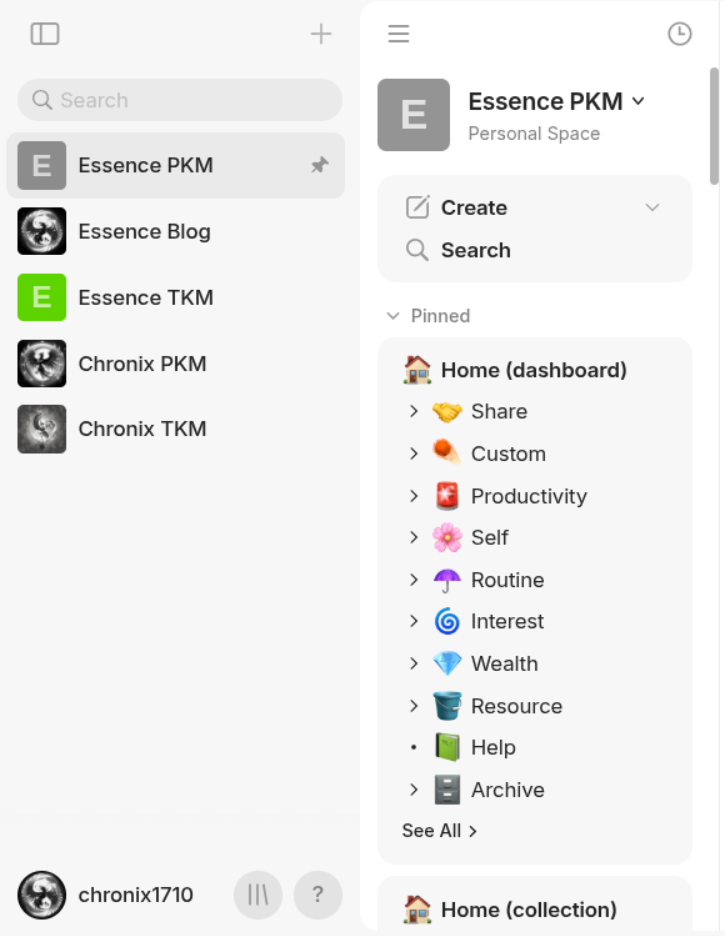
- Space Panel: It contains
Spaceyou own or join. There is an icon next to a space that shows up when theSpaceis pinned. At the bottom, there areAccountsetting, a button that takes you to the Anytype Experience Gallery inside the app where you can conveniently test out the experiences, and a button for help. - Widget Panel: On the first row, it show your Space's name & icon; a button to create new object in the default type in the settings; and a small menu to list all user types & some system types, to create a new type, or to Import. On the second row, there are "Search" (where you can enter the "Search interface"), Invite members (enter the "Invite Members" in the Settings), "Settings" (enter Settings of the current Space). The next rows are for
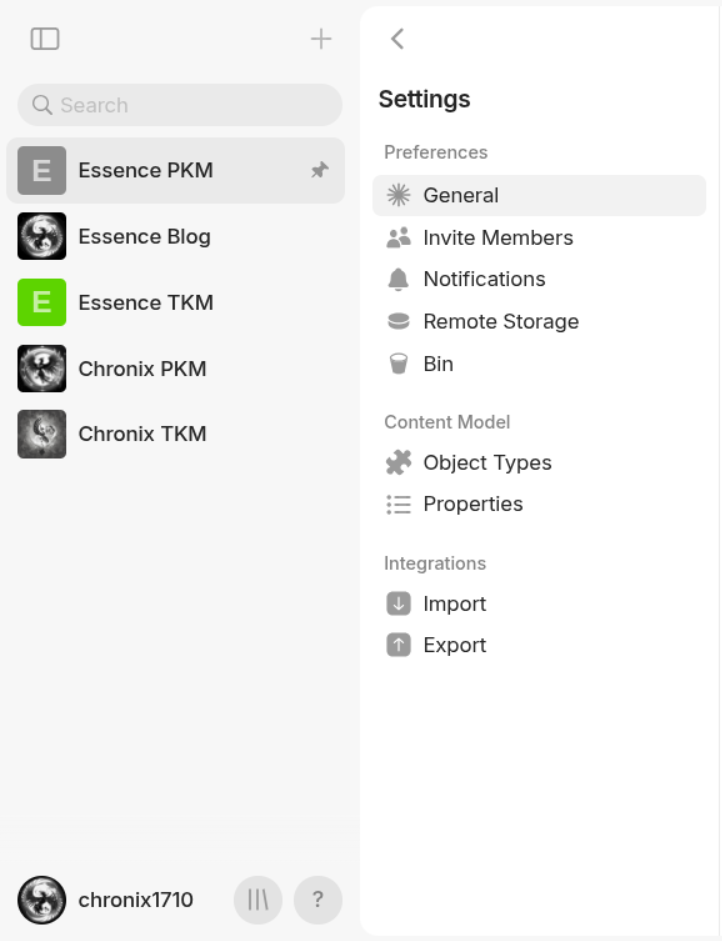
Widget. Widget are buttons that show a portion of information about its object and opens that object when you click on it. The order of widget can be changed by dragging them below or above others. Widgets can be expanded to show its linked objects (the maximum numbers of linked objects to be shown are 6, 10, 14, 30, and 50) or collapsed. Every widget has name, icon and a view. There exist 4 different views in total: "Object view" (display linked objects' names and icons exactly how objects with "Format" of "List" display their linked objects; objects are put in tiles and each line contains 2 tiles), "Compact list view" (display each linked object's name and icon on a separate line), "List view" (display each linked object' name, icon, and short description on two lines), "Compact widget view" (do not display any linked objects). Should the number of linked objects exceeds the configured maximum number, there is a small button called "See all" which takes you to fully expanded list of linked objects inside the panel. Widgets of objects with "Format" of "Page" have only 2 kinds of views available: "Object view" and "Compact widget view". All widgets exist in two subpanels "Pinned" and "Objects", which can be expanded or collapsed. "Pinned" subpanels are for objects which you have manually pinned them. "Objects" subpanels for objects which are automatically pinned by the systems. Inside it, there is an important object named "Bin" where you can restore and delete permanently deleted objects and properties. - Settings Panel: depending on Space or Vault settings, it shows you the respective navigation items.
Next, the Middle Panel. This panel always has an accessible menu on the top. There are three sections.

The section on the left has 4 buttons: "Sync status" (show synchronization status if you connect to Anytype network), Back (go to the previous object), Forward (go to the next object), Graph (enter the Graph mode of Middle Panel).
The bar in the middle shows the current object's name and icon and if you click on it, it shows the Search interface (Search interfaces show objects' icons, names, types and descriptions).
The right section on the right has 4 buttons: "Share" (publish the current objects onto Anytype's network - this can be used even if you are in Local network but have used Anytype network previously), "Properties" (expand or collapse the Right Panel), Menu (open advanced options). The Menu has the following buttons: "Lock object" or "Unlock object" (locked objects cannot be modified), "Add link to Object" (link other objects to this objects), "Add to Collection" (link this objects to any objects with "Format" of "List"), "Use as template" (Create a Template object for its corresponding Type), "Copy link" (The link copied has the same ID as the files you can file in your vault's folder "objects"), "Search in Object" (self-explanatory), "Version history" (useful when you share the work with others), "Duplicate" (create an identical object; a note of overthinker: don't worry, it won't duplicate any linked objects inside because remember that objects don't contain objects like folders, they are just linked; the new object will have different ID), "Move to Bin" (aka delete), "Print" (self-explanatory), "Export" (it has "Export format" which you can choose between "Any-Block" for being more compatible with Anytype or "Markdown" for being more compatible with other software, "File format" which you can choose between JSON or Protobuf, Zip archive to put everything in an archive file, "Include linked objects" to include everything RECURSIVELY, "Include files" to include every piece of media you have uploaded to the space that has something to do with this object, "Include archived objects" which I have no idea.
Depending on the context, this panel can be:
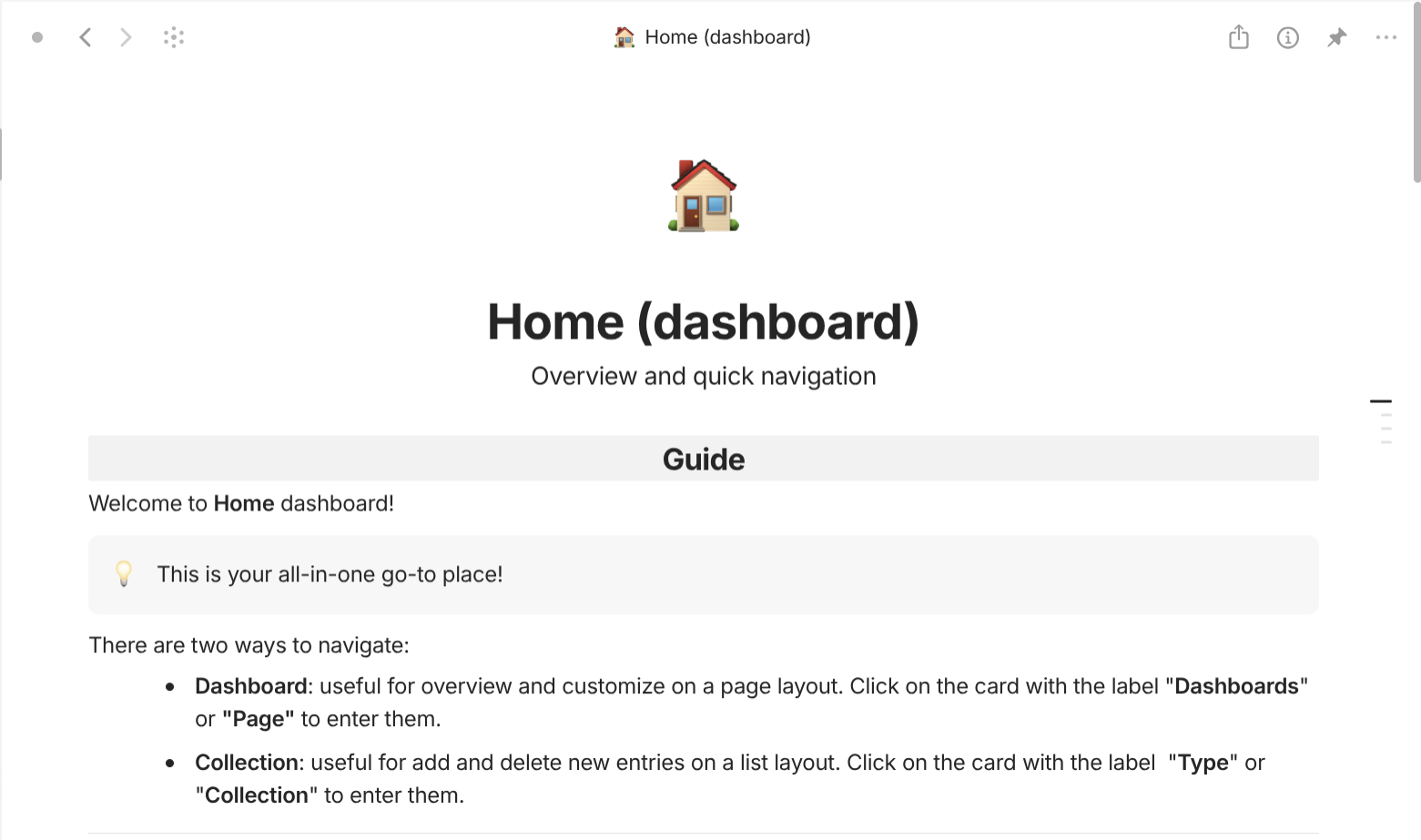
- Document Panel: similar to any word processor. This panel shows up when you enter any object with "Format" of "Page".
- List Panel: similar to databases in some note-taking apps. This panel shows up when you enter any object with "Format" of "List".
- Settings Panel: where you can change the settings.
- Object Panel: where you can see the preview of a typical object that belongs to the
Typeyou are going to create. - Graph Panel: where you can have the "Graph" view of your entire Space or the current object. You can use your mouse wheel to zoom in or zoom out to see the graph on different scale which may effect the apperance of objects' icons and names. When you select one object, everything else is blurred and its relations will be highlighted on the graph. There are also a button "Search" and a menu to configure the graph. "Appearance" section allows you to enable information to show on the graph like "Titles", "Arrows", "Icons", "Preview", and "Cluster by Type" (objects of the same type are groups in clusters). "Show on Graph" allows you to enable entities to show on graph like "Links", "Relations", "Unlinked Objects", "Type Edges", "Local graph" (which will show only the current object and its linked objects with your chosen level of depth from 1 to 5). "Filter by Types" sections allows you to enable certain types on the graph.
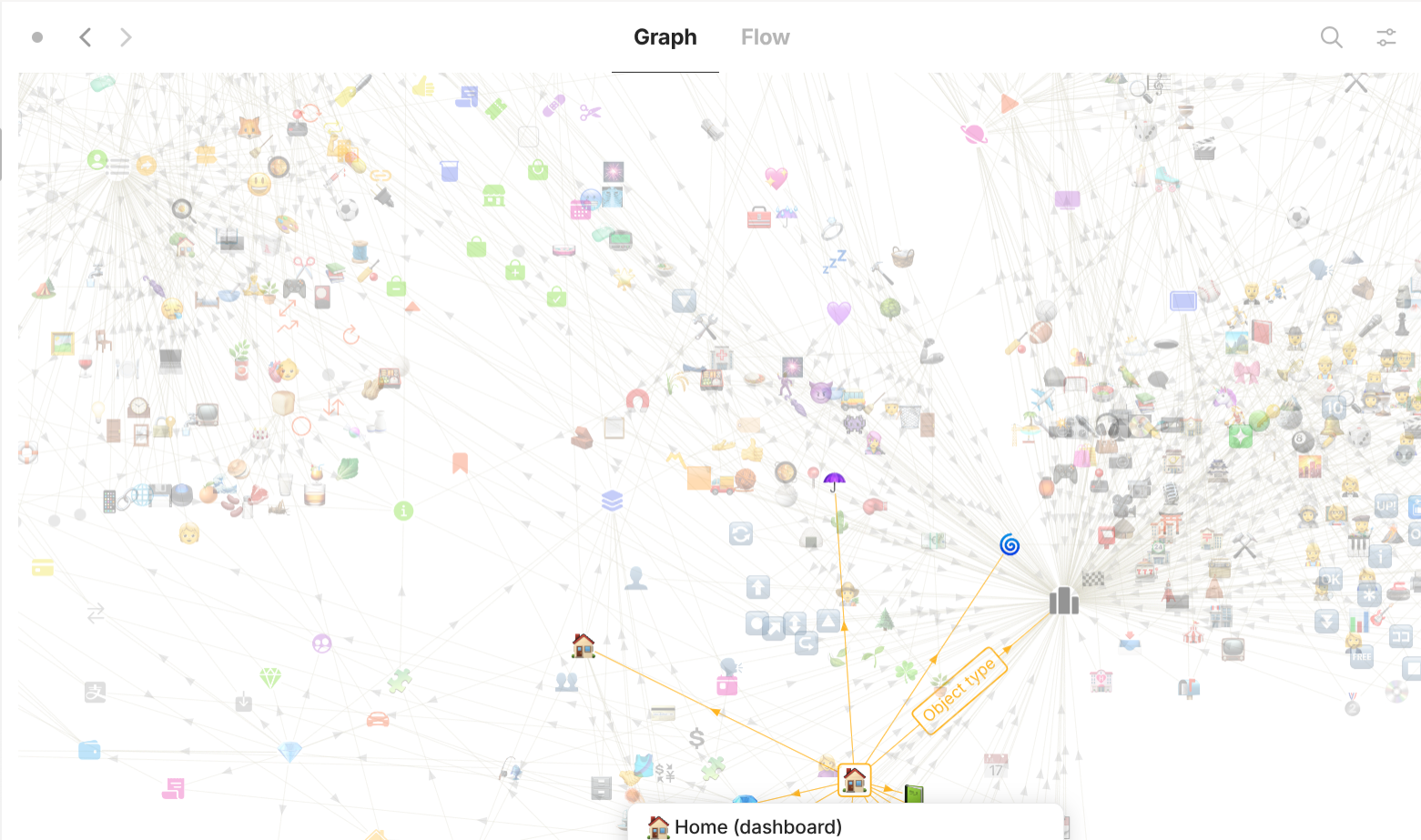
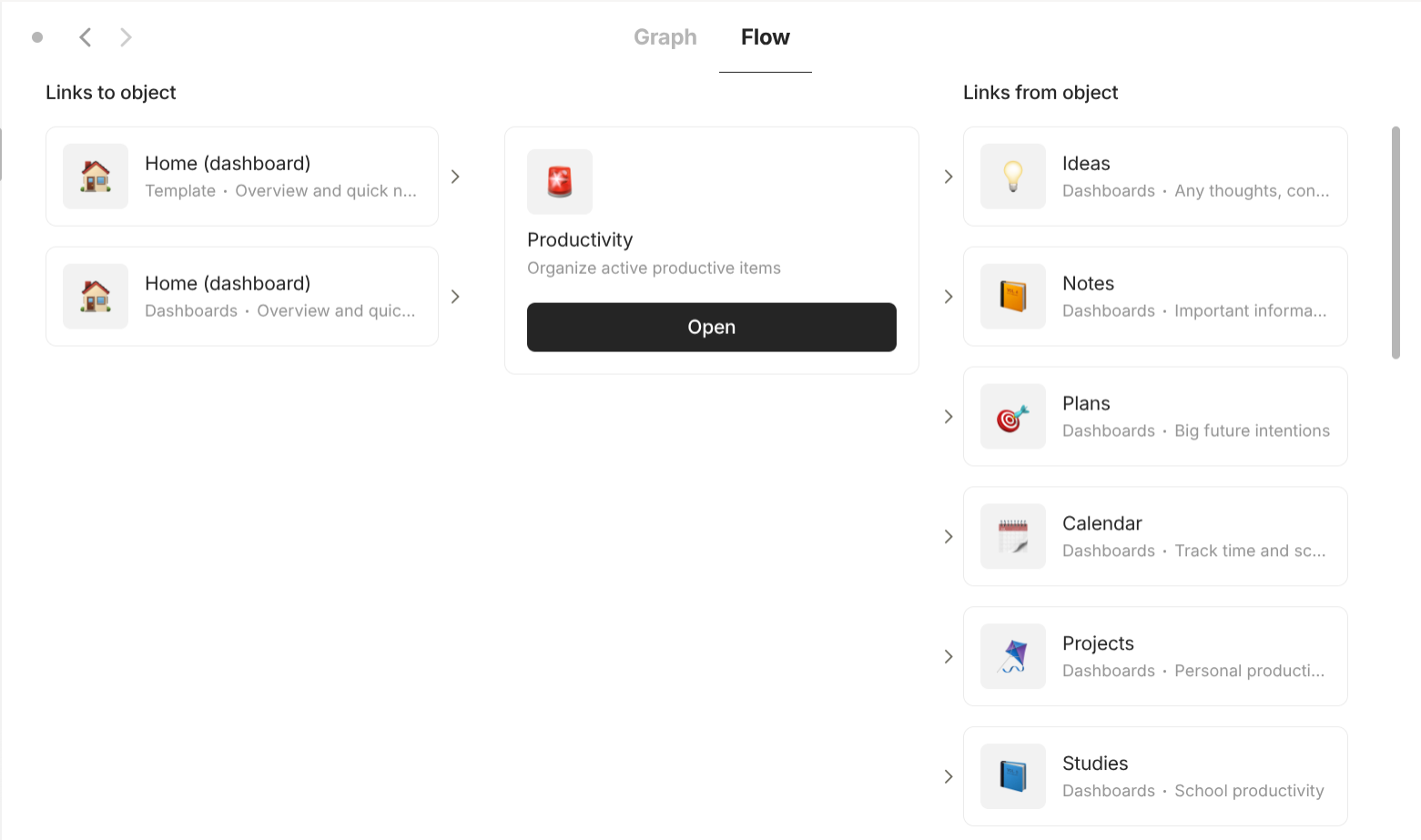
- Flow Panel: This is only accessible if you enter the mode "Graph Panel" first then you can switch to "Flow Panel". This is where you can have the "Flow" view of the current object. Flow has three columns which show: all objects that are linked to this objects, the current object, and all objects this object is linked to.
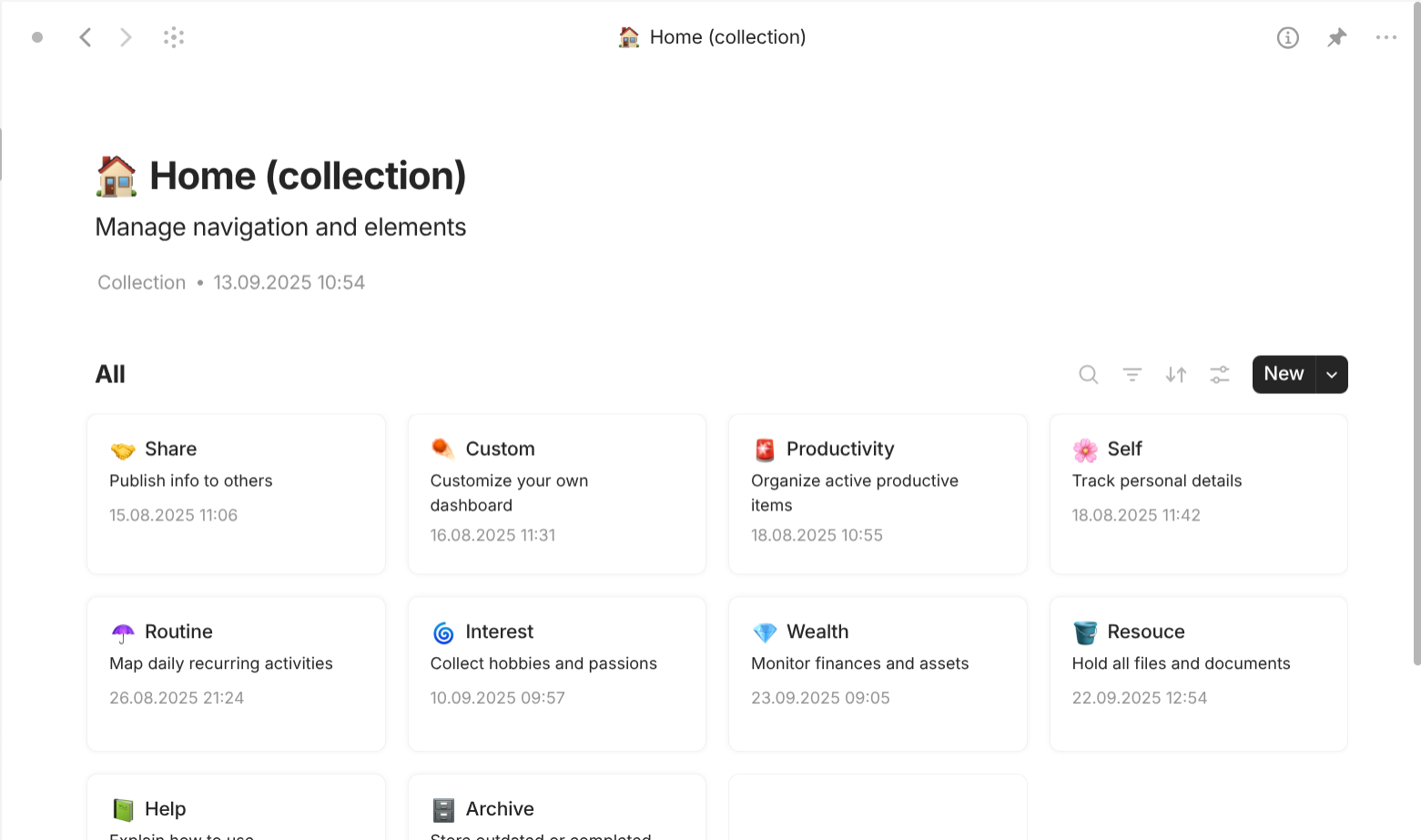
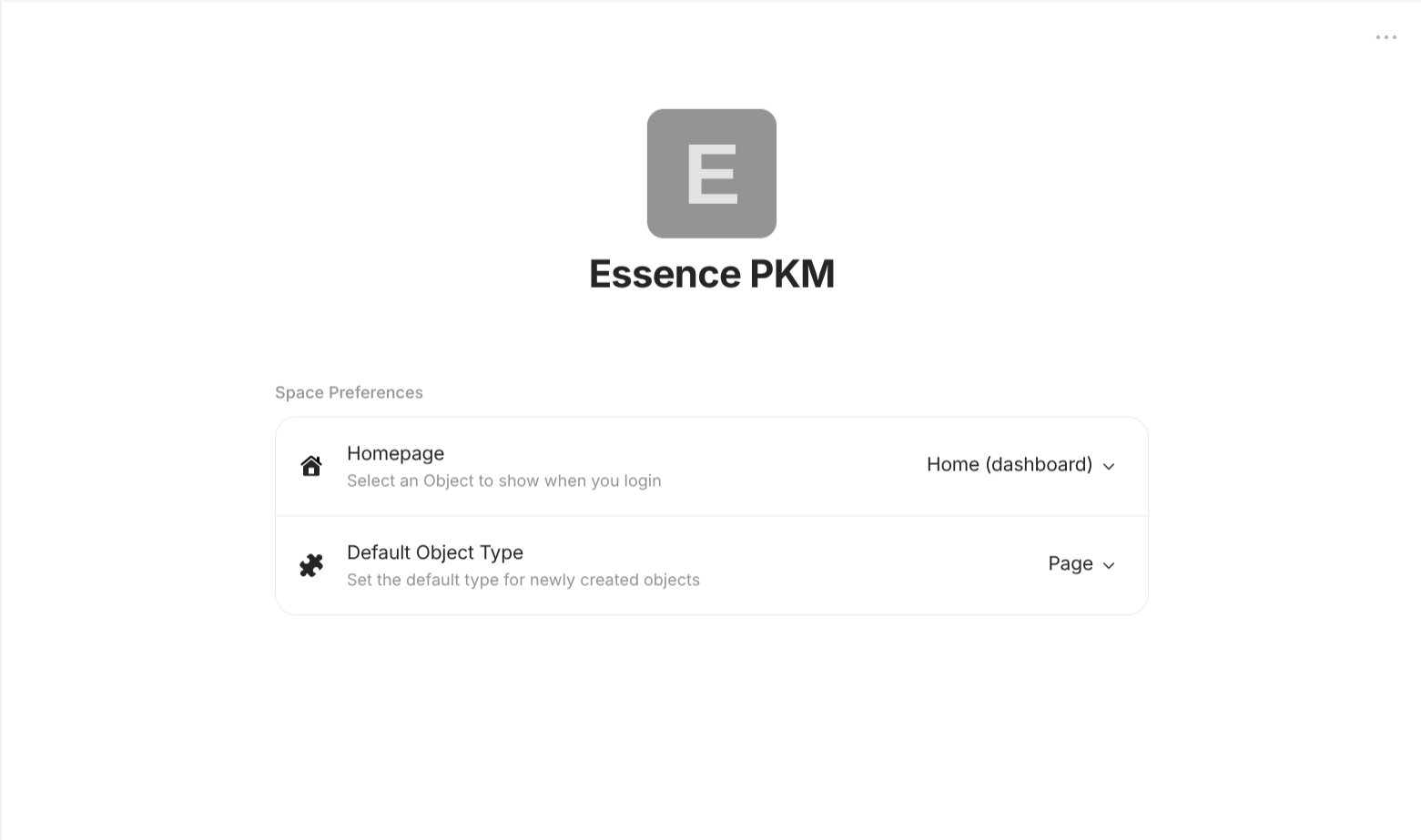
Finally, it's the Right Panel. This panel is hidden by default.
Depending on the context, this panel can be:
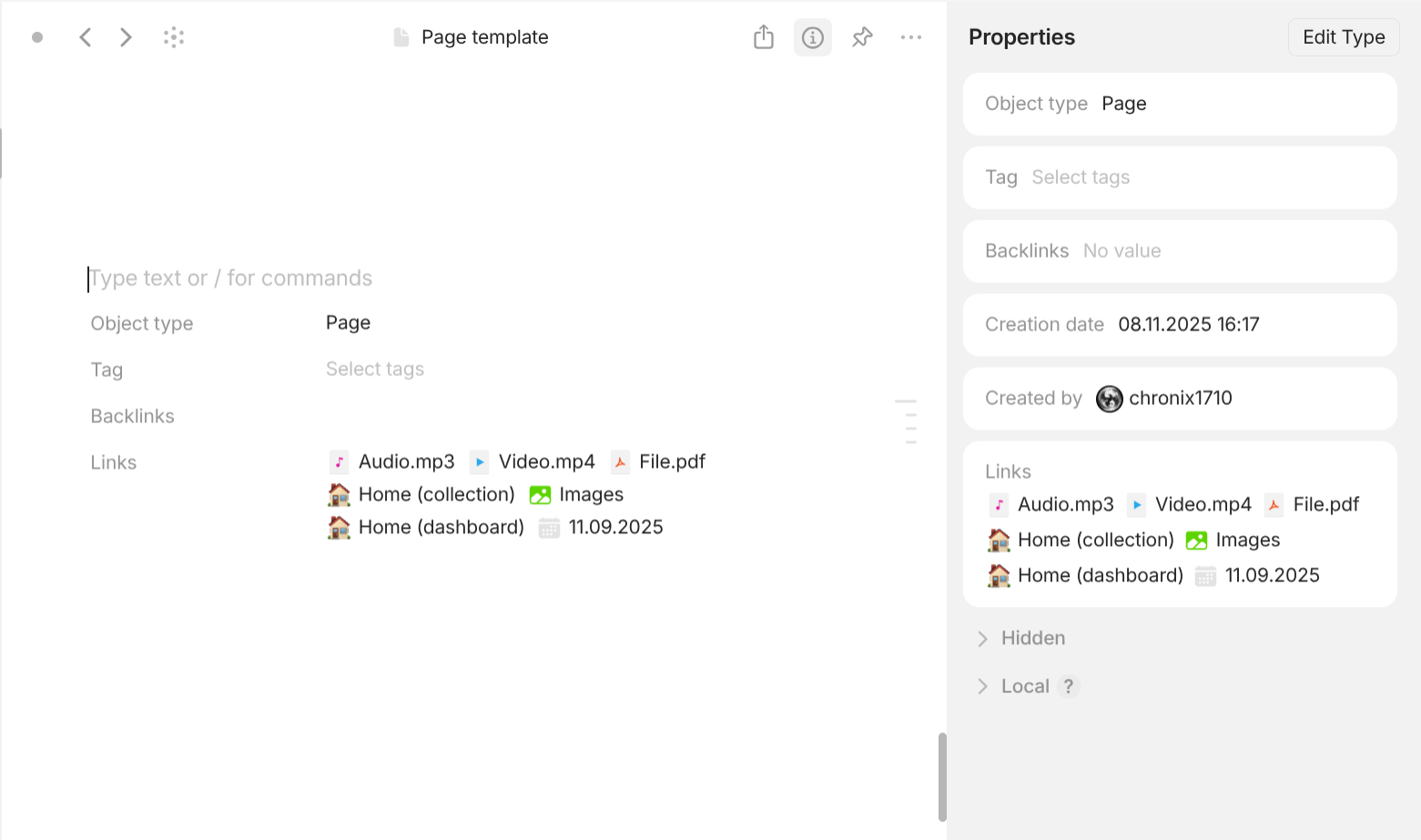
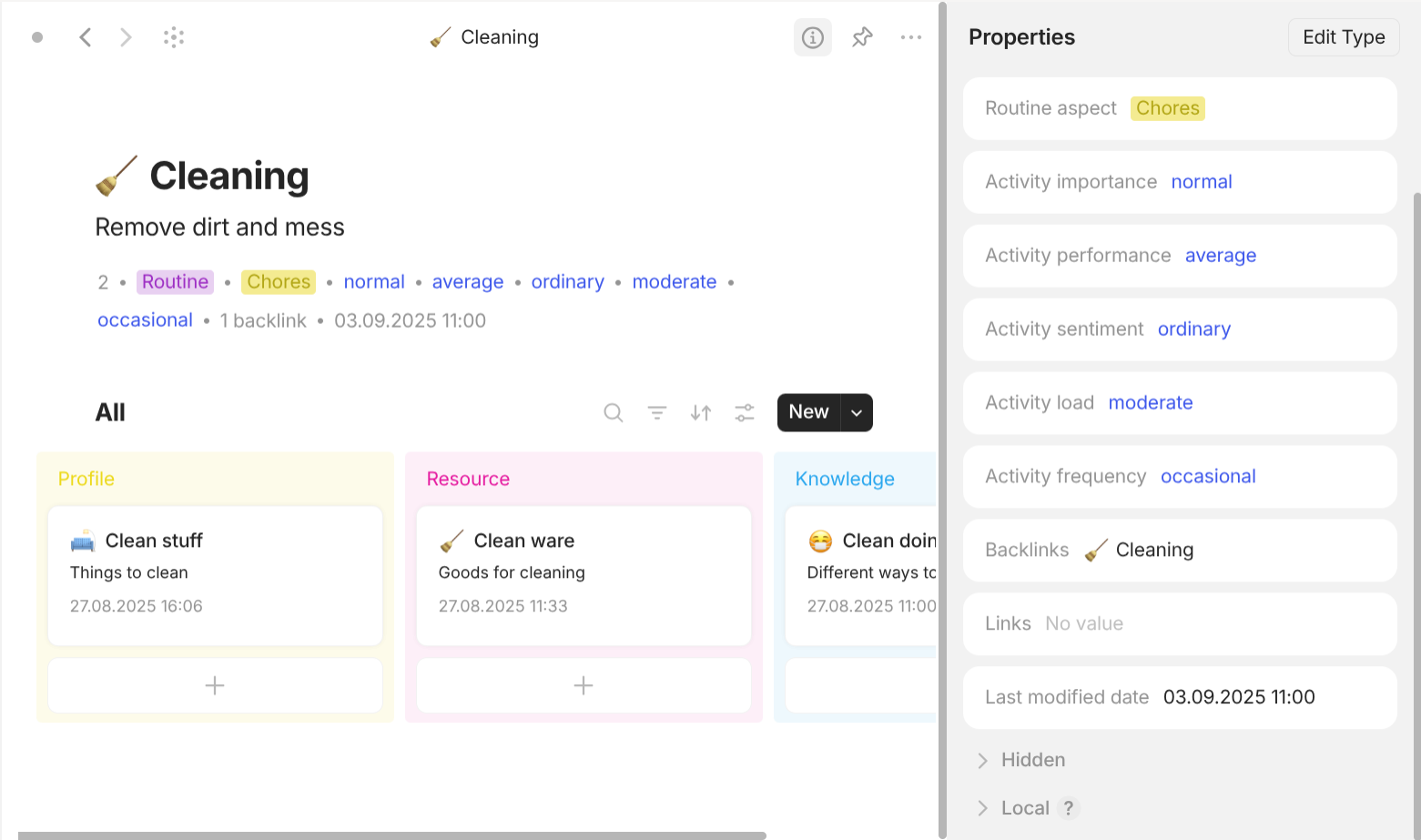
- Properties Panel: this panel expands or collapses when you click on the button "Properties" on the top left of the Middle Panel. It displays all properties that are put in Properties panel (configured in its Type). Properties that are put in Hidden are grouped in the section "Hidden". Local properties are grouped in the section "Local".
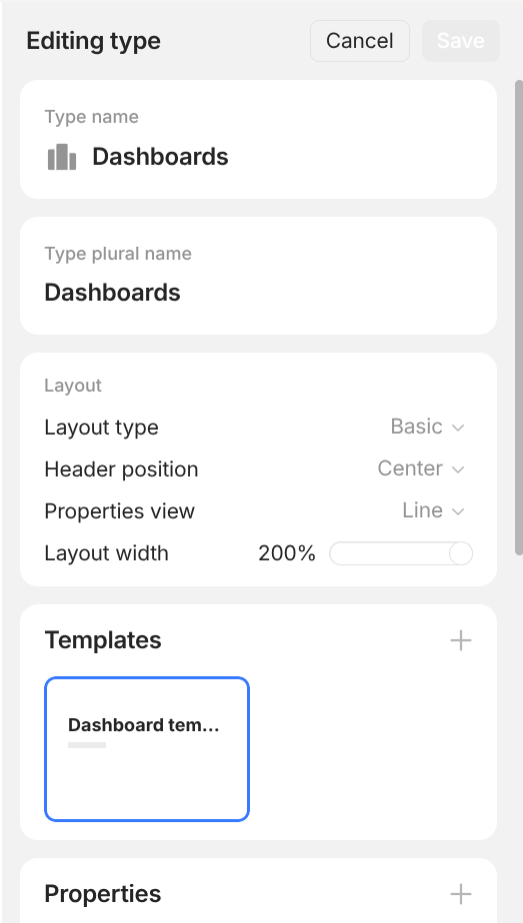
- Type Panel: this panel automatically appears when you create a new
Typeor edit an existingType. The inside of this panel has been fully explained in the section "The middle layer" above.
Summary
Watch out for the following bullet train!
- There are 2 aspects to learn about Anytype. Organization tells you how information is organized and Navigation tells you how to access information.
- Organization has 3 layers: Outer layer, Middle layer, and Inner layer.
- Outer layer is where
Account,Vault, andSpaceexist. Vault contains all of your information with passphrase protection. The vault is linked to anAccountfor attached subscription, network, and synchronization.VaultcontainsSpace. Data inside a space doesn't interact with data in other spaces. - Middle layer exists inside
Spaceis the most important layer. Information is organized based on the Object-oriented approach. Everything information exists on aGraph. Instead of using folders to contain, information is linked with each other. Depending on its nature, every piece of information is put in subsequent folders: files, objects, relations, relationOptions, templates, types. Objectrepresents the thing you want to take note of in real life. Objects can haveRelationwith each other. Each object has somePropertywhich adds additional information about that object that exists along with the object itself (not inside the object). The termEntityis used to refer to all of them.- There are 2 kinds of
Relation. LinkRelationtells which object is linked to which object. It is represented by a line without label on theGraph. TypeRelationtells which object belong to which type. It is represented by an arrow with label "Object type" pointing to Type object on theGraph. - There are 2 kinds of
Property. User properties are fixedPropertythat we can create on our own. System properties are dynamicPropertythat we can't manually create or delete. - Every
Propertyhas one and only oneClass. Once aClassis set for aProperty, it cannot be changed. There are severalClass. With Class of Object, Property has the value of none or more than zero objects whoseTypebelongs to a pre-defined list ofType. You can modify this list ofType. With Class of Text, Property has the value of text. With Class of Number, Property has the value of number (positive, negative number; whole, demical number). With Class of Select, Property has none or one value that belongs to a pre-defined list of options. The value of options is text. With Class of Multi-select, Property has none or more than zero values that belongs to a pre-defined list of options. The value of options is text. With Class of Date: Property has the value of date. The date value can also accompany a time value if users enable "include time". With Class of File & Media - a shorthand version of the class "Object", Property has the value of none or more than zero objects whoseTypebelongs to a pre-defined list ofTypewhich consists ofImage,Audio,Video,File. With Class of Checkbox, Property has the value of either checked or unchecked. This is a useful property for objects like tasks. With Class of URL, Property has none or a valid URL. With Class of Email: Property has none or a valid email address. With Class of Phone, Property has none or a valid phone number. Objectthat is pointed to by the arrow with the label "Object" is calledType. The otherObjectkind on the other side of the arrow without label is calledInstance(a made-up term for distinguishing). There exist other kinds ofObjectwhich are neitherTypenorInstance.- Every existing
Object(not justInstance) must have aTypeand belong to only oneType. This even applies to Type itself. AllTypeobjects belong to the ultimate Type named "Type", which will be referred to asType (Type). However, it is not represented on the Graph and cannot be accessed or modified. TypeofObjectis reflected by a systemPropertycalled "Object type". Once anObjectis created with a certain userType, you cannot change its "Object type" as it is a system property. There is an exception for two special system types that arePage(Pageobjects can be switch to any objects with Format of Page) andCollection(Collectionobjects can be switch to any objects with Format of List).Typedecide the common part that everyInstancebelonging to thatTypeyou wish to share. That common part consists of Format, Templates, and Properties.- Format decides what the structure of all
Instanceof thatTypeshares is. Layout accompanies Format which you can further specify with some options. It cannot be changed once a userTypeis created. - There are 2 kinds of Format. Page means the information of an
Instanceis organized like a regular document. List means Instance is organized like a table or database which lists all of its linked objects in differentViewand allows users to Search, Filter, and Sort. - View is how you organize the objects inside. Each
Viewis a combination of View settings, Sort, and Filter. - There are 6 kinds of
View. Grid displays linked objects with properties in a table format where rows and columns size are automatically aligns. Gallery displays linked objects in a tile format where properties are contained inside objects' tiles. List displays linked objects with properties in a list where the size of them don't line up like columns and rows in "Grid" view. Kanban displays linked objects in a board format where boards group objects based on certain properties. Calendar displays linked objects in a calendar format where objects are placed on certain dates. Graph displays linked objects in a graph format where relations between linked objects are focused on. - Template are dynamic reusable blueprint for objects within a
Type.Templateis a special kind ofObject. Whatever theTypeis, allTemplateinstances belong to the Type named "Templates". However, they share the Format and all properties of theTypethey are associated with. Their association withTypeis nowhere to be found through Property as they do not show up on theGraph. The association can only be known when you click into thatTemplateobject. Propertyof aTypecan exist in 3 places: Header, Properties panel, and Hidden.Propertyin Header are displayed below the name of an object when you enter it.Propertyin Properties panel can be displayed in different View for objects with "Layout" of "List".Propertyin Hidden are not displayed and can only be access through Local properties panel. Object can havePropertythat are not specified by theirType. These are call Local properties. They are very helpful when you want to extend a certain group of objects of a Type which have properties that you don't want to include in other objects of that Type.Typecan be further divided into User type and System type. System types can be put into the following groups: MediaType, Space MemberType, TemplateType, CollectionType, PageType, QueryType, BookmarkType.- Media
TypeincludesAudio,Image,Video,File. They areTypeto represent the system files you want to include in your objects. - Space Member
Typerepresents the members in the space. - Template
Typehas been explained above. - Chat
Type: represent conversations. - Collection
Typewhose objects are just objects with "Format" of "List". Sometimes it is called "Set" (a non-standard or misnomer name). You can create aTypesimilar toCollectionbut the objects of thatTypewon't be linked in theType"Collection" itself. There is no universalTypethat allows you to access all objects with "Format" of "List".Collectionallows its objects to change theirTypebut only intoTypewith "Format" of "List" by clicking on the property "Object type" inside each object. - Page
Typewhose objects are just objects with "Format" of "Page". Sometimes it is called "Note" (a non-standard or misnomer name). You can create aTypesimilar toPagebut the objects of thatTypewon't be linked in theType"Page" itself. There is no universalTypethat allows you to access all objects with "Format" of "Page".Pageallows its objects to change theirTypebut only intoTypewith "Format" of "Page" by clicking on the property "Object type" inside each object. - Query
Typewhose objects are similar toCollectionin the fact that they are just objects with "Format" of "List" but automatically link objects based on properties in Filter. - Bookmark
Typewhose objects are similar toPagein the fact that they are just objects with "Format" of "Page" but have a useful property called "Source" which you can input any URL and Anytype will automatically retrieve the icon, the title, and the description of that online resource. - Date
Typewhose objects automatically link everyEntity(this includesObjectandRelation) whose properties with "Class" of "Date" have value of the name of thatDateobject. The names ofDateobject reflect the date value that will be used to filter linked objects. Every Date object is automatically created by the system and cannot be modified. - Inner layer only exists for object with "Format" of "Page". The inside of those objects where you can write and place your information is called
Document. - The unit of
DocumentisBlock. Each block acts as a container that you can apply style, change position and edit content as a whole. When you hover your mouse over the block, there is a white bar on the left which you can use to style and move the block as a whole. - The unit of
BlockisText. The text inside a block can have their own style, which can override the style of the block. Inline text can have multiple styling options: bold, italic, strike through, underline, link, text color, background color. Blockexist within aRow.Blockoccupies all space of the row by default when created. When you drag another block into a Row which have other blocks, they now share the same line and occupy an equal space. You can change the space occupied by each block by dragging the column gap between. You can drag the block into an emptyRowto make it fully occupy theRow.- There are several kinds of
Block: TextBlock, ListBlock, MediaBlock, EmbedsBlock, Document elementsBlock, ObjectsBlock, Property elementsBlock, Mentioned elementsBlock. - Text
Blockcontains text. This kind can be one of the following options:Text,Title,Heading,Subheading,Highlighted,Callout(like a quote). - List
Blockcontains text automatically preceded bullets. This kind can be one of the following options:Checkbox,Numbered List,Bulleted List,Toggle.Toggleis a special kind of block, which can contain their own content and other block. - Media
Blockcontains content that is not text but media. This can be one of the following options:File,Image,Video,Audio,PDF,Bookmark,Code snippet. Even though these entities can be only created in the inner layer, once they are created, they exist in middle layer and can only be removed in the middle layer even when are references of them in the inner layer have been removed.PDFis a special case ofFile, which can be displayed as full document inside the document interface. - Embeds
Blockcontains interactive third-party content embedded through a link. The list is exhaustive so you can check within your Anytype app. - Document elements (Other)
Blockacts as layout blocks. This can be one of the following options:Line divider,Dot divider,Table of Contents,Table 3x3(You can resize table later),Inline Collection(open the Collection inside the Page),Inline Query(open the Query inside the Page). - Objects
Blockreferences to objects in the middle layer. This can be one of the following options:Object(create a button that links to an Object), File (create a button thatopensa File), andDate(create a button that links to aTypenamedDatewith the value of that date), anyTypeobjects you have created so far. - Property elements
Blockreferences to thisObject'sProperty. You can drag the Property you want to insert into the document from the Properties panel within every object. - Mentioned elements
Block(start with an address sign "@") contains text elements (not occupy the entire block) that display name and link toObject. This is extremely useful when you are working with recurring names that you want to exist insideBlockasTextnot separately asBlocklike the "Object" method above. - Navigation has 3 layers: Sceen, Window, and Panel.
- If you use Anytype for the first time or just log out, you will see Anytype's Login screen where you can choose "I am new here" to create a new Vault or "I already have a Key" if you want to log in your Vault again. In the top right corner, you can change the Network. "Anytype" network uses Anytype network for backup and synchronization. You are subjected to Anytype's plan. "Local-only" network uses local network for synchronization without cloud backup. "Self-hosted" network uses your own network.
- Anytype can run multiple
Window. EveryWindowhas "menu bar" for navigation. Windowhas threePanel, correspondingly from left to right: Left Panel, Middle Panel, Right Panel.- You can change the size of Left Panel by hovering the right border and dragging it towards left or right when the pointer symbol changes. You can hide this panel by clicking the button on the top left or simply dragging it towards to left border.
- Depending on the context, Left Panel can be in many modes. Settings Panel shows you the respective navigation items depending on Space or Vault settings. Vault Panel contains
Spaceyou own or join. Space Panel contains list ofWidget.Widgetare buttons that show a portion of information about its object and opens that object when you click on it. The order of widget can be changed by dragging them below or above others. Widgets can be expanded to show its linked objects or collapsed. - There are 4 different views for Widget. "Object view" displays linked objects' names and icons in tiles and each line contains 2 tiles. "Compact list view" displays each linked object's name and icon on a separate line. "List view" displays each linked object' name, icon, and short description on two lines. "Compact widget view" does not display any linked objects.
- Should the number of linked objects exceeds the configured maximum number, there is a small button called "See all" which takes you to fully expanded list of linked objects inside the panel. Widgets of objects with "Format" of "Page" have only 2 kinds of views available: "Object view" and "Compact widget view".
- All widgets exist in two subpanels "Pinned" and "Objects", which can be expanded or collapsed. "Pinned" subpanels are for objects which you have manually pinned them. "Objects" subpanels for objects which are automatically pinned by the systems. Inside it, there is an important object named "Bin" where you can restore and delete permanently deleted objects and properties.
- Middle Panel always has an accessible menu on the top.
- Depending on the context, Middle Panel can be in many modes. Document Panel shows up when you enter any object with "Format" of "Page" and it has interface similar to any word processor. List Panel shows up when you enter any object with "Format" of "List" and it has interface similar to databases in some note-taking apps. Settings Panel is where you can change the settings. Object Panel shows the preview of a typical object that belongs to the
Typeyou are going to create. Graph Panel shows you the "Graph" view of your entire Space or the current object. Flow Panel shows you 3 columns: all objects that are linked to this objects, the current object, and all objects this object is linked to. This is only accessible if you enter the mode "Graph Panel" first then you can switch to "Flow Panel". - Right Panel is hidden by default.
- Depending on the context, this panel can be in many modes. Properties Panel displays all properties that are put in Properties panel (configured in its
Type). It expands or collapses when you click on the button "Properties" on the top left of the Middle Panel. Type Panel automatically appears when you create a newTypeor edit an existingType.
Application
If you reach this point, you can see that Anytype offers you a lot of ways to organize your information. However, sometimes when we are offered with a lot of tools, we may waste time selecting the best tools and figuring out the best ways to combine those tools.
In fact, I only need a week to click with Antytype and explore all of its features but this part, it took me a whole month of trials and redoing experiences to finally come up with a list of general use cases - what tools you should use and in what situtation. I believe this part eats up all of note-takers' time and consequently their productivity the most.
The previous section is for you to learn how to use Anytype efficiently. This section is for you to learn how to use Anytype effectively.
There are 2 aspects you should consider everytime you use Anytype for something: Object and Information.
Object
Anytype is object-oriented and its first-class citizen is without doubt: object. Everything piece of information you want to store in Anytype must be about something. It can be concrete things like an item in your house, a person in your life. It can be abstract things like an idea in your head, a note in your work.
As mentioned above, every object must belong to a type. Types differ from each other based on their format, templates, and properties. Since templates and properties of any type can be made identical to any other type, the only thing meaningful to be considered is the format. Luckily, this has only 2 options that are Page and List. Now, ask yourself this first question: Do you think the object needs document interface?
- If the answer is yes, choose "Page". You need document interface when you think the objects of that type have some information that you want to be uniquely exclusive to them and you don't want that information to be represented by any other linked objects. You only care about the document of the object itself and its potential links with other objects.
- If the answer is no, choose "List". You don't need document interface when you want every piece of information of the objects of that type to be represented by any other linked objects. Instead, you care about the properties of object's linked objects.
Think of it like a tree with branches (List) and leaves (Page). Branches can have branches but leaves cannot have leaves nor branches. The leaves are the terminal points of objects. Virtually, you can abstract everything down to its components (that's why I use the phrase "you want" above). A project may be abstracted into its asset, its task, its timeline,… When you want that this is the end of the abstraction, you choose "Page".
Now, ask the next question: Do you have a type for the object?
- If the answer is yes, well, you will decide which type to use for that object. If you have a user type that is specially made for it, go ahead and use it. If you plan to use system types, choose the type "Page" (the type, not the format) if you need document interface and choose the type "Collection" if you don't need document interface. They are very useful when you haven't made your mind yet because they can be converted to other user type later on.
- If the answer is no, we will create a new type for it. You decided the Format part then and now, you just need to decide the templates. The properties part will be dicussed in the next part of this section.
The last question to ask is: Does the object has any reusable part?
- If the answer is yes, you will create a new template if there is no suitable templates in the type or you will choose a suitable template if the list of template.
- If the answer is no, ignore the template.
Templates should be decided as soon as possible as you cannot bulk modify the templates of existing objects.
Information
Anytype is a also note-taking app and its other first-class citizen is without doubt: information. This begs a question: Where do you actually store the information?
Ultimately, there are two places:
-
Property. You can store information on the different properties of objects. This approach is suitable for structured, predictable information.
Example: information about a person such as height, weight, race, gender,… This information only requires a name, a description, and maybe some pre-defined attributes like relationship, generation,…
-
Document. You can store information in objects with "Format" of "Page". This approach is suitable for free-form, unpredictable information.
Example: information about a note, an idea, an assignment, a project. This information cannot be stored in a fixed space like property description because you may expand the note, the idea into multiple paragraphs in the future.
Regarding the examples above, you can actually swap the approaches and are still able to achieve the result. However, it is terribly ineffective. You can choose to write information about a person like height, weight, race, gender,… in a document, but it is difficult for future retrieval as you have to scan the entire document with your eyes while having the keep the format, position of that information consistent across multiple objects; not to mention the fact that there's no comparison between those objects. The same can be said for the remaining case. You can choose to write information about an idea, a note,… in a property, but there is no format as the only suitable Class is text, no links,… Those alternatives are just terrible.
Note that we are dealing with the information you want to store one piece at a time. This means derivative information (information about information) like the topic of the idea you want to store, the context of the person's weight,… should be considered separately.
If you choose the approach "Property", you will have to decide the following:
-
How many properties should you reuse and create new?
Honestly, this is up to your preference and style. Information like the name of a person can be split into surname, middlename, lastname,… or it can be fully contained in a single property called "name".
However, my recommendation is that you should aim to create new properties as few as possible. If a piece of information can be represented by a single property instead of two properties, you should just create one.
The reason for this is that should Anytype include a feature in the future that allows users to create derivative properties (properties whose value derives from other properties' values), it will be much easier to split than to concatenate since you work only on one source of origin.
-
What are the classes for the properties you intend to create?
Well, this depends entirely on the nature of your information. With that said, not all classes should be preferred equally. Some put constraints on your properties' values and force you to recreate another property if you happen to encounter an edge case in the future. Believe me, the process of redoing is tedious.
Here is my perference and I have solid reasons for them.
- For text-based group: Text > Email, Phone. The reason is simply is that text is the most versatile one. Even though, validation is good in some workplace scenarios, text allows you to type anything that have ressemblance of email and phone. Things are not perfect in reality. Phone numbers may have extensions and different formats.
- For option-based group: Object > Multi-select > Select > Checkbox. There are several reasons why object is preferred over multi-select. Choosing "Object" class for the property allows you incorporate the whole system of objects and relations onto the property which helps you save time or to easily visualize the whole hierarchy. How so? Imagine you are choosing the class for the property "category" of the products you are going to buy. You may think of Multi-select at first. But, think about this, category has hierarchy: clothing items and jewellry items may belong to fashion items, appliances may belong to household items, electronics,… If you list all of them at the same level, you won't be able to select all the suitable ones if the list gets long. Another reason is that it requires no changes if Anytype releases a new feature that allow you to automatically select all sub-category items if the current category is selected. Multi-select is preferred over Select simply for flexibility. Things are not fully black and white in reality, even for binary concepts like "good", "bad". You don't have to give up the others when you are in two mind. This also helps the Filter not to leave something behind. Select is preferred over Checkbox simply for a range of choices. Again, things are not true or false in real life, even Checkbox's flagship concept like "done" and "not done" can be be expanded into "done", "abandoned", "pending", "planning"…
- For number-based group: Number > Text. Some people may have a bad practice of putting monetary unit next to the figure like "$5", "€2",… This breaks any number-relation calculation like sum, average, percentage, and possible formula if Anytype includes it in the future. If you want to add currency, consider create a separate property with Multi-select class or Text class.
- For datetime-based group: Date > Text. Again, some people may have a bad practice of choosing text class over date class to represent datetime value for convenience. This breaks not only the ability to use the Calendar view but also the objects of type "Date".
- For link-based group: Object (Type of Bookmark) > URL. This has several reasons. First, "URL" can only have only a single link while "Bookmark" allow you to have multiple links. Second, Anytype's "Bookmarks" has built-in feature of automatically retrieving link's icon, title, and content which proves to be extremely time-saving and better for aesthetic purposes. Last, "Bookmarks" is dynamically linked which means you reuse the same link for other tech and easily change the content of the link which is reflected on all objects while you have to manually change them for "URL".
-
What are the places to put those properties?
In the section "Knowledge", we learn that there are 4 places to put properties: Header, Properties panel, Hidden, and Local. The first 3 places don't matter since we can easily switch them. So, the options left are just 2: Local or Global (an umbrella term to refer to any of the first 3 places).
ou should choose Global if you think the property is useful across all objects of that type. For example, for objects of the type "Product", universal properties like "Product name", "Price", "Quantity", "Category",… should be global.
You should choose Local if you think the property is only useful for a portion of objects of that type. For example, for objects of the type "Product", some food products may have particular properties like "Nutrient value", some electronics may have properties like "RAM", "CPU,…
You can still enable Local properties in the views "Grid", "Gallery", "List", or "Kanban". If you enable the local properties for objects which don't have those properties, Anytype automatically list them as empty.
If you choose the approach "Document", you will have to decide the following:
-
How many documents (objects with "Format" of "Page") should you reuse and create new?
This is does not have definite answer. Since Anytype allows you to link any other objects inside a document, you have to decide whether you want to include the information in plain text inside the document or to represent those information through links and elements inside the document.
Information about objects related to "Knowledge" is a typical example. Suppose you want to learn about the topic "Computers". As you learn more and your outline grows, you begin to notice your topic is huge as it can be broken down or related to other concepts like "CPU", "RAM", "Disk", "Operating system",… You will have to decide whether those concepts should stand alone and be linked to the big topic "Computers" or should be included in the big topic "Computers".
My recommendation is that you should always include every piece of information you learn about a particular object inside the document of the object at first. In the future, if the need for reusing a piece of information inside that object for other objects arises, you should make that piece of information a stand-alone object and link them. The rule of thumb is to link when needed, not to plan to link ahead.
-
What are the types for the documents you intend to create?
Ok, let's say we decided to split the information into multiple documents. Now, the question is what type of the new documents should be?
If you plan to use the same type of the original object for the new documents, then skip this part and go to the next question.
If you plan to create new type(s) for the new documents, you will have to go back to the part "Object" in this section and go through all of the process again.
-
What are the places to put those documents?
As mentioned above, there are different ways to link objects into document through different kinds of blocks. However, each kinds of blocks have special uses.
If you wish to have continuous piece of text within block without interruption of other blocks, use mentioned elements. This is useful when you are working with objects of "Knowledge", "People", "Events" (date),…
If you wish to separate the linked objects with other blocks, use object blocks. This is useful when you want to organize your document into "Dashboard", "User interface", "Navigation panel".
If you wish to include multiple linked objects that are related to each other, use document elements "Inline Collection" or "Inline Query". Use "Inline Collection" when you want to manually add and remove the linked objects. Use "Inline Query" when you want to dynamically add and remove the linked objects.
Use cases
In this section, I will demonstrate some use cases along with the tools I use, the approach I choose, and why I make those decisions.
Category-based objects

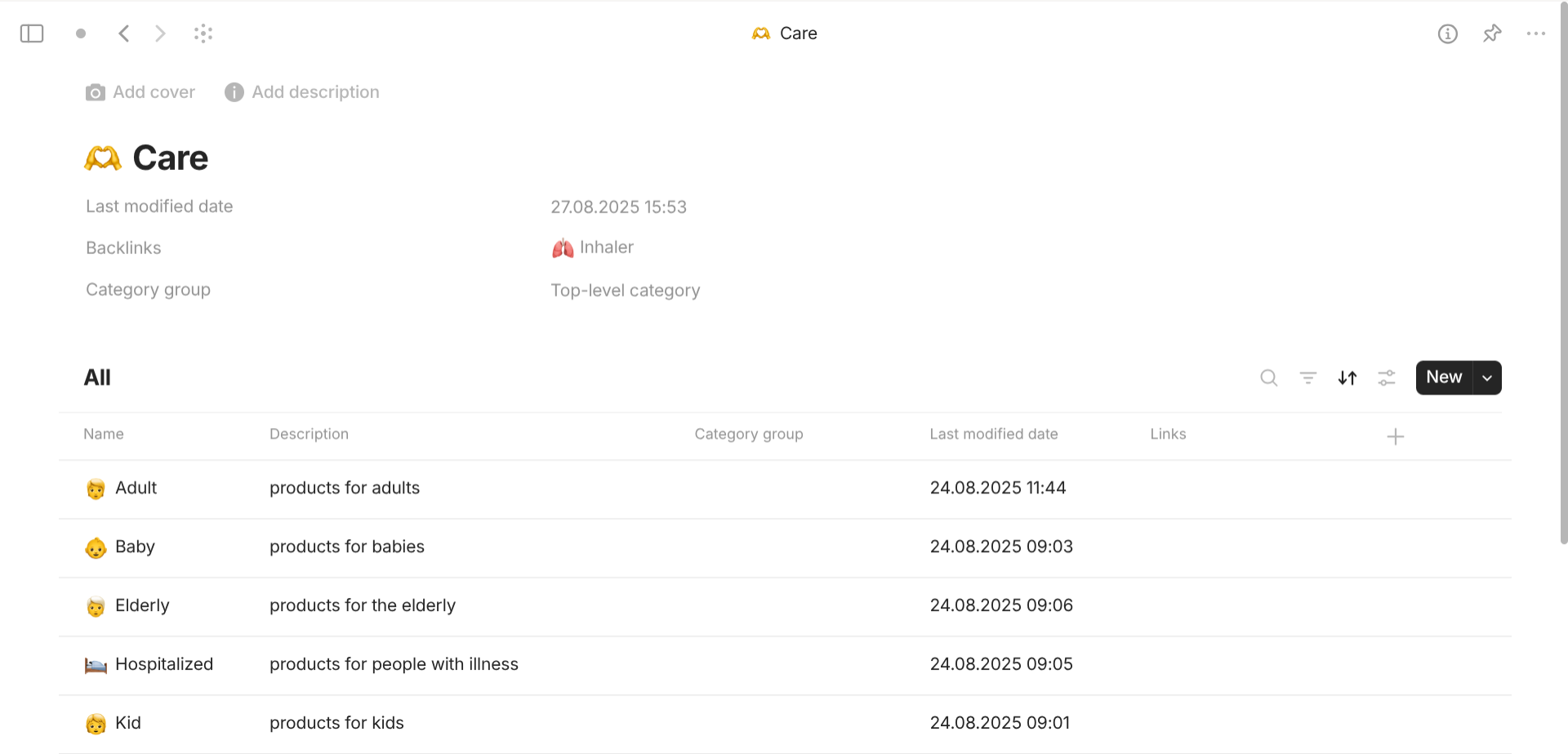
This use cases is useful for objects like "Category", "Language", "Country",… Category-based objects can be linked with others while respecting the hierachy that they share. I usually use it as the database to provide options for the equivalent properties with "Class" of "Objects" (The list of types are the types of those category-based objects).
They belong to a type named "Category" with "Format" of "List". This is preferred over "Format" of "Page" because I just need basic information about those objects (name and description). Chosen system properties are Name, Description, Links, Backlinks so I can navigate different related objects of a particular object at a time. There exists one important user property with class of "Checkbox" that is "Entry point". "Entry point" is how the Filter know if the categories are top-level (checked) or not (unchecked). Only top-level categories are displayed in the view when you enter the type "Category". If there is no "Entry point", every categories will be displayed and you will feel disoriented to navigate.
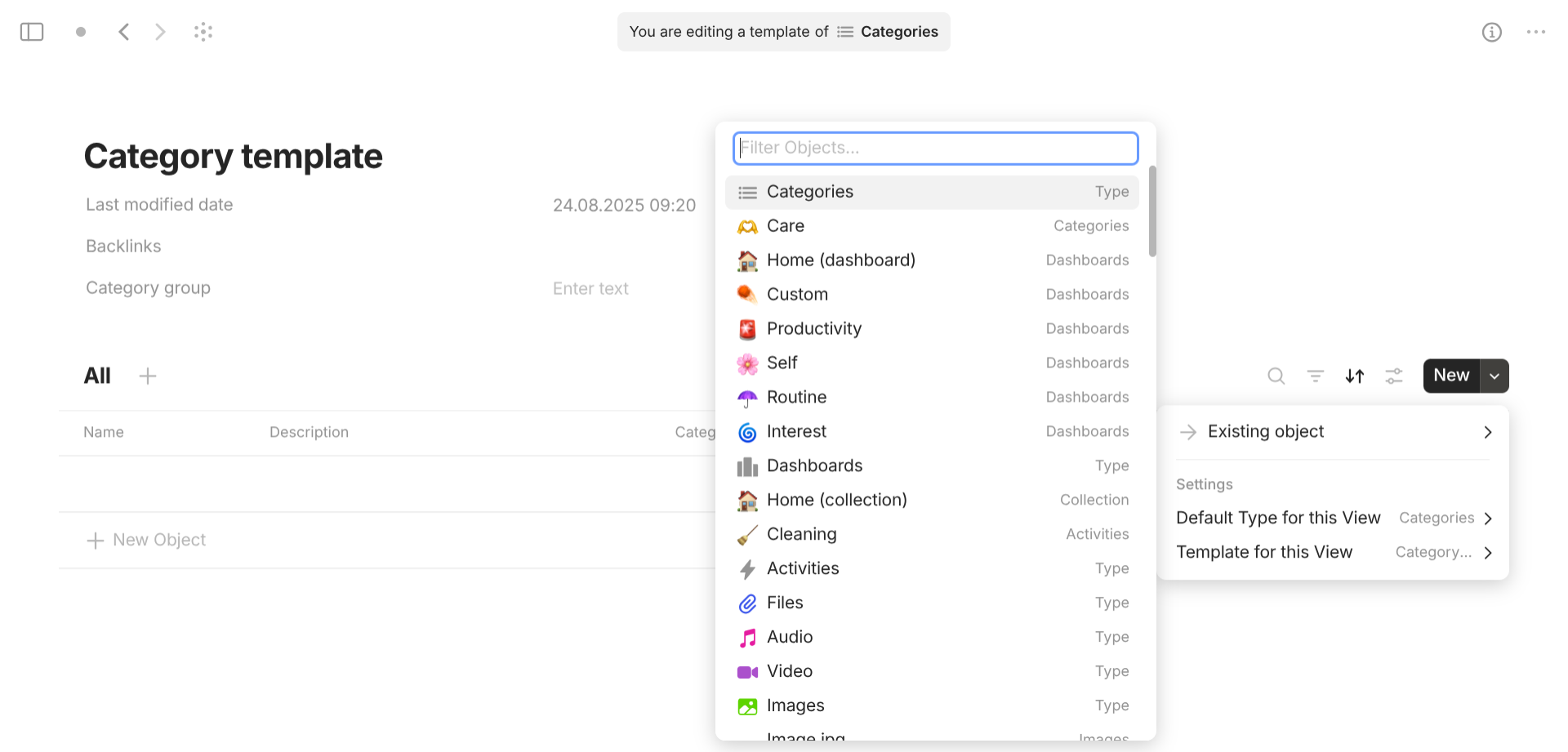
All objects share the the same template which is made identical to the view of its type "Category". The settings "Default Type for this View" is the type "Category" itself and "Template for this View" is this template "Category" itself. With this setup, every category-based object looks the same and has the same function. When you want to create new categories, you can either go the the View "All" of the type "Category" to create one and then go to particular existing categories and link the new objects or create them on the spot you plan to link them.
Dashboard-based objects

This use cases is useful for objects like "Dashboard", "Command center", "Navigation panel",… Dashboard-based objects are all about presentation and navigation. I usually pin those objects for the widget section of the Left Panel so that I can always navigate in different locations.
There are two approaches for this:
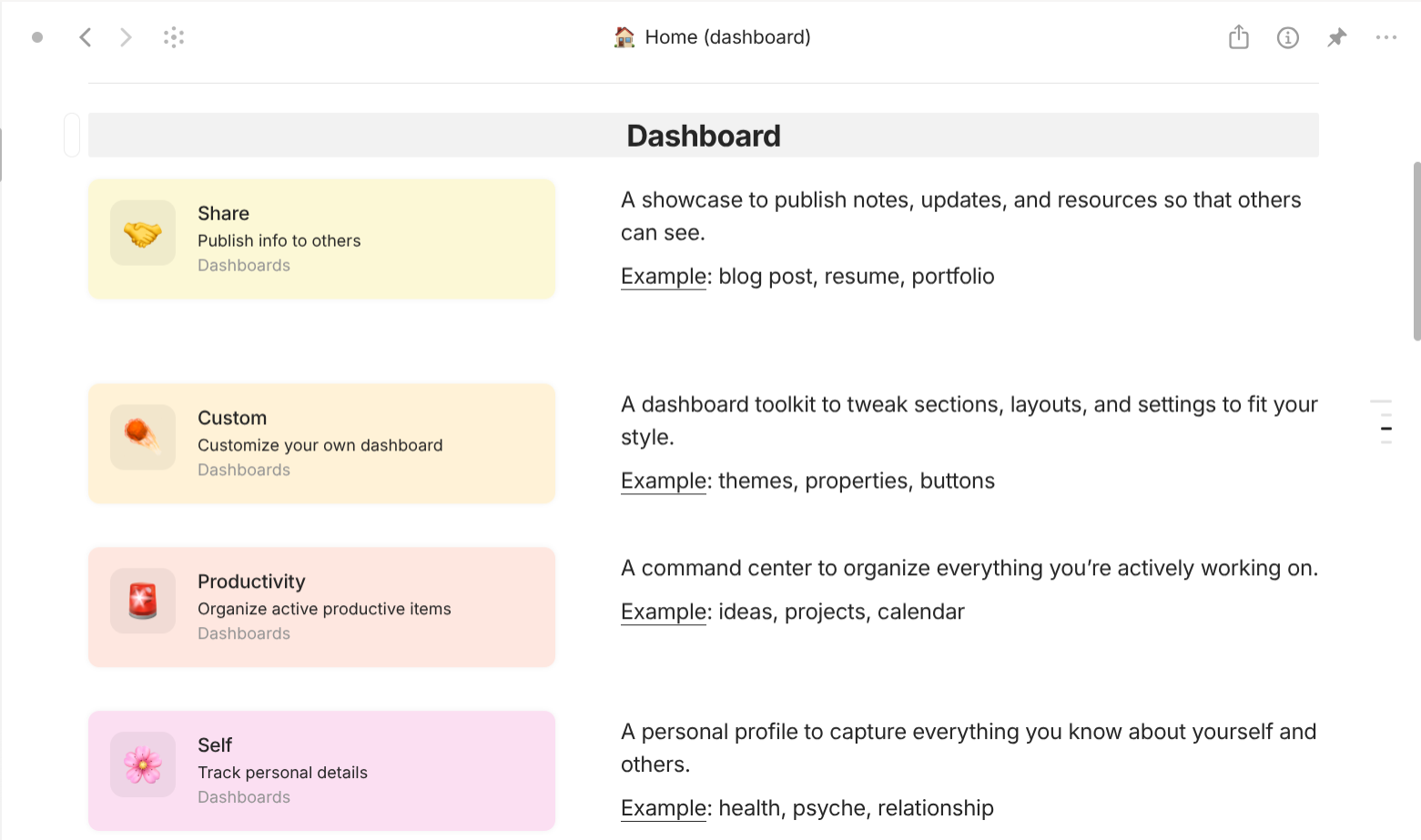
"Page" dashboard is useful for overview and customize on a document layout. You can use the system type "Page" for "Page" dashboard or create a new user type with "Format" of Page" for them.
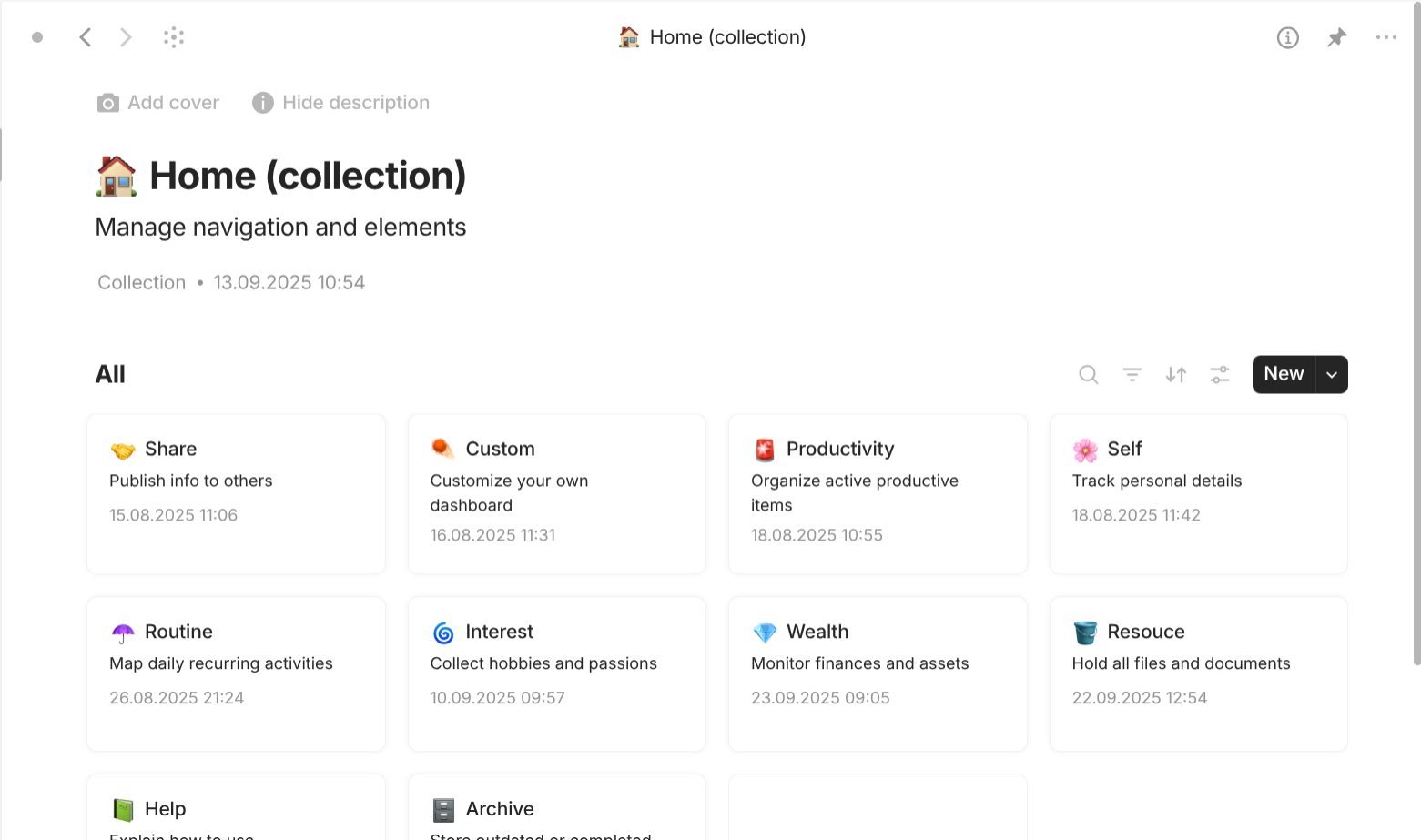
"Collection" dashboard is useful for add and delete new entries in a list layout. View "Gallery" is preferred for aesthetic purpose. You can use the system type "Collection" for "Collection" dashboard or create a new user type with "Format" of "List" for them.
Calendar-based objects
This use cases is useful for time-sensitive objects like "Schedule", "Event",… Calendar-based objects are all about date and time.
Unlike other established note-taking apps, Anytype has not official support the feature "Calendar" yet. What I am doing right here is just workaround: trying to use natively available tools to mimic the behavior of the feature "Calendar" in other apps. Be aware some of its limitations below.
- Only offers calendar with month view. There is no work-around to change the view into week view or year view.
- Does not support time blocks within a day. The current work-around is to name schedule following a naming scheme so that time blocks are automatically arranged based on Anytype's functionality "Sort" within Calendar view. However, this requires a lot of effort when naming the schedule item and offers no readability when it comes to multiple parallel events.
- Does not support recurring events. The current work-around to do it is to create a template for smaller instances of an event. However, this requires users to duplicate them then change the datetime and the name, thus equally taking the same effort to create a new one.
- Only offers one datetime as the criteria for Calendar view, which is not compatible with events having starting datetime and ending datetime. The current work-around to do it is to make all Occurrence having one unified datetime called "Date target". Any deviation from this reference date is called "Date actual", which has different meaning based on different types of schedule. Additionally, users have to switch between two Calendar views (one for starting date, one for ending date) to visualize the end date and the start date. Furthermore, it's impossible to create events that span more than one single day, which requires multiple occurrence to be set but there is still no way to link them (having to tick multiple boxes to mark them done instead of one box).
- Only offers to display name & description in the "Calendar" view. There is no work-around to know which "Schedule item" the "Occurrence" belongs to.
With that said, let's get going.
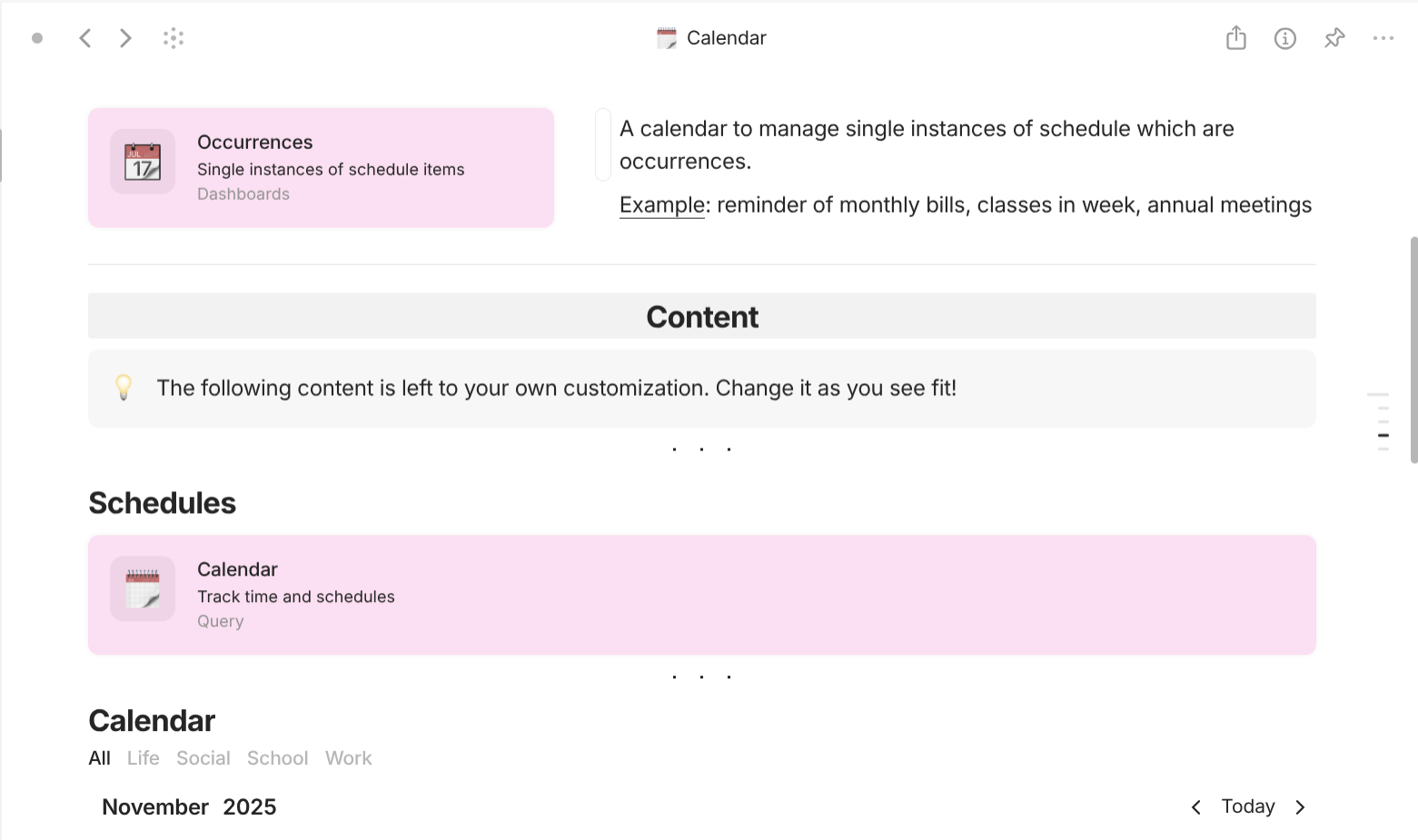
Calendar consists of Occurrence which are instances of Schedule that represent group of related occurrences you want to track in the calendar.
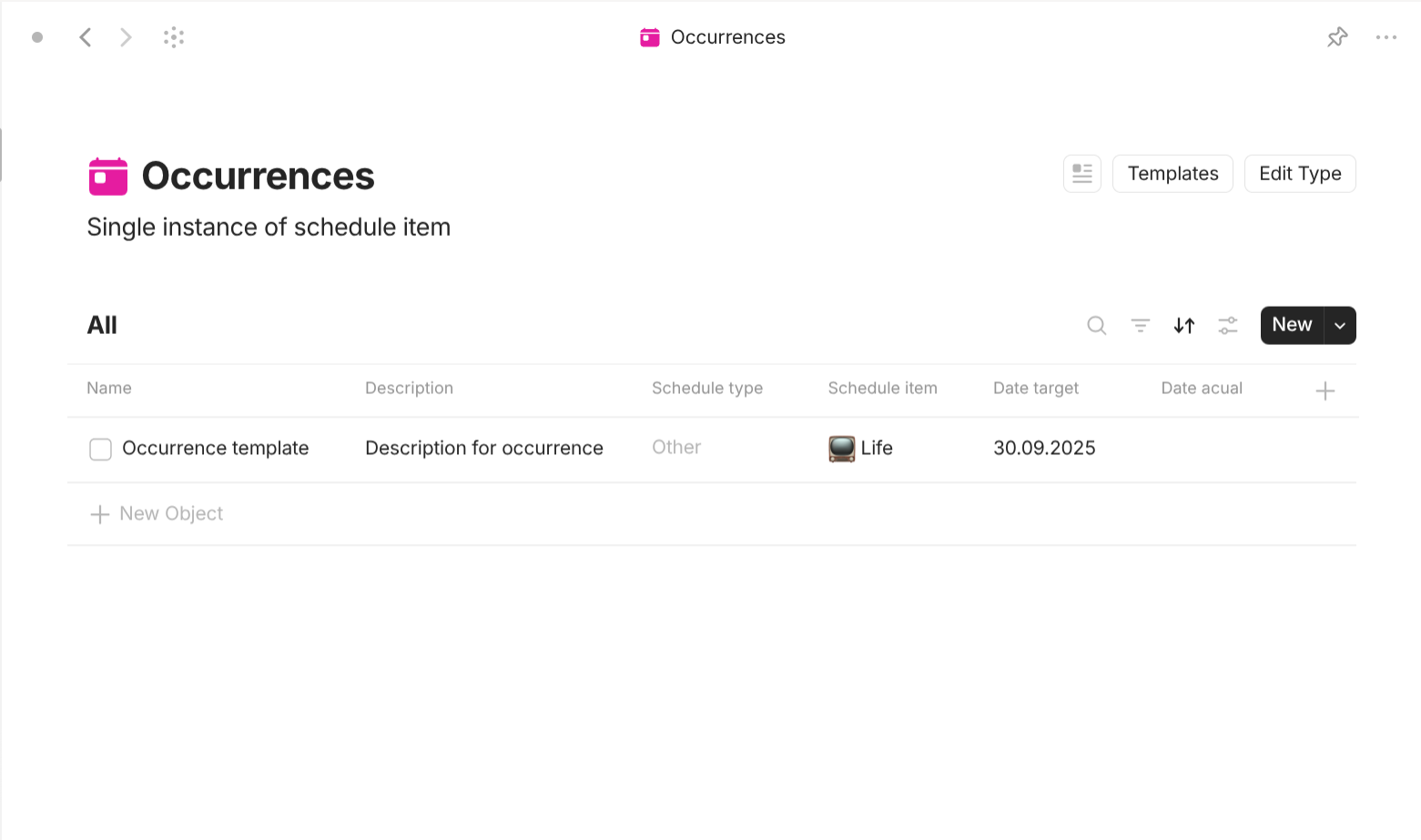
Occurrence is a type with "Format" of "Page" and "Layout" of "Action" (which means its objects have small checkbox next to the name). They share a simple template which lists all of its properties out in the document interface.
Occurences have the following properties:
-
Name: describe the time of the event. Currently, Anytype's calendar doesn't support time blocks in a day so follow the naming scheme workaround:
-
- [name]: the schedule item occurs the whole day.
Example: holiday, birthday, anniversary.
-
_hh:mm [name]: the schedule item has a clear start time.
Example: streaming, movie release, sports match.
-
hh:mm_ [name]: the schedule item has a clear end time.
Example: deadline, terms, subscription end.
-
hh:mm_hh:mm [name]: the schedule item has a clear start and end time.
Example: class, meeting, session
If you following this naming scheme properly, your occurrences are automatically sorted in a day.
-
- Description: tell more about the occurrence so that you can recognize it in the future.
- Schedule: which schedule(s) this occurrence belongs to.
-
Occurrence type: what type of occurrence this is.
-
Task: occurrences you should complete it.
- Target date: when should the task be completed before.
- Actual date: when the task is completed.
- Checkbox: ticked when the task has been finished.
-
Reminder: occurrences you should be aware of its end.
- Target date: when the reminder ends.
- Actual date: when you don't need to keep it in mind anymore.
- Checkbox: ticked when the reminder should not be kept track of anymore.
-
Event: occurrences that require your personal presence.
- Target date: when the event starts.
- Actual date: when the event ends.
- Checkbox: ticked when you have attend the event or it has been cancelled.
-
Occasions: occurrences that happen regardless of your involvement.
- Target date: when the occasion starts.
- Actual date: when the occasion ends.
- Checkbox: ticked when you don't have anything to do with the occasion or that you have finished preparing something for it.
- Other
-
- Date target: meaning depends.
- Date actual: meaning depends.
- Last modified date: when your last thought on the occurrence was.
Every occurrence has a checkbox but the meaning of the checkbox depends on its schedule type. Read the information above to find out more.
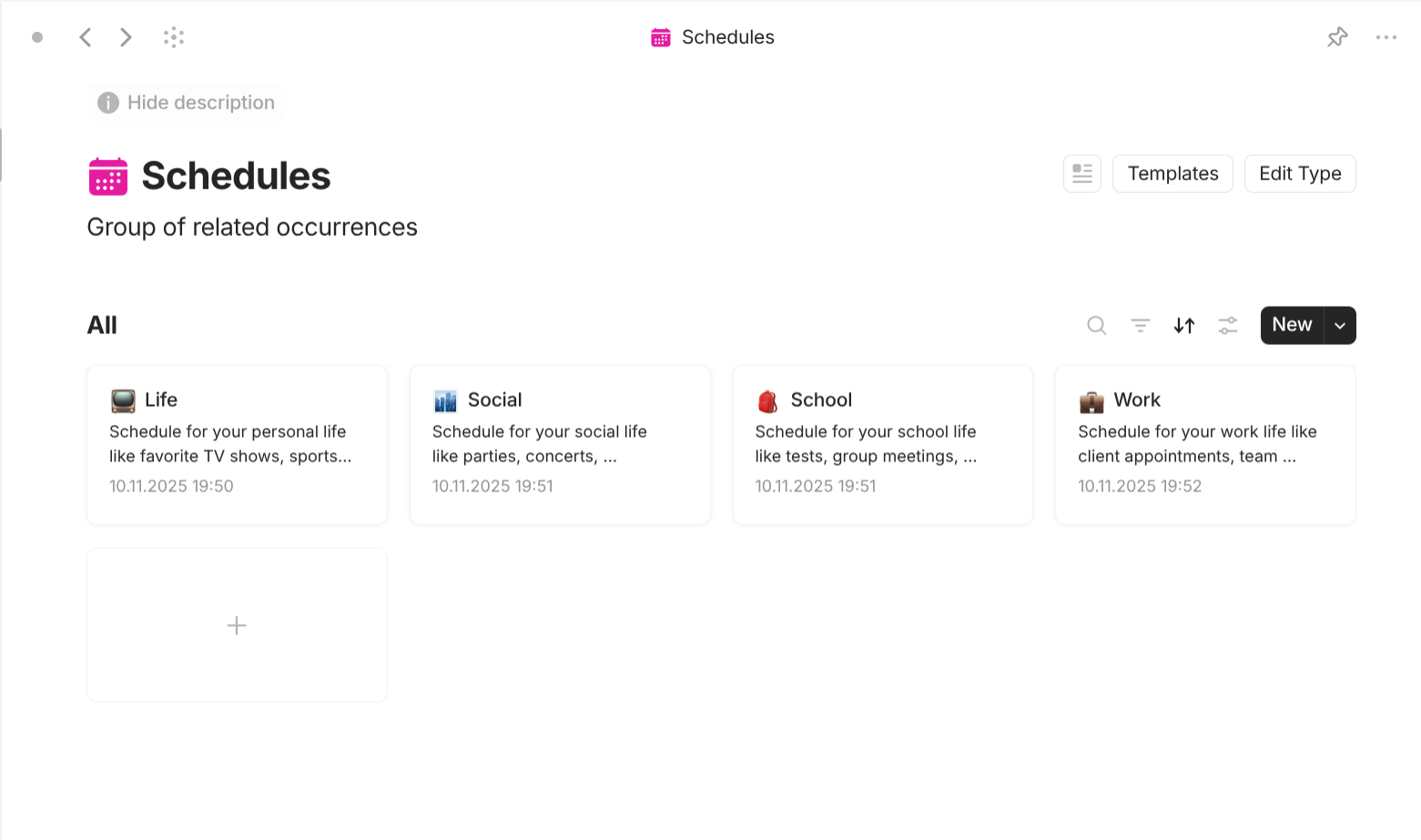
Schedule is a type with "Format" of "Page" so you can write out everything you want to track or are tracking. It doesn't need a template. It also doesn't need any additional user properties.
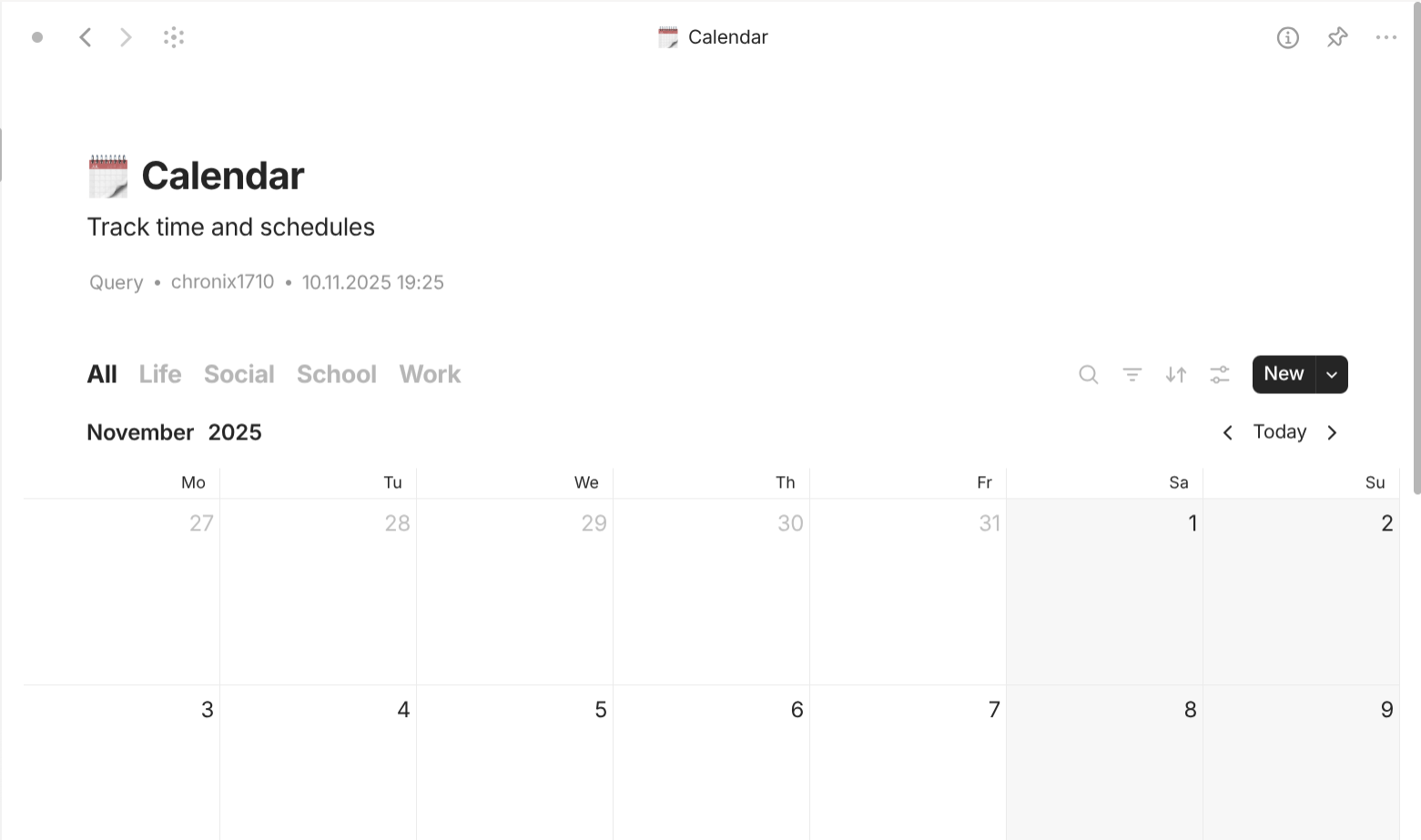
Calendar is a Query object of Occurrences (identical to the type "Occurrence") based on the property "Date target". It has different views based on Filter of the property "Schedule" of different "Schedule" objects. There are 4 views "Life", "Social", "School", and "Work" corresponding to 4 "Schedule" objects "Life", "Social", "School", and "Work". The settings "Default type for this View" is the type "Occurrence" and "Template for this View" is the template "Occurrence template".
This approach for Calendar is preferred over using the type "Occurrence" itself because this query can be represented as "Inline Query" in document interface, which is useful to include them in other objects.
Thought-based objects
This use cases is useful for objects like "Idea", "Note", "Plan",… This is the most basic and universal use case of note-taking apps.
Personally, I don't create separate types when I am dealing with ideas, notes, or plans. Fundamentally, they all share the "Format" of "Page" which allows users to have a document interface to write out, hence the name "Thought". And that's it. Create a type with "Format" of "Page" and a property named "Thought category" for differentiation. Sometimes, I also include another property "Topic" with "class" of "Multi-select".
Project-based objects
This use cases is useful for "Projects" objects which represent actual projects in real life where you have to complete a list of task or to finish making something. This is the second basic and universal use case of note-taking apps.
Honestly, for this particular kind, I can only show you the method, not a complete use case nor demonstration. Let's get straight into the core idea of "projects": tracking tasks. If it is this easy, you just need to create a type for tasks then add a property with "Class" of "Object" to differentiate tasks accross different projects.
However, big projects are not just about tracking tasks. They are also about tracking information. What kinds of information? Well, anything. They can be the information about team members who are working on this project; objective/goals that the project must attain; products that this project is working on; established practices like code of conduct, project policy,…
The solution for this is not to include them in the type "Project" iself but rather in separate project-related types (perferably starting with "Project …" in the name" for easier recognition and search). Project is still a type with "Class" of "Page". Those project-related types are represented in the document of "Project" objects through "Inline Query". This has several advantages. First, having document interface, you can easily write out everything without restriction. Second, you can create new objects of those project-related types on the spot of the fully content of your project. Last, since all information exists within the document of "Project" objects, it's easier to create and apply template across Project" objects for consistence layout.
Knowledge-based objects
This use cases is useful for "Knowledge" objects which represent anything you want to learn. Surprisingly, Knowledge-based objects and Thought-based objects share huge similarity.
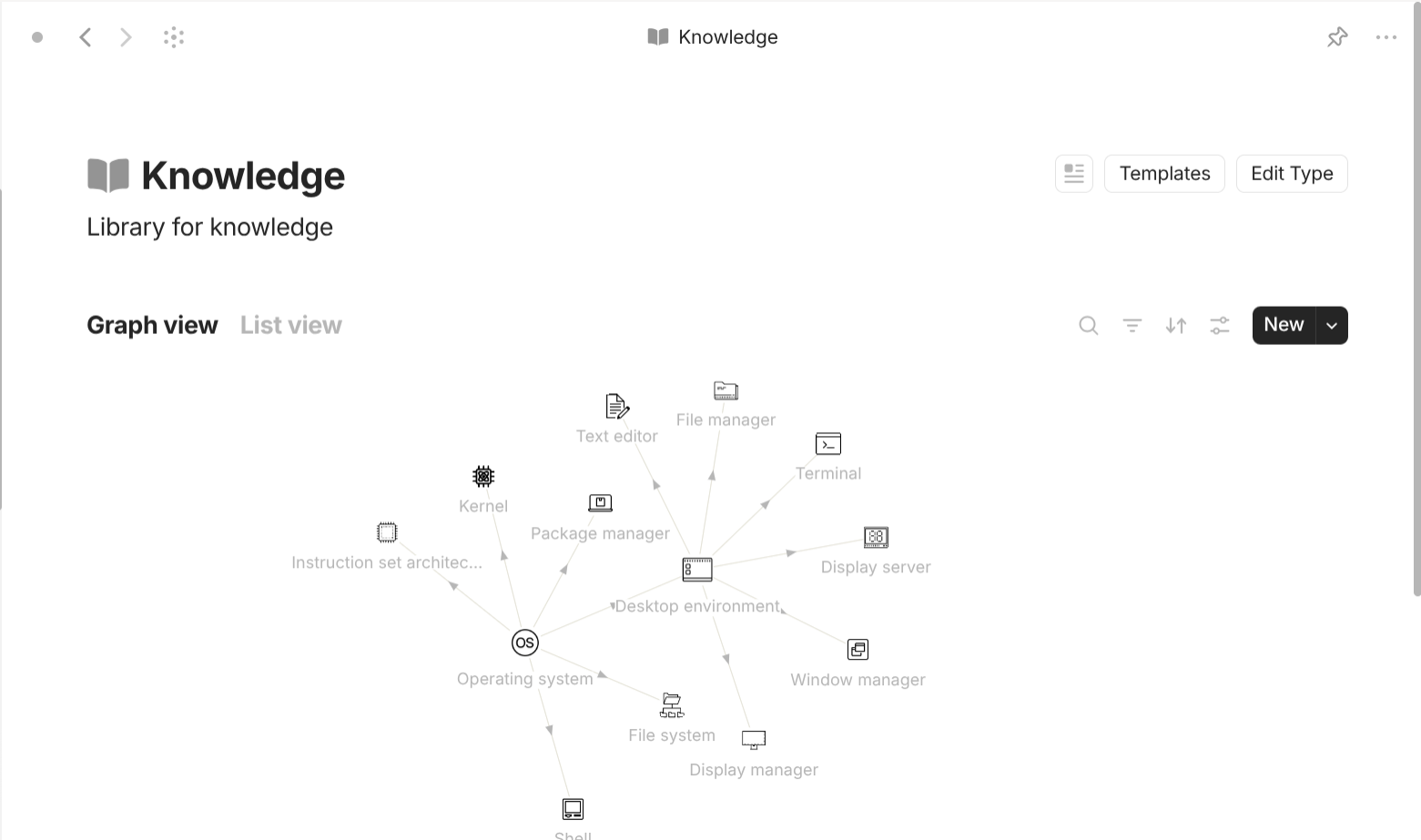
I just create a Type named "Knowledge" with "Format" of "Page" so I have the document interface to write out everything I have learned. This type doesn't need template. For properties, I don't even include any additional user properties. For the interface of the type "Knowledge", I two views "Graph view" for easier visualization the relations between "Knowledge" objects and "List view" for easier navigation and removal.
Entity-based objects
This use cases is useful for "Entity" objects like "People", "Celebrity", "Friends",… I use it for managing everyone I know and every relationship I have in my life.
My approach is as the following.

People is a type with "Format" of "List". Why not "Format" of "Page"? Because people in real life can form different groups and groups can form other bigger groups. Those groups may have separate information and act differently. This is why I prefer the term "Entity" sometimes. For templates, "People" objects share a template that is configured to be identical the type "People" so that it shows a "Grid" view of its linked objects (the people or groups who belong to that group). For properties, the type "People" has a property called "Compositionality" with "Class" of "Select" which tells if the object is an individual or a group. There's a unique "People" object called "Me". This is the object I use to represent me as it is very convenient for Info and Connnection.
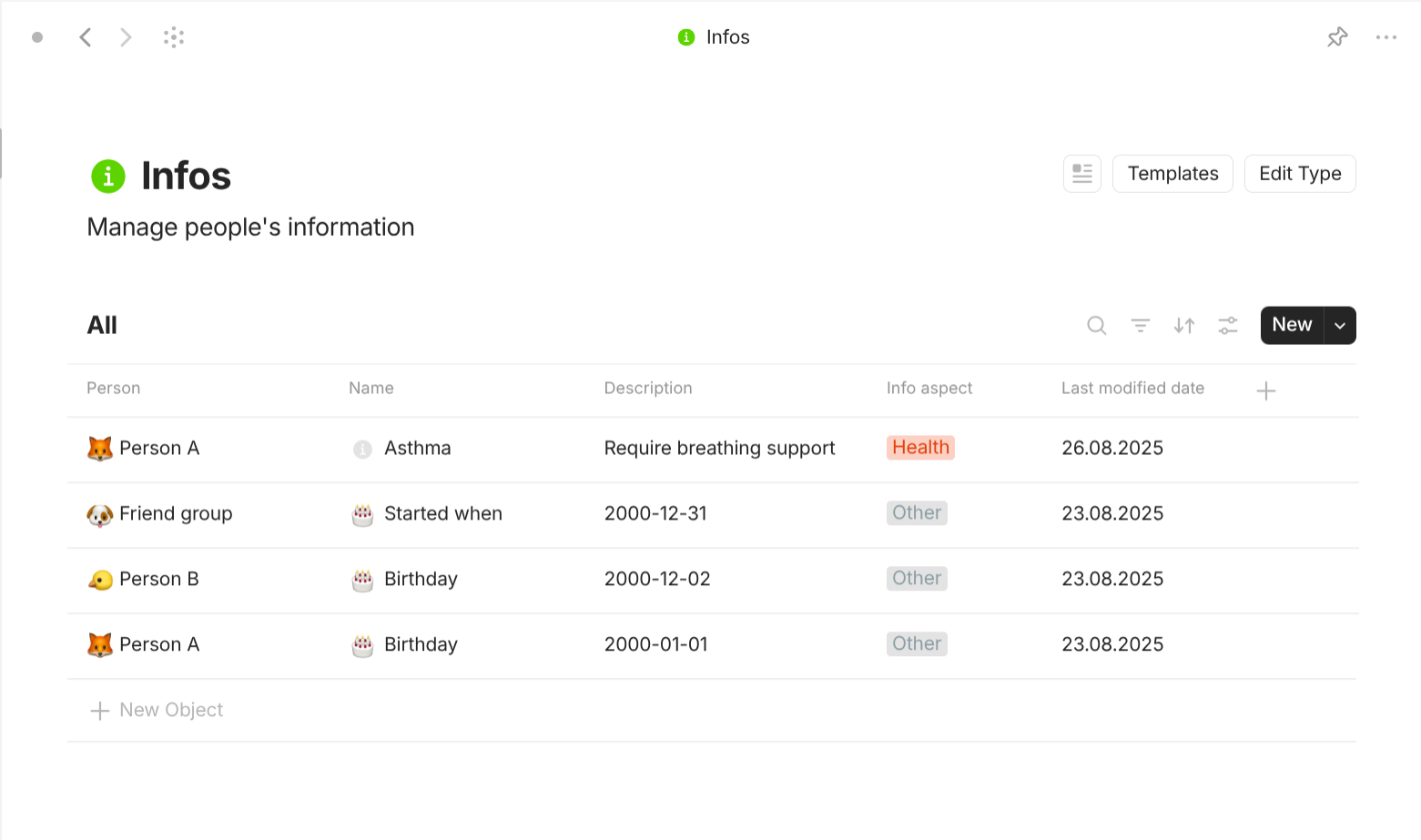
People give rise to Info (Information). Info is a type with "Format" of "Page". For templates, the objects of this type share a simple template that list all of its properties onto the document interface. For properties, this type has a property called "People" with "Class" of "Object" (People) which tells which people this "Info" object belongs to. I also include a property called "Info apsect" with "Class" of "Multi-select":
- Identity: this person's personal details.
- Form: this person's traits and appearance.
- Health: this person's physical and mental health.
- Mind: this person's guiding living principles.
- Psyche: this person's emotions and inner drives.
- Aptitude: everything this person know and can do.
- Power: this person's influences and resources.
- Mark: this person's achievements and legacies.
- Other: this person's other information.
Why not storing the information in properties of People? Well, if you do that, your best "class" would be text, a single-line piece of text, which is not enough for unstructured information. For example, I can store the height of someone in property but I can't not store the context of that information. How does that person have that height? Accidents? Injury? Surgery? The context requires document interface should you need it. Besides, Anytype gets very laggy when you enable many properties as the same time.
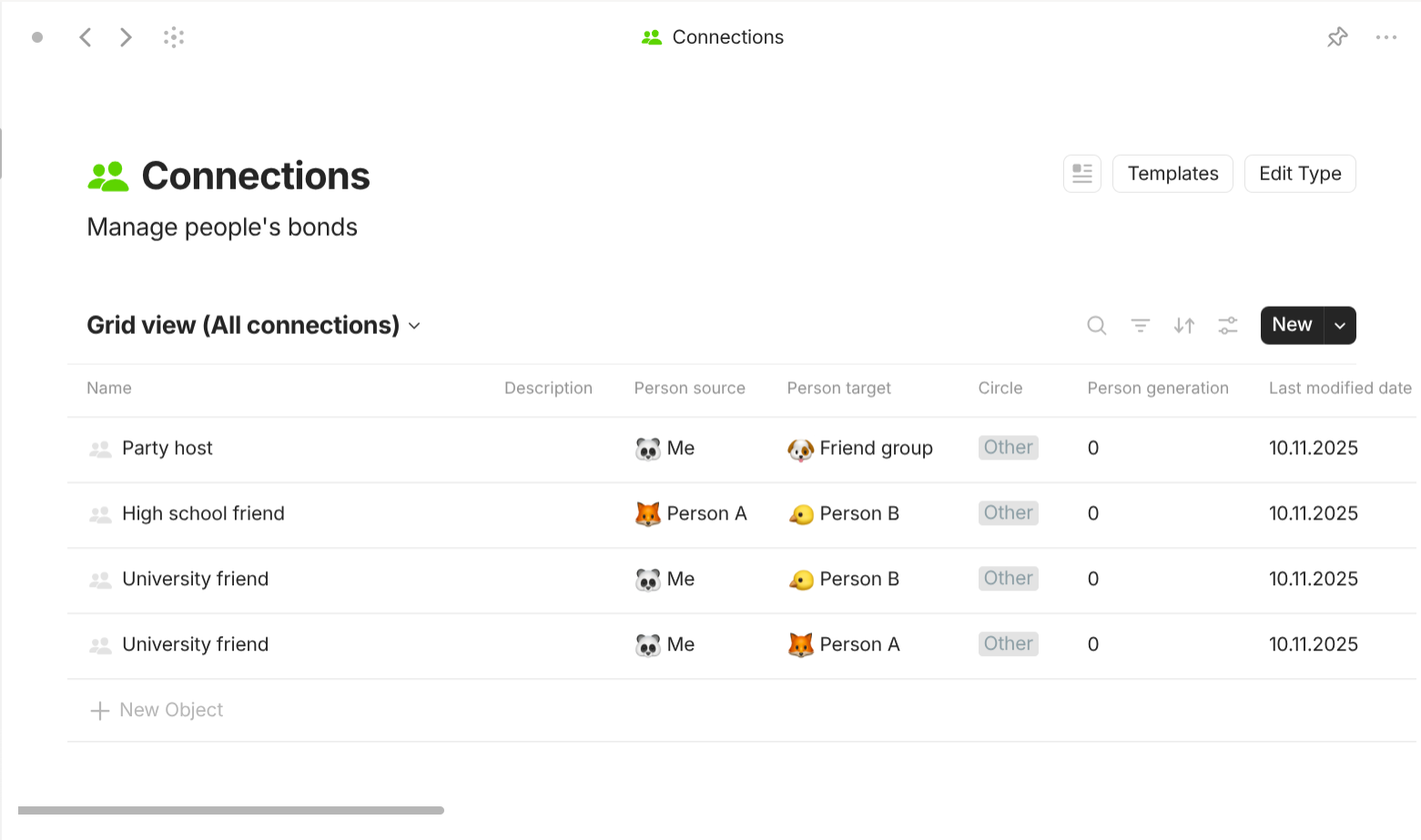
People give rise to Connection. Connection is a type with "Format" of "Page". For templates, they share a simple template which lists all of its properties out in the document interface. For properties, they have two important properties "Source person" (the person whom this connection's perspective is from) and "Target person" (the person whom this connection's perspective is to). They have "Class" of "Object" (People). Why two-way? Because in real time, what you think you are to other people is not always the same what they think they are to you. Below are additional useful properties you can add to this type:
-
Circle: what circle the connection belongs to. They can be:
-
Other: undefined or miscellaneous connections.
Examples: gaming buddy, pen pal, fellow traveler, street vendor, shared co-passenger
-
Academia: connections formed in learning environments.
Examples: classmate, study group, university professor, academic advisor, research partner, lab assistant
-
Business: connections within works, deals, and entrepreneurship.
Examples: coworker, boss, client, supplier, investor, co-founder, sponsor, partner
-
Community: connections from your immediate living area.
Examples: neighbor, shop owner, town mayor, local activist, doctor, therapist, club member
-
Family & Kin: inherent connections with relatives and extended family.
Examples: grandparents, parents, siblings, children, partners, cousins, in-laws, step-family
-
Friend & Peer: connections that you have maintained even when you exit their circles.
Examples: neighbor friend, college roommate, fellow hobbyist, party host, sports teammate
-
Legal: connections defined by formal legal obligations, rights, or disputes.
Examples: victim, plaintiff, debtor, creditor, defendant, witness, juror, judge, contractor
-
Profession: connections through job roles and industry links.
Note: This category is entirely different from the category "Business".
Examples: colleagues, guilds, luminaries, critics, audience, mentors, apprentices
-
Psychology: connections that impact mental or emotional states.
Examples: role model, idol, benefactors, confidants, challengers, anchors, crush, ex, companion
-
Society: connections through nation and civic life.
Examples: party leader, charity committee, political authority, nation dignitary
-
-
Generation: how much older or younger the source person is in comparison with the target person. They are numbers:
- …
- 3: three generations older.
- 2: two generations older.
- 1: one generation older.
- 0: the same generation.
- -1: one generation younger.
- -2: two generations younger.
- -3: three generations younger.
- …
-
Connection level: how much you and you think the person share with and understand each other.
- Close: both know each other's nature.
- Casual: both know each other enough to maintain connection.
- Neutral: both know each other a little but don't have the intention to bond.
- Distant: both don't know much but don't maintain the connection.
- Unknown: both don't even know each other.
-
Connection maintenance: how frequent and how much effort you put into the connection.
- Integrated: their presence feels woven into your daily life.
- Conventional: you involve or reach out to them in many everyday situations.
- Occasional: you make specific arrangements to connect when it fits, but they aren't an automatic part of your routines.
- Situational: contact happens only when circumstances align; you don't expect it but it's fine it if it occurs.
- Waning: they rarely enter your thoughts; your life paths don't intersect
Don't get overloaded! What I created here is just a flexible approach that has many use cases as possible so that you don't have to re-design in the future.
Organization-based objects
This use cases is useful for objects like "Companies", "Brands", "Organizations",… I use it as database for Goods-based objects.

Company is a type with "Format" of "Page". For templates, they share a simple template which lists all of its properties out in the document interface. For properties, they have the following trivial properties. "Founded when" with "Class" of "Date" is when the company is founded. "Country" with "Class" of "Object" (Country) is a list of countries that the company operates in. "Note" with "Class" of "Text" describes additional information about the company. "Reference" with "Class" of "Object" (Bookmark) is list of links related to this company like websites, articles, research papers.

Company give rise to Company relations. For templates, they share a simple template which lists all of its properties out in the document interface. For properties, they have two important properties "Source company" (the company whom this relation's perspective is from) and "Target company" (the company whom this relation's perspective is to). They have "Class" of "Object" (Company).
Brand is a type with "Format" of "Page". For templates, they share a simple template which lists all of its properties out in the document interface. For properties, they have the following trivial properties. "Founded when" with "Class" of "Date" is when the brand is founded. "Country" with "Class" of "Object" (Country) is a list of countries that the brand operates in. "Note" with "Class" of "Text" describes additional information about the brand. "Reference" with "Class" of "Object" (Bookmark) is list of links related to this brand like websites, articles, research papers.
Brand give rise to Brand relations. For templates, they share a simple template which lists all of its properties out in the document interface. For properties, they have two important properties "Brand" (the brand this brand relation belong to) and "Company" (the company this brand relation belongs to). They respectively have "Class" of "Object" (Brand & Company).
Goods-based objects
This use cases is useful for objects like "Products", "Items", "Services",… I use it to learn about every products and services in my life.
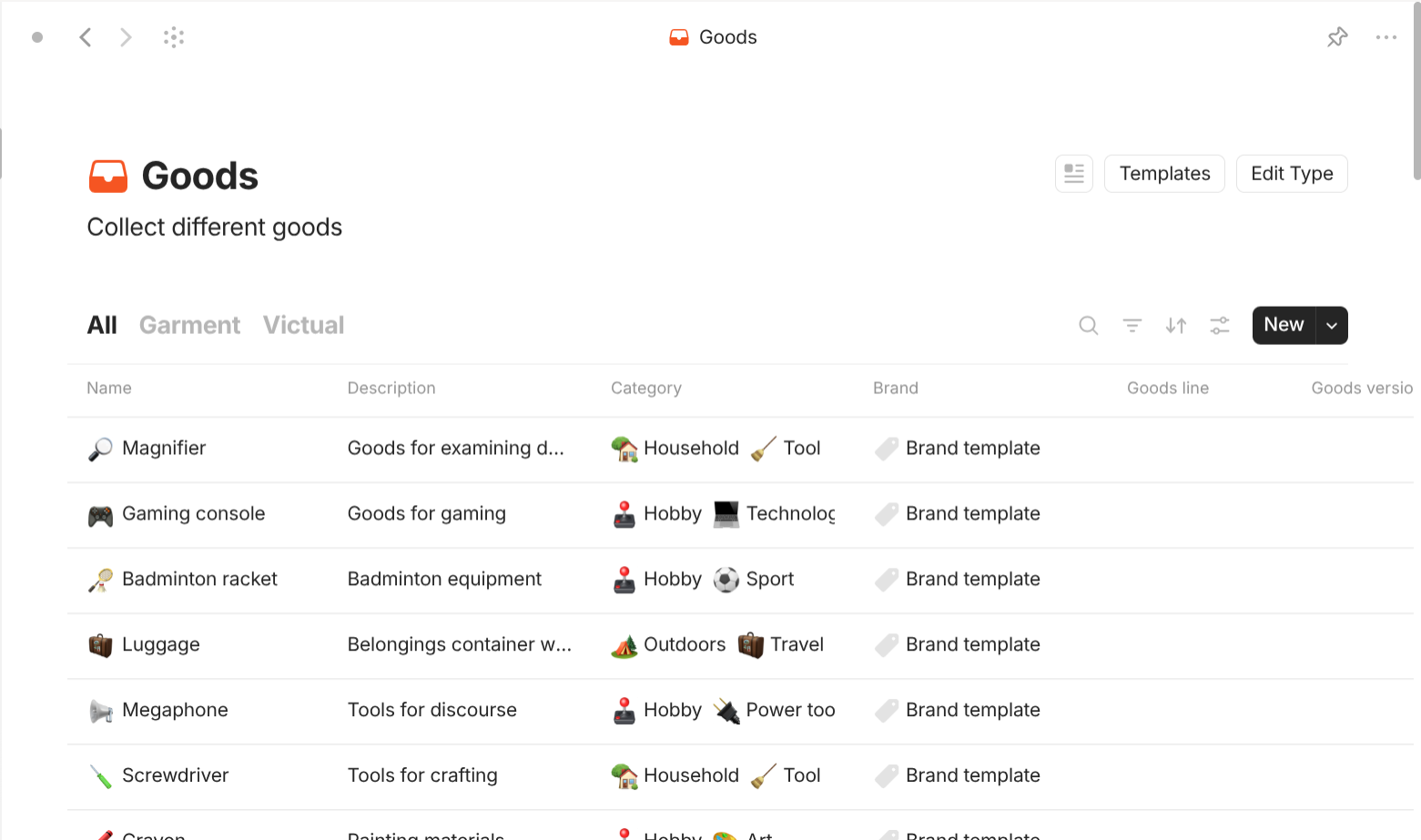
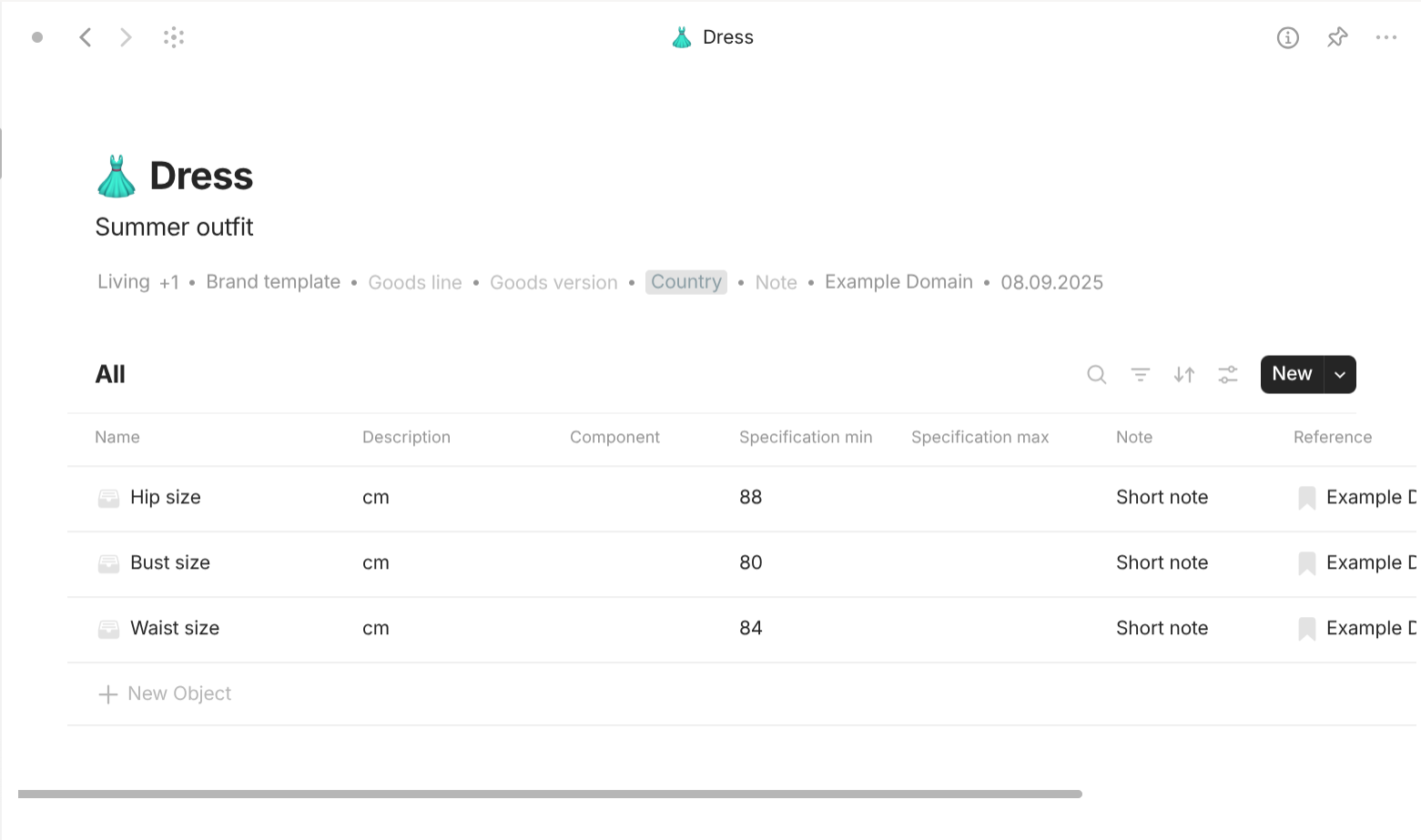
Goods is a type with "Format" of "List". For templates, they share a template that has a "Grid" view of all linked objects inside. For properties, they have the following trivial properties. "Category" with "Class" of "Object" (Category) describes all associated categories of that goods object. "Brand" with "Class" of "Object" (Brand) describes all associated brands of that goods object. "Goods line" with "Class" of "Text" describes the line this goods belongs to. "Goods version" with "Class" of "Text" describes the version of this goods. "Note" with "Class" of "Text" describes additional information about the goods. "Reference" with "Class" of "Object" (Bookmark) is list of links related to this goods like websites, articles, research papers. Depending on the nature of the goods, I create a particular template, particular list of local properties, and a particular view in the interface of the type "Goods".
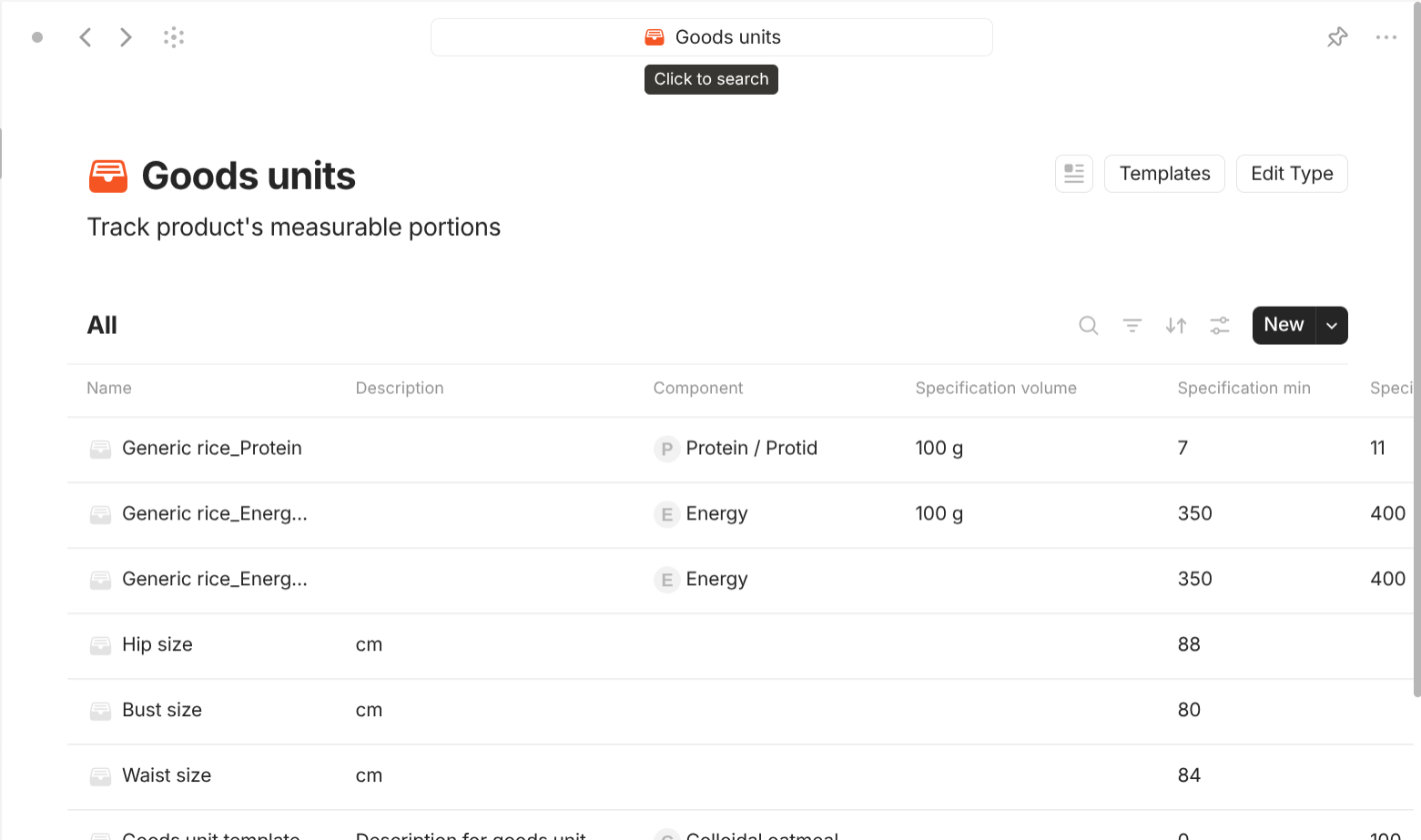
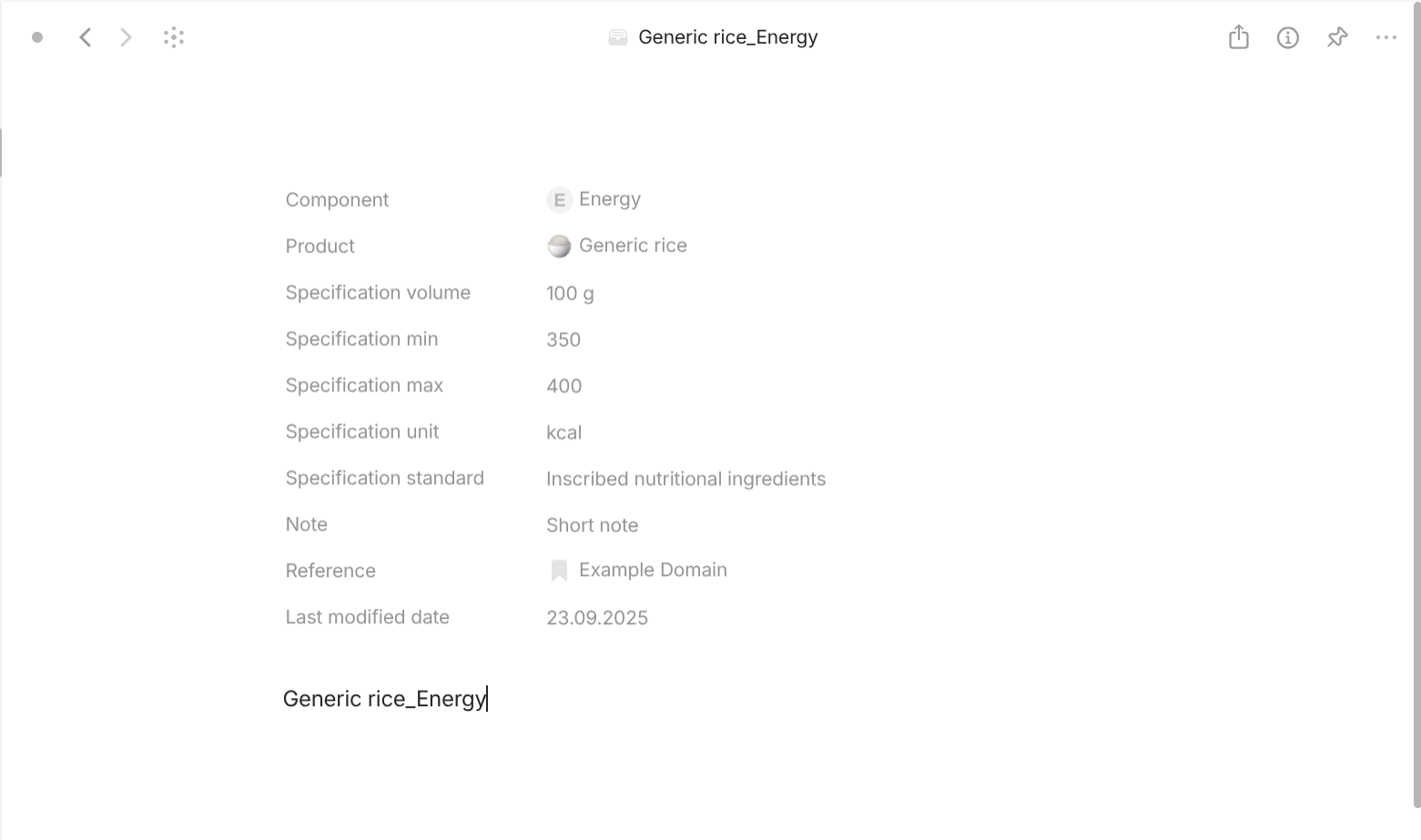
Goods contain smaller units called Goods unit, which contain something at different amount. For example, tomatoes contains different nutritions like protein, lipid, carb, vitamins… at different amounts.
Goods unit is a type with "Format" of "Page". For templates, they share a simple template which lists all of its properties out in the document interface. For properties, they have the following important properties. "Component" with "Class" of "Object" (Component) describe what component is this goods unit. If the component is blank, this goods unit only provide information about the product, not about the product's contents. "Specification volumne" with "Class" of "Text" describes the size or volume of the sample of the goods. "Specification min" with "Class" of "Text" describes the minimum amount of the component that is publicly disclosed. "Specification max" with "Class" of "Text" describes the maximum amount of the component that is publicly disclosed. "Specification unit" with "Class" of "Text" describes the unit of the specification. "Specification standard" with "Class" of "Text" describes the standard the specification is based on..
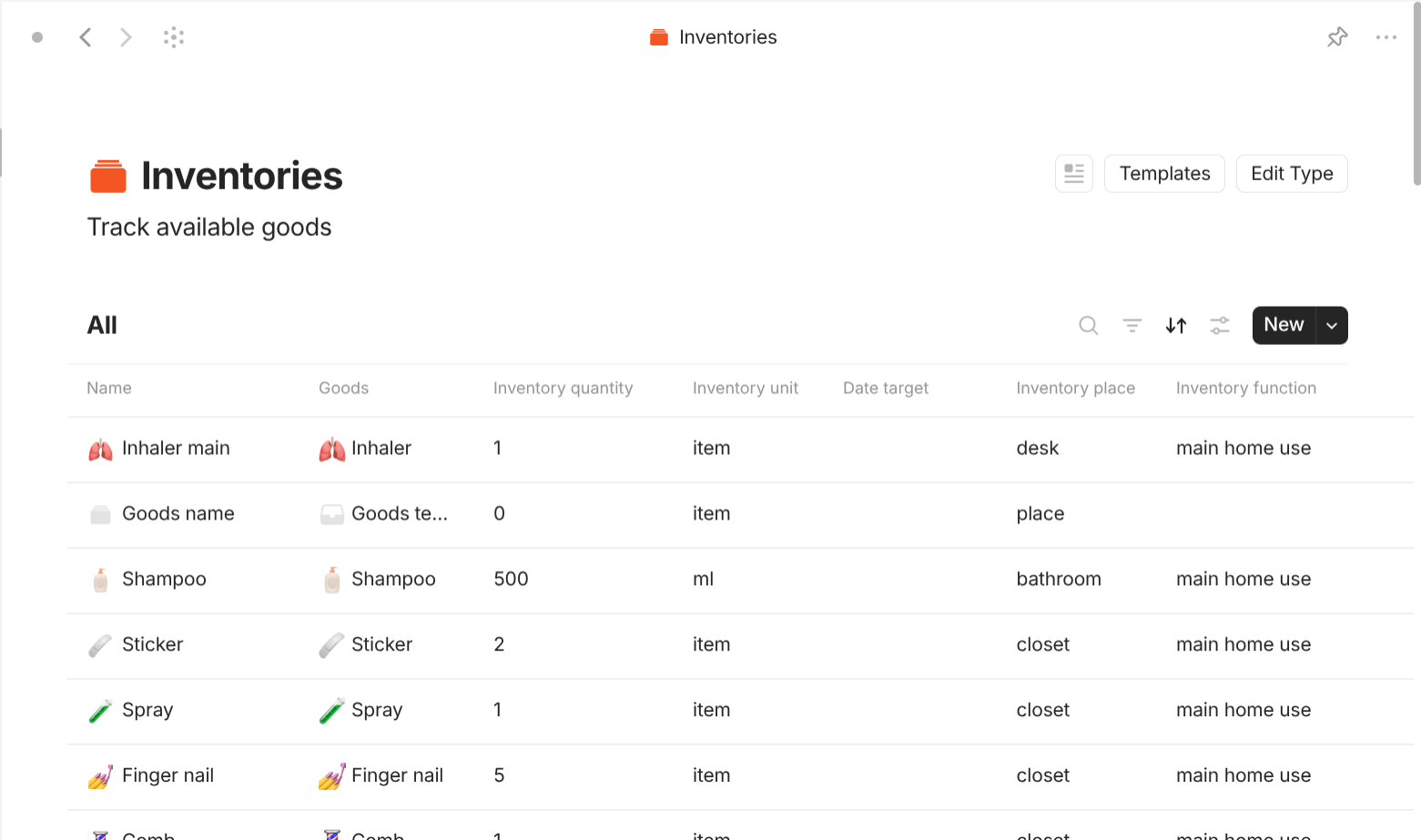
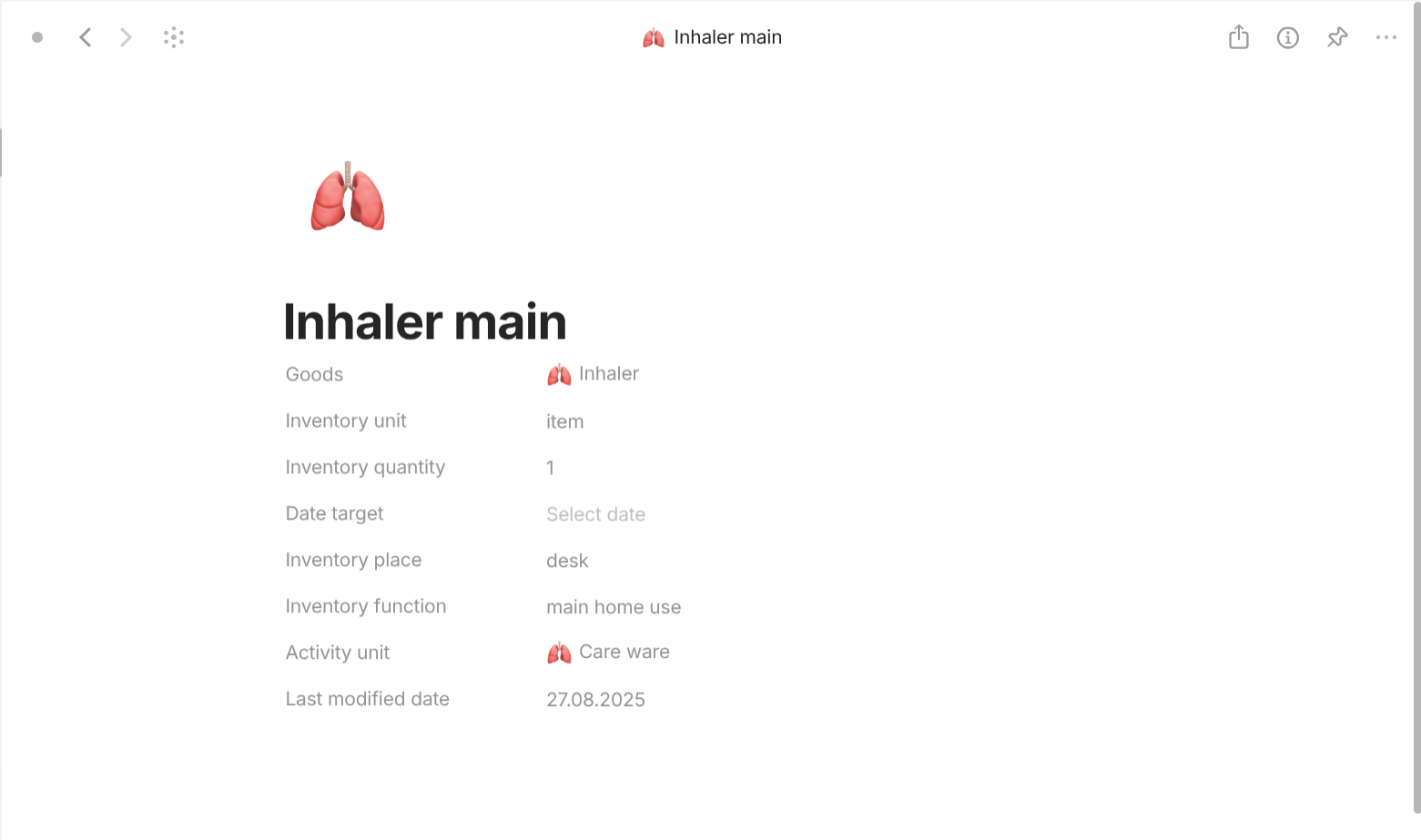
Inventory is a type with "Format" of "Page". For templates, they share a simple template which lists all of its properties out in the document interface. For properties, they have the following important properties. "Goods" with "Class" of "Object" (Goods) describes what goods this inventory contains. "Inventory quantity" with "Class" of "Number" describes how many or much of goods this inventory has. "Inventory unit" with "Class" of "Text" describes what unit is the goods measured in. "Date target" with "Class" of "Date" describes expiration date for consumable goods or warranty date for sustainable goods. "Activity unit" with "Class" of "Object" (Activity, Activity unit) describes the activity or activity unit this inventory belongs to.

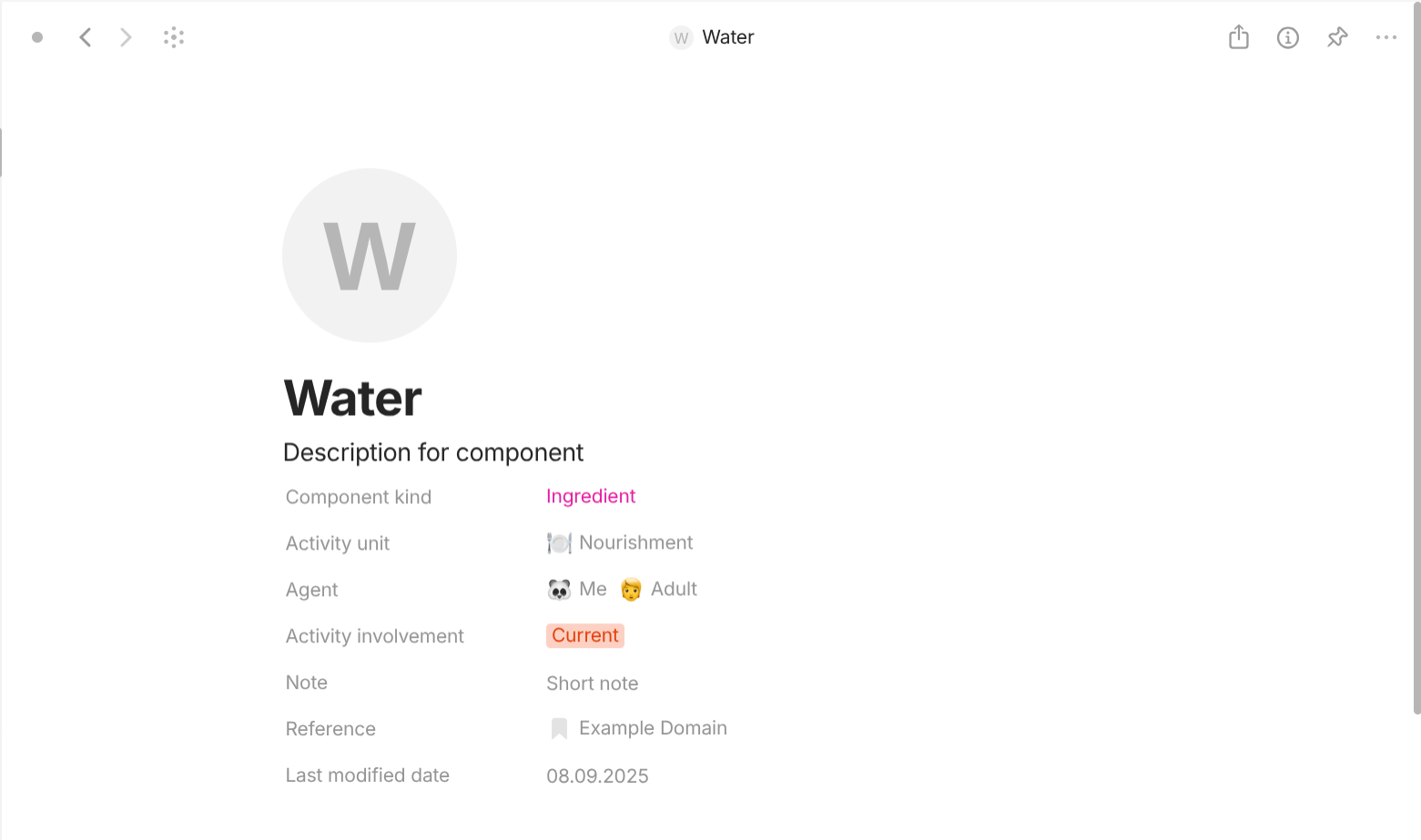
Goods units give rise to Components (the nutritions themselves without the quantities).
Component is a type with "Format" of "Page". For templates, they share a simple template which lists all of its properties out in the document interface. For properties, they has an important property with "Class" of "Select" called "Component kind". It has 4 options. "Ingredients" describes consumable part within the product, typically used up during use. For example, oils in cosmetics, spices in food, surfactants in detergent,… "Material" describes durable substance that forms the product’s structure or body. For example, cotton in clothes, wood in furniture, leather in shoes,… "Process" describes consumable part within the service, typically used up during use. For example, workout sessions in gym, course classes in education,… "Infrastructure" describes durable structures, frameworks, and tools that make the service possible. For example, library access, digital account, learning platform,…
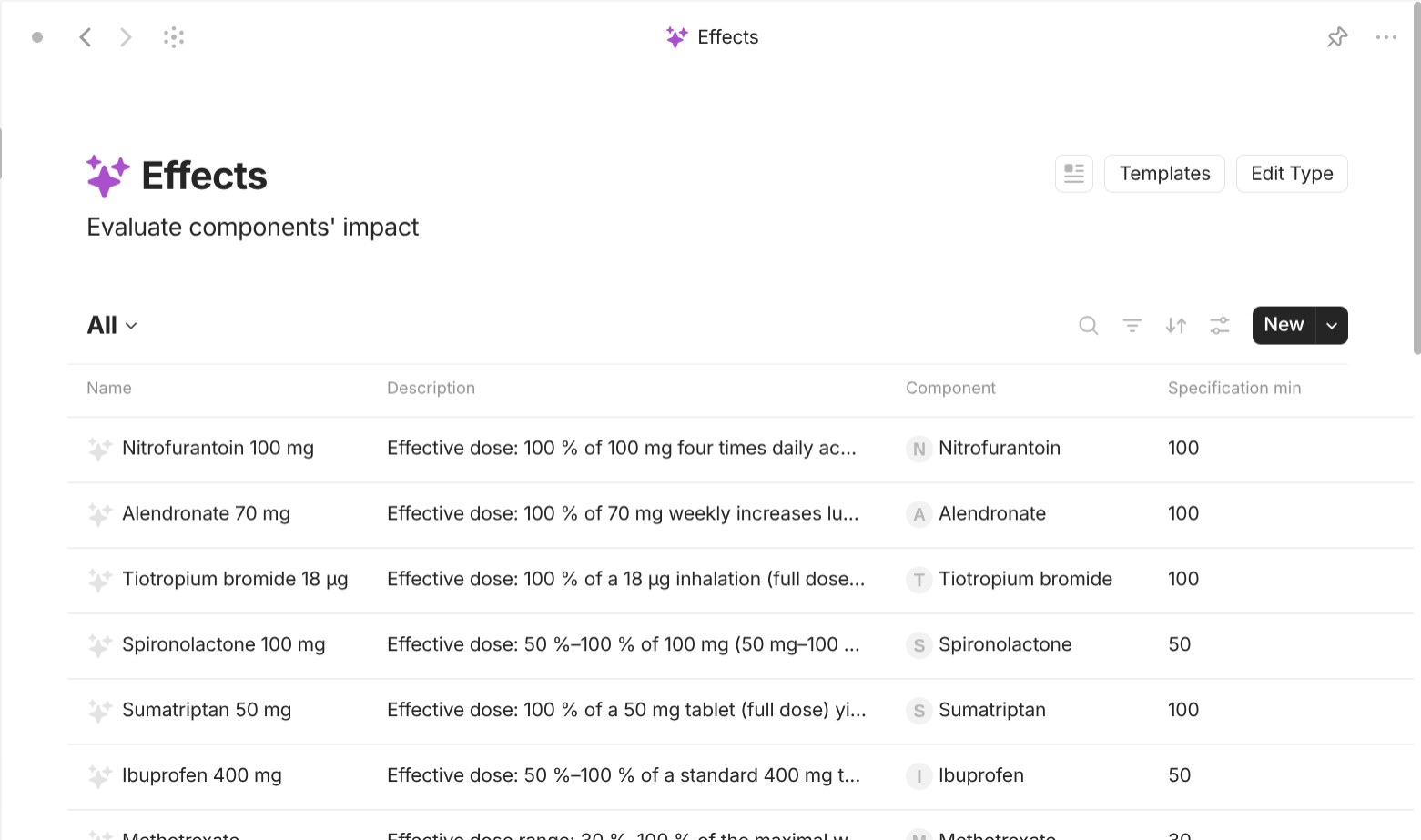
Components themselves give rise to Effects which are what happen when you use or consume the components. Say, you eat tomatoes which have "vitamins" which again have different effects on your body.
Effect is a type with "Format" of "Page". For templates, they share a simple template which lists all of its properties out in the document interface. For properties, they has the following important properties. "Component" with "Class" of "Object" (Component) describes the component(s) that can lead to this effect. "Condition" with "Class" of "Object" (Condition) describes the condition(s) that this effect can treat. "Specification min" with "Class" of "Text" describes the minimum quantity of the component to make this effect. "Specification max" with "Class" of "Text" describes the maximum quantity of the component to make this effect.
Effects give rise to Conditions which are the issues you are having with your body or your other goods. You may consume vitamins in order to treat your issues (conditions) like "Scurvy".
Condition is a type with "Format" of "Page". For templates, they share a simple template which lists all of its properties out in the document interface. For properties, they has the following important properties. "Symptom" with "Class" of "Object" (Symptom) describes the symptom(s) that this condition can have. "Cause" with "Class" of "Object" (Cause) describes the cause(s) that lead to this condition.

Conditions are also linked with Symptoms, the actual outward signs. Continue the example, "Scurvy" has symptoms like "Anemia"; swollen, bleeding gums; loosened teeth; rough, scaly skin; swollen legs.
Symptom is a type with "Format" of "Page". For templates, they share a simple template which lists all of its properties out in the document interface. For properties, they don't have any important properties to list here.


Conditions are also linked with Causes, which lead to the current conditions. Continue the example, "Scurvy" happens due to serious "vitamin C deficiency" (conditions).
Cause is a type with "Format" of "Page". For templates, they share a simple template which lists all of its properties out in the document interface. For properties, they don't have any important properties to here.
The last is Metrics which track measurable effect. For example, the Effects on consuming vitamins can be measured in different Metrics.
Metric is a type with "Format" of "Page". For templates, they share a simple template which lists all of its properties out in the document interface. For properties, they has the following important properties. "Metric value number" with "Class" of "Number" describes the number value of the metric. "Metric value unit" with "Class" of "Text" describes the unit that the number value of the metric is measured in. "Metric value relative" with "Class" of "Text" describes the text value of the metric. "Metric standard" with "Class" of "Text" describes what system or standard the metric is based on.
Evaluation-based objects
"Why the hell you would need objects to represent evaluation? Shouldn't we just include a Property with "Class" of "Number" of "Select" to rate everything?" Well yes, this is quite a nuisance. In real life nowadays, everything has too many segments that have too many different products and services and target different customer groups. It's nearly impossible to frame the thing in a single word like "good" or "bad" without relying on the "Halo effect" (It happens when a positive impression of one product, trait, or experience with a brand carries over, leading people to assume that other products or aspects of that brand are also good). The most unbiased, objective way to judge is to evaluate everything only and ignore the maker completely. However, nobody has that enormous amount of time in the world so we will have to make assumptions. This is why we need "Evaluation". It only describes a segment of the thing based on certain criteria. These criteria are left to each individual to find out.
With that said, the creation of Evaluation-based objects are simple. Evaluation is type with "Format" of "Page". For templates, they share a simple template which lists all of its properties out in the document interface. For properties, they has the following important properties. "Target" with "Class" of "Object" (virtually anything you want to evaluate) describe the target to evaluate. "Evaluation value" with "Class" of "Number" describes the evaluation in numeric value (usually on a scale from 1 to 10).
Routine-based objects
This use cases is useful for daily activities you have to do like "Cleaning", "Hygiene", "Exercise", "Eating", "Sleeping", "Shopping",… I use it to track every things I do in my routine.
Here's my approach. Routine deals mainly with Activities which are things you on a daily basis. Activity is the combination of the Activity unit which means different facets of information you need to know about the activity. They may differ based on nature of the activity. This gives rise to Catalogs which provide the information for the activity unit. Catalogs exist separately from activities because for every activity, you must track certain profiles, use certain products, have certain certain knowledge, all of which may overlap if you put them inside activities.
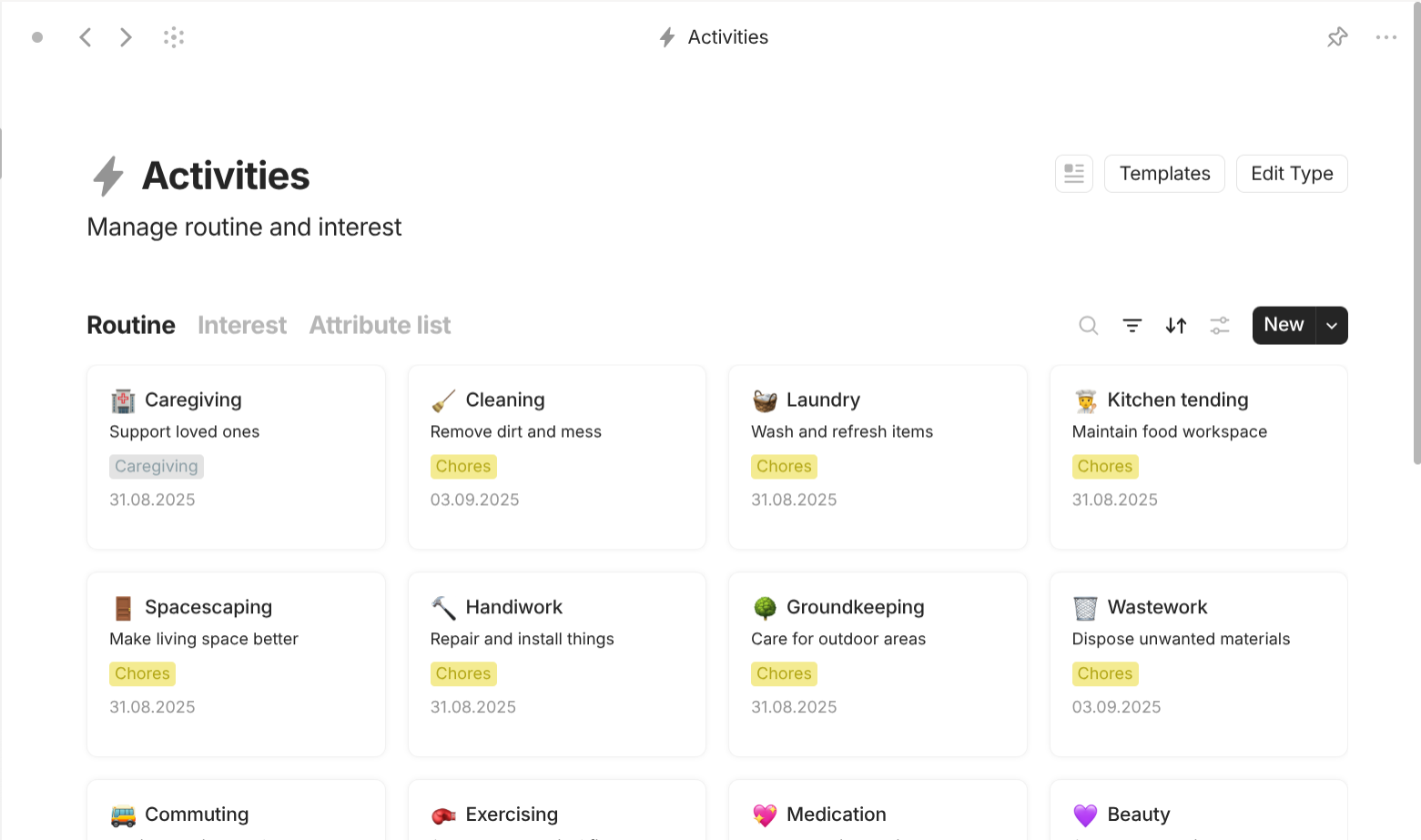
Activity is a type with "Format" of "List". For templates, they share a template which has the view of "Kanban" with 3 groups (the same as the facets of Activity unit) of "Profile", "Resource", "Knowledge". For properties, they have the following important properties. "Activity area" with "Class" of "Multi-select" tells whether this activity is considered as "Routine" (something you have to do), as "Interest" (something you want to do), or as both.
"Routine aspect" with "Class" of "Multi-select" tells aspect of daily routine the activity belongs to. This is just a property to group different related activities. It has the following options:
-
Caregiving: provide help, nurture, and attention to loved ones and dependents.
Example: husbandry, petcare, childcare, parent care, eldercare, partner care, sibiling care, community care,…
-
Chores: manage household upkeep to keep spaces functional and pleasant.
Example: cleaning (sweeping, mopping, dusting, vacuuming), laundry (washing, drying, folding, ironing), kitchentending (kitchen cleanup, scullery, food storage & preservation, restocking), tidying (organizing, decorating), handiwork (repairing, replacing, installation,… of lightning, pipes, air, heat, roof,…), groundkeeping (gardening, lawn care, snow shoveling), wastework (trash disposals, recycling, decomposing), errands (mailing, ordering),…
-
Commuting: plan, prepare, and manage journeys between destinations.
Example: selecting modes of transport, mapping routes, booking tickets, preparing bags, dressing for weather, preparing vehicles parking, planning carpool,…
-
Exercise: train your body to grow stronger, more flexible, and resilient.
Example: stretching muscle, running & jogging, lifting weights, practicing yoga, cycling outdoors, cardio training, doing gymnastics, doing aerobics,…
-
Medication: manage remedies and regimens to prevent or heal illness.
Example: taking pills, following therapy, buying medicine, tracking doses, refilling prescription, visiting doctor, making appointment, checking up periodically,…
-
Pampering: indulge in rituals that nurture appearance and comfort.
Example: brushing teeth, washing face, bathing, grooming, hair care, skin care, nail, doing makeup, managing wardrobe, choosing outfit,…
-
Provisioning: prepare, manage, and consume food for health and energy.
Example: planning diet, tracking nutrition, cooking meal, stocking fridge, buying groceries, managing cookware, learning recipes, consuming supplements,…
-
Rejuvenation: allow body and mind to rest for strength and clarity.
Example: resting, napping, sleeping, mediating, breathing, dreaming,…
-
Sexuality: explore, track, and manage expressions of sexual life.
Example: tracking menstruation, masturbation, monitoring carnality (arousal, sexual desire), managing contraception, fertility, sensuality (kissing, touching, copulation…)
-
Shopping: evaluate, select, and purchase items to satisfy needs and wants.
Example: tracking inventory, listing cart, planning purchase, comparing options, managing subscription
You can also include a property "Attribute" with "Class" of "Multi-select" to describe how the activity is. They can be any combination of the following:
- Importance: vital, normal, trivial
- Frequency: regular, occasional, rare
- Load: easy, moderate, arduous
- Sentiment: jolly, ordinary, tedious
- Performance: adept, average, inept
- To be evaluated
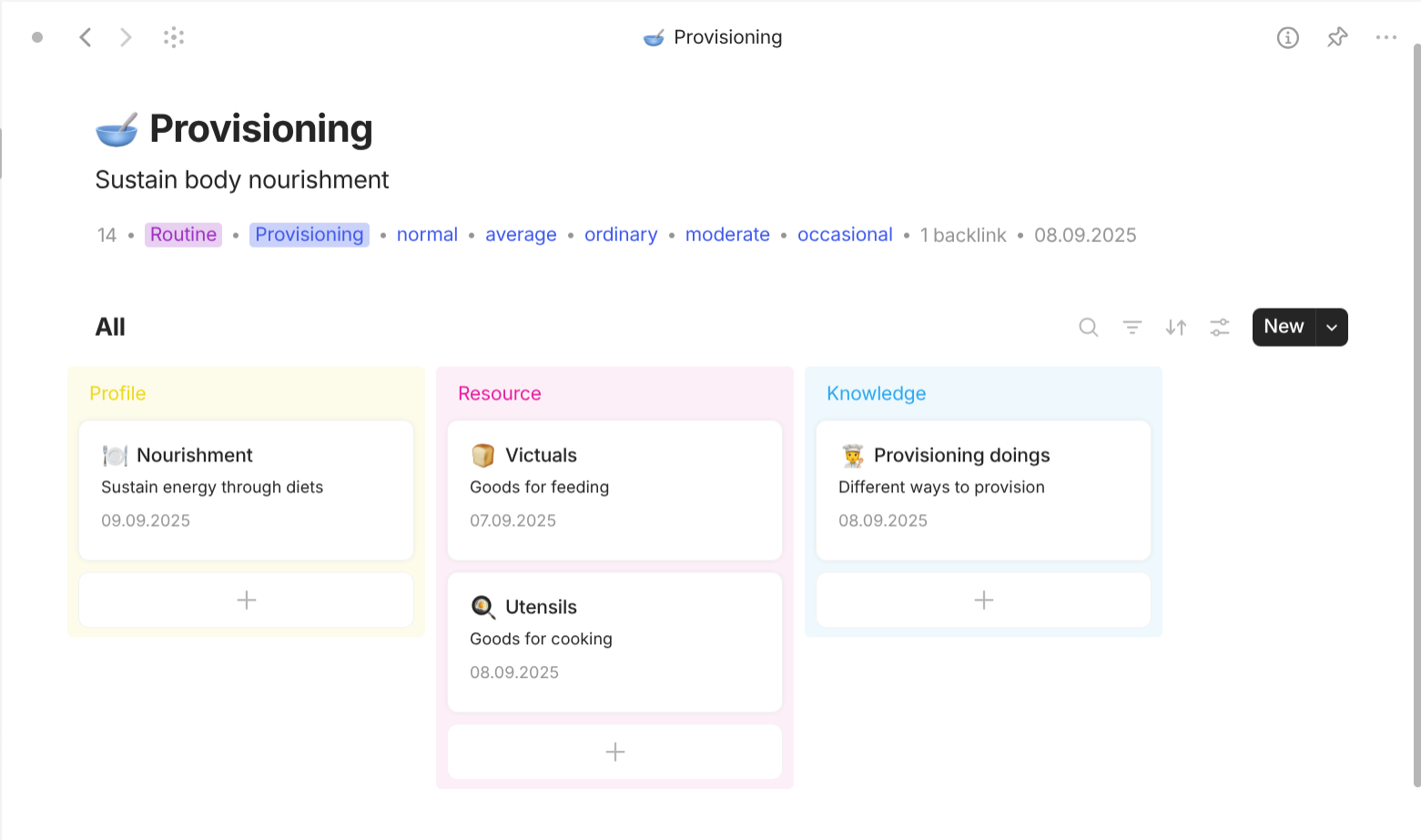
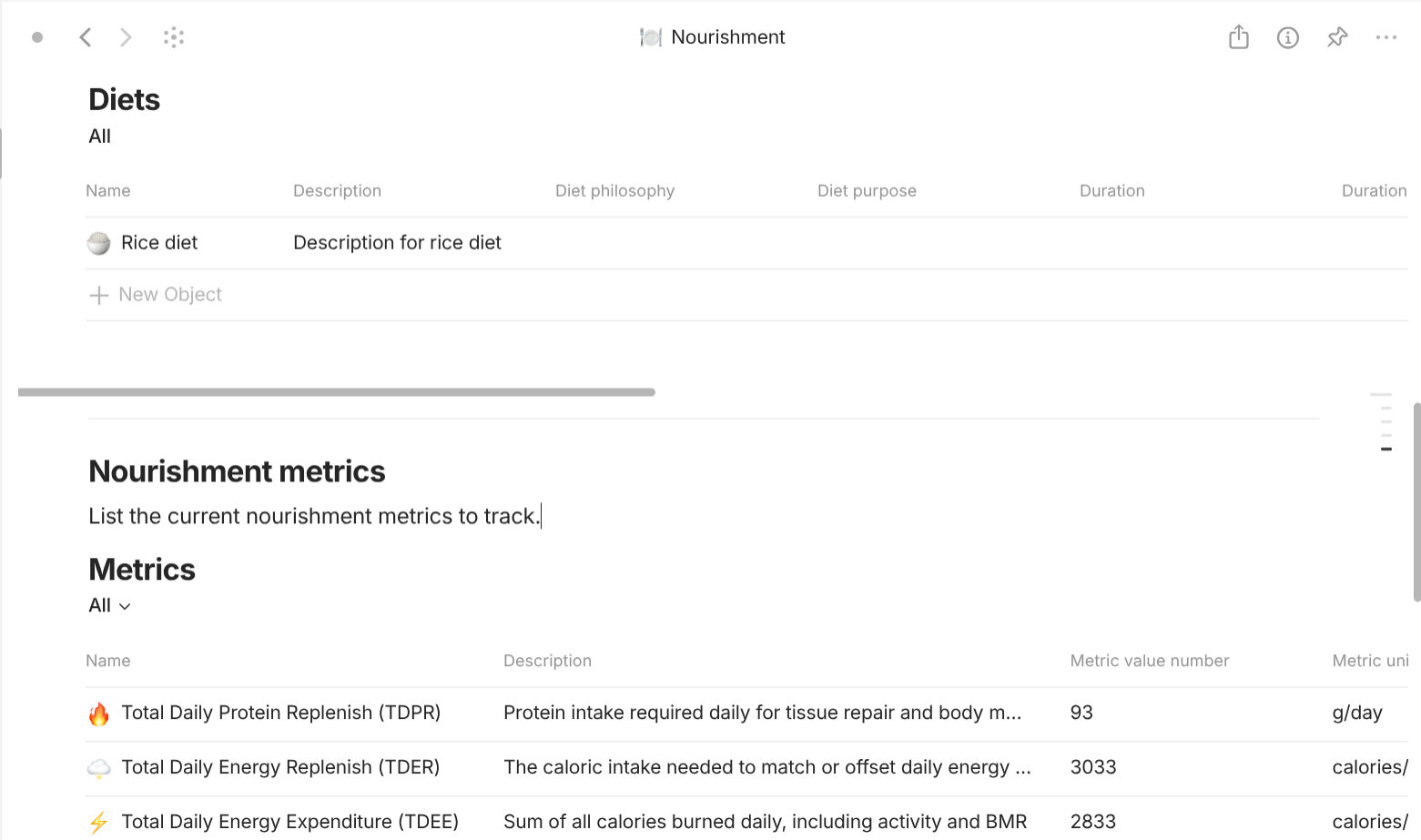
Activity unit is a type with "Format" of "Page". For templates, they share a simple template which lists all of its properties out in the document interface. For properties, they have the following important properties.
"Facet" with "Class" of "Select" describes the facet of this activity unit. They can be:
-
Profile: current situation within activity.
- Outcome: result of the activity.
- Action: state of the activity.
-
Resource: available things involved in the activity.
- Supply: expandable things.
- Tool: sustainable things.
-
Knowledge: things needed to know to do the activity.
- Resource knowledge: understanding of knowledge
- Method knowledge: knowledge on way to do the activity.
For example, the activity "Provisioning" (feeding oneself) has the following structure:
-
Appetite (Profile) contains the following units:
- Nourishment (Outcome): body's nutrition.
- Taste (Action): food preference.
- Diet (Action): the current food consumption.
-
Kitchen (Resource) contains the following units:
- Ration (Supply): available stock of food.
- Utensil (Tool): available utensils, appliances.
-
Culinary (Knowledge) contains the following units:
- Victualry (Resource knowledge): food knowledge.
- Kitchenry (Resource knowledge): understanding utensils.
- Nutrition (Resource knowledge): human nutrition knowledge.
- Recipes (Method knowledge): recipes, food preparation.

Catalog is a "Collection" object. It has a "Gallery" view which shows all additional types made specifically for activities. The nature of the types totally depend on the nature of its activities.
For example, the activity "Provisioning" has 5 additional types and also reuses the following available types in the Catalogs: Metrics is referred as Nourishments; Components are referred as Nutrients; Goods is referred as Victuals.. Provisioning give rise to Diets which are overarching plans that define a long-term eating philosophy (e.g., Mediterranean, keto, high-protein) and set overall goals such as daily calories, nutrient ratios, or health outcomes. Diets consist of Meals which are the scheduled eating occasions (breakfast, lunch, dinner, snack) that inherit the diet's constraints. Meals consist of Dishes, recognizable culinary entities such as “grilled salmon with quinoa” or “banana-oat smoothie” carry metadata like portion size, cooking method, and cultural classification. Recipe explains how Dishes are assembled with certain Portions. It lists the required Victuals (raw foods and drinks) and the preparation steps (cutting, cooking, seasoning). Victuals consist of Nutrients which break each victual down into its component nutrients (protein, carbs, fats, vitamins, minerals, fiber, etc).
Interest-based objects
This use cases is useful for hobbies like "Music", "Movies", "Books", "Games", "Sports",… I use it to track every activities I want to do for my interest.
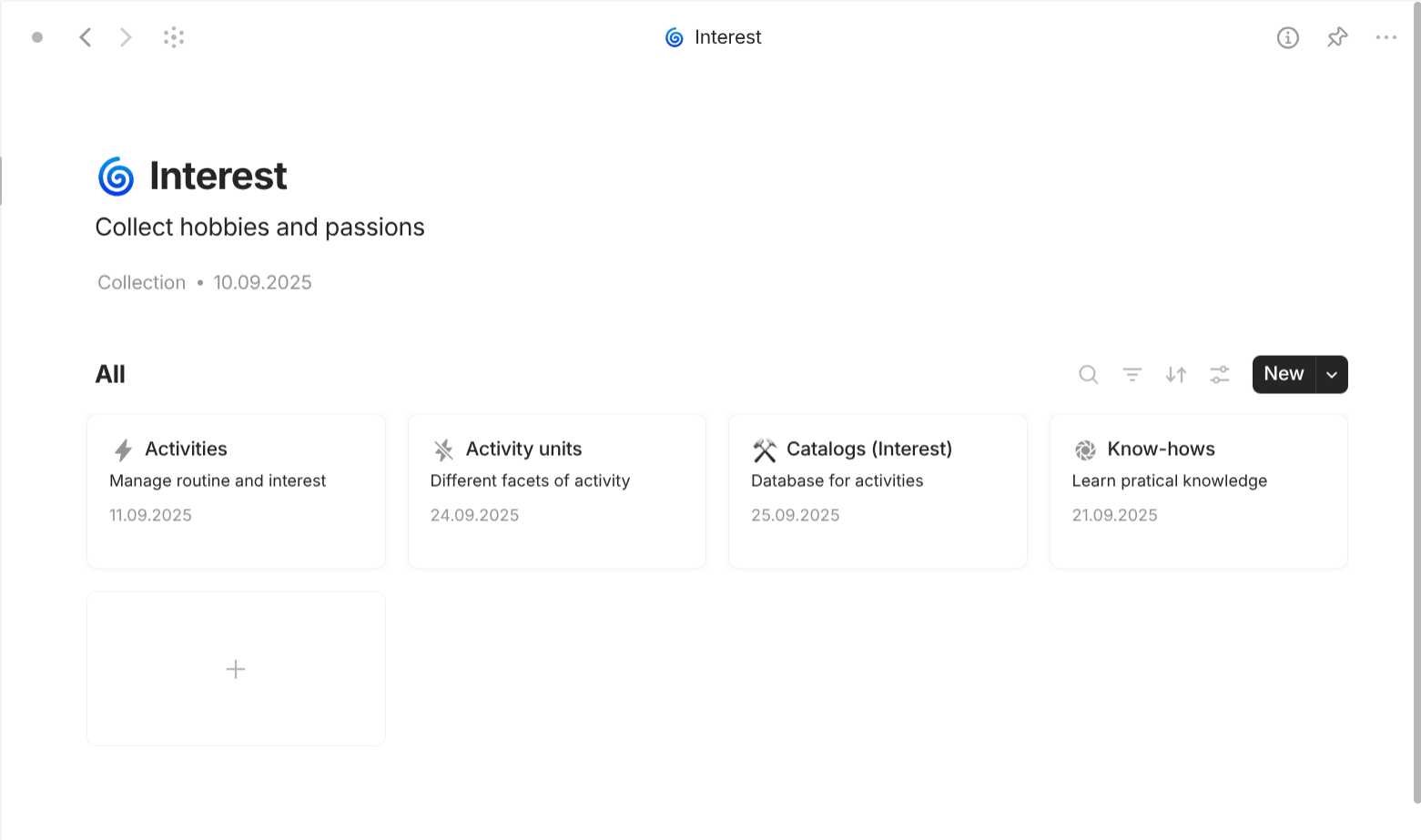
While both Routine-based objects and Interest-based objects share the same core ideas of Activity, Activity Unit and Catalogs, Interest-based objects have something unique enough that I decide to split them. It is Content in Catalogs. This is reflected in real life as when you love something, you consume content about that thing.
Catalogs provide information for Activities through Contents which belong to different Content categories, Content genres, and Content themes, Practices which are sessions to engage with or create the Contents, and Events which are Contents but can only be enjoyed at specific place, platform,… at specific time, duration,… Contents themselves can contain other Contents recursively. Contents are provided through Content sources which come from different Channels. Different Channels may exist on the same Platforms. For Contents, Practices, Festivals, Channels, and Platforms (Interest sources) to exist, they must involve Contributors who have certain Contributor roles which have something to do with Interest source through Contributions.
Contents, Content sources, Practices, Festivals, Contributors, Contributor roles, Contributions, Channels, Platforms (Interest affiliates) have Interest evaluations and Interest achievements which are recognizable awards or titles given by the public or the critics.
Example:
You access these works through different Content sources: a YouTube link, a podcast RSS feed, or a DVD purchased from a store. These sources originate from Channels such as dedicated creator pages, podcast stations, or broadcasting outlets, all hosted on Platforms like YouTube, Spotify, or Netflix.
You later engage in a Practice: a focused viewing session of a documentary series. On another day, you switch to a different Practice such as recording your own podcast episode or writing commentary about the show. These Practices anchor the way you not only consume but also contribute to Contents.
Later, you attend an Event: a live premiere screening at a film festival. Unlike digital streaming, this Event can only be experienced at a specific venue and time, bringing the community together in shared anticipation.
The creators behind these works are Contributors. They hold multiple Contributor roles such as director, writer, or performer. These roles are realized through Contributions: a filmmaker contributes directing to the documentary, while a critic contributes commentary to the post-screening discussion. Each Contribution ties a Contributor, their role, and the specific Content where their effort is recognized.
All these Interest sources such as Contents, Practices, Festivals, Channels, and Platforms exist because of Contributors, their Contributor roles, and their Contributions. They and Content sources are considered Interest affiliates. Each of these elements may receive Interest evaluations such as viewer ratings, critic reviews, or community votes, as well as Interest achievements such as film awards, bestseller lists, or official recognitions that validate their success and impact.

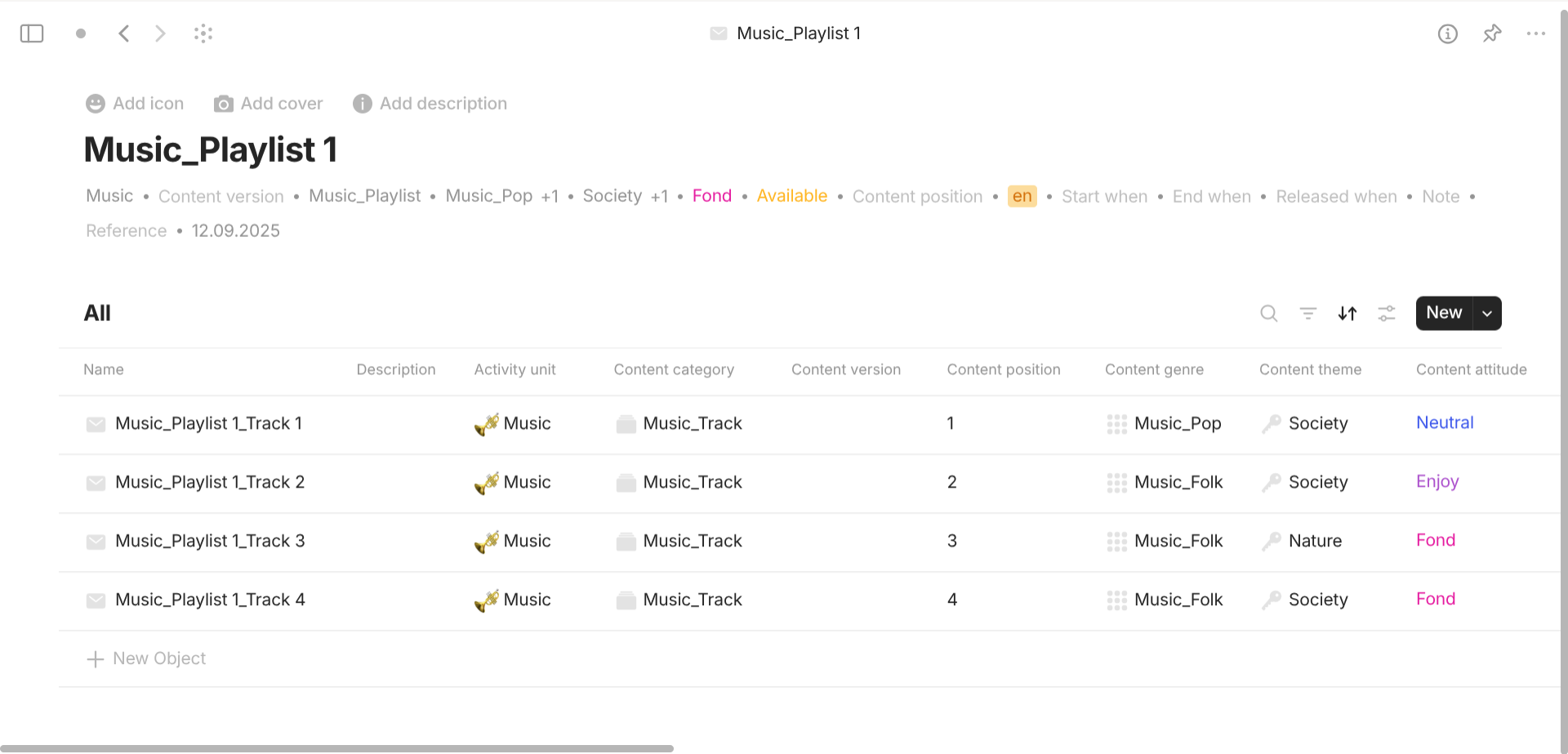
Content is a type with "Format" of "List". It has different "Grid" views based on the interest activity. For templates, they all share a template of "Grid view" so that it can show all linked objects for all of the current object. For properties, they all have the following important properties. "Content version" with "Class" of "Text" describes what version this content is. "Content version" with "Class" of "Number" shows the position of this content relative to its parent content. describes what version this content is. "Content category" with "Class" of "Object" (Content category) describes which content category this content belongs to. "Content genre" with "Class" of "Object" (Content genre) describes which content genre this content belongs to. "Content theme" with "Class" of "Object" (Content theme) describes which content theme this content belongs to. "Content attitude" with "Class" of "Select" describes how this content is felt: Enjoy, Fond, Hate, Neutral, Wait, or Other. "Content status" with "Class" of "Select" describes the status of this content: Archived (stored for reference, not actively promoted or updated), Available (accessible immediately for viewing, streaming, or download), Exclusive (limited to specific platforms, regions, or special audiences), Flagged (reported or marked for potential issues or violations), Pending (awaiting approval, review, or final publishing decision), Production (being created, edited, or still under development), Removed (taken down and no longer accessible to users), Restricted (requires permission, subscription, or special conditions for access), Scheduled (finished and set to become available at a future date). "Language" with "Class" of "Object" (Language) describes which language this content has.
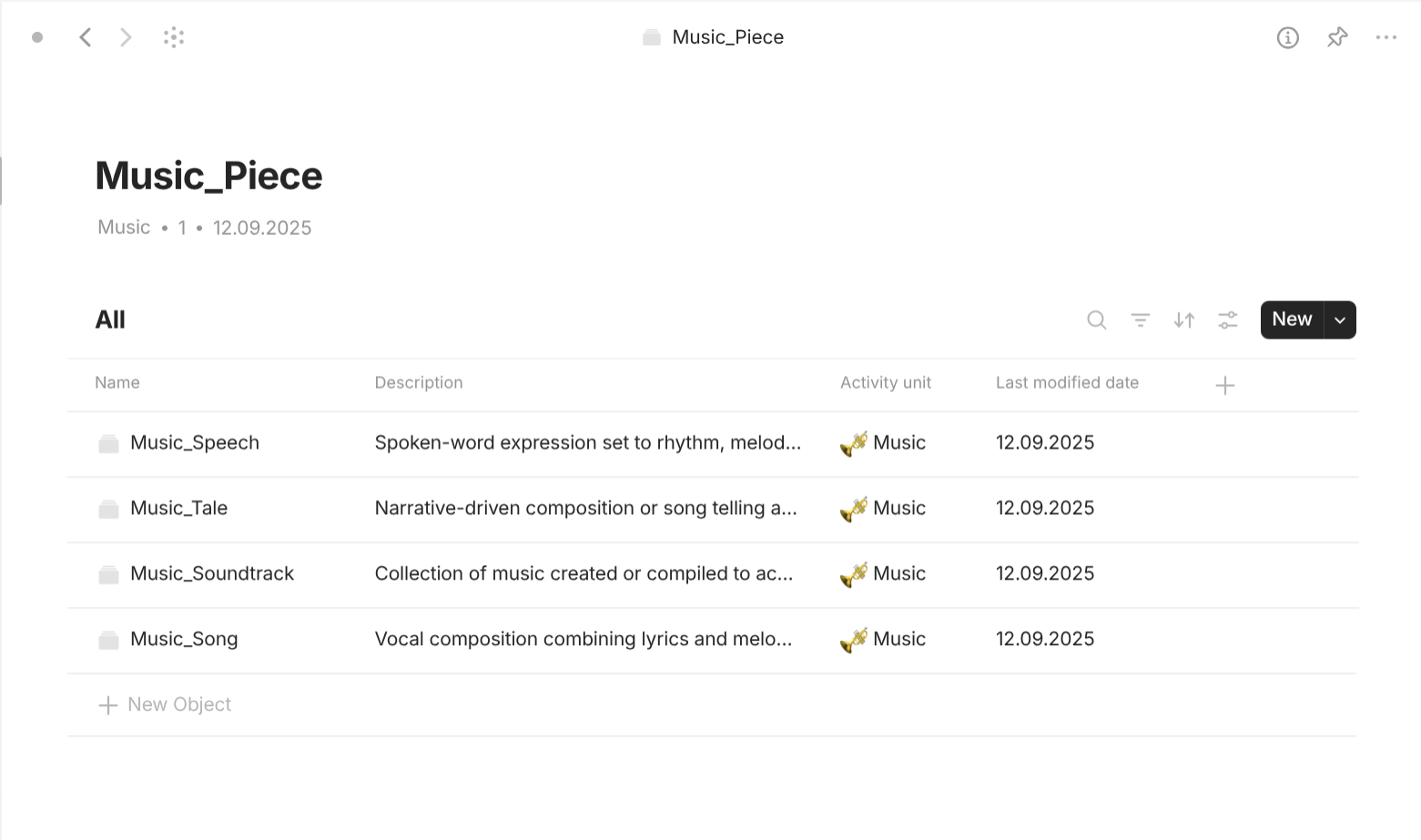
Content category is a type with "Format" of "List". It has different "Grid" views based on the interest activity. For templates, they all share a template of "Grid view" so that it can show all linked objects for all of the current object. For properties, they have the following important properties. "Entry point" with "Class" of "Number" or "Checkbox" is how the Filter know if the categories are top-level (1 of checked) or not (0 or unchecked). Only top-level categories are displayed in the view when you enter the type "Content category". "Activity unit" with "Class" of "Object" (Activity, Activity unit) describes which Activity or Activity unit this content category belongs to.
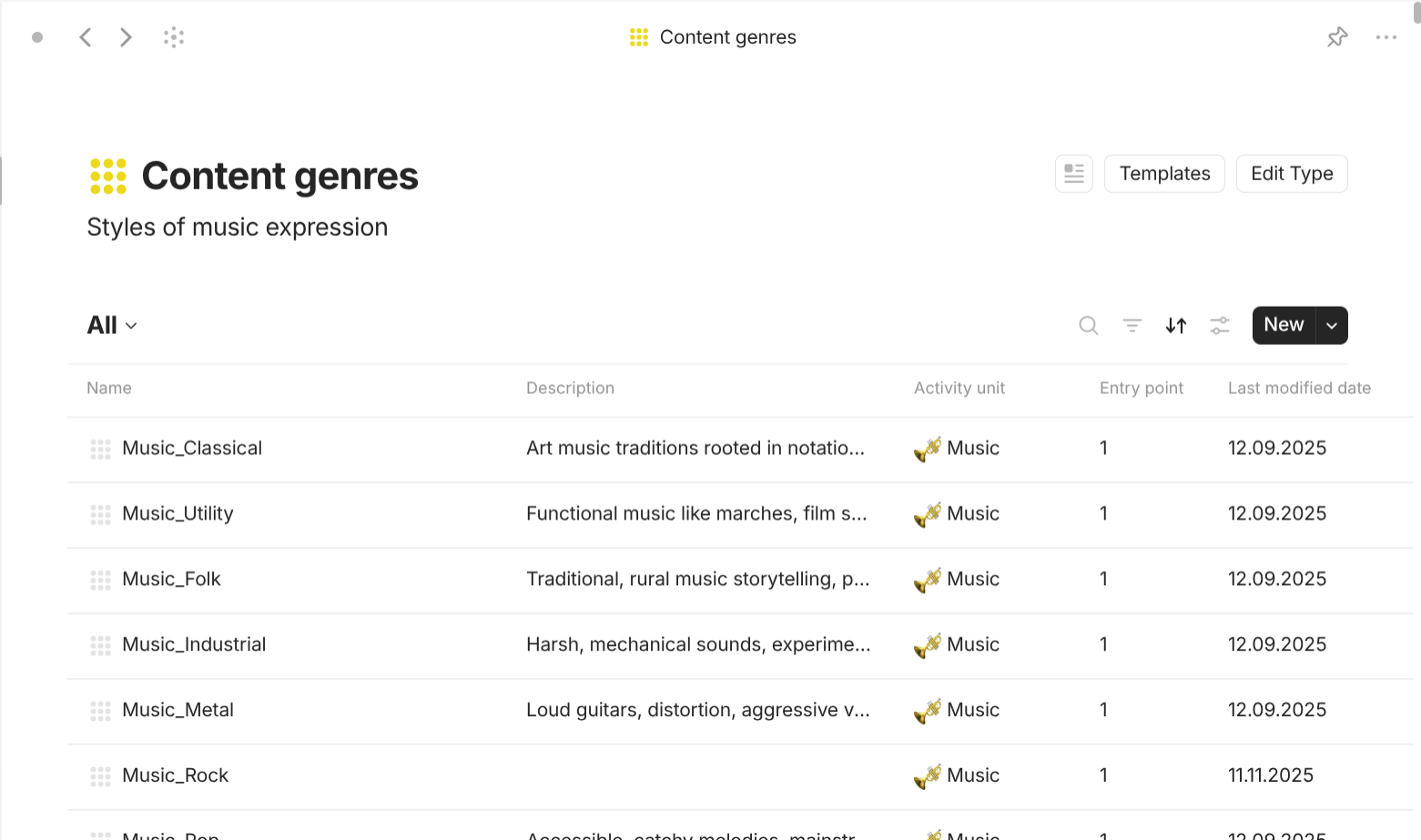
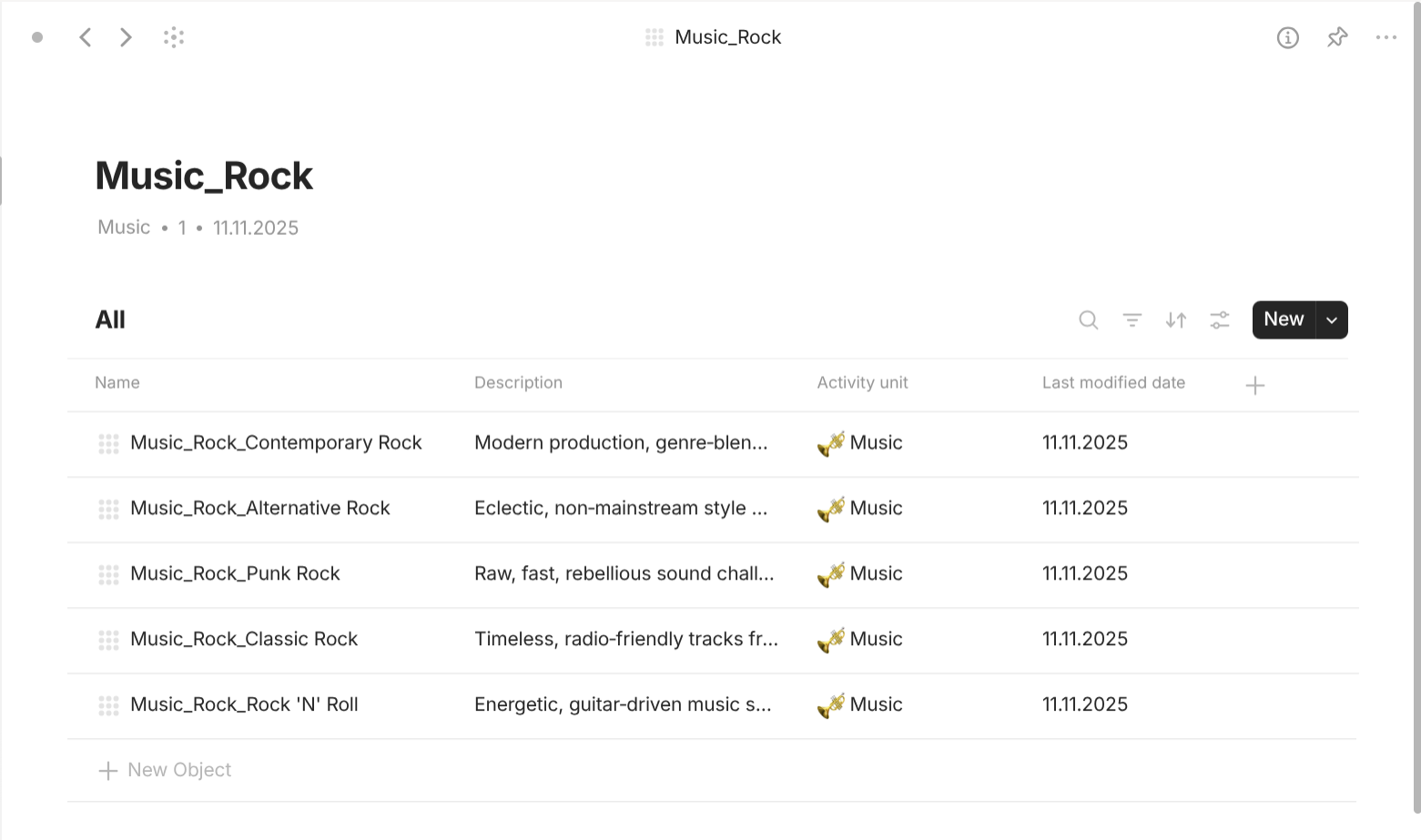
Content genre is a type with "Format" of "List". It has different "Grid" views based on the interest activity. For templates, they all share a template of "Grid view" so that it can show all linked objects for all of the current object. For properties, they have the following important properties. "Entry point" with "Class" of "Number" or "Checkbox" is how the Filter know if the genres are top-level (1 of checked) or not (0 or unchecked). Only top-level genres are displayed in the view when you enter the type "Content genre". "Activity unit" with "Class" of "Object" (Activity, Activity unit) describes which Activity or Activity unit this content genre belongs to.
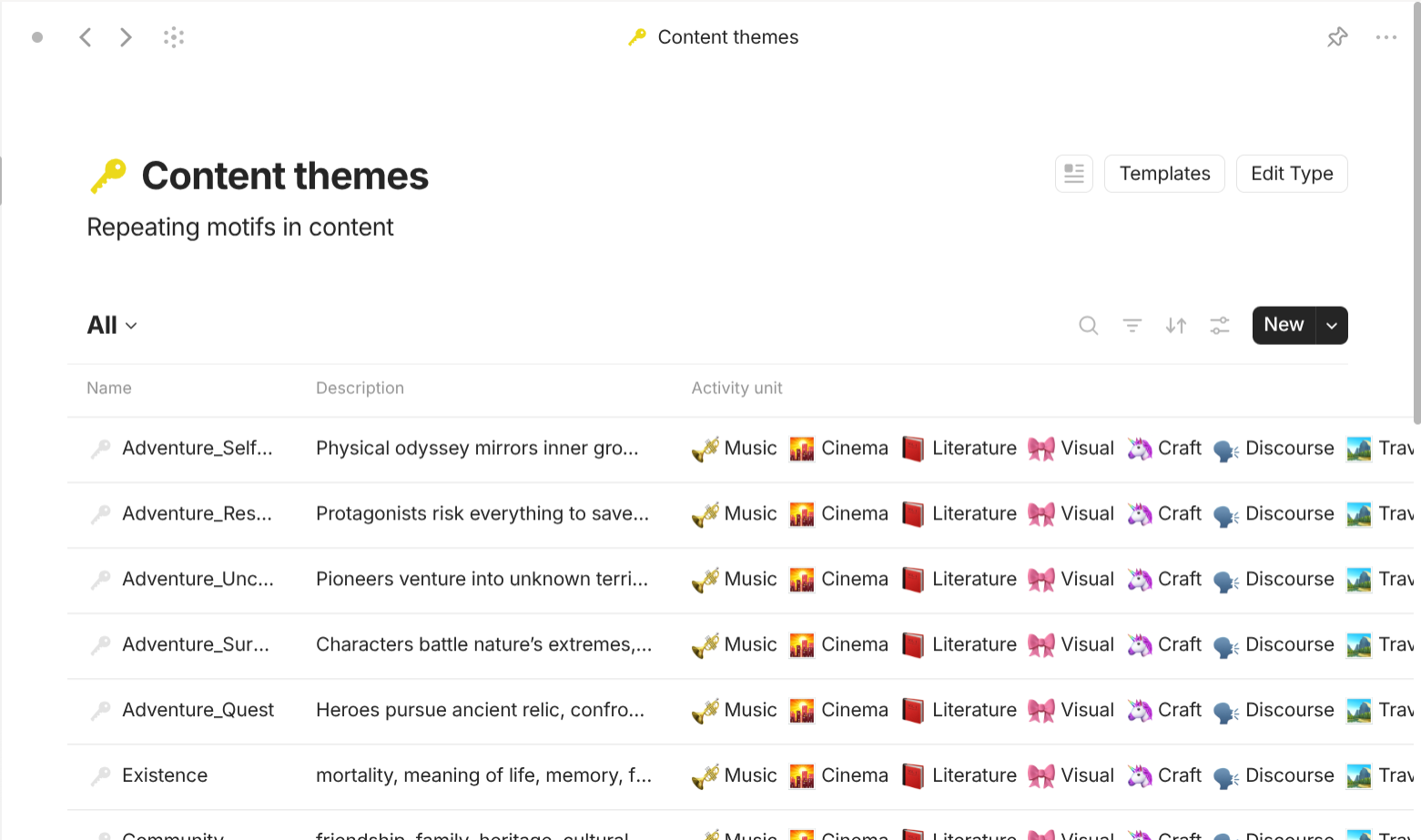
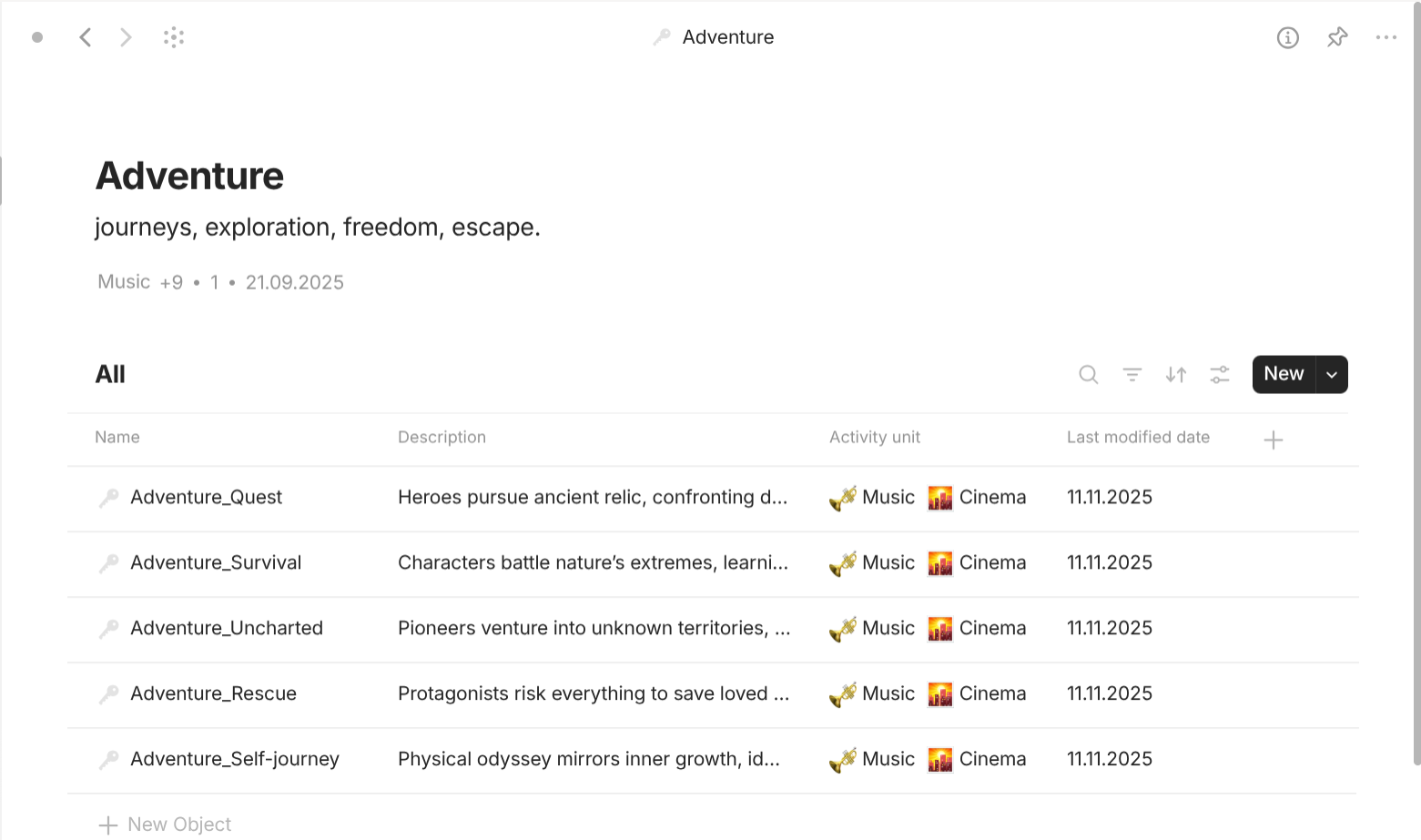
Content theme is a type with "Format" of "List". It has different "Grid" views based on the interest activity. For templates, they all share a template of "Grid view" so that it can show all linked objects for all of the current object. For properties, they have the following important properties. "Entry point" with "Class" of "Number" or "Checkbox" is how the Filter know if the themes are top-level (1 of checked) or not (0 or unchecked). Only top-level themes are displayed in the view when you enter the type "Content theme". "Activity unit" with "Class" of "Object" (Activity, Activity unit) describes which Activity or Activity unit this content theme belongs to.
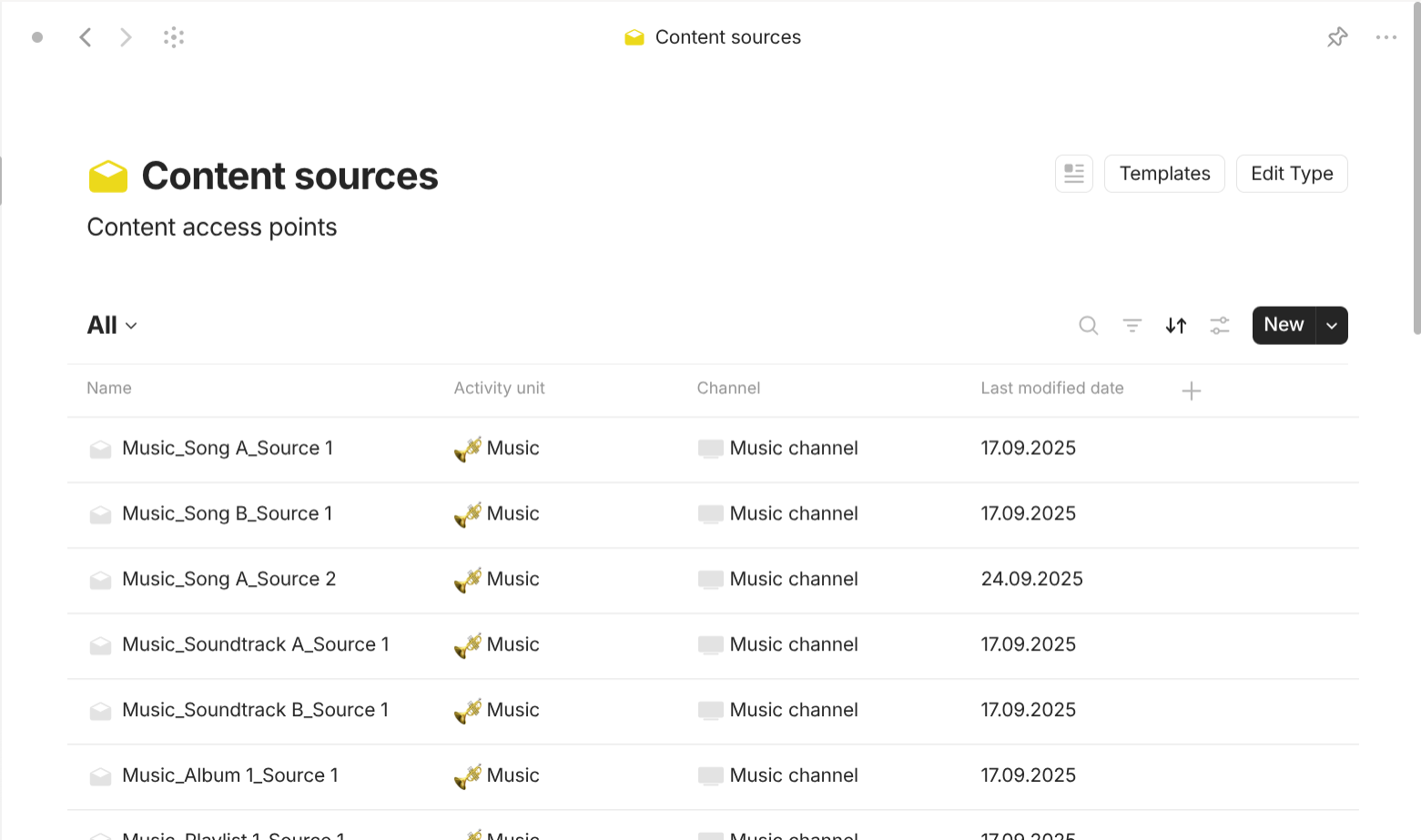
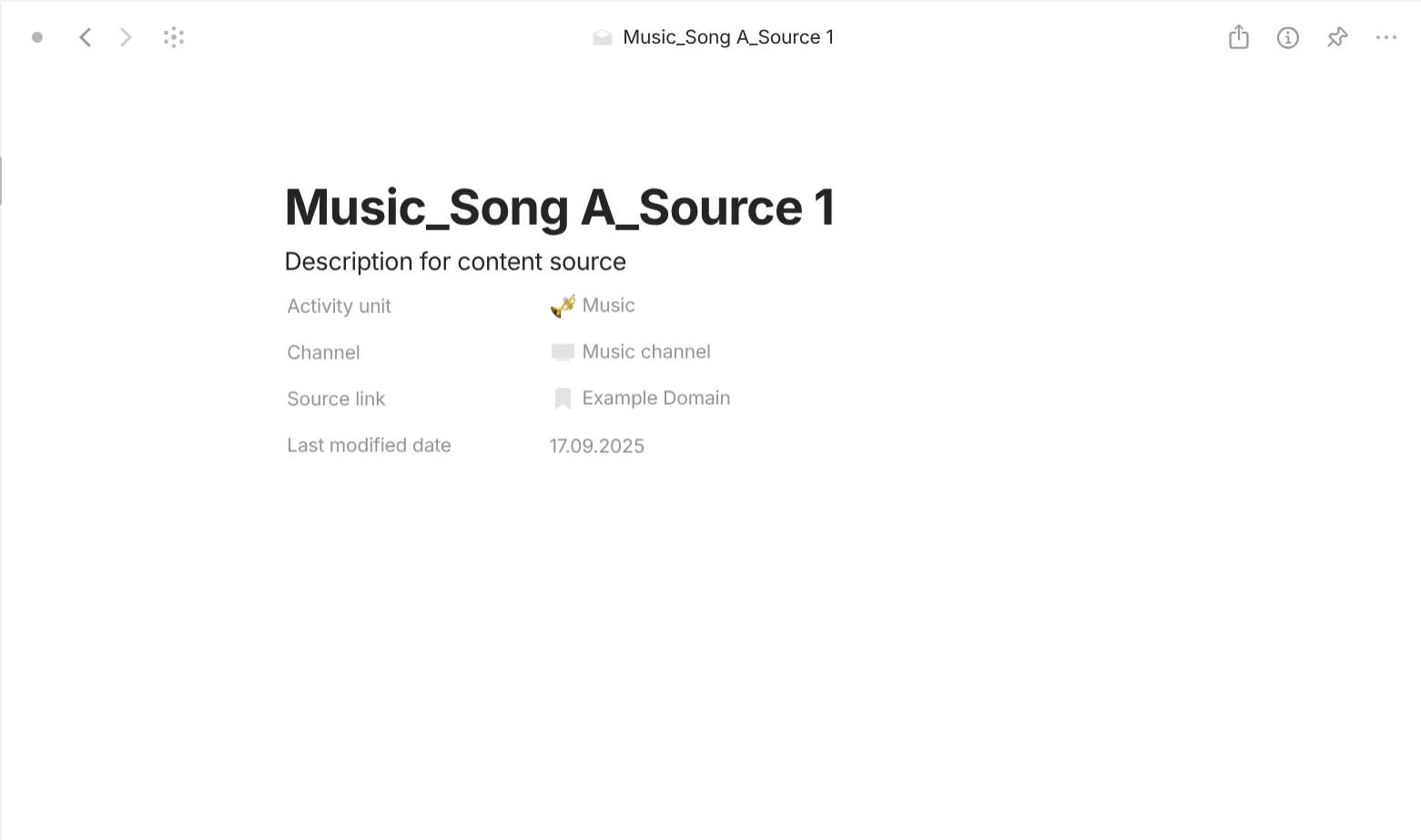
Content source is a type with "Format" of "Page". For templates, they share a simple template which lists all of its properties out in the document interface. For properties, they have the following important properties. "Content" with "Class" of "Object" (Content) describes the content this content source is about. "Channel" with "Class" of "Object" (Channel) describes which channel this content source belongs to. "Activity unit" with "Class" of "Object" (Activity, Activity unit) describes which Activity or Activity unit this content source belongs to.
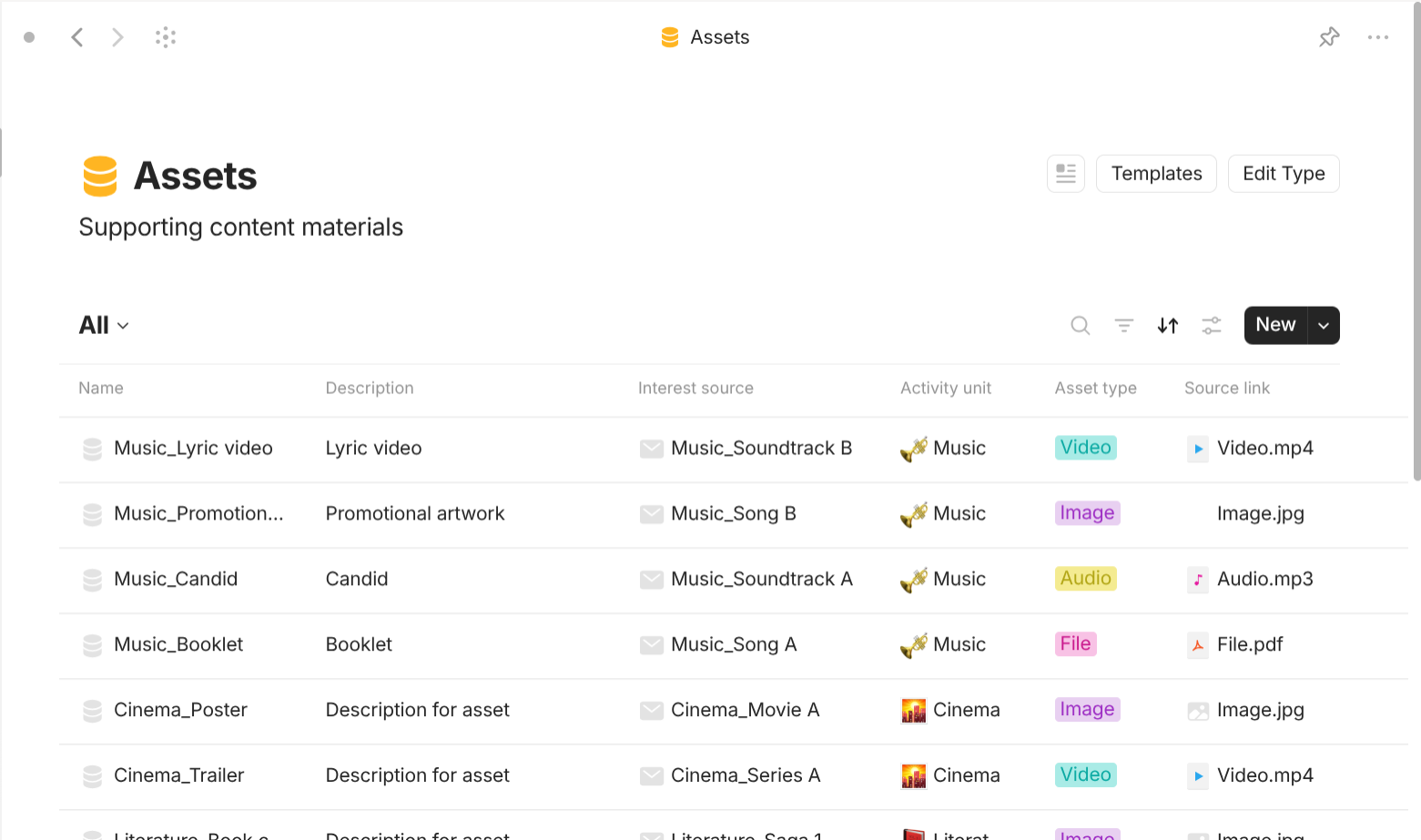
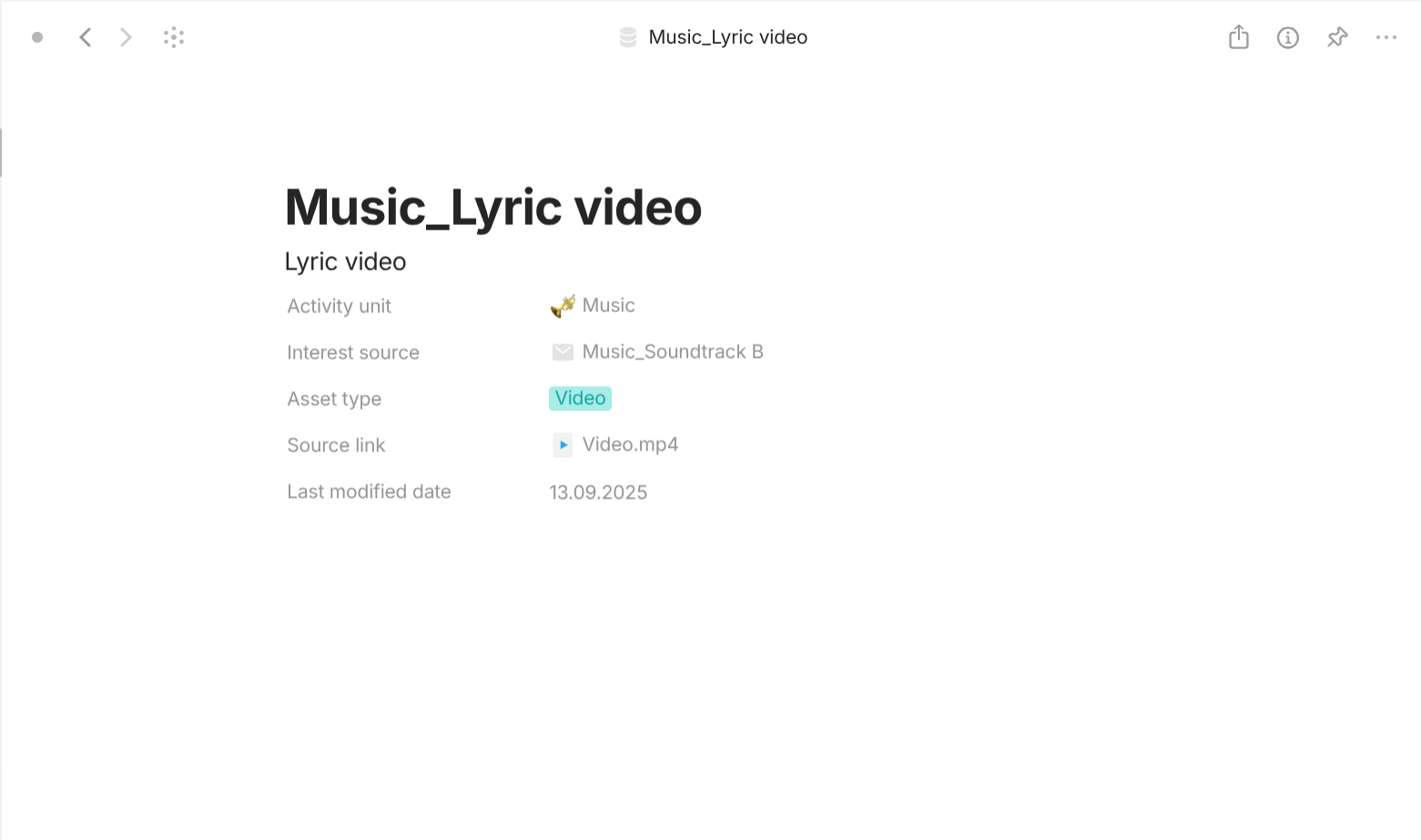
Asset is a type with "Format" of "Page". For templates, they share a simple template which lists all of its properties out in the document interface. For properties, they have the following important properties. "Interest source" with "Class" of "Object" (Interest source) describes interest source this asset belongs to. "Asset type" with "Class" of "Multi-select" describes what type this asset belongs to: Audio, Bookmark, Collection, File, Image, Page, Video, Other. "Activity unit" with "Class" of "Object" (Activity, Activity unit) describes which Activity or Activity unit this asset belongs to.

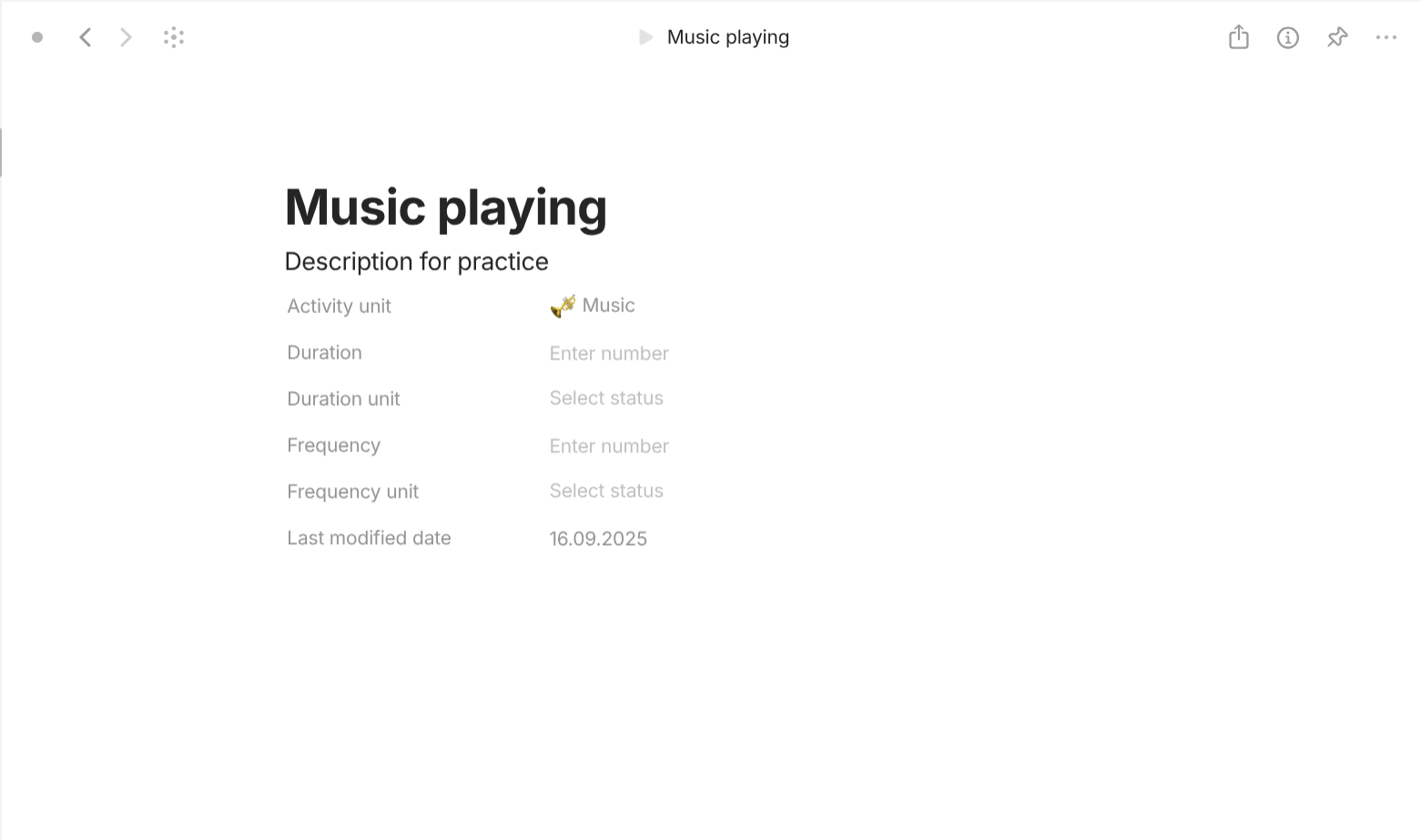
Practice is a type with "Format" of "Page". For templates, they share a simple template which lists all of its properties out in the document interface. For properties, they have the following important properties. "Activity unit" with "Class" of "Object" (Activity, Activity unit) describes which Activity or Activity unit this practice belongs to. "Duration" with "Class" of "Number" describes how long the practice is. "Duration unit" with "Class" of "Text" describes the unit of the practice's duration. "Frequency" with "Class" of "Number" describes how frequent the practice is. "Frequency unit" describes the unit of the practice's frequency.
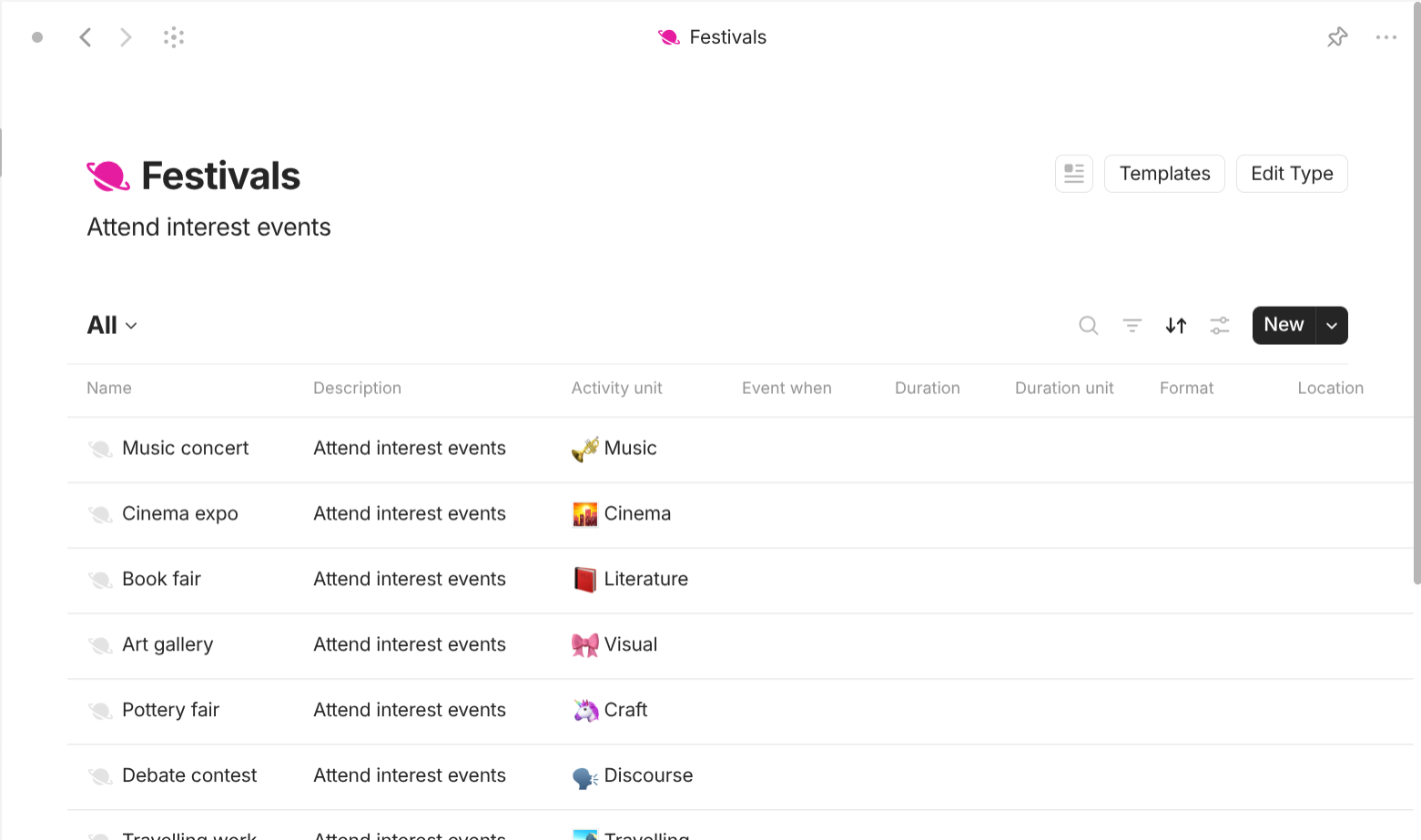
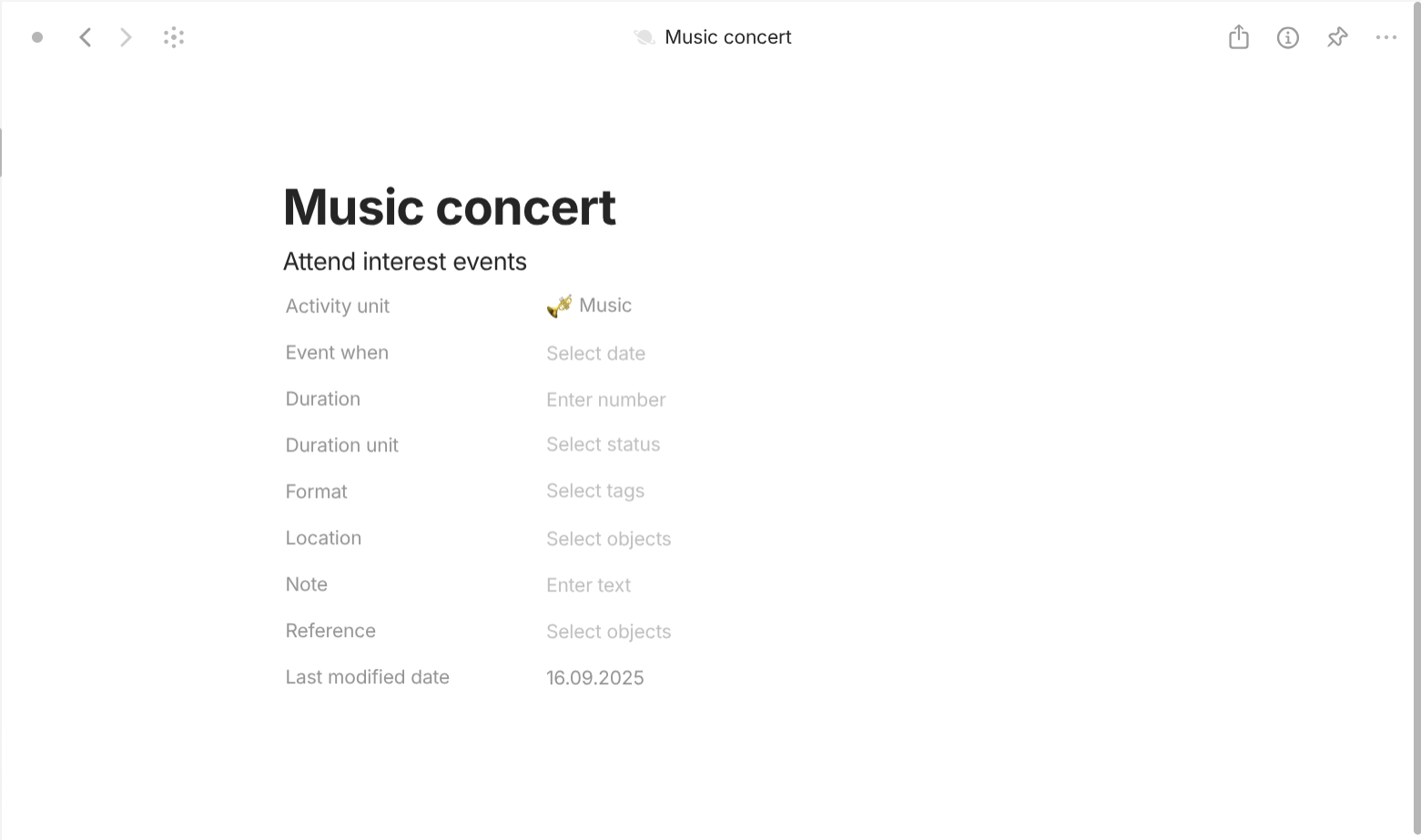
Festival is a type with "Format" of "Page". For templates, they share a simple template which lists all of its properties out in the document interface. For properties, they have the following important properties. "Activity unit" with "Class" of "Object" (Activity, Activity unit) describes which Activity or Activity unit this festival belongs to. "Event when" with "Class" of "Date (include time)" describes when the festival is. "Duration" with "Class" of "Number" describes how long the festival is. "Duration unit" with "Class" of "Text" describes the unit of the festival's duration. "Format" with "Class" of "Multi-select" describes how to approach or attend this festival: Offline, Online, or both. "Location" with "Class" of "Object" (Location, Platform) describes the place (if offline) or the platform (if online) to attend this event at.
Channel is a type with "Format" of "Page". For templates, they share a simple template which lists all of its properties out in the document interface. For properties, they have the following important properties. "Activity unit" with "Class" of "Object" (Activity, Activity unit) describes which Activity or Activity unit this channel belongs to. "Format" with "Class" of "Multi-select" describes how to approach or attend this festival: Offline, Online, or both. "Location" with "Class" of "Object" (Location, Platform) describes the place (if offline) or the platform (if online) to attend this event at. "Channel status" with "Class" of "Select" describes the relationship of the consumer to this channel: Blocked (user has blocked the channel, content hidden), Intact (has not subscribed at any point), Subscribed (actively following, receives updates), Unsubscribed (previously subscribed but canceled). "Channel lifecycle" with "Class" of "Select" describes how the channel is operating: Active (publishing content regularly), Inactive (exists but hasn't published in a long time), Suspended (temporarily disabled for policy violations), Terminated (permanently removed by owner or platform). "Start when" with "Class" of "Date" describes when this channel was created. "End when" with "Class" of "Date" describes when this channel was cancelled. "Duration" with "Class" of "Number" describes how old the channel is. "Duration unit" with "Class" of "Text" describes the unit of the channel's age.
Platform is a type with "Format" of "Page". For templates, they share a simple template which lists all of its properties out in the document interface. For properties, they have the following important properties. "Activity unit" with "Class" of "Object" (Activity, Activity unit) describes which Activity or Activity unit this platform belongs to. "Format" with "Class" of "Multi-select" describes how to approach or attend this festival: Offline, Online, or both. "Location" with "Class" of "Object" (Location, Platform) describes the place (if offline) or the platform (if online) to attend this event at. "Platform attitude" with "Class" of "Select" describes the attitude of user towards this platform: Avoid (actively chooses not to use the platform, often due to dislike, distrust, or negative past experience), Casual (uses the platform irregularly or only when convenient, without strong commitment), Loyal (consistently uses and supports the platform over alternatives, showing long-term trust and preference), Primary (considers the platform as their main or go-to choice for that type of content). "Platform lifecycle" with "Class" of "Select" describes how the channel is operating: Active (fully running, users can access all features normally), Archived (accessible but restricted to viewing; no uploads/changes allowed), Beta (in testing phase, limited availability, not fully stable), Closed (permanently shut down, no longer operating), Degraded (platform is up but some features/services aren’t working properly), Maintenance (temporarily offline or limited for updates or fixes), Suspended (temporarily disabled due to policy, legal, or financial issues), Takendown (removed by authority decision, violation, or forced shutdown). "Start when" with "Class" of "Date" describes when this platform was created. "End when" with "Class" of "Date" describes when this platform was cancelled. "Duration" with "Class" of "Number" describes how old the platform is. "Duration unit" with "Class" of "Text" describes the unit of the platform's age.
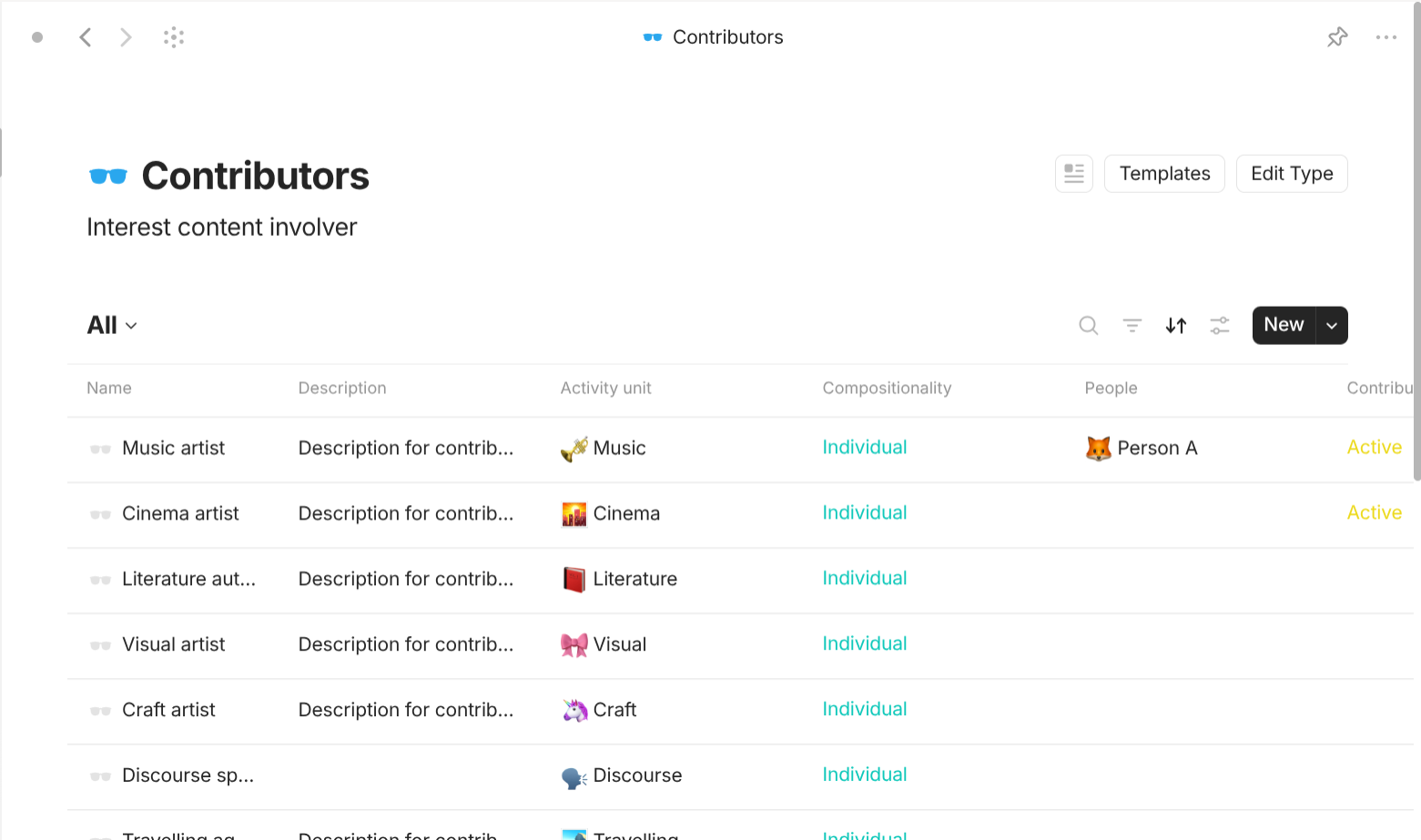
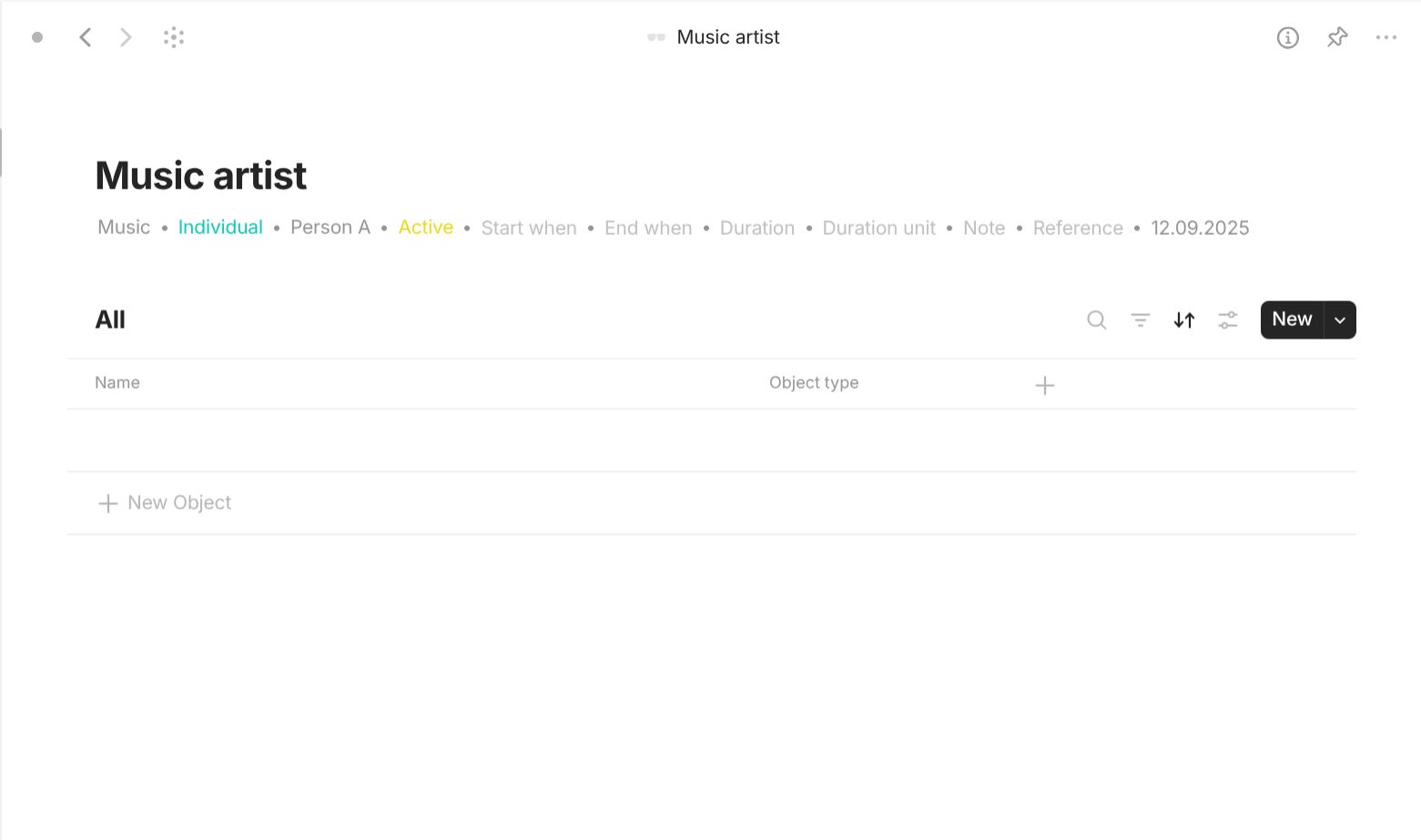
Contributor is a type with "Format" of "List". It has different "Grid" views based on the interest activity. For templates, they all share a template of "Grid view" so that it can show all linked objects for all of the current object. For properties, they have the following important properties. "Activity unit" with "Class" of "Object" (Activity, Activity unit) describes which Activity or Activity unit this contributor belongs to. "Compositionality" with "Class" of "Select" tells if the object is an individual or a group (collective). "People" with "Class" of "Object" (People) describes the real identity of this contributor. "Contributor status" with "Class" of "Select" describes what status the contributor is: Active (currently creating and engaging with audience through consistent, new content), Deceased (has passed away; content remains as lasting digital legacy), Inactive (absent from content creation without prior notice or explanation given), On break (temporarily paused content creation, publicly shared break with fans), Retired (permanently stepped away from content creation, no new projects planned). "Start when" with "Class" of "Date" describes when this contributor was created. "End when" with "Class" of "Date" describes when this contributor was cancelled. "Duration" with "Class" of "Number" describes how old the contributor is. "Duration unit" with "Class" of "Text" describes the unit of the contributor's work length.
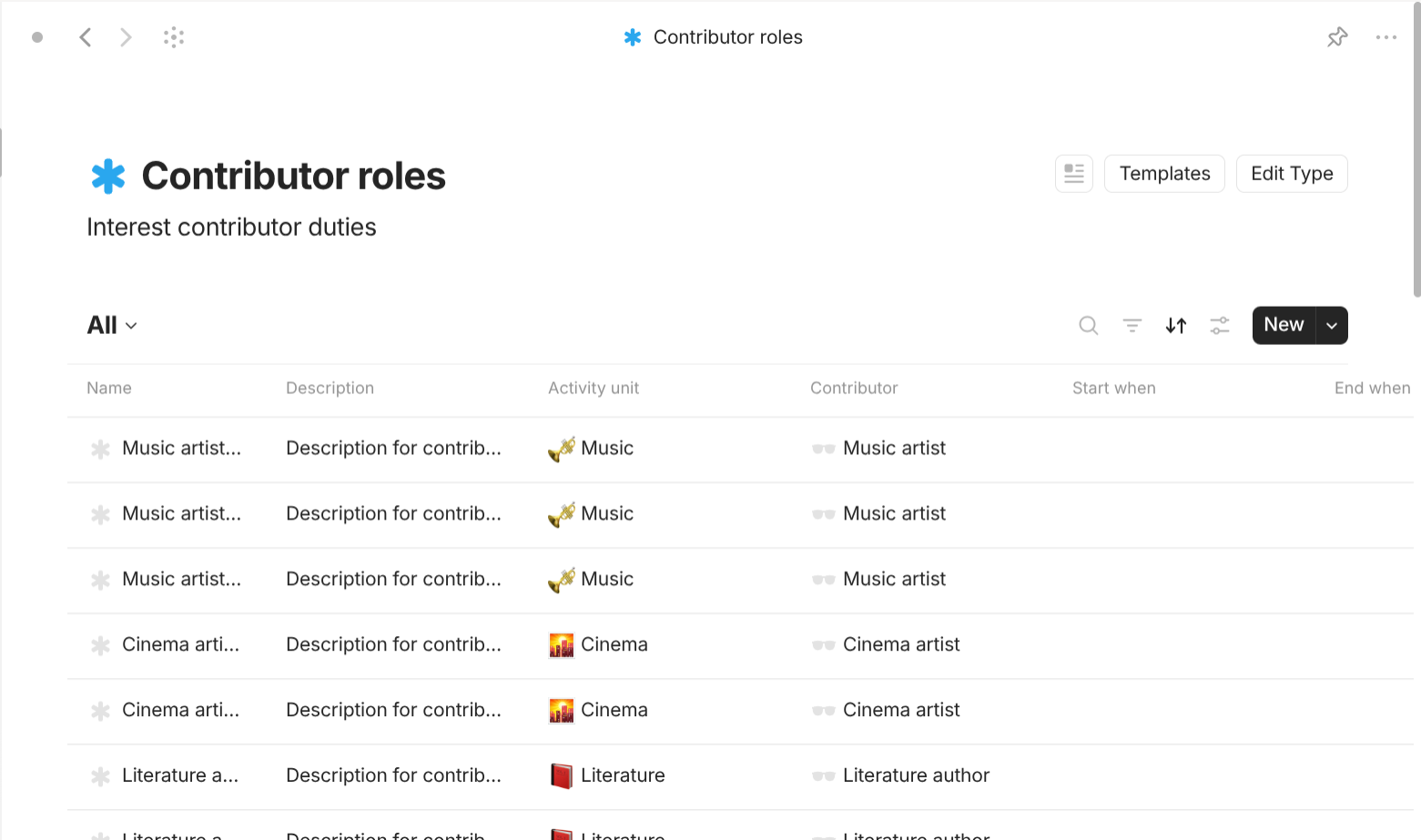
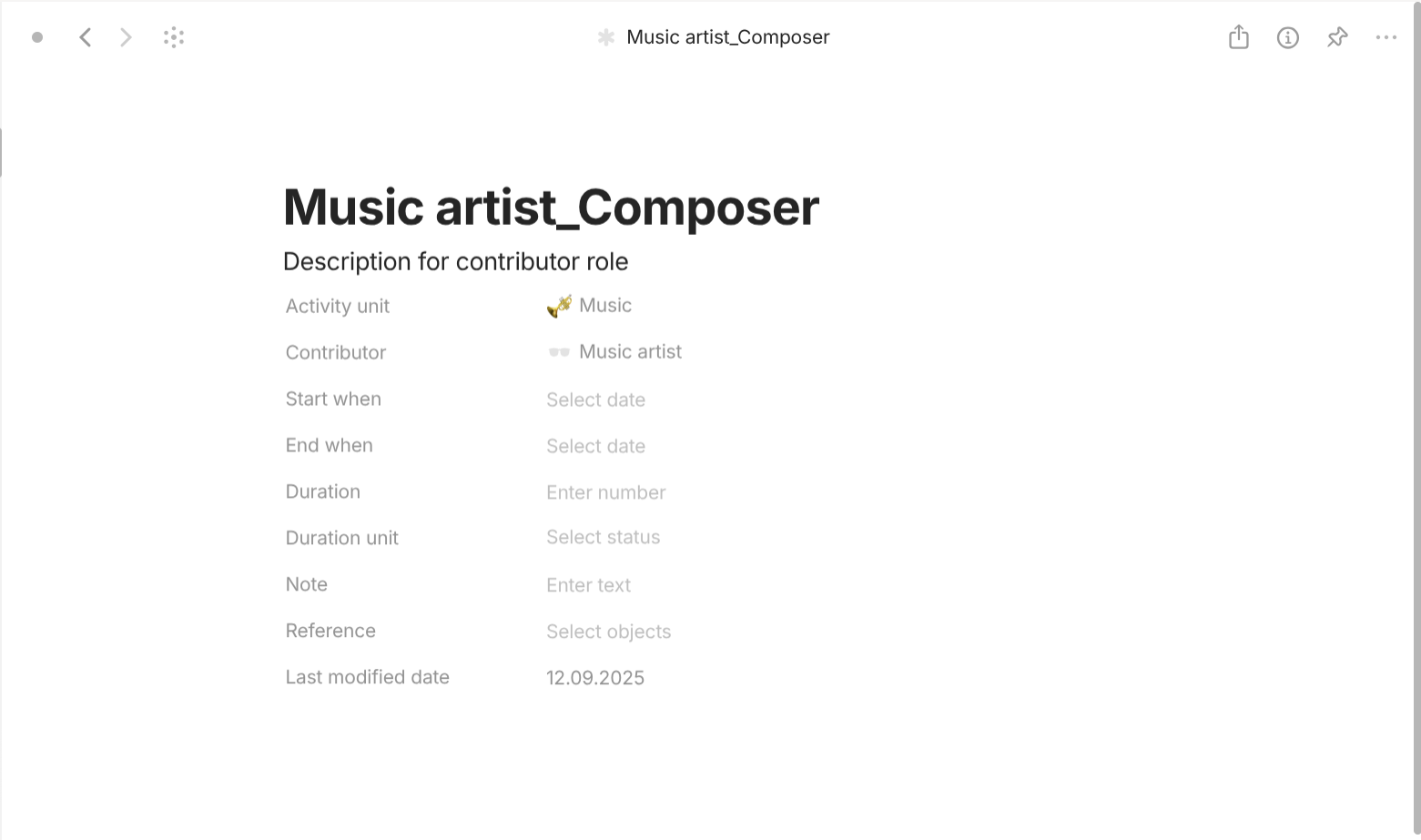
Contributor role is a type with "Format" of "Page". For templates, they share a simple template which lists all of its properties out in the document interface. For properties, they have the following important properties. "Activity unit" with "Class" of "Object" (Activity, Activity unit) describes which Activity or Activity unit this contributor role belongs to. "Contributor" with "Class" of "Object" (Contributor) describes which Contributor this contributor role belongs to. "Start when" with "Class" of "Date" describes when this contributor role was created. "End when" with "Class" of "Date" describes when this contributor role was cancelled. "Duration" with "Class" of "Number" describes how old the contributor role is. "Duration unit" with "Class" of "Text" describes the unit of the contributor role's work length.
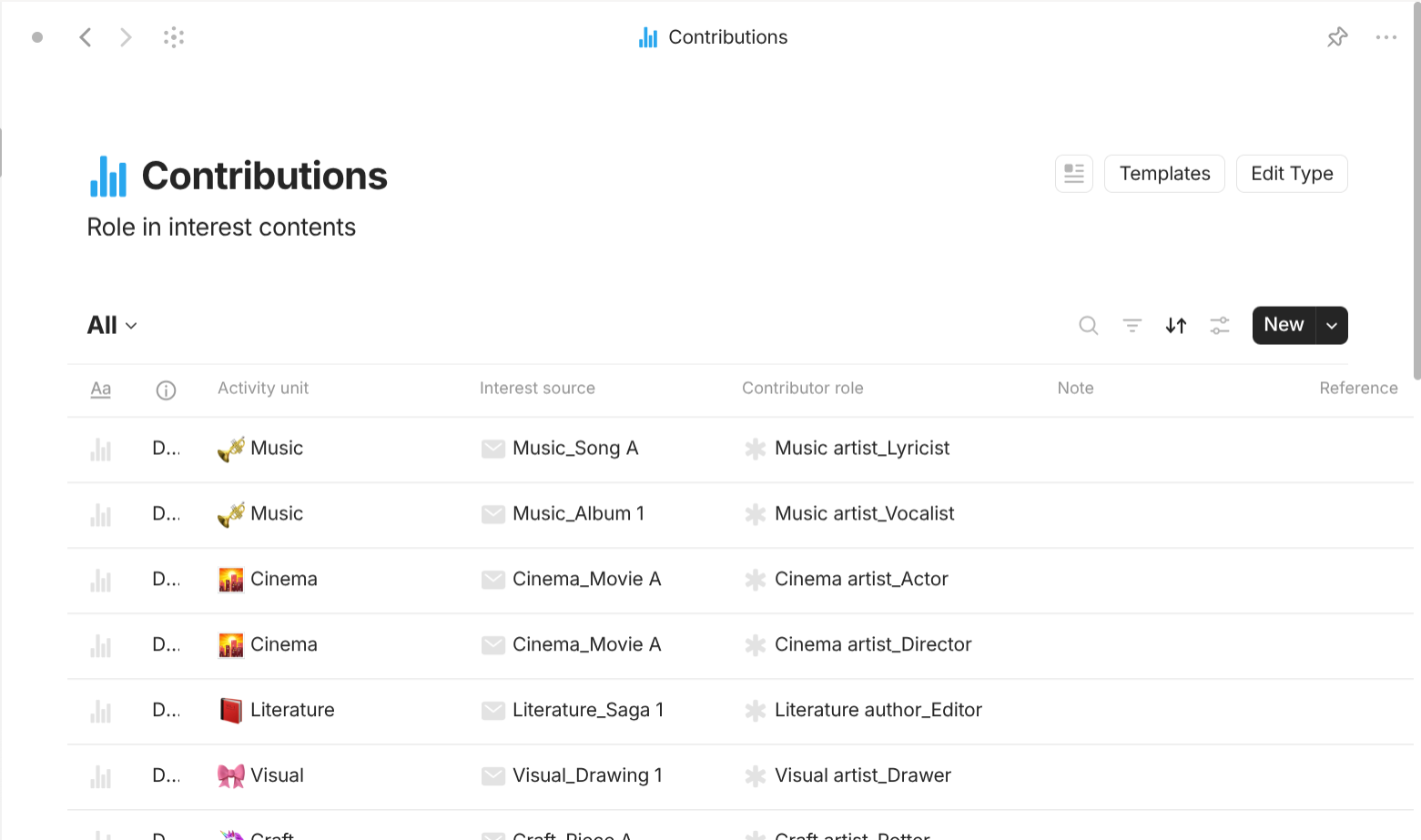
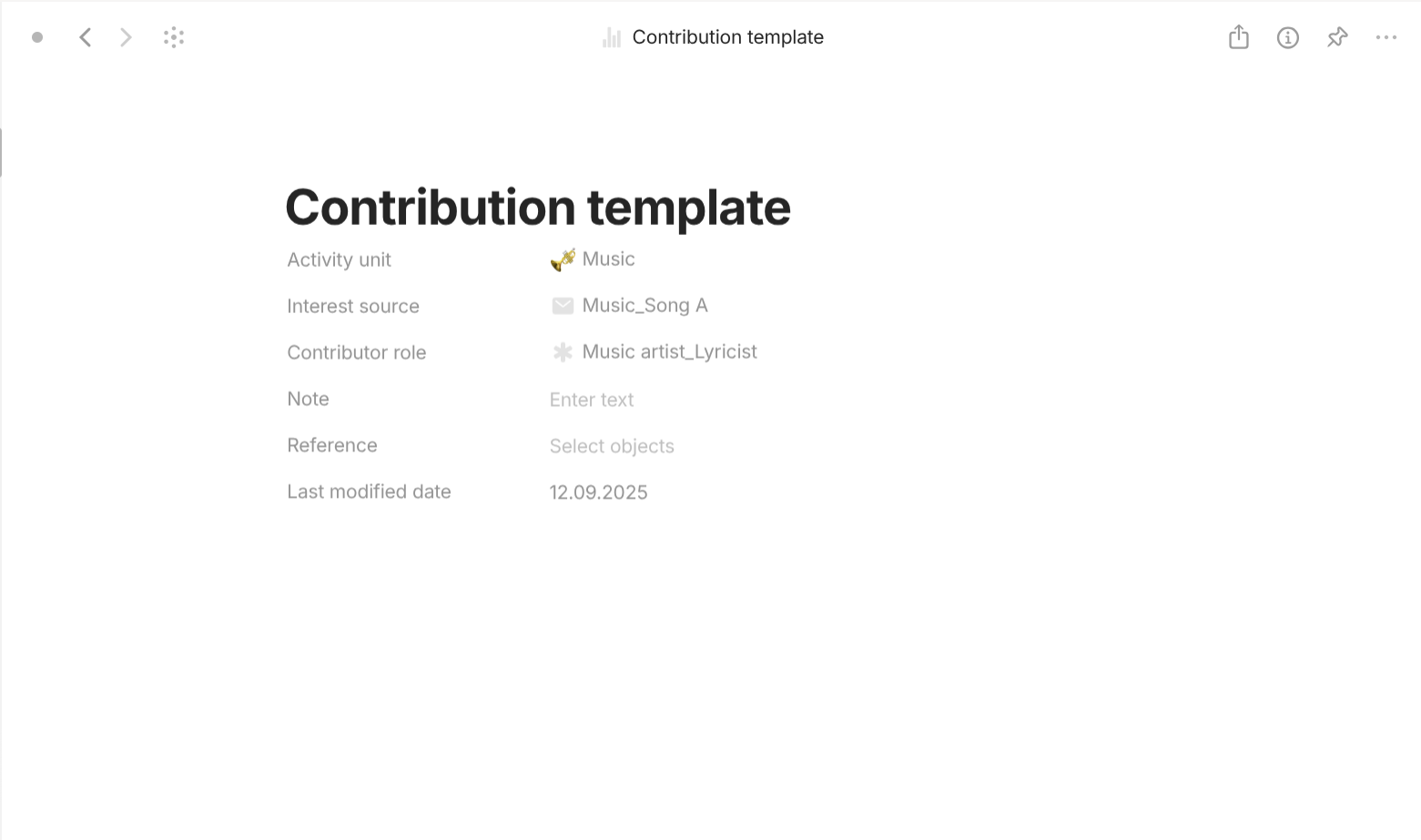
Contribution is a type with "Format" of "Page". For templates, they share a simple template which lists all of its properties out in the document interface. For properties, they have the following important properties. "Activity unit" with "Class" of "Object" (Activity, Activity unit) describes which Activity or Activity unit this contribution belongs to. "Interest source" with "Class" of "Object" (Interest source) describes interest source this contribution belongs to. "Contributor role" with "Class" of "Object" (Contributor role) describes which contributor role this contribution belongs to.
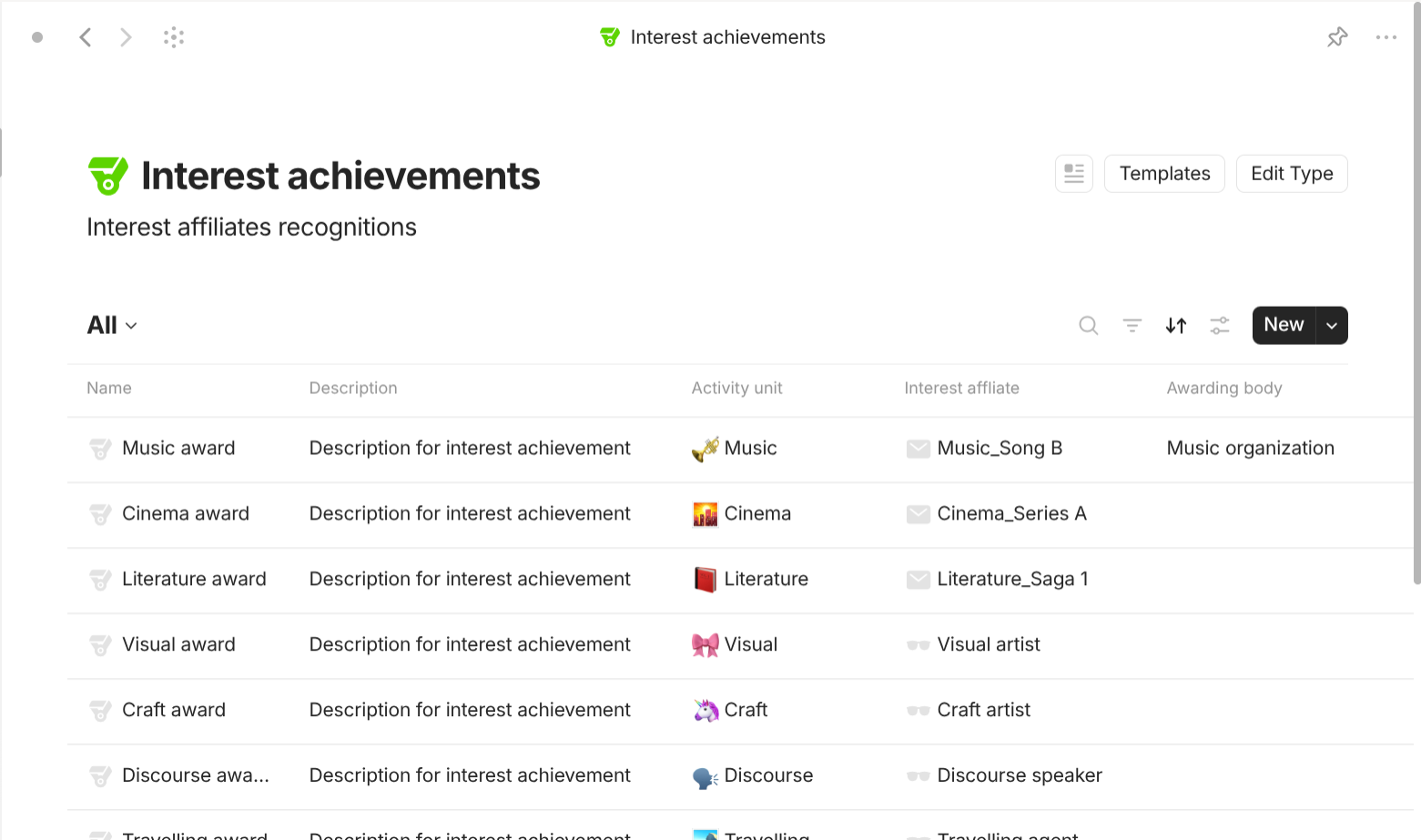
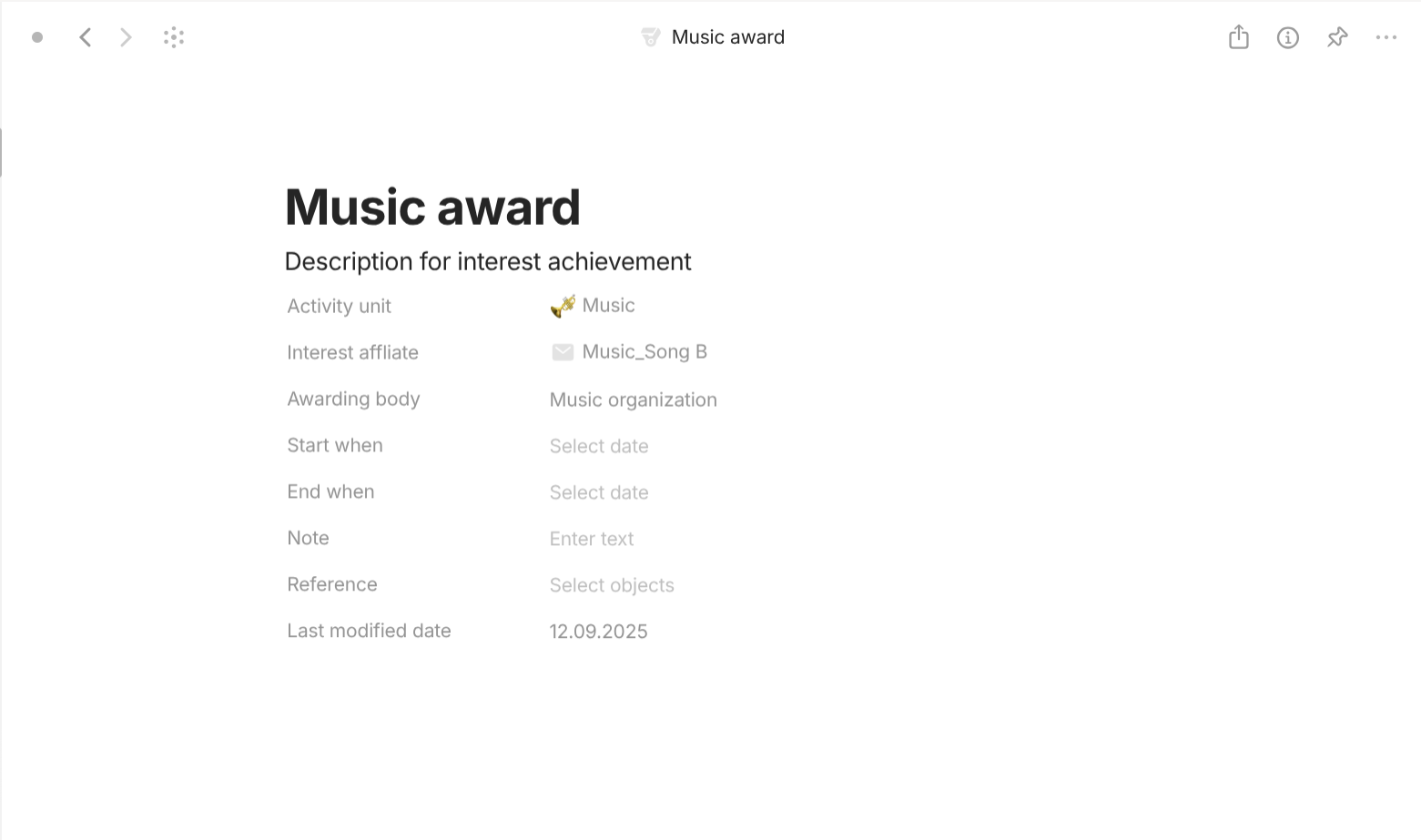
Interest achievement is a type with "Format" of "Page". For templates, they share a simple template which lists all of its properties out in the document interface. For properties, they have the following important properties. "Activity unit" with "Class" of "Object" (Activity, Activity unit) describes which Activity or Activity unit this interest achievement belongs to. "Interest affiliate" with "Class" of "Object" (Interest affiliate) describes which interest affiliate this interest achievement belongs to. "Awarding body" decribes what entity awards this interest achievement. "Start when" with "Class" of "Date" describes when this interest achievement is awarded. "End when" with "Class" of "Date" describes when thiinterest achievement is revokes.
Interest's Activity has a small difference compared to Routine's Activity that its Activity unit contains Content and its related type. Here's the example of the interest activity "Music".
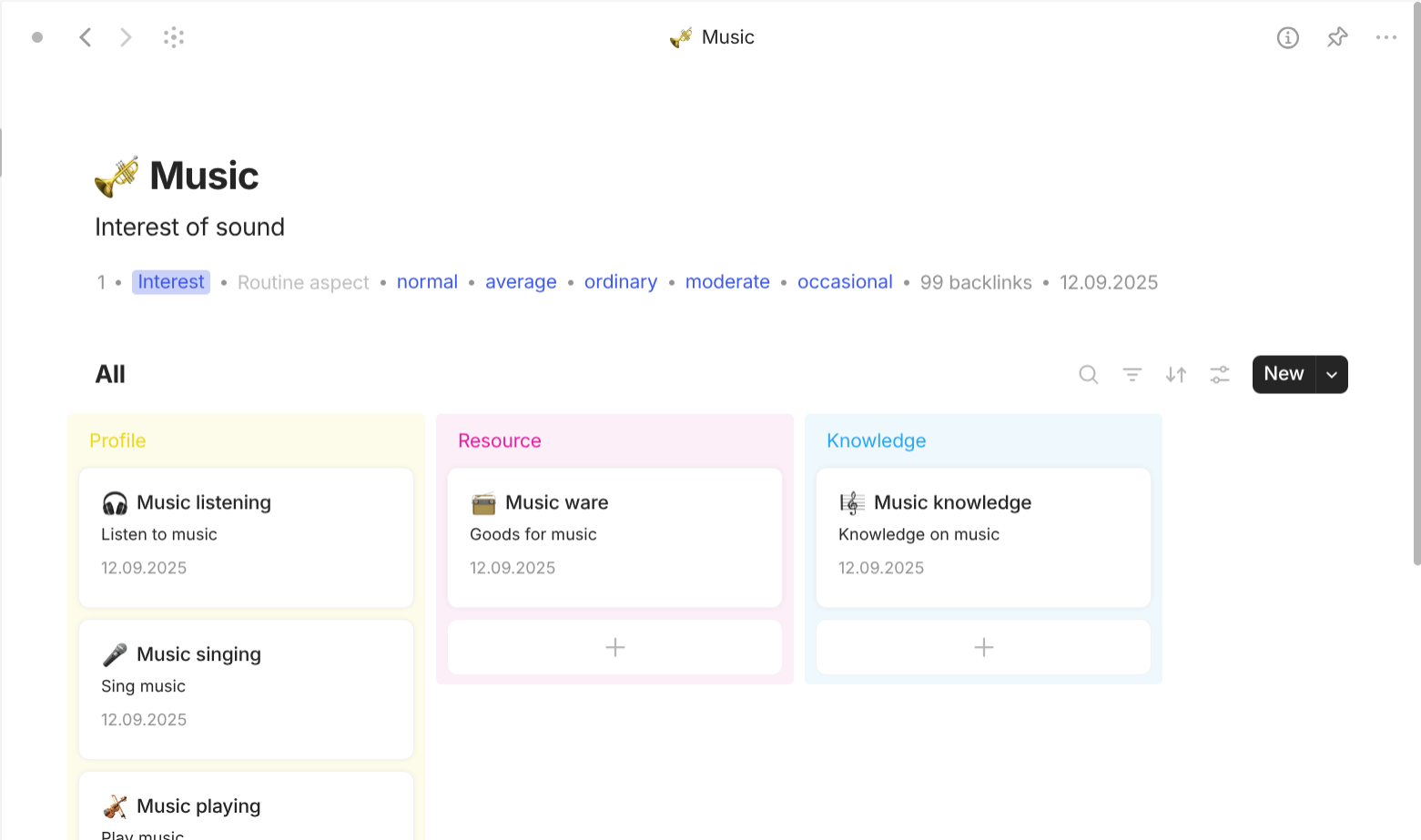
The interest "Music" has the following structure:
-
Music activities (Profile) may contain the following units:
- Listening (Passive): listening to music.
- Singing (Active): singing son
- Playing (Active): playing musical instruments.
- Composing (Active): writing songs.
-
Music ware (Resource) may contain the following units:
- Music listeners (Tool): available devices to listen to music.
- Singing ware (Tool): available devices to help sing music.
- Musical instruments (Tool): available things play music.
- Music composing ware (Tool): available things to write songs.
-
Music doings (Knowledge) may contain the following units:
- Musicology (Resource knowledge): knowledge on music theory.
- Discography (Resource knowledge): music repertoire.
- Musical performance (Method knowledge): knowledge on how to sing.
- Musical composition (Method knowledge): knowledge on how to write songs.
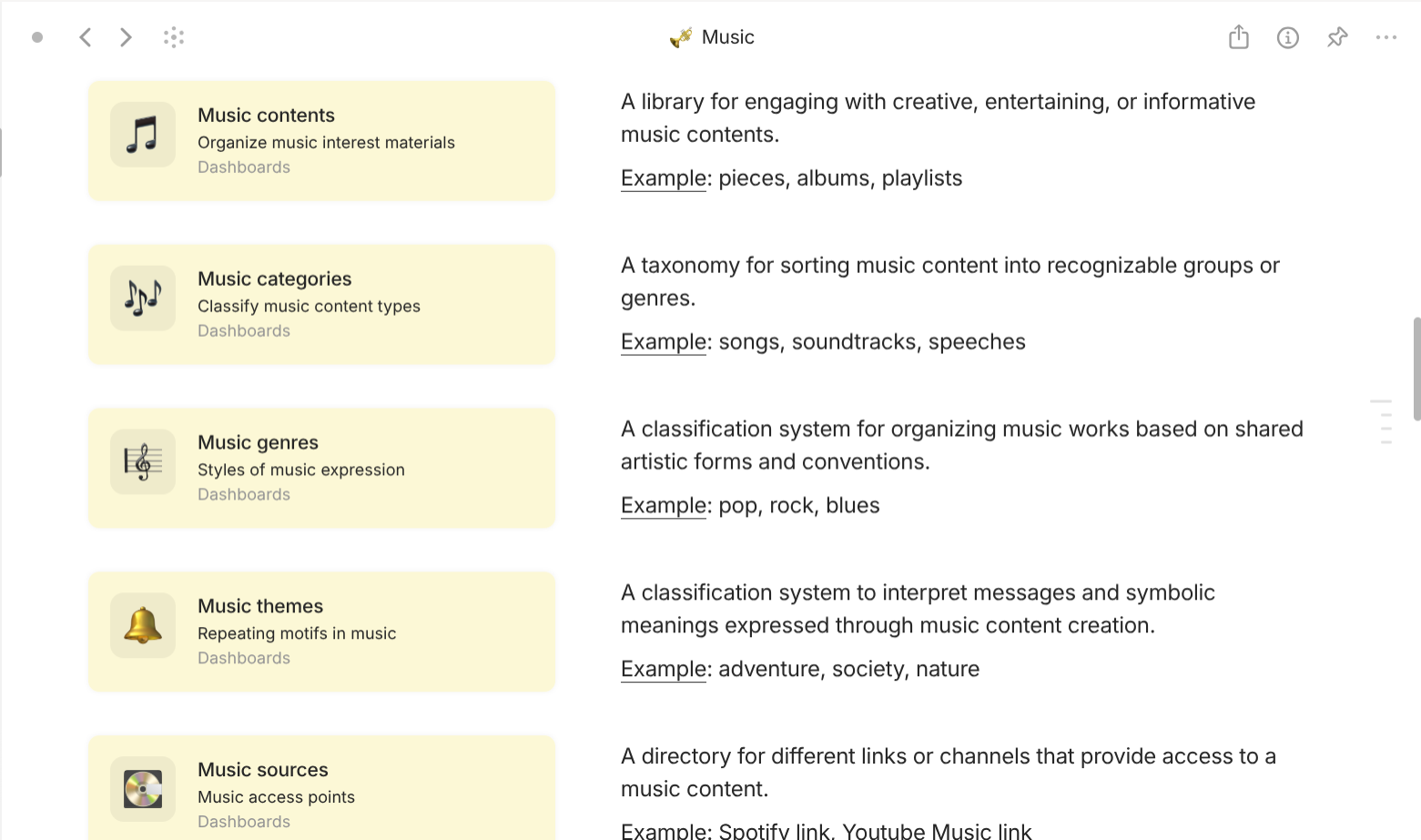
Music does not employ any additional databases. Music reuses the following available databases in the Catalogs:
- Contents is referred as Music contents which includes Music pieces, Music tracks, Music acts, Music albums, and Music playlists.
- Content categories is referred as Music categories.
- Content genres is referred as Music genres.
- Content themes is referred as Music themes.
- Content sources is referred as Music sources.
- Practices is referred as Music practices.
- Festivals is referred as Music festivals.
- Channels is referred as Music channels.
- Platforms is referred as Music platforms.
- Contributors is referred as Music contributors; Contributor roles is referred as Music contributor roles; Contributions is referred as Music contributions.
- Interest evaluations is referred as Music evaluations; Interest achievements is referred as Music achievements.
Music gives rise to Music pieces (such as songs, soundtracks, tales, or speeches), Music tracks inside albums, Music acts that divide albums into sections, Music albums as full collections, and Music playlists curated across works. These Music contents belong to different Music categories, Music genres, and Music themes.
Music is practiced through Music practices such as listening, playing, singing, or composing, and is celebrated in Music festivals which are events that can only be experienced at specific places and times.
Music contents are provided through Music sources which come from different Music channels. Different Music channels may operate on the same Music platforms. For (Interest source) Music contents, Music practices, Music festivals, Music channels, and Music platforms to exist, they must involve Music contributors who have certain Music contributor roles which connect to Music sources through Music contributions.
Music contents, Music sources, Music practices, Music festivals, Music contributors, Music contributor roles, Music contributions, Music channels, and Music platforms (Interest affiliates) are subject to Music evaluations and Music achievements, which are recognizable awards, rankings, or titles given by the public or by critics.
Example:
You listen to music. A single Music piece might be a love song released as a digital single, while another piece could be a dramatic film soundtrack or even a spoken-word tale uploaded online. These pieces are arranged as Music tracks inside a pop album, with Music acts dividing the album into upbeat and reflective sections. Together they form the Music album itself, which later inspires Music playlists that mix its songs with tracks from other artists. These Music contents are grouped into Music categories such as "albums" or "playlists", classified into Music genres like "pop", "jazz", or "blues", and shaped by Music themes such as "romance", "war", or "nature".
You access these works through different Music sources: a Spotify streaming link, a YouTube Music video, or a CD purchased from a store. These sources originate from Music channels such as curated Spotify playlists, radio stations, or independent record labels, all hosted on Music platforms like Spotify, YouTube Music, or Apple Music.
You engage in a Music practice: a focused listening session of a newly released rock album. On another day, you switch to a different Music practice such as playing the same melodies on piano, singing them with friends, or composing your own short variation. These Music practices anchor the way you not only consume but also create and interact with Music contents. Later, you attend a Music festival: a live concert where multiple bands perform. Unlike digital streaming, this event can only be experienced at a specific venue and time, bringing together the audience in a shared celebration of music.
The people behind these works are Music contributors. They hold multiple Music contributor roles such as singer, guitarist, or lyricist. These roles are realized through Music contributions: one artist contributes vocals to a single, another contributes a guitar solo, while another provides lyrics for a ballad. Each Music contribution ties a Music contributor, their role, and the specific Music content where their effort is recognized.
All these Interest sources such as Music contents, Music practices, Music festivals, Music channels, and Music platforms exist because of Music contributors, their Music contributor roles, and their Music contributions. All of theme are considered Interest affiliates. Each of these elements may receive Music evaluations such as listener ratings, critic reviews, or playlist placements, as well as Music achievements such as Grammy Awards, Billboard chart rankings, or festival prizes that validate their success and impact.
Tech-based objects
This use cases is useful for technology objects "Web", "App", "Service",… I use it to collect every tech item, mostly digital items, in real life.
Here's my approach. Since there are millions pieces of tech in the market, not to mention that they are rising exponentially, it is virtually impossible to create every type for every piece of tech that we come across, the logical choice would be to create one single type called "Tech" to represent every tech item to collect. This allows us to avoid Recreating the tech in another type if the nature of the tech changes and facing dilemma each time we encounter poly-nature tech, asking which is the most suitable type to represent it (Anytype does not allow creating objects that belong to more than one type).
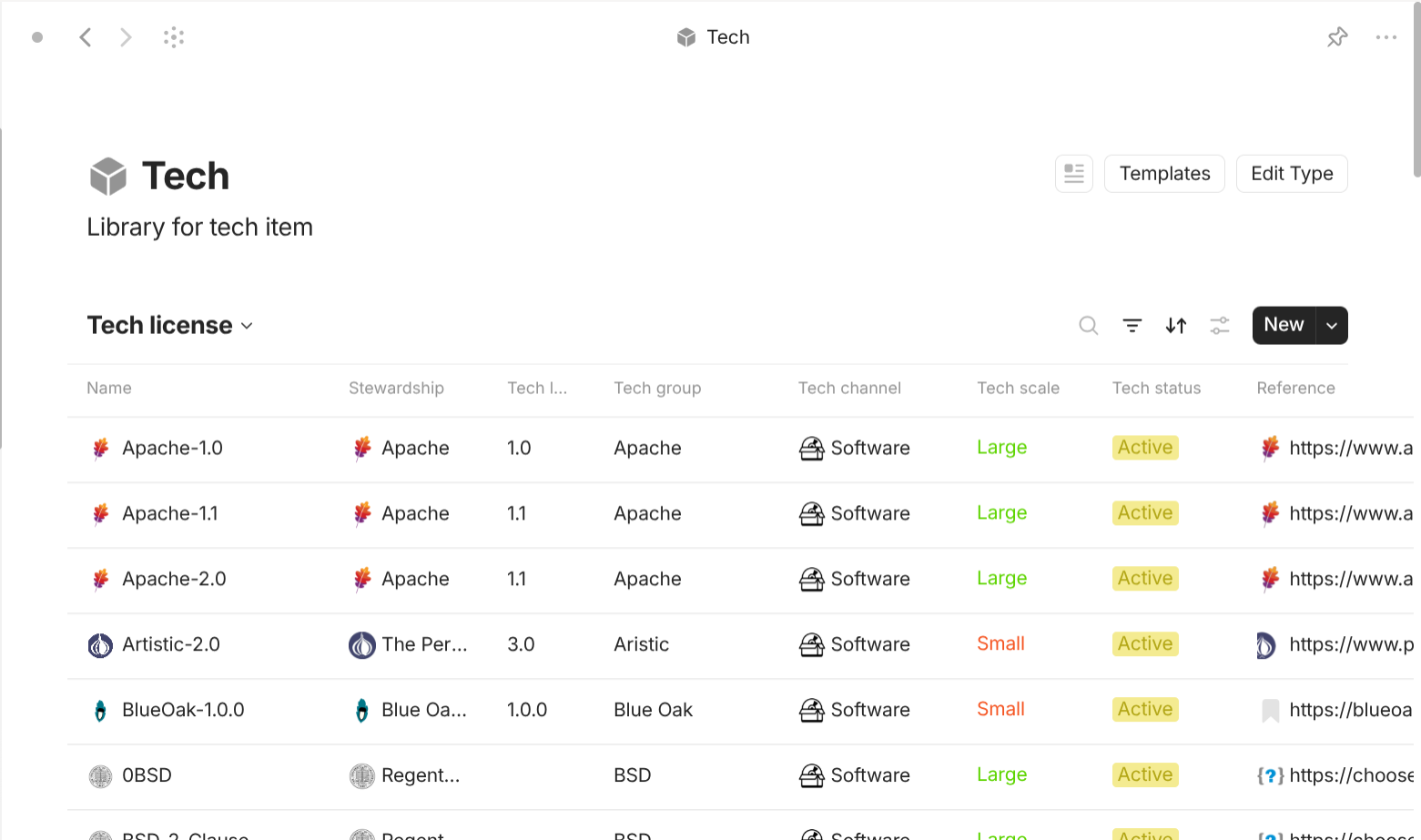
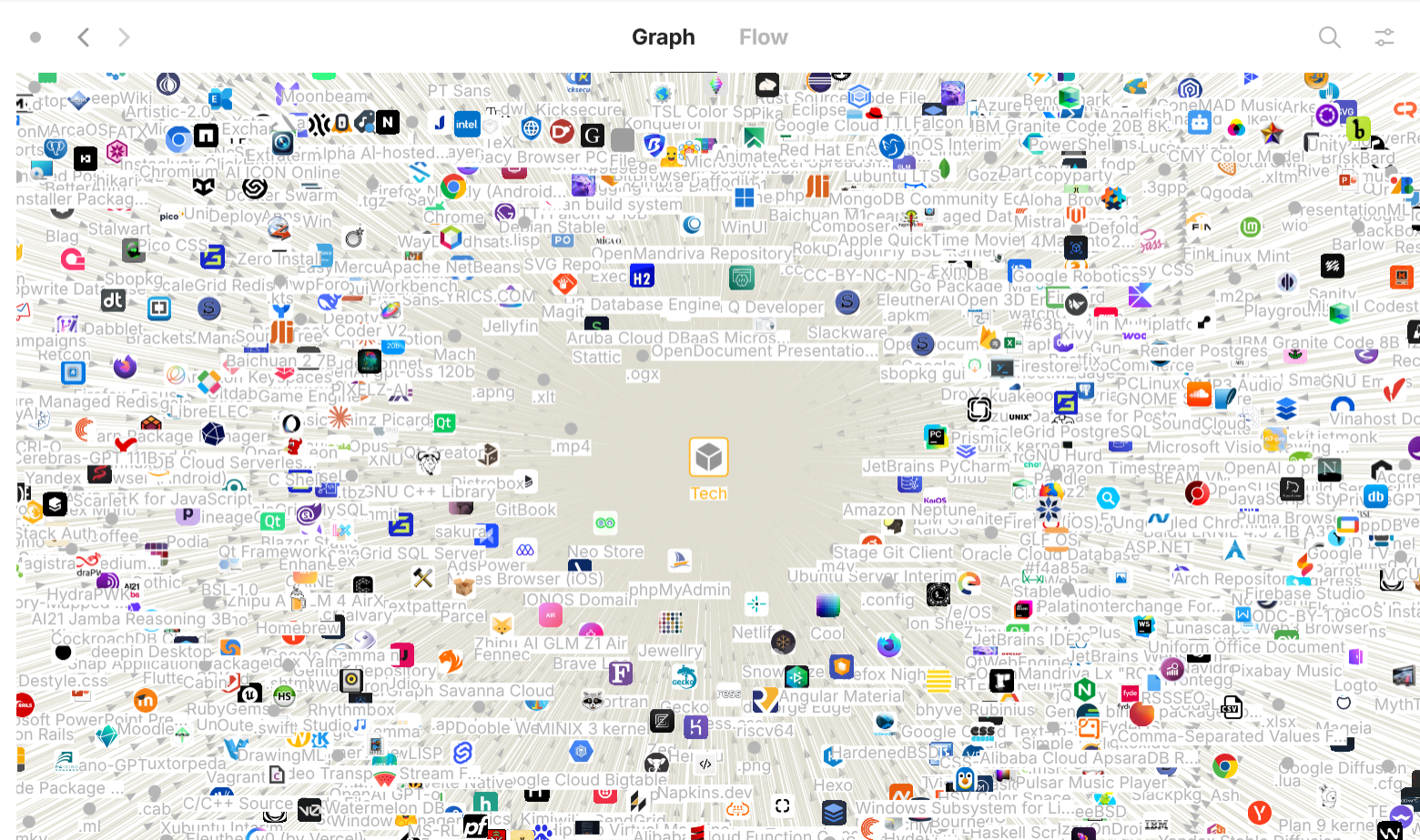
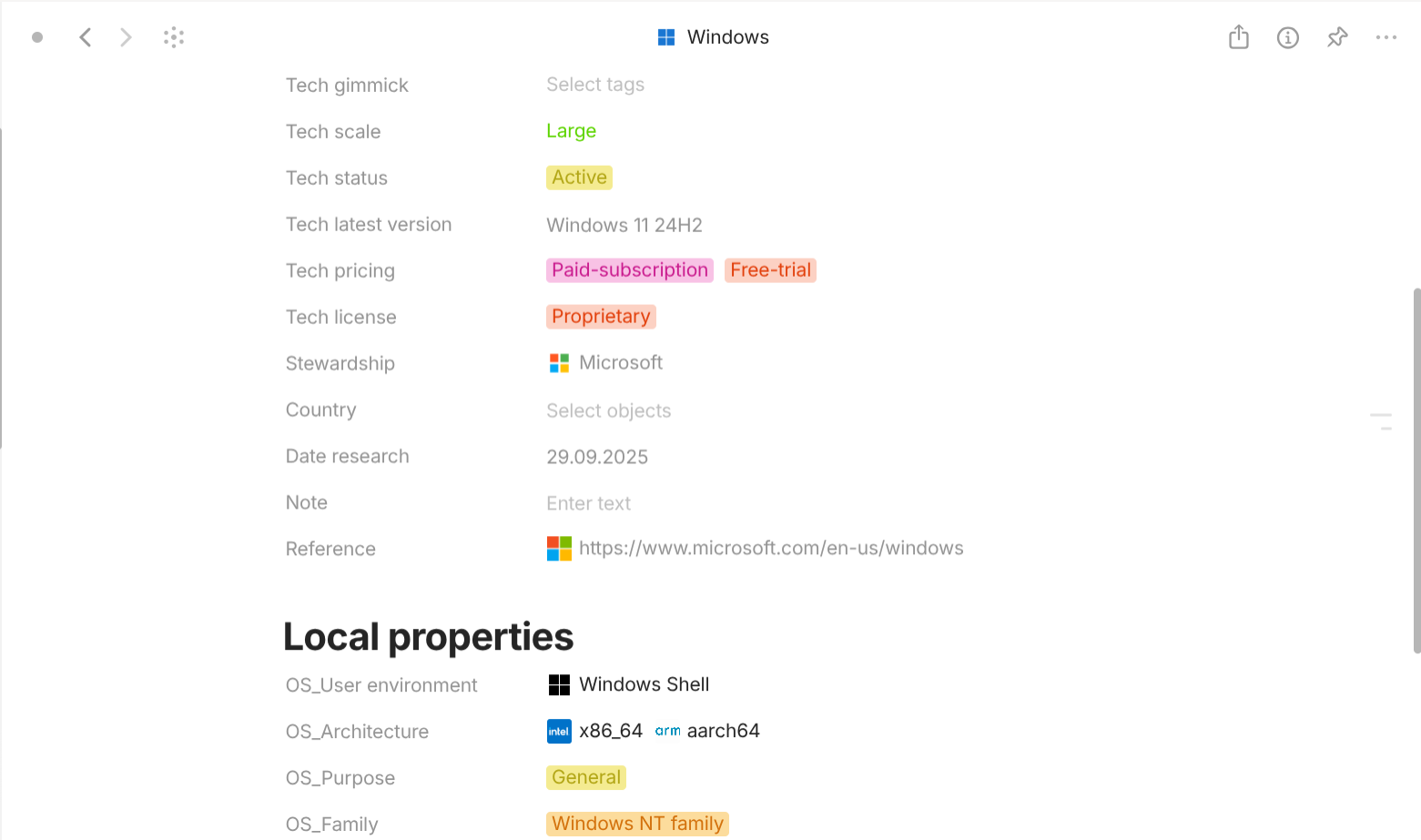
Tech is a type with "Format" of "Page". It has different "Grid" or "Graph" views based on the properties (usually "Tech nature" or "Tech role"). For templates, they share a simple template which lists all of its properties (global and local separately) out in the document interface. For any new property that is not included in the list of common properties of the type "Tech", create local properties. Should I want to collect another tech item with the same nature, duplicate the first one so I don't have to recreate them.
Tech is a type with "Format" of "Page". It has different "Grid" or "Graph" views based on the properties (usually "Tech nature" or "Tech role"). For templates, they share a simple template which lists all of its properties (global and local separately) out in the document interface. For any new property that is not included in the list of common properties of the type "Tech", create local properties. Should I want to collect another tech item with the same nature, duplicate the first one so I don't have to recreate them.
For global properties, they have the following properties.
-
Name: this is very important. Bad naming practice can cause you a lot of trouble in the future. Why is it important? Because it is one of the things that help you choose and pick the tech item. Anytype's UI for inserting objects only displays three 3 pieces of information to help you distinguish objects, which are:
- Name
- Icon: not too helpful when the tech item doesn't have an icon (Yes! Not all software comes with a GUI, some packages don't even have logos).
- Object type: is useless because every "Tech" object belongs to the type "Tech".
So what is the good way to name it? A good name should:
- Don't be too long. Yes, this is real advice. Beyond a certain length, the rest of the name is cut off from the display in Anytype's UI for inserting object.
- Be specific about the nature (or the main feature) of the tech. If the name doesn't tell what it is, you can add nature after it, optionally wrapped in parentheses for aesthetic purpose.
- Preferably preceded by the name of the brand.
- Suggest tech package or tech suite if they exist. If the tech exists in multiple packages, choose the most popular one or ignore this.
- Include version or edition if all previous versions or editions are released as "independent" (developers don't encourage using the latest version) products.
- Should be full form and include abbreviated form if the form is popular. The abbreviated form speeds up the searching process.
However, there can exist multiple names to call the same piece of tech. My recommendation is that you should follow the following in order to pick the name(s) you want to include:
- Official / formal name: the designation that the organization publishes as the definitive identifier. It appears in specifications, press releases, legal documents, and product packaging.
- Abbreviation / short form: a condensed version created for convenience, typically formed from the initial letters of the full name. These are called abbreviations, acronyms (if pronounceable as a word), or initialisms (if spoken letter-by-letter). They serve as shorthand in documentation and conversation.
- Nickname / colloquial moniker: a shorter or catchier label that the community adopts organically. These tend to spread through forums, social media, and informal conversation.
- Sales / marketing name: the brand-focused label used in advertising, retail listings, and promotional material. Sometimes a product is rebranded for different market segments, resulting in multiple sales names for essentially the same underlying technology.
- Codename: an internal placeholder used during development before a public launch. Codenames are often deliberately opaque to keep upcoming releases under wraps.
- Misnomer / folk usage: a label that originated from a misunderstanding, conflation, or popular but technically inaccurate usage.
- Legacy name: An older designation that persists in documentation or among long-time users after a product has been renamed or superseded. It's often referred to as a legacy name or historical name.
- Genericized trademark: When a brand name becomes so widely used that it turns into a generic term for the whole class of products ( "Google" for web search).
For example, I am collecting tech related to "office" like "Word" from "Microsoft Office". How should I name it?
The full formula is:
[Brand] [Tech suite] - [Tech name] [Edition/Version] ([Tech nature])Comparison of different name for the same piece of tech Name Verdict Word Bad Microsoft Word Fair Microsoft Office - Word OK Microsoft Office - Microsoft Word OK MSO - Word Bad MSO - Microsoft Word OK Microsoft Office 365 - Word OK Microsoft Office 365 - Microsoft Word Good Microsoft Office (MSO) 365 - Word Good Microsoft Office (MSO) 365 - Microsoft Word Good Microsoft Office - Word (Word processor) Good Microsoft Office 365 - Word (Word processor) Good Microsoft Office (MSO) - Microsoft Word (Word processor) Too long Microsoft Office (MSO) 365 - Microsoft Word (Word processor) Too long Adding keywords into the name helps you find the object in the future faster.
-
Icon: why is there a thing for this, "I thought we just insert the icon and be done already?" Yes, but there are edge cases:
-
Icons are not provided. As I have mentioned above, not all devs care to provide icons for tech, especially software like library, package,… Icons are important to remind you of the tech but how do you know which to choose? Here is my list:
- Icons of the brand or organization that is affiliated with the tech.
- Icons of the platform that the tech is specially made for.
- Icons of the programming language that the tech is written in.
- Icons of the owner, creator of the tech. Honestly, after this point, it is just for aesthetic purposes as you hardly remember the developer's avatar.
- Icons of the sites from which you retrieve the tech.
You should come up with your own list of priority for what to choose when there is no icon.
-
Multiple icons are provided. Yes, some developers tend to complicate this problem. The icons could be:
- Multiple versions of rebranding: choose the newest one.
-
Multiple assets:
- For extension/plugin: icons that are displayed on marketplace.
- For program/app: icons that are displayed on your operating system.
- For service: icons that are displayed in the portfolio page.
- For package/library: icons that are included in "README" file (or similar) in code repository.
- For standard/pattern/asset: icons that are displayed as "favicon" on the browser.
- For hardware: one of the promotional images on the product page.
-
-
Description: this is also important, but not as important as "Tech name". Tech description can act as the fourth piece of information to help you distinguish different "Tech" objects in Anytype's UI for searching an object. My recommendation is that you:
- Don't try to cram all information about that "Tech" because you have a whole page to write for each "Tech" already.
- Should describe the tech nature's concisely. This helps you with the search.
- Don't include duplicated information that can be stored in the list of common properties. Avoid things like "Tech A is a free, open-source program created in year Y, by person P".
-
Tech variant with "Class" of "Text": this is quite troublesome. Although all variants that change even just one property are encouraged to be reflected in their names, some variants don't have such a great impact. For example, programs that are written in different architectures, built with different flags, used in different modes,…; or serivces that are offered in different channels, rated with different metrics,… They are all still the programs. So this is just a small space for you to include some differences. I ignore this most of the time, to be honest.
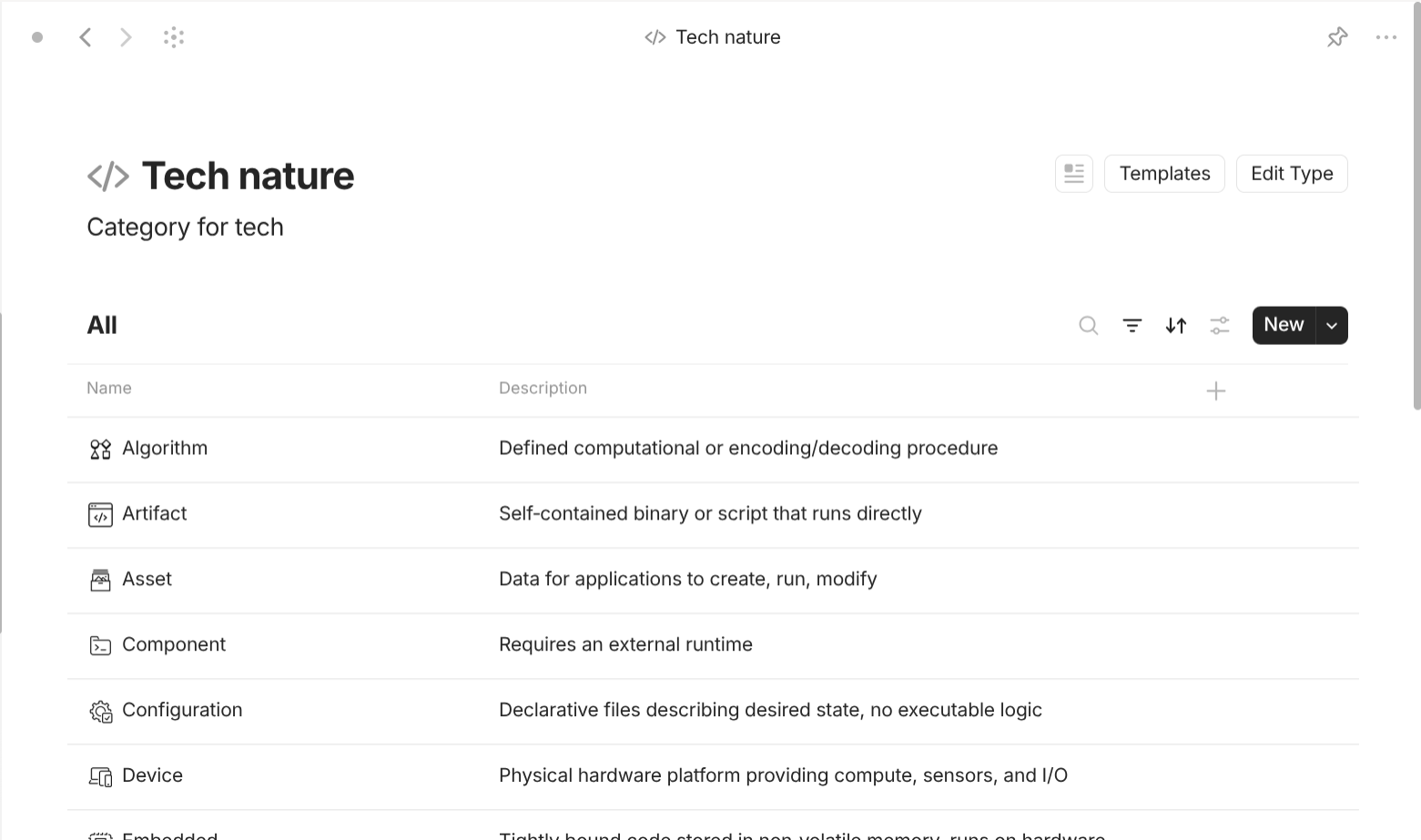
Tech-based objects use case. The interface of the type "Tech nature". 
Tech-based objects use case. The interface of a particular "Tech nature" object. -
Tech nature with "Class" of "Object" (Tech nature): it attempts to categorize tech based on what it is (not what it does nor what function it serves). It has its own type "Tech nature" in the collection "Tech library". "Tech nature" object can contain other "Tech nature" objects. In its type, it has a special property called "Entry point" with "Class" of "Number" or "Checkbox" which can take a value number of 1 or empty. This meaningless property is just a shortcut to achieve the view of those "Tech nature" objects sitting at the top of the hierarchy (equivalent to "1"). Why such a thing? When things include other things in a non-filtered view, you get a very disorganized view of things. This property helps show only "objects" you wish to see first and access them.
Example: hardware, software. Hardware can be device, component,… Software can be artifact (program or app), service, library, extension, standard, pattern, license,…
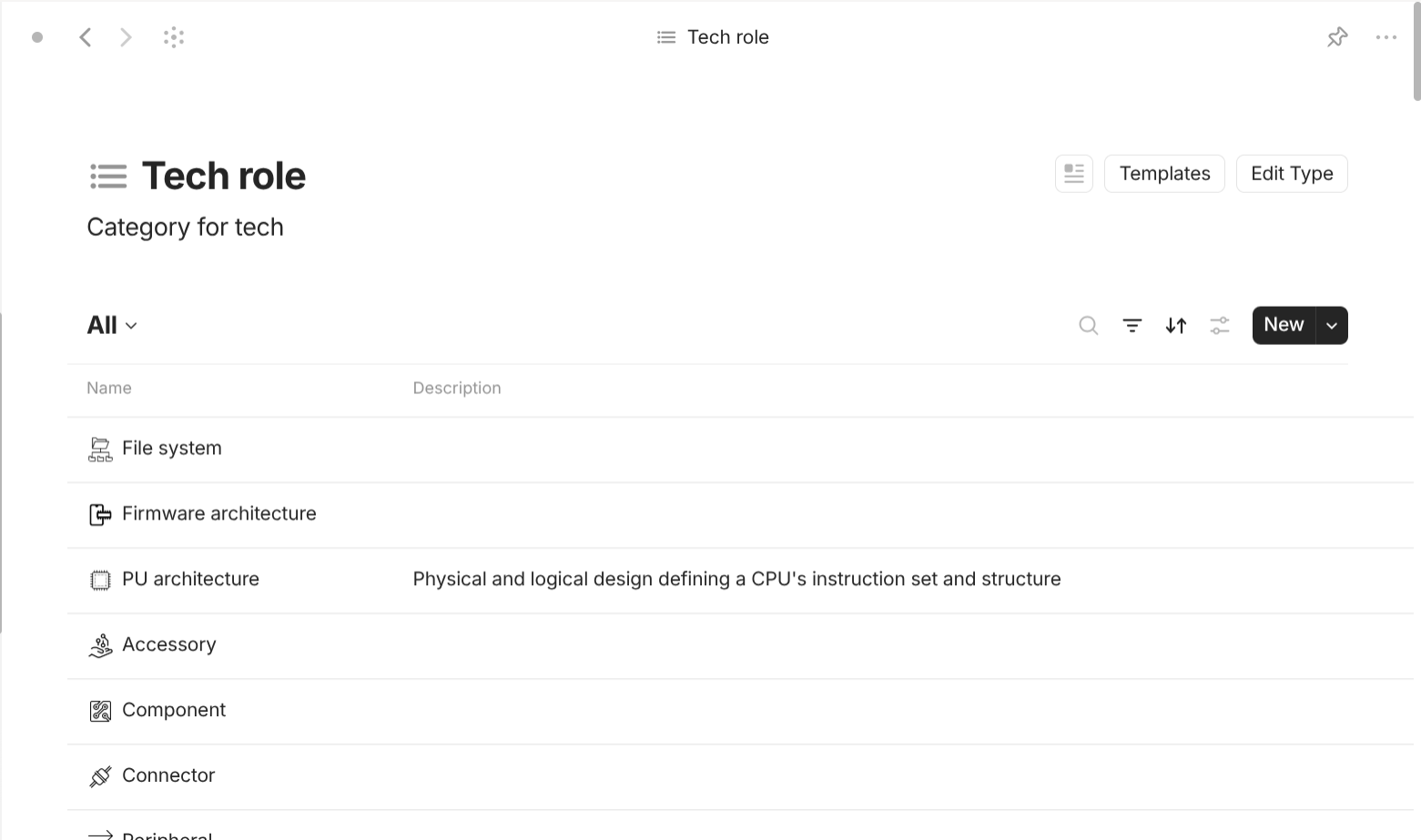
Tech-based objects use case. The interface of the type "Tech role". 
Tech-based objects use case. The interface of a particular "Tech role" object. -
Tech role with "Class" of "Object" (Tech role): it attempts to categorize tech based on what it does. It has its own type "Tech role" in the collection "Tech library". "Tech role" object can contain other "Tech role" objects. It also has the property "Entry point" which has been explained above. It is identical to "Tech nature" except for the fact that the number of "Tech role" is a hundred times bigger than the "Tech nature" object.
Example: operating system, kernel, file manager, video editor, image viewer, office suite, email,…
- Tech group with "Class" of "Text": describe which group of tech this belongs to. This helps sort things in view. However, it doesn't have a lot of impact when dealing with tech having multiple natures. I ignore it most of the time.
-
Tech version with "Class" of "Text": describe the latest version of the tech item. This has a text value, which is usually a string of consecutive numbers, which can be found through:
- The "release note" or "changelog" of the website of the tech.
- The "release" section on code repository sites like GitHub, GitLab, Codeberg,…
- The "version" section on package repository sites.
-
Tech foundation with "Class" of "Object" (Tech): describe what tech items the current tech item is built in or based on.
Example: the programs or apps that the tech item is forked from; the library of package that the item depends on; the language it is written in;…
-
Tech channel with "Class" of "Object" (Tech, Tech role, Tech nature): describe what tech items the current tech item is built for or available on. This has a property type "Object" of "Tech" which you can select any tech you have collected and additionally "Tech role", "Tech nature" for some specific cases. For example, the tech item is available on the "Web" platform. However, "web" itself is not any specific tech item, as nobody has absolute authority over it, so it is either "Tech nature" or "Tech role", which gives rise to the need for these types to be included in this property.
Example: operating systems, runtime environment,…
-
Tech gimmick with "Class" of "Multi-select": describe keywords or reusable characteristics across different tech items.
Example: customizable, bleeding edge, high-performance, privacy-focused, social beneficial, security, debloated, stable, AI-powered, portable, freedom, minimal, user-friendly, lightweight, beautiful, oldie,…
-
Tech scale with "Class" of "Select": describe how big or popular the tech item is. It comes with a built-in scale of three levels:
- Large: tech backed by multinational companies or tech that acts the established standard within an industry.
- Medium: tech mentioned as competition or rival to another tech or tech that is popular but there is no established standard within an industry.
- Small: tech encountered on forums, code repository, blogs, webpages, package sites,…
-
Tech status with "Class" of "Multi-select": describe how the current development of the tech is. It comes with a built-in list of options:
- Active: tech is currently actively developed and ready for production.
- Beta: tech is not yet a complete product.
- Cancelled: the project of the tech is cancelled before the tech is released.
- Dormant: the tech has not received any significant development recently, but there is no official retirement statement from the developers. The duration is up to you to decide. My recommendation is 2 years since the last version.
- Finished: the developers announce the tech is complete (usually feature-completed) that it will no longer receive major updates, except for security or bug fix patches.
- Planned: the tech is announced to be released in the future. There are no official released versions.
- Retired: the tech is deprecated and users are encouraged to switch to alternatives or update to the newest version.
- Support: the tech is deprecated soon and currently in a period of support (LTS).
- Unavailable: the tech is down in a period of time due to technical, legal, political,… reasons.
- Other: the tech is in special cases like rewritting, public archive,…
You can combine different options to describe the status of the tech. For example, a tech can be in both "Beta" and "Cancelled" as the project is cancelled before the tech is ready for production.
-
Tech pricing with "Class" of "Multi-select": describe the pricing of the tech. It comes with a built-in list of options:
- Donation-required: the tech itself is free but requires you to make a donation to access it.
- Free-forever: the tech is free for an unlimited period of time.
- Free-trial: the tech is free only for a limited period of time.
- Paid-subscription: the tech requires you to pay every certain period of time.
- Paid-once: the tech requires you to pay one time only.
- Pay-as-go: the tech charges you based on the degree of consumption like time, resources,…
- Bundled: the tech is only available if you have access to the other tech that it has been integrated into.
- Premium upgrade: the tech itself is free but there are features that are only available if you pay.
- Royalty: you have to pay the developers a certain portion of the revenue you make from your product which the tech is used in.
- Contract: public pricing is not disclosed as you may need to contact the sale.
Tech can have different pricing strategies at the same time. For example, tech service may offer you "Paid-once" (Lifetime option) and "Pay-subscription"; tech app may offer you "Free-forever" and "Premium upgrade" (to access premium features or to remove built-in ads).
-
Tech source with "Class" of "Multi-select": describe the state of the source of the tech. It comes with a built-in list of options:
- Public domain: the developers or owners have relinquished any rights to the tech.
- Open source: the source of the tech is publicly disclosed.
- Proprietary (Commercial): the source of the tech is not publicly disclosed.
- Other: the tech may have a complex source nature.
Tech can have different states of source at the same time. For example, part of the tech can be open-sourced while critical remainings can be proprietary; a tech may have a dual license: one for private use; one for commercial use.
- Tech license with "Class" of "Object" (Tech): describe the actual statement regarding the source of the tech. You can select any "Tech" objects related licenses you have collected so far.
-
Tech use with "Class" of "Select": describe your attitude towards the tech. It comes with a built-in list of options:
- Never: you decide to never use the tech.
- Current: you are using the tech.
- Past: you have used the tech in the past but not anymore.
- Future: you plan to use the tech in the future.
This property is useful for building your own tech profile which acts as a major step in becoming a conscious tech consumer and user.
-
Stewardship with "Class" of "Object" (Brand, Company): describe the authorities who are in control of the tech. You can select any "Brand" or "Company" you have collected so far.
Example: developer, owner, organizations, brands, companies, consortium, councils,…
- Language with "Class" of "Object" (Language): describe the languages in which the tech is available. You can select any "Language" you have collected so far.
- Country with "Class" of "Object" (Country): describe the countries where the tech originated. You can select any "Country" you have collected so far.
-
Date research with "Class" of "Date": describe the date when the tech is researched.
This property is useful for revision in the future as you may want to filter and update your tech.
- Note with "Class" of "Text": describe any additional information about the tech you want to add.
- Reference with "Class" of "Object" (Bookmark): keep any links related to the tech.
Finance-based objects
This use cases is useful for finance-related like "Personal finance", "Money", "Budget",… Honestly, I don't use it for my personal finance management as the current functionality of Anytype lacks a lot of basic features like calculation, formula, automatic triggers and conditions, reports,… This is just to see how well I could create something similar to personal finance management using Anytype.
With that said, here is my approach for "Wealth". I uses the following types: Accounts, Value units, Currencies, Currency Exchanges, Information sources, Institutions, Payees, Assets, Trackers, Generators, Budgets.
Wealth tracks an individual’s financial world through structured records. Accounts show balances in specific Currencies and are tied to Institutions. Value units allow revaluation of balances across different Currencies through Currency Exchanges, which depend on Information sources. Assets represent properties owned, linked to Inventories, Currencies, Transactions, and alternative Value units. Transactions document financial flows, connected to Accounts, Payees, and Trackers. Trackers group Transactions, while Generators automate recurring financial events. Budgets represent intentional plans for allocating money across Accounts in chosen Currencies.
Example:
Wealth gives rise to Accounts (such as savings accounts, credit card accounts, or loan accounts), tied to Currencies like USD, EUR, or JPY, and managed by Institutions such as banks or digital payment services. Value units provide equivalent balances in other currencies, supported by Currency exchanges using data from Information sources like central banks or financial platforms. Assets such as houses, cars, or jewelry record ownership and value, while Transactions like salary deposits, utility payments, or shopping expenses document account activities. These transactions involve Payees such as employers, landlords, or retailers, tracked with Trackers like electricity bills, shopping expenses, or rent payments. Generators automate repeated events like monthly rent, salary credits, or loan interests. Finally, Budgets such as vacation budgets, food budgets, or education budgets guide intentional use of money across accounts.
Account is a type with "Format" of "List" because Account objects care about its linked object's properties. For templates, they all share a template of "Grid view" so that it can show all linked objects for all of the current object. For properties, they all have the following important properties. "Currency" with "Class" of "Object" (Currency) or "Multi-select" describes the currency of this account. "Institution" with "Class" of "Object" (Institution) describes the financial institution that provides this account. "Balance" with "Class" of "Number" describes how much money this account owns or owes. "Balance minimum" with "Class" of "Number" describes how much money this account must have (can be negative). "Balance maximum" with "Class" of "Number" describes how much money this account can have. "Date settlement" with "Class" of "Date" describes the date this account is not available or completes its terms. "Duration" with "Class" of "number" describes how often transactions are settled. "Duration unit" with "Class" of "Select" describes how often transactions are settled: day, week, month, quarter, year,… "Interest rate" with "Class" of "Number" describes the interest rate of this account for savings, loans, or investments. "Owners" with "Class" of "Object" (People, Organization) describes which people this account belongs to. "Authorized users" with "Class" of "Object" (People, Organization) describes which people are authorized to use this account. "Beneficiary" with "Class" of "Object" (People, Organization) describes people entitled to account in case of death. "Trustee" with "Class" of "Object" (People, Organization) describes people entrusted for this account. "Advisor" with "Class" of "Object" (People, Organization) describes people who gave advice on this account like wealth manager, broker, or institution representative. "Account type" with "Class" of "Multi-select" describes what account type this account is: Card (stores debit, credit, or prepaid card details; enables point-of-sale and online transactions), Checking account (hold liquid money for day-to-day spending; supports deposits, withdrawals, and balance tracking), Expense account (separate ledger for business-related spending; simplifies tax reporting and reimbursable expense tracking), Fundraising account (log donations or pledges to campaigns; shows totals, dates, and associated projects), Investment account (tracks stocks, ETFs, mutual funds, and dividends; supports buying, selling, and portfolio performance), Loan account (records mortgage, student loans, auto loans, etc.; monitors principal, interest, and repayment schedule), Payroll account (receive employer wages; may include pay-stub details, tax deductions, and net-pay calculations), Savings account (earns interest on deposited funds; typically limited withdrawals and used for emergency reserves), Wallet (aggregate funds from multiple sources; can be used for payments, transfers, and quick purchases). "Account number" with "Class" of "Text" describes the identification number of this account. "Account tier" with "Class" of "Text" describes the tier of this account, usually provided by the institution. "Account status" with "Class" of "Seclect" describes the current status of this account: Active (account is live and usable), Blocked (temporarily blocked due to PIN attempted failed, fraud alert, compliance hold,…), Closed (account permanently closed by user or provider), Dormant (inactive for a regulatory-defined period; may need reactivation), Expired (authorization or hold time elapsed without settlement), Matured (term is ending or completed), Pending (transaction created but not fully provisioned; may need further action), Restricted (usage limited, cannot withdraw, transfer capped), Seized (funds or activity locked due to court order, AML hold,…). "Account flag" with "Class" of "Multi-seclect" describes the current flag of this account: Audited (reviewed for accuracy, compliance, and regulatory requirements), Blacklisted (marked as banned or blocked due to fraud, risk, or sanctions), Delinquent (overdue with missed payments or obligations beyond allowed grace period), Disputed (challenged by user, pending investigation and resolution), Escalated (issue referred to higher authority or team for urgent resolution), Negative (balance below zero, liabilities exceeding assets or funds), Notified (informed of important status or account change), Sanctioned (restricted by legal, regulatory, or international sanctions and prohibitions), Verified (identity, details, or transaction successfully confirmed as authentic and accurate), Other. "Account confidentiality" with "Class" of "Select" describes how visible this account is: Private, Public, Shared, Other. "Start when" with "Class" of "Date" tells when this account was established. "End when" with "Class" of "Date" tells when this account was deleted.
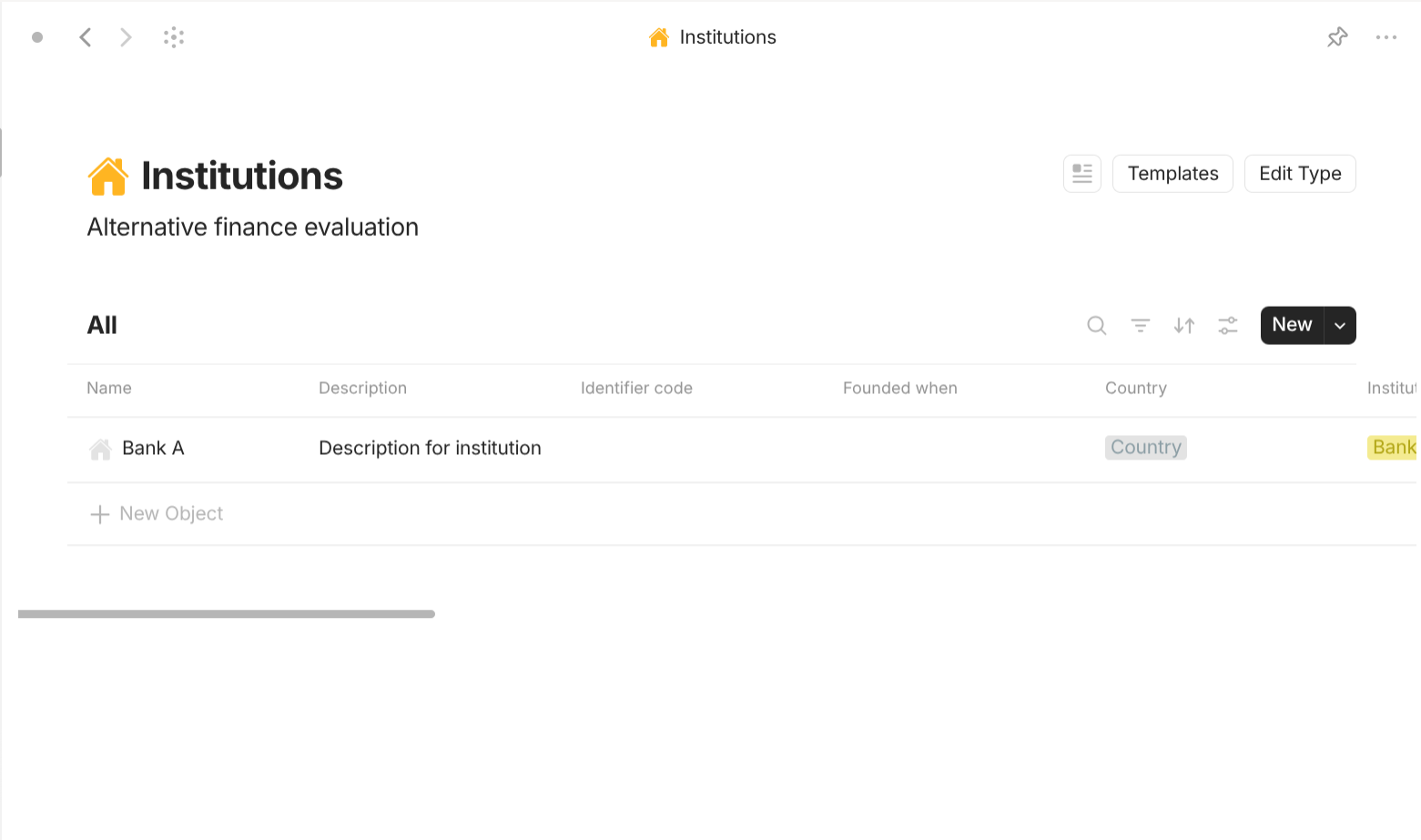

Institution is a type with "Format" of "Page. For templates, they share a simple template which lists all of its properties out in the document interface. For properties, they have the following important properties. "Identifier code" with "Class" of "Text" describes the unique standard code for this institution. "Founded when" with "Class" of "Date" describes when this institution was founded. "Country" with "Class" of "Object" (Country) describes the list of countries that this institution operates in. "Institution kind" with "Class" of "Multi-select" describes what kind of financial institution this institution is: Bank (let users add checking, savings, or joint accounts for deposits), Card issuer (allow users to add credit-card numbers; tracks balances, limits, due dates, and rewards for revolving credit), Cryptocurrency exchange (connect exchanges or hardware wallets; manages Bitcoin, Ethereum, and other digital-asset balances), Digital payment services (link services such as PayPal, Apple Pay, or Google Pay; creates virtual wallet accounts), Insurance carrier (register health, life, auto, or property policies; records premiums, coverage limits, and claim status), Investment broker (add brokerage profiles; supports stock, ETF, mutual-fund, and dividend-reinvestment accounts), Loan service (add mortgage, student-loan, or auto-loan accounts; monitors principal, interest, and repayment schedules), Money transfer platform (enable sellers to send and receive cross-border transfers), Personal institution (store physical cash or pocket money), Social security provider (add government-issued social-security or national-ID accounts; tracks benefits, contributions, and eligibility). "Location" with "Class" of "Object" (Location, Platform) describes the place or platform this institution operates on. "Company" with "Class" of "Object" (Company) describes the company linked to this institution.
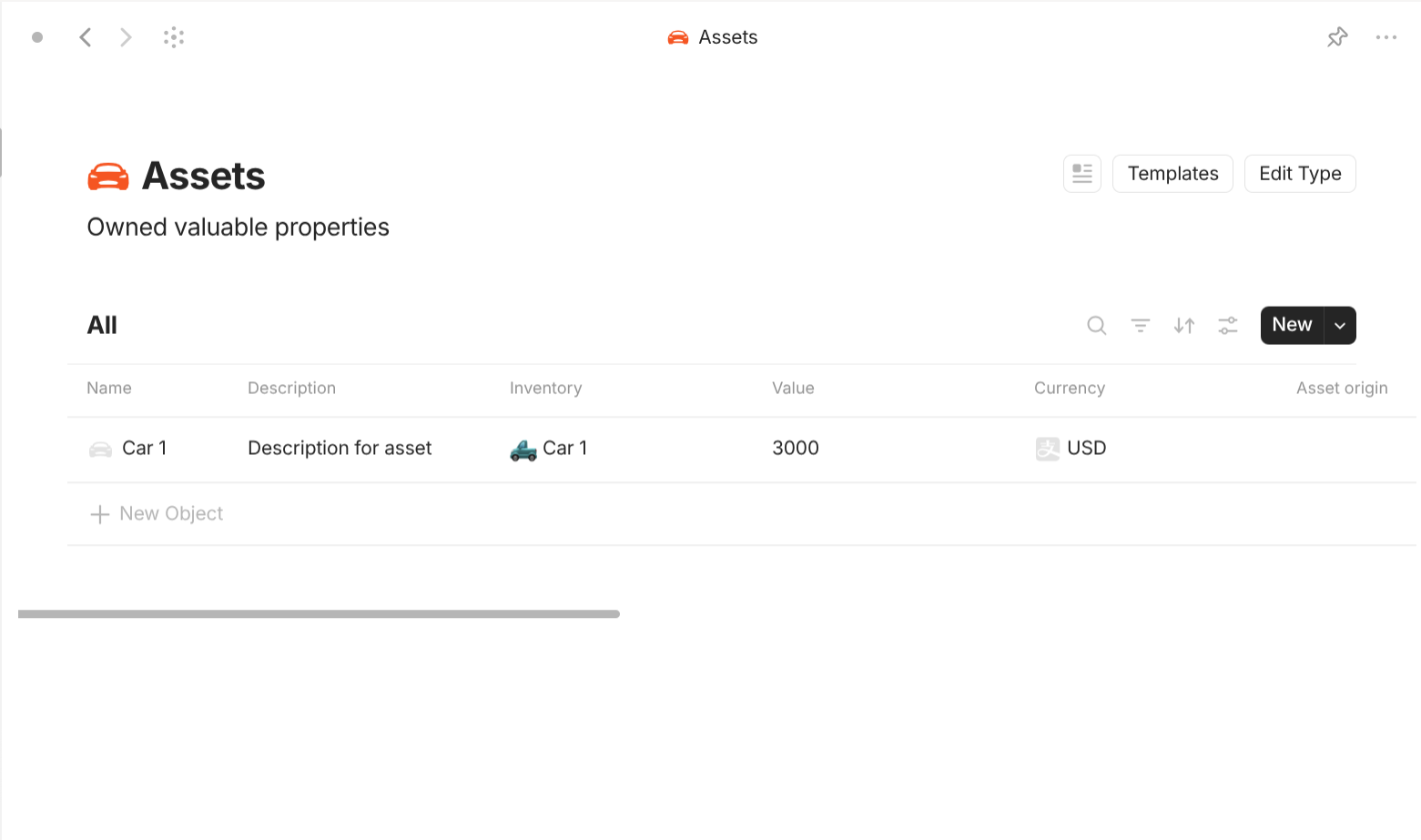
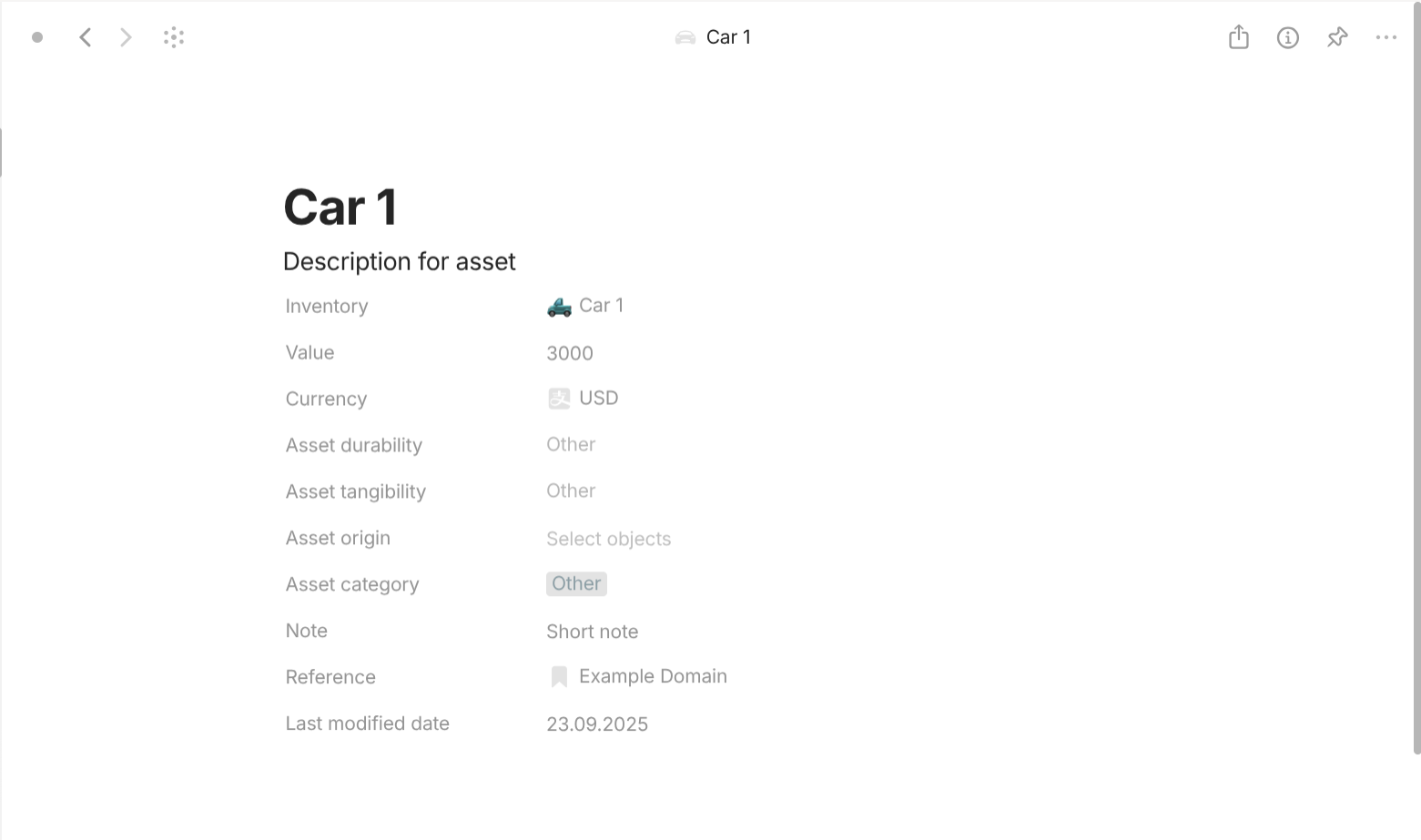
Asset is a type with "Format" of "Page. For templates, they share a simple template which lists all of its properties out in the document interface. For properties, they have the following important properties. "Inventory" with "Class" of "Object" (Inventory) describes the inventory that belongs to this asset. "Value" with "Class" of "Number" describes the monetary value of this asset. "Currency" with "Class" of "Select" or "Object" describes the currency of this asset. "Asset durability" with "Class" of "Select" describes whether this asset is expendable or sustainable. "Asset tangibility" with "Class" of "Select" describes whether this asset is tangible or intangible. "Asset origin" with "Class" of "Object" (Transaction) describes the transaction(s) that generate this asset (if blank, the asset is acquired without any transaction). "Asset category" with "Class" of "Multi-select" describes which category this asset belongs to, which can be: Collectible, Commodity, Consumable, Digital, Household goods, Intellectual property, Personal possession, Real estate, Vehicle,…
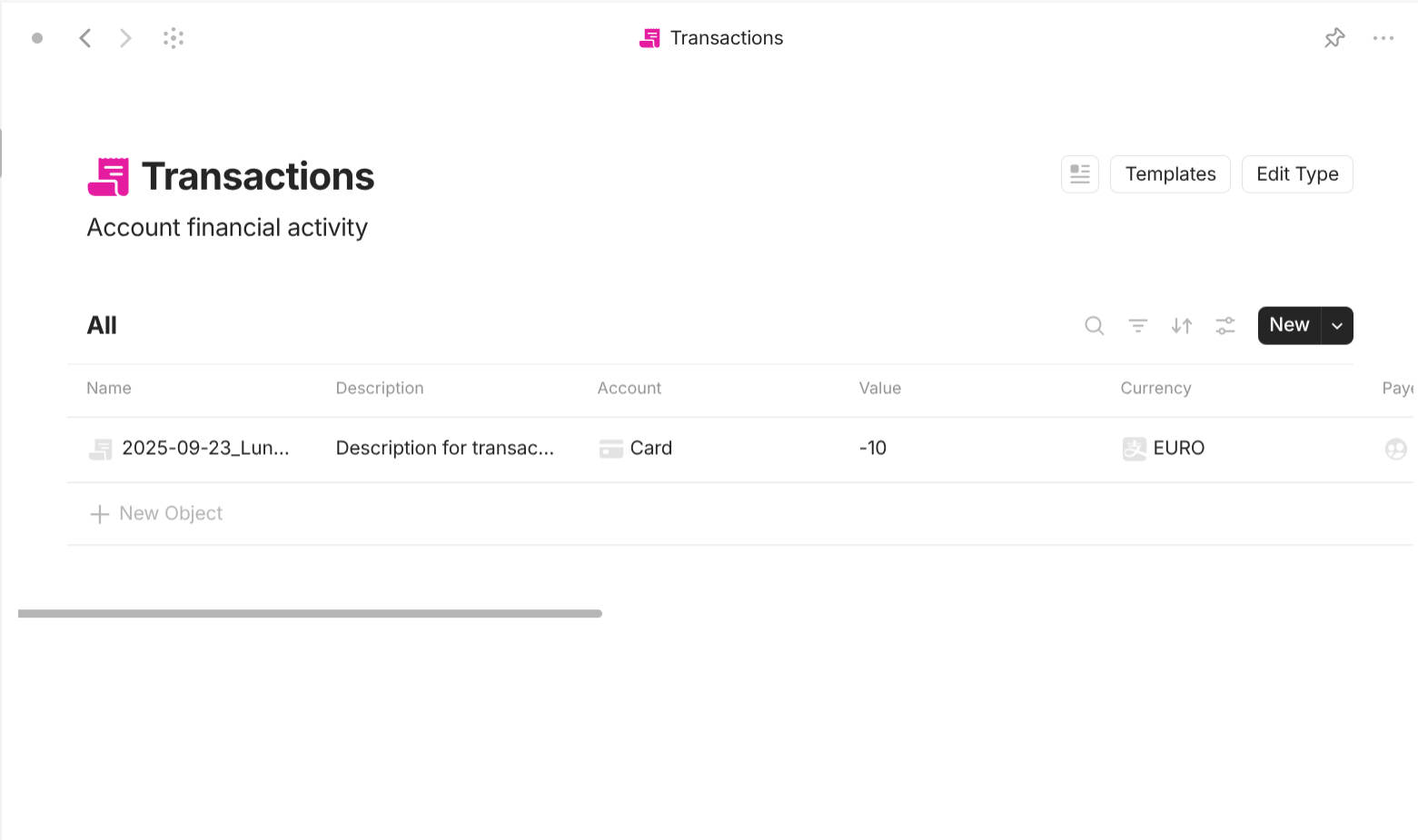
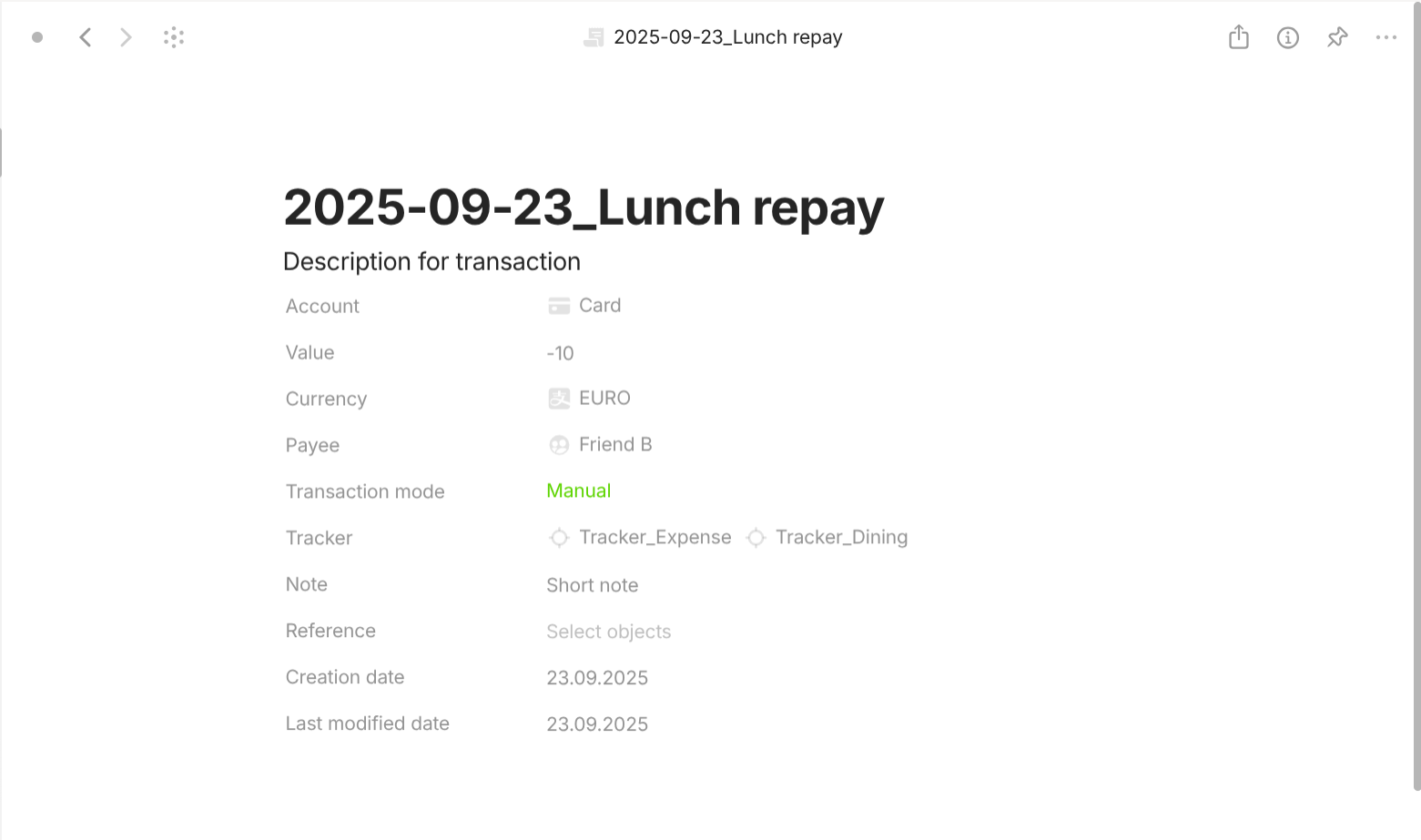
Transaction is a type with "Format" of "Page. For templates, they share a simple template which lists all of its properties out in the document interface. For properties, they have the following important properties. "Account" with "Class" of "Object" (Account) describes which account this transaction occurs on. "Value" with "Class" of "Number" describes the monetary value of this transaction. "Currency" with "Class" of "Select" or "Object" describes the currency of this transaction. "Payee" with "Class" of "Object" (Payee) describes which payee that initializes or receives this transaction. "Transaction mode" with "Class" of "Select" describes whether this transaction is manually input or automatically generated. "Tracker" with "Class" of "Object" (Tracker) describes which tracker(s) this transaction belongs to.

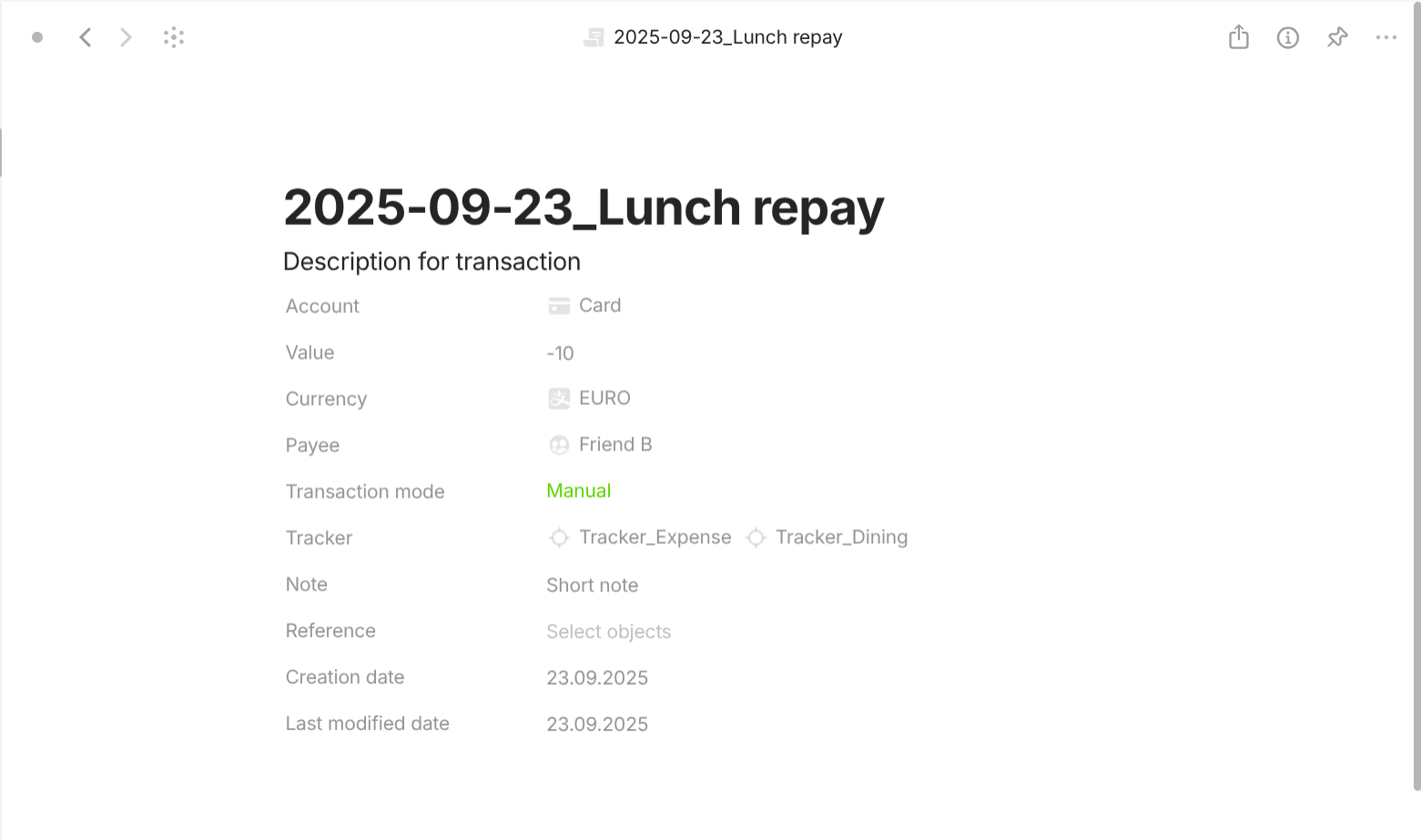
Payee is a type with "Format" of "Page. For templates, they share a simple template which lists all of its properties out in the document interface. For properties, they have the following important properties. "Identifier code" with "Class" of "Text" describes the unique code for this payee. "Entity" with "Class" of "Object" (People, Organization, Institution) dsecribes the person or the company or the financial institution this payee is.

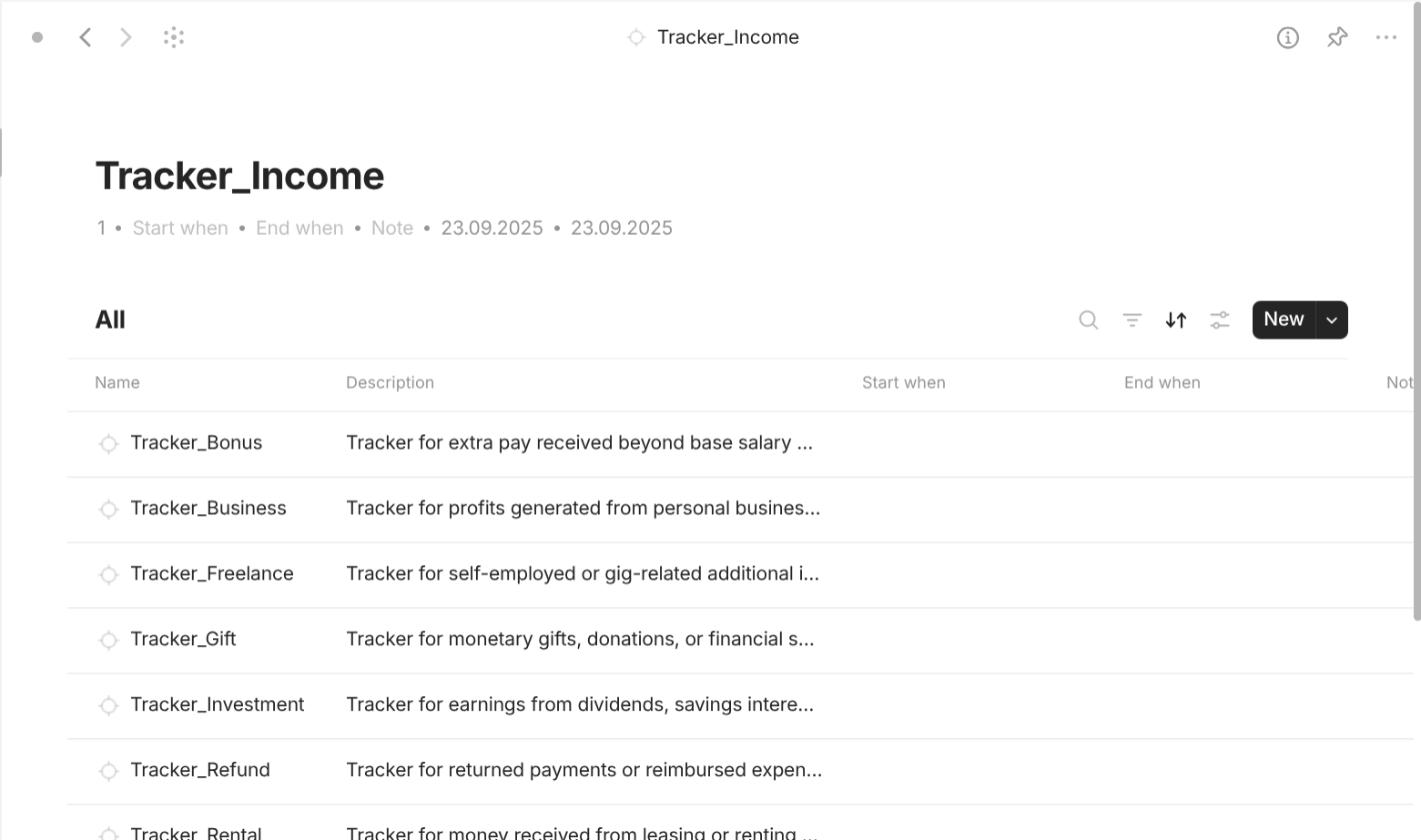
Tracker is a type with "Format" of "List" because Tracker objects care about its linked object's properties. For templates, they all share a template of "Grid view" so that it can show all linked objects for all of the current object. For properties, they all have the following important properties. "Entry point" is how the Filter know if the trackers are top-level (checked) or not (unchecked). Only top-level trackers are displayed in the view when you enter the type "Category". If there is no "Entry point", every tracker will be displayed and you will feel disoriented to navigate. "Start when" with "Class" of "Date" describes when this tracker started tracking. "End when" with "Class" of "Date" describes when this tracker stopped tracking.
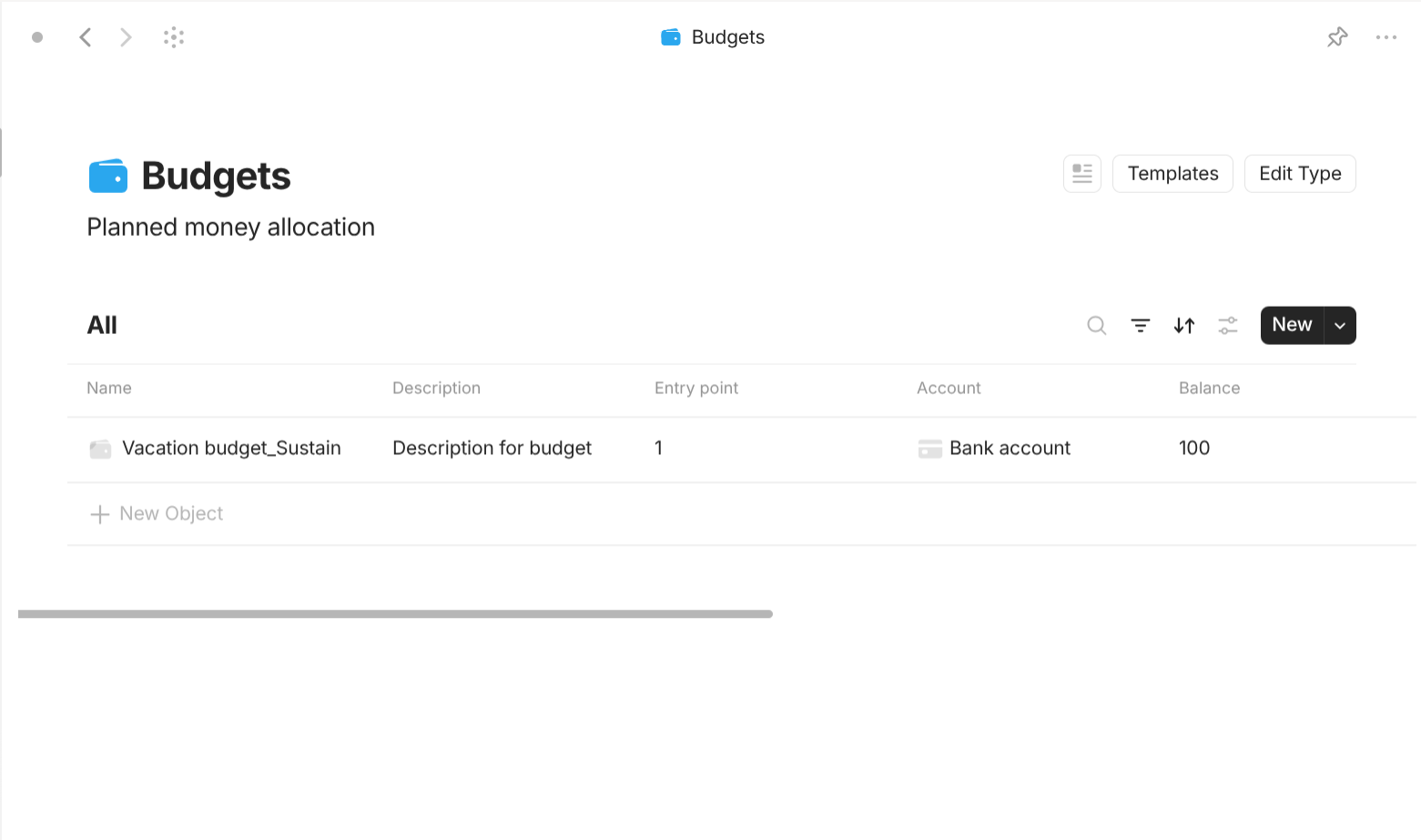
Budget is a type with "Format" of "List" because Buget objects care about its linked object's properties. For templates, they all share a template of "Grid view" so that it can show all linked objects for all of the current object. For properties, they all have the following important properties. "Entry point" is how the Filter know if the budgets are top-level (checked) or not (unchecked). Only top-level budgets are displayed in the view when you enter the type "Category". If there is no "Entry point", every budget will be displayed and you will feel disoriented to navigate. "Start when" with "Class" of "Date" describes when this tracker started tracking. "End when" with "Class" of "Date" describes when this tracker stopped tracking. "Account" with "Class" of "Object" (Account) describes which account provides this budget. "Balance" with "Class" of "Number" describes the monetary value of this budget. "Currency" with "Class" of "Select" or "Object" describes the currency of this budget.

Generator is a type with "Format" of "List" because Generator objects care about its linked object's properties. For templates, they all share a template of "Grid view" so that it can show all linked objects for all of the current object. For properties, they all have the following important properties. "Entry point" is how the Filter know if the generators are top-level (checked) or not (unchecked). Only top-level generators are displayed in the view when you enter the type "Category". If there is no "Entry point", every generator will be displayed and you will feel disoriented to navigate. "Account" with "Class" of "Object" (Account) describes which account this generator is for. "Balance" with "Class" of "Number" describes how much the account has fluctuated because of this generator. "Currency" with "Class" of "Select" or "Object" describes the unit of this generator's balance. "Payee" with "Class" of "Object" (Payee) describes the payee that initializes or receives for this generator. "Tracker" with "Class" of "Object" (Tracker) describes which tracker this generator belongs to. "Generator status" with "Class" of "Select" describes whether this generator is activated or not. "Generator mode" with "Class" of "Multi-select" describes which mode this generator operates with: Event-driven (create when particular events or financial triggers occur), Fixed date (trigger on specific recurring calendar days or weekdays), Fixed duration (generate transactions after consistent intervals of elapsed time). "Generator formula" with "Class" of "Text" describes the formula to calculate the balance of this generator. "Duration" with "Class" of "Number" describes the fixed duration of this generator. "Duration unit" with "Class" of "Text" or "Select" describes the unit of the fixed duration of this generator. "Generator date position" with "Class" of "Number" describes the n-th day within the timeframe for this generator to activate. "Generator date timeframe" with "Class" of "Select" describes the timeframe for the generator date position of this generator: week, month, quarter, year. "Generator event" with "Class" of "Text" describes the event for this generator to activate.
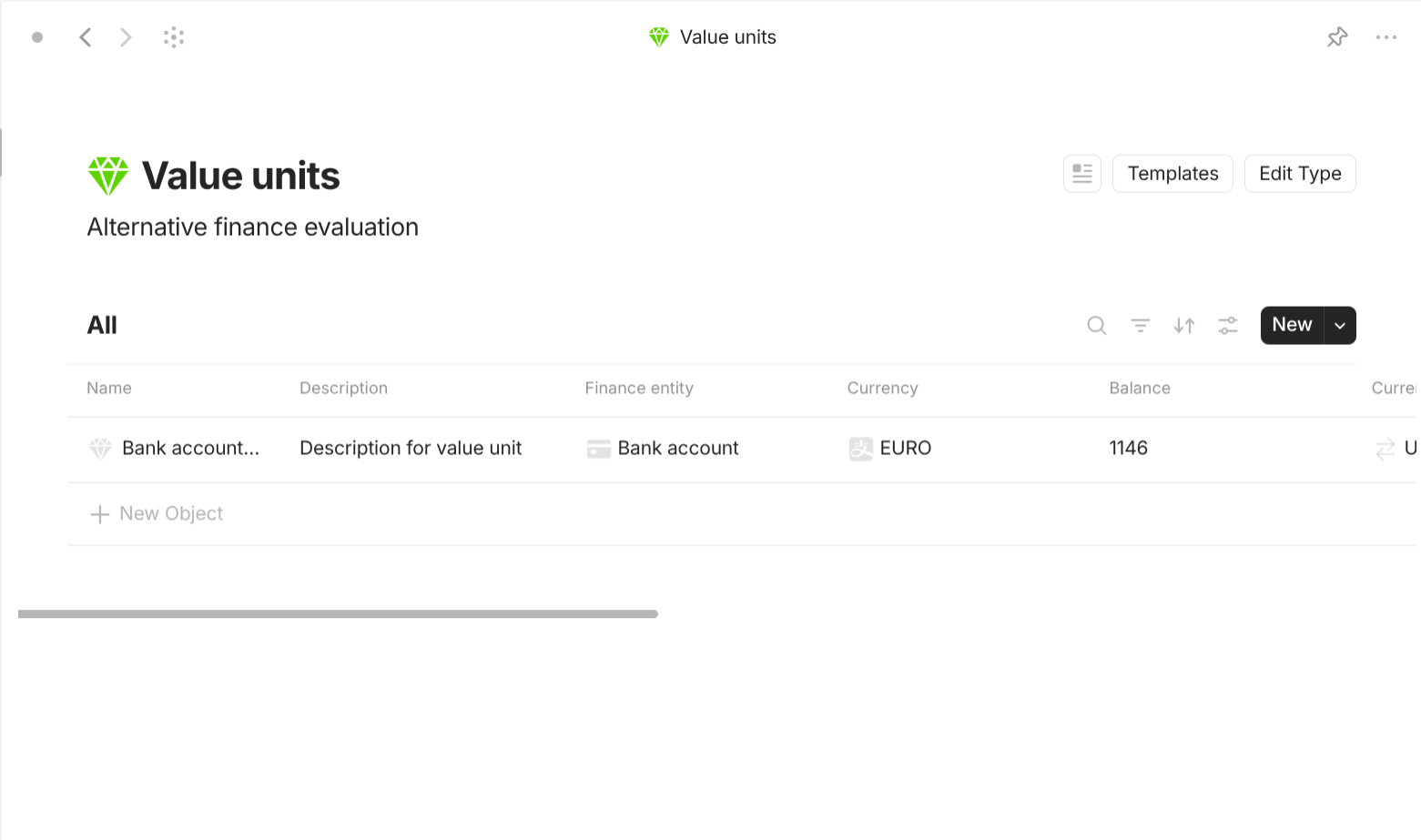
Value unit is a type with "Format" of "Page. For templates, they share a simple template which lists all of its properties out in the document interface. For properties, they have the following important properties. "Financial entity" with "Class" of "Object" (Account, Asset, Transaction, Tracker, Budget) describes which finance entity this value unit belongs to. "Balance" with "Class" of "Number" describes the monetary value of this value unit. "Currency" with "Class" of "Select" or "Object" describes the currency of this value unit. "Currency exchange" with "Class" of "Object" (Currency exchange) describes which currency exchange this value unit belongs to. "Currency exchange rate" with "Class" of "Number" describes the exchange rate of this value unit.
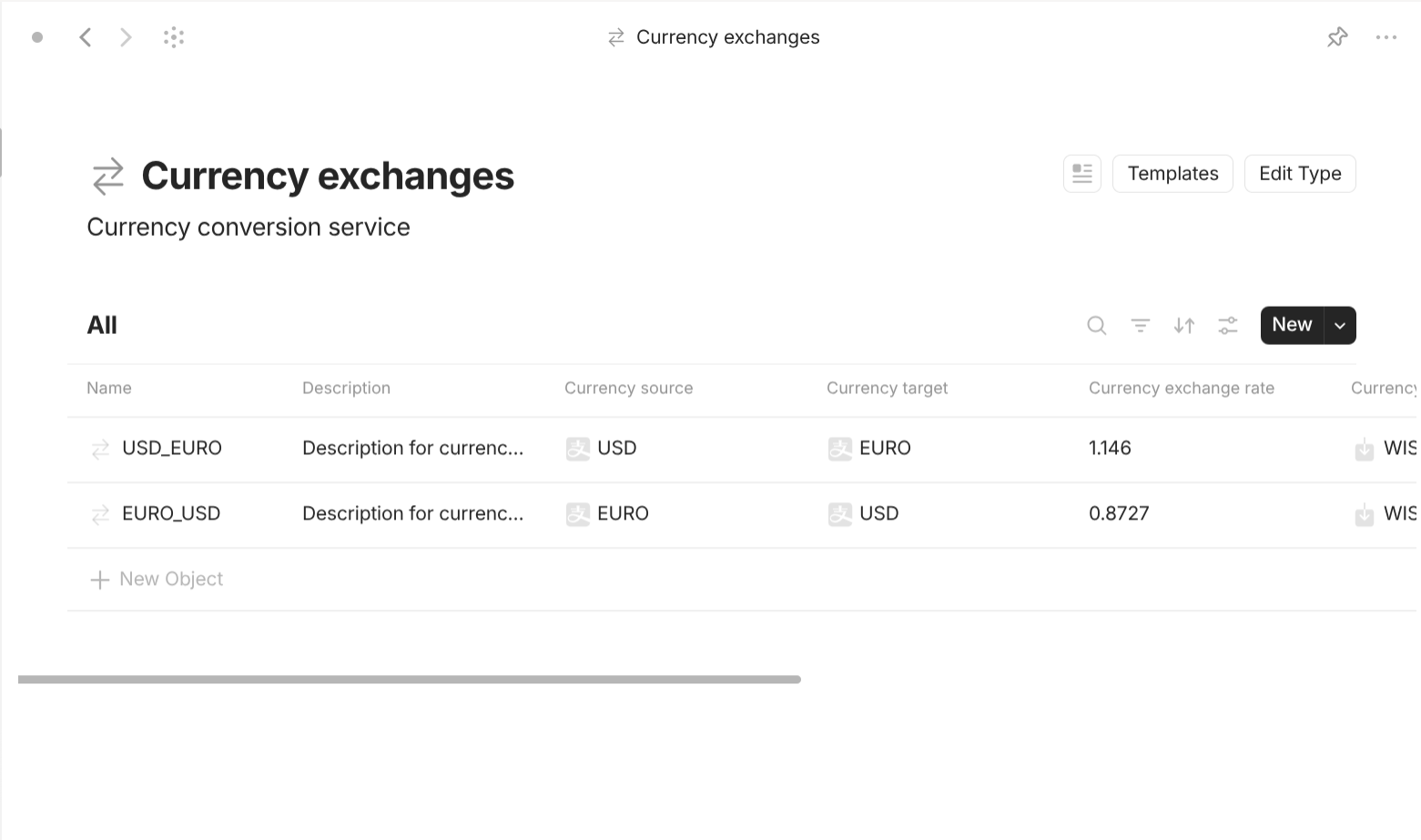
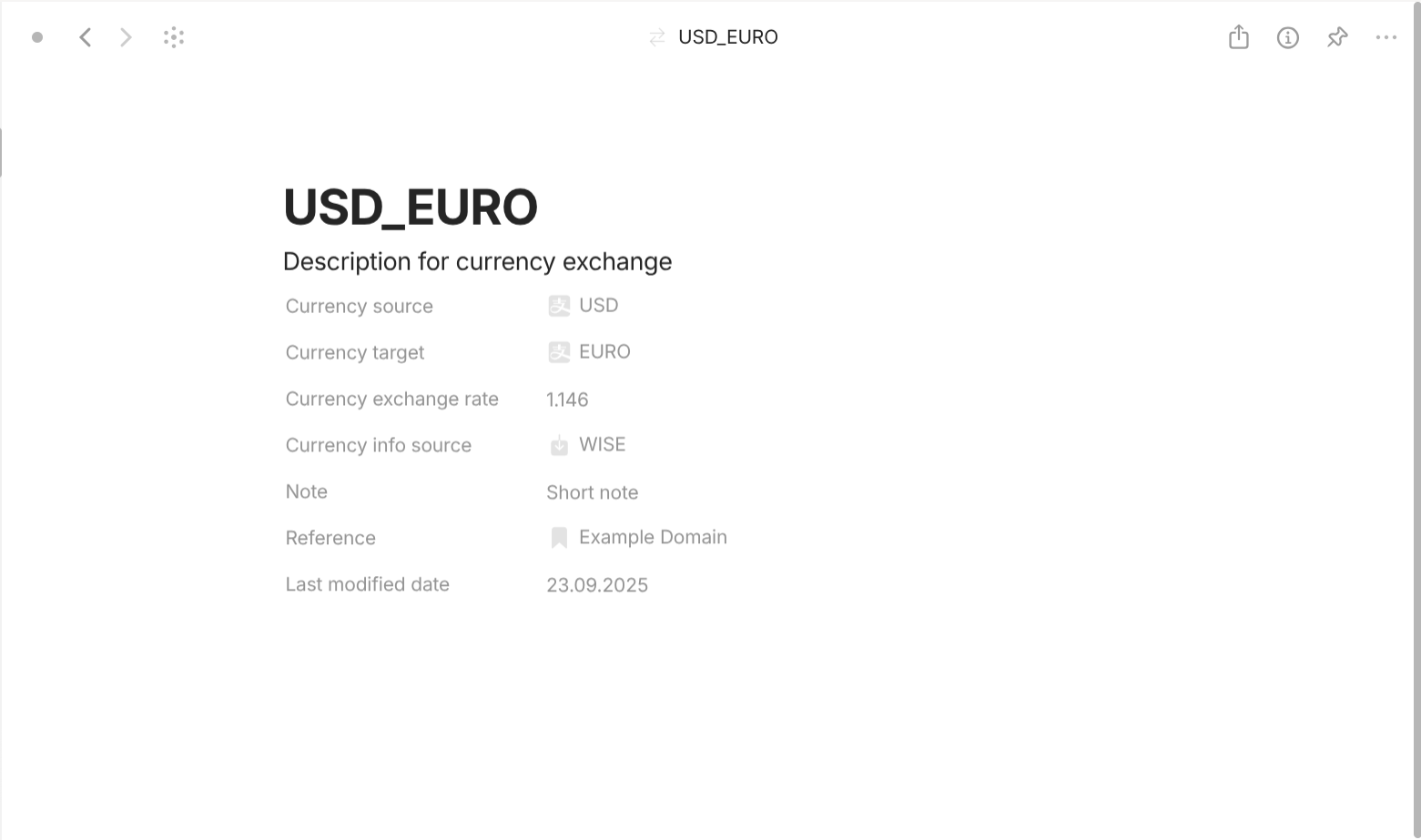
Currency exchange is a type with "Format" of "Page. For templates, they share a simple template which lists all of its properties out in the document interface. For properties, they have the following important properties. "Currency source" with "Class" of "Object" (Currency) describes the currency whose this currency exchange's perspective is from. "Currency target" with "Class" of "Object" (Currency) describes the currency whose this currency exchange's perspective is to. "Currency exchange rate" with "Class" of "Number" describes the exchange rate of this currency exchange. "Currency info source" with "Class" of "Object" (Currency info source) describes which currency info source provides the information for this exchange rate.
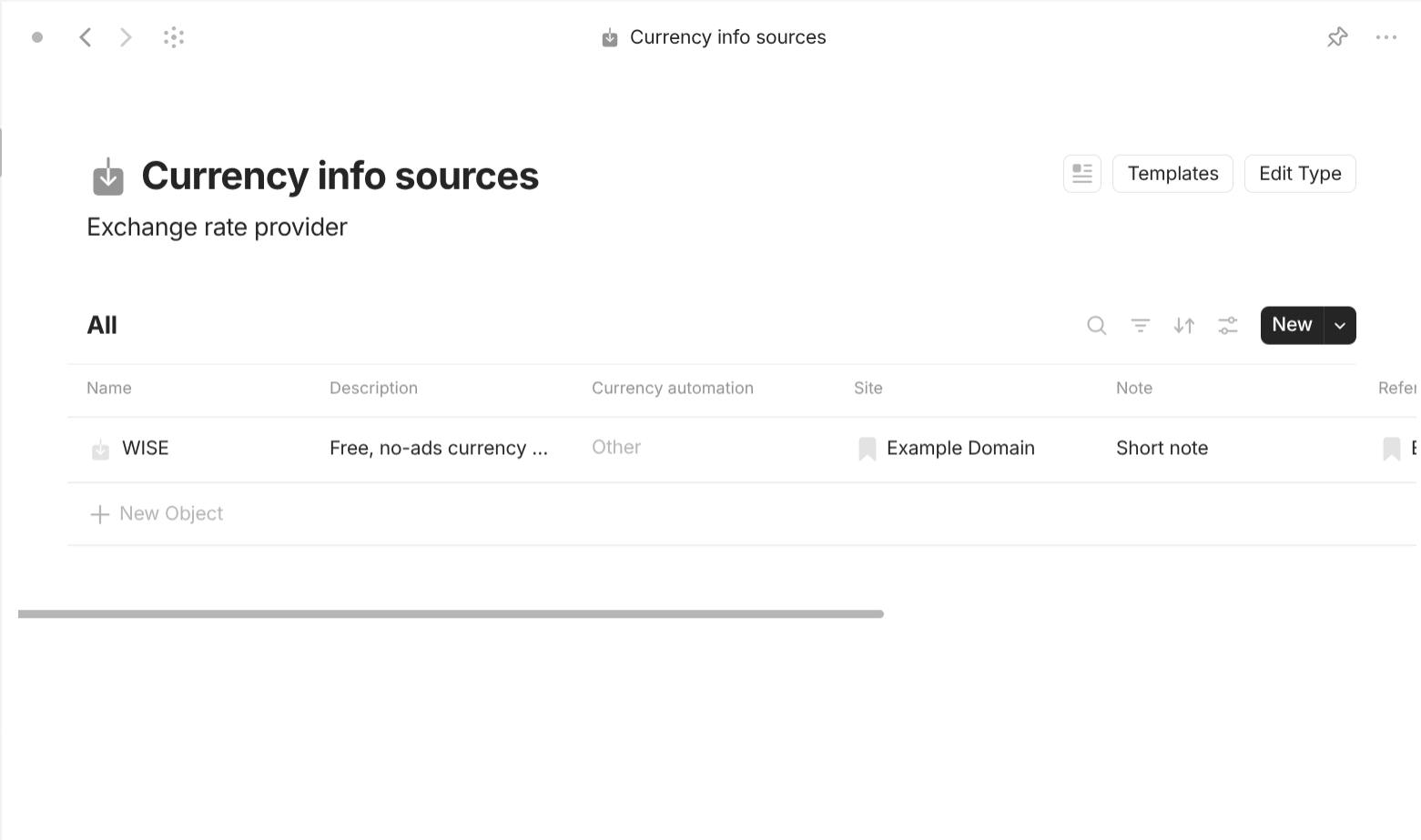
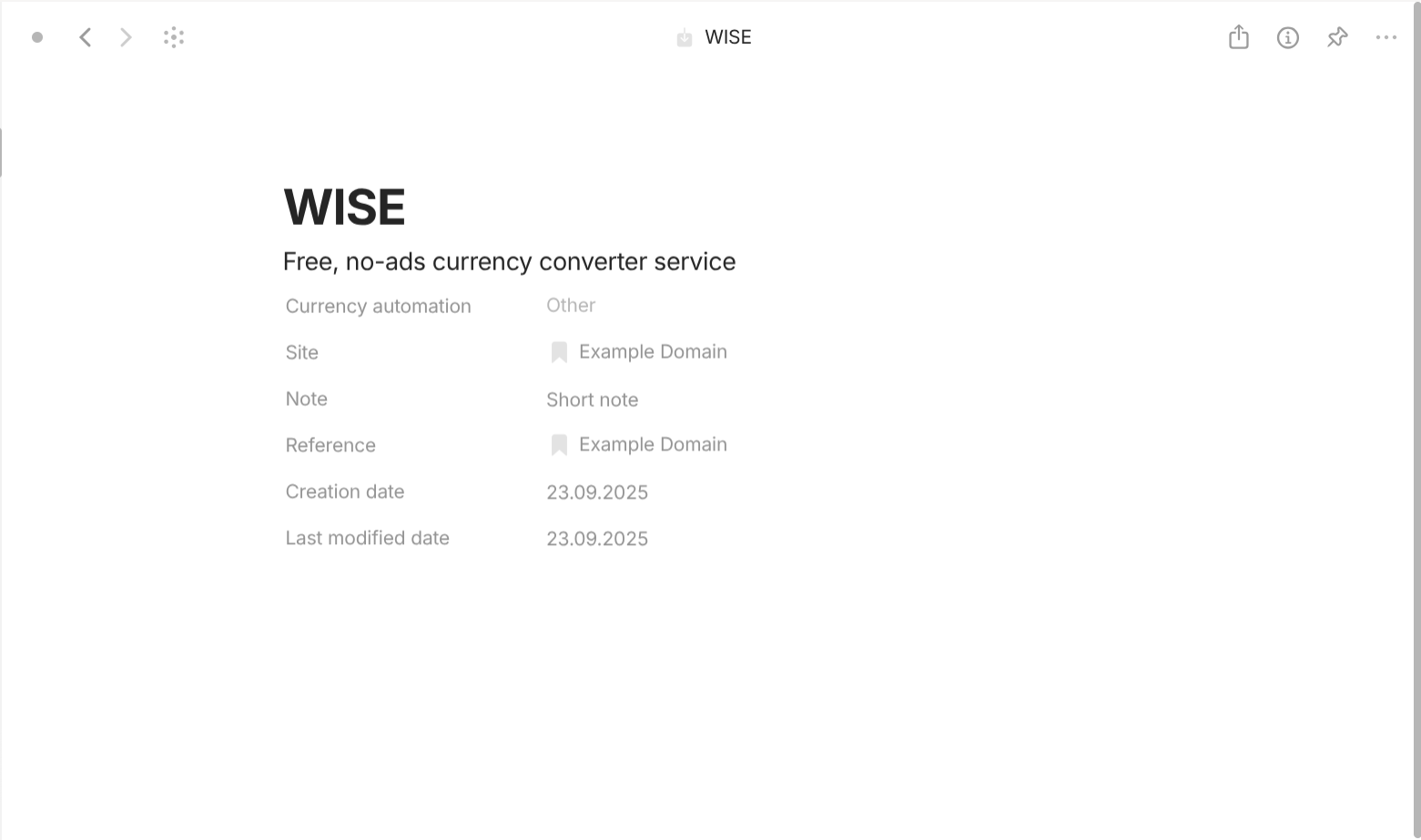
Currency info source is a type with "Format" of "Page. For templates, they share a simple template which lists all of its properties out in the document interface. For properties, they have the following important properties. "Currency automation" with "Class" of "Select" describes whether this currency info source is an automatic or manual type. "Site" with "Class" of "Object" (Bookmark) describes the links to the download source of this currency info source.
Changelog
- Version 0.50.5: the guide is written for the first time.
- Version 0.51.0: add the guide for the new feature "Chat".
Final thought
If you manage to read until here then, congratulations! I hope you enjoy the read and may have a new perspective on how this note-taking app works. Due to the length of this guide, I am afraid that there will be inevitably some typo mistakes and incorrections so feel free to leave your thoughts, suggestions, and corrections.